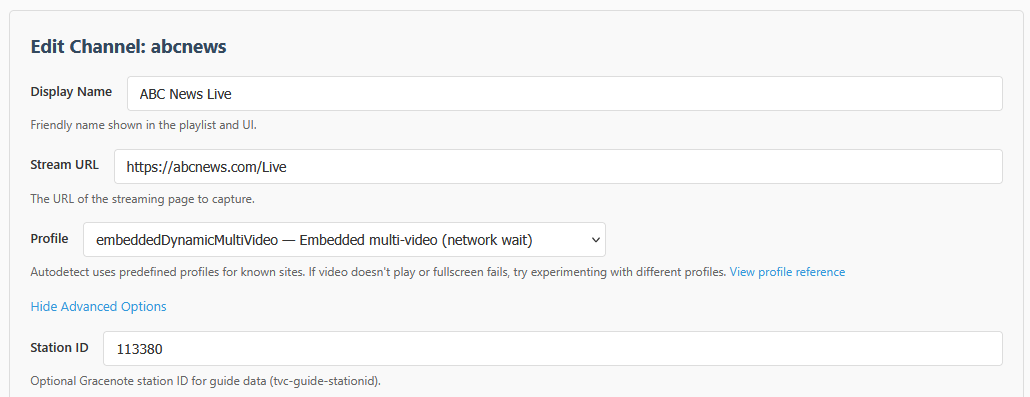
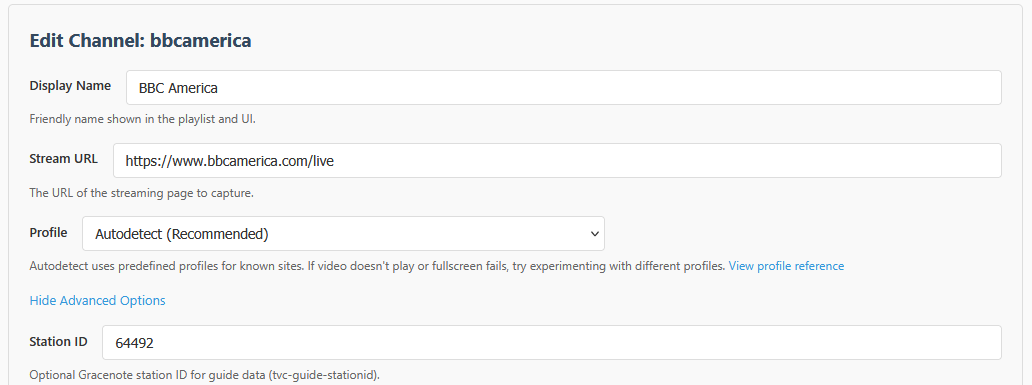
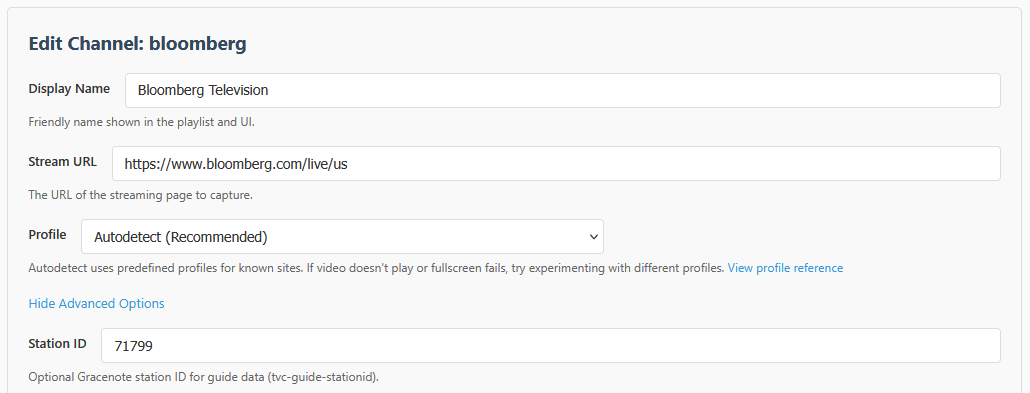
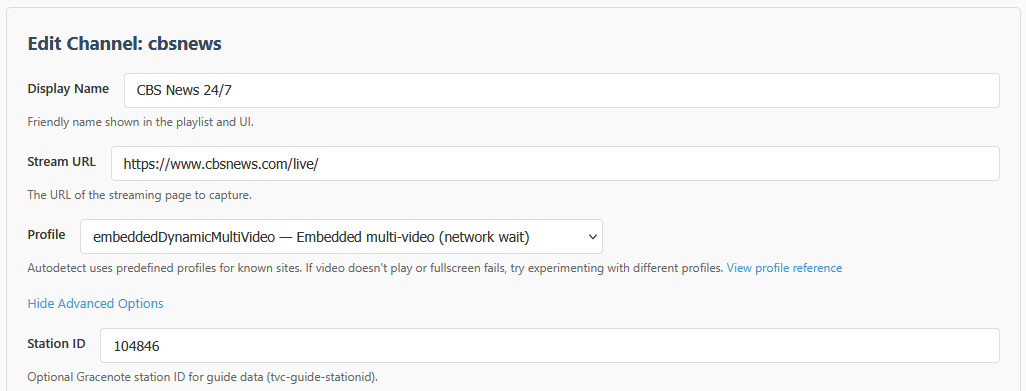
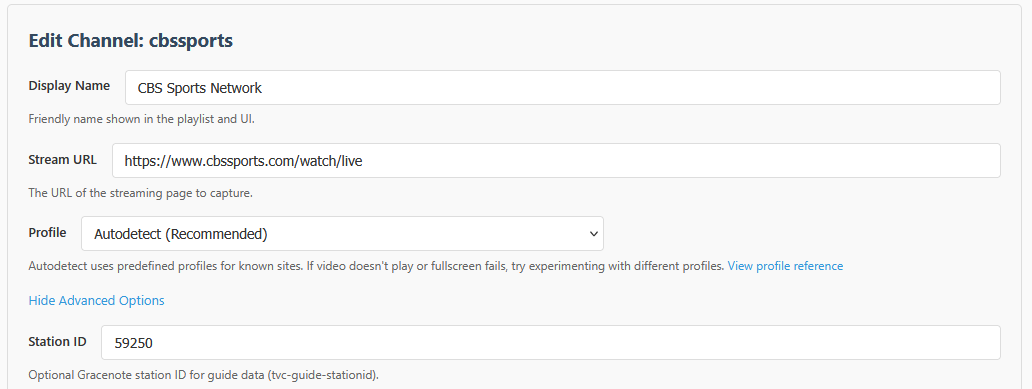
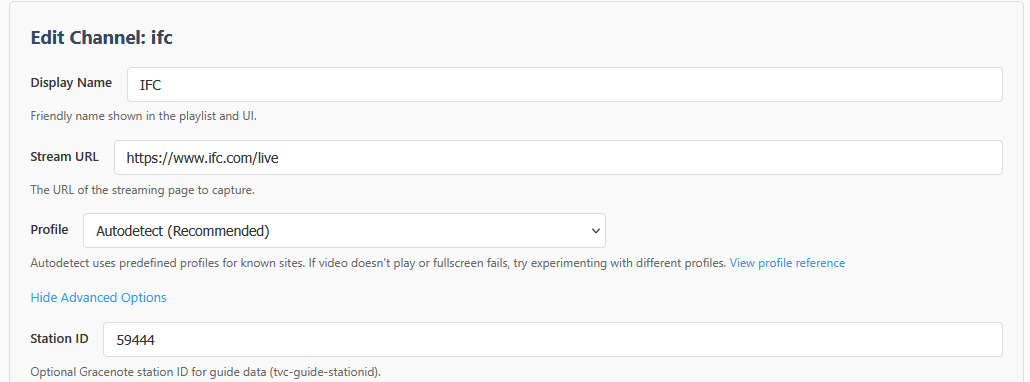
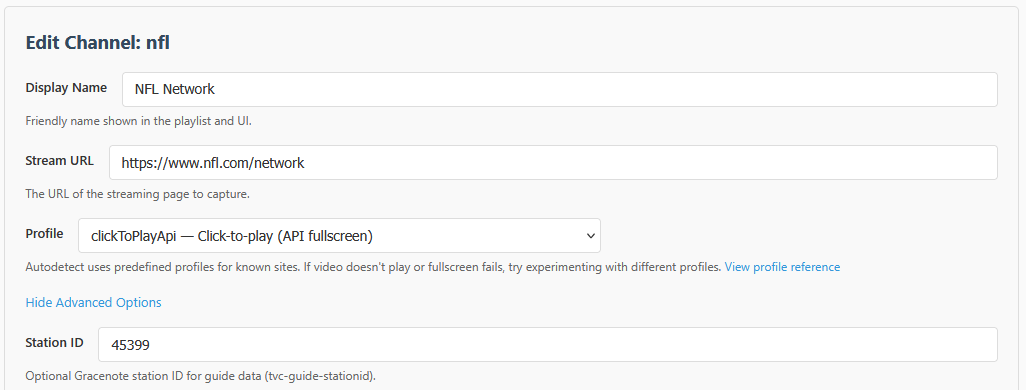
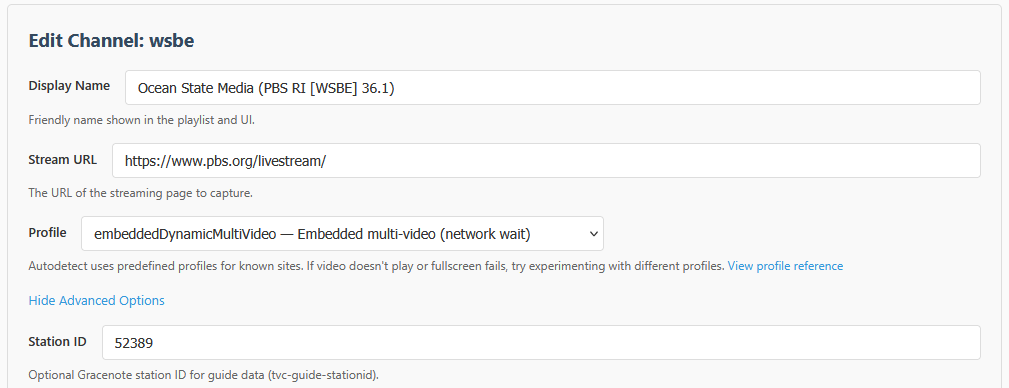
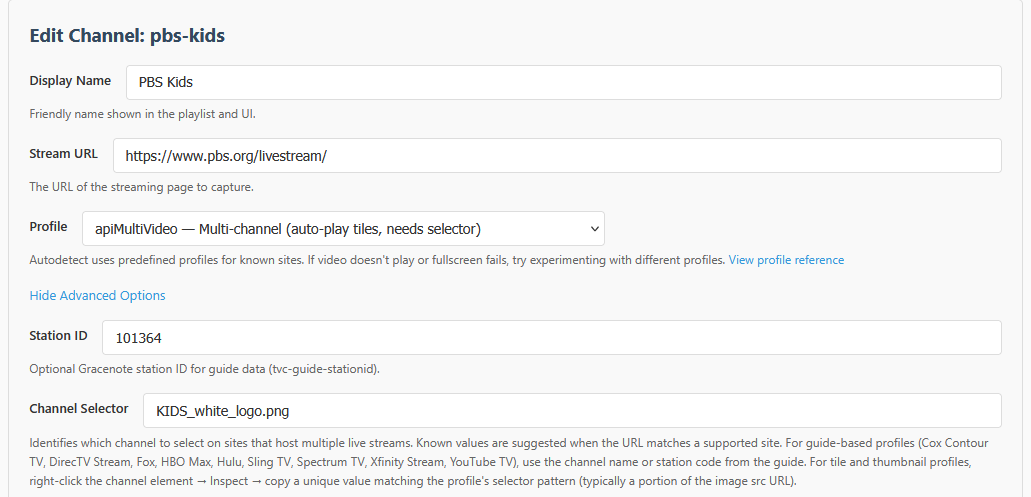
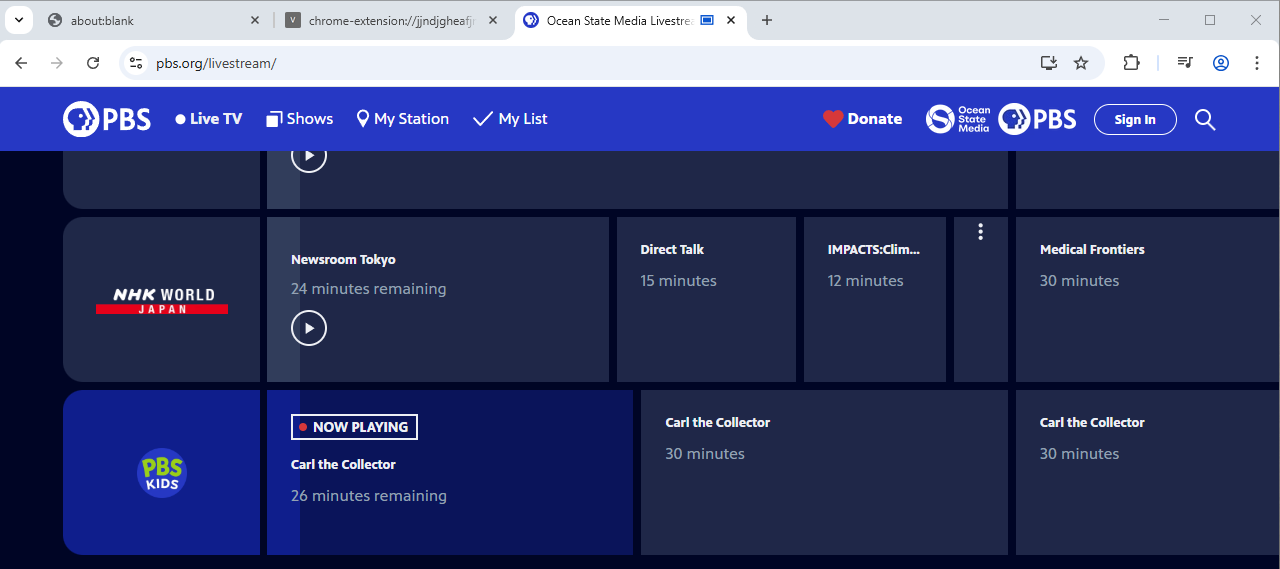
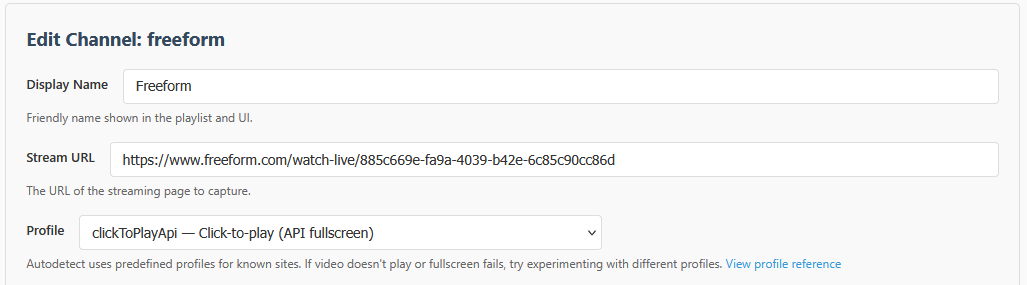
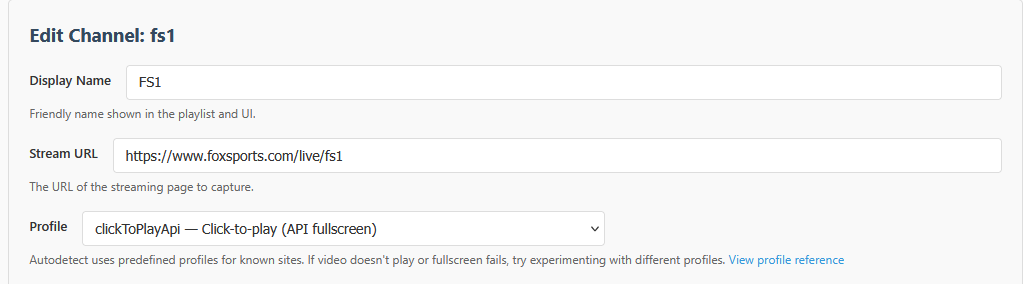
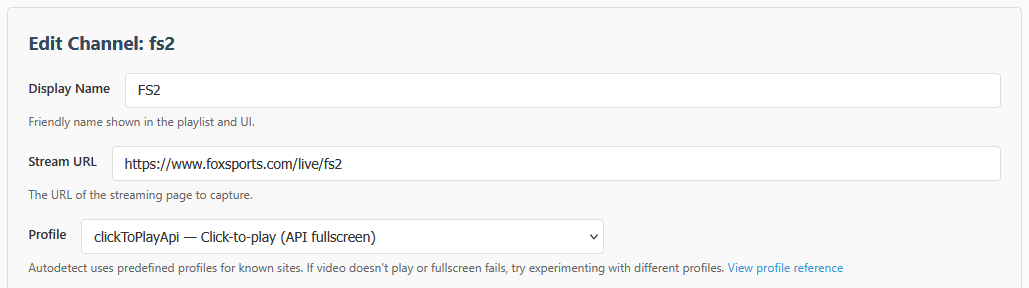
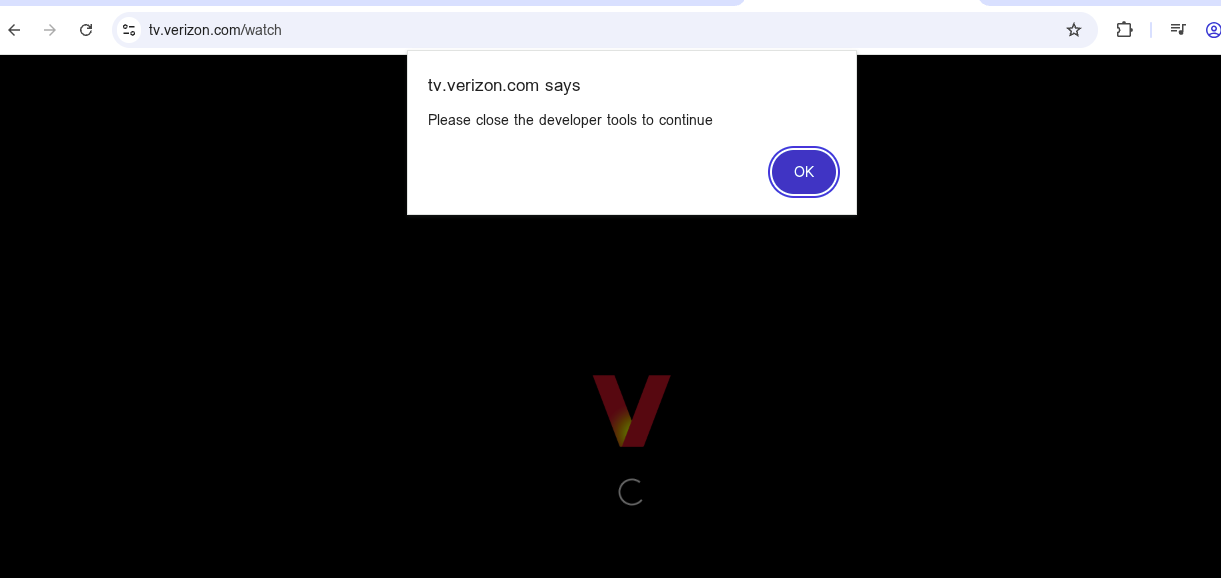
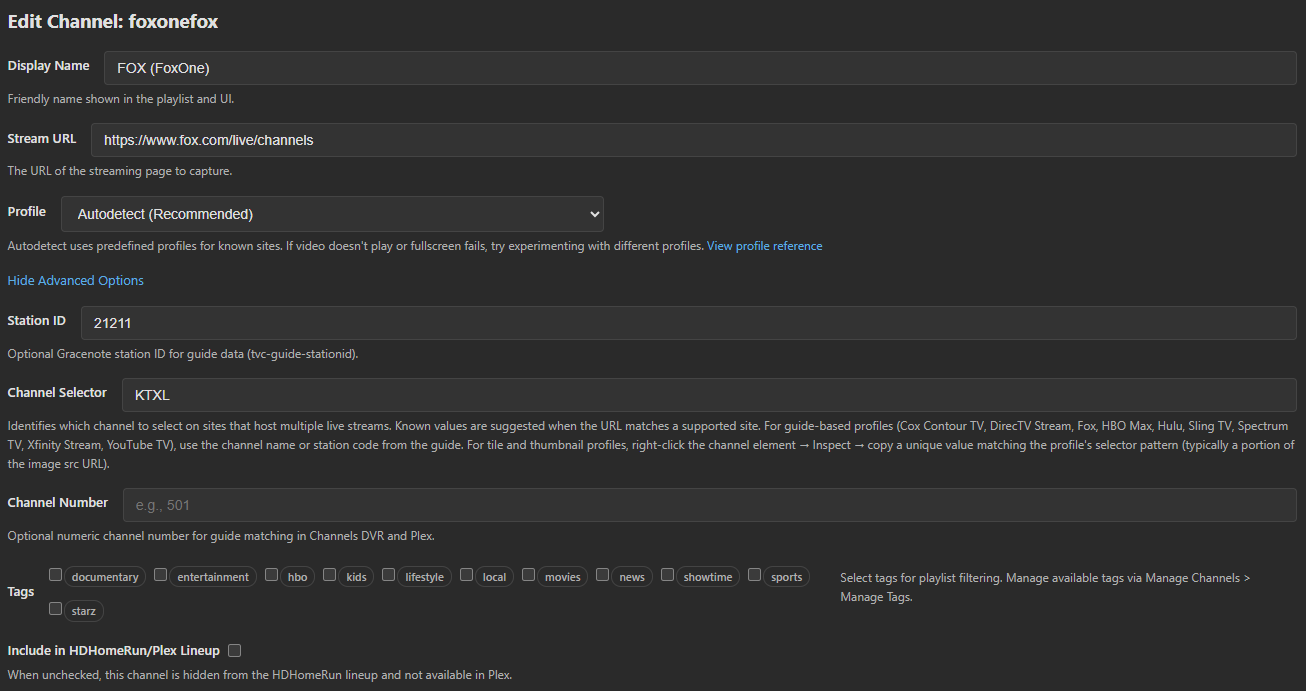
They didn't during testing, which is why I ended up where I did. I'm not sure what to offer because it's not like I've messed with too many settings (except wait times), and certainly no profiles. These weren't the only stations I had to do this, either, but eliminated the other ones with the Cox addition, so I no longer remember what they were. Perhaps there is a difference in Chrome in Windows?
Shouldn't be the case. Assuming you aren't using something network-level (ad blocking, etc.) that may interfere with these sites, it should just work...you can PM me and we can work through it...I'm genuinely curious and don't want users to have to experiment for sites that are already working.
I think the least talked about / used feature for PrismCast seems to be the custom profiles / channels feature that allows you to import/export site-specific profiles as well as channels to go with them, so you can have complete provider packs to simplify extending what's built into PrismCast.
I'm aware, just hadn't made the change yet (or decided if I wanted to). But this brings up something interesting with native. If we get the native stream going, then theoretically we no longer need the window open playing the video and taking up resources. Therefore, if a native stream is able to be detected and served up, once done so, can the webpage close or stop playing or something so it is no longer also running in the background?
In short: no. The web page still exists and is necessary. PrismCast is just intercepting the HLS stream that's being shown, rather than having to rely on a screen capture. The browser (and page) was, is, and will remain, an essential element of the pipeline. That never changes. What changes is the gymnastics needed to send a stream to Channels. Where we can, we intercept the unencrypted/unDRMed HLS stream and send that over...but it's still being sent to the browser. Where we can't, we capture the browser window. To further clarify because I read part of your response to imply there's something for you as an end user to do...there is not. There isn't a "we" - PrismCast works this way by design - if PrismCast detects it can use what's coming across directly, it does. You can't change that behavior, by design. The reason why is that it should be the most resilient approach to not trigger anti-robot measures that the various sites/providers employ.
Similarly, how do you feel about storing logins and and doing those steps for the end users in case there is a log out or there is a first time connection? This would be similar to how Channels and EplusTV do it, and would go especially well with the native streams since they don't need the window open, per se.
Nope. Fragile and prone to breaking, as one can see in the Channels forums (e.g. Hulu + Live TV logins). I'm not going to chase the perennial game of which website breaks when and which anti-robot mitigation has been implemented/tweaked (e.g. Hulu + Live TV logins). And again - the window must remain open...the premise is incorrect here.
I am not trying to recreate the TVE wheel for what already exists in Channels DVR - it does a fine job. I'm here to address things, by and large, that Channels does not or cannot today (largely due to DRM constraints in TVE, or channels that aren't available at all any other way). Channels is a paid product...with professional support. I'm not, nor trying to be.  For someone like me, who primarily uses Hulu + Live TV day-to-day, but Channels is fundamentally broken for me with respect to TVE, PrismCast becomes my only real path to "TVE provider equity".
Right, which is what @chDVRuser user and I said. However, if you add Fox One as a provider, it does not bring you to a page where you can login with your TVE credentials the first time. You have to KNOW to open a tab yourself, go to fox.com , and then do the TVE login. In other words, there are two "Fox One"s, the paid one, and the TVE one, and when you add the provider PrismCast assumes you want the paid one.
It does not. PrismCast makes no assumptions here...it just opens the page and your job as the user is to login "somehow". I agree that you have to know to login via TVE...but I don't see a reasonable way for me to instruct someone how to login to each of these sites that scales. I'm open to suggestions...but those suggestions have to scale without egregious edge cases or onerous maintenance on my part. The current situation is I'll bring up the website for you. You figure out what to do to login, and then I can use it to tune in channels for you. Not perfect, but scalable.