Introducing PrismCast: Browser-based Live TV Capture for Channels DVR and Plex

That's the part that doesn't work, because prism does not export a static page channel as a channel to the DVR.

Scott outlined the gist of it here, it's just another custom channel source with a text playlist.

Change the HTTP URL in the text to v2.weatherscan.net, and go find your own TV guide logo if you want. Same for replacing the Weatherstar tags with Weatherscan.

So for example it would be:

http://<your prism ip>:5589/play?url=http://v2.weatherscan.net&profile=staticPage

And if you want to add more static page channels you can just add more URLs to that playlist. All of this would be a lot easier if it could be done in prism.

This would be great! I'm getting too old to do stuff the hard way...

So, I have my M3U text source:

#EXTM3U

#EXTINF:-1 channel-id="WeatherScan", WeatherScan
http://192.168.1.100:5589/play?url=http://v2.weatherscan.net&profile=staticPage

When I tune the channel I get:

I must be overlooking something simple...

Connection refused means you're not connecting to the IP address that prism is running on. For me it's the same as my channels DVR server, yours might be different. If you have prism running on the same host as your DVR try changing the IP address to localhost.

THAT'S IT!!!! Thank you so very much! :bulb::smiley:

I totally forgot that I had to move Prismcast to a separate server, hosted by my PC, rather than running it on my Synology NAS where my CDVR stuff usually resides.

(192.168.1.200 NOT 192.168.1.100)

I thought that I was going crazy.
I usually can figure this stuff out (with a little help from friends on this forum).
Boy, do I feel stupid! SMFH! :man_facepalming:

1 Like

Do you think with the latest channels beta (added webvtt support) you’ll consider looking into this again?

1 Like

Just wanted to post an update on my problem with Directv not playing. Turns out, I had to clear the cache, for all time, in the Prismcast browser. Once I did that, stopped and restarted Prismcast, the channel started fine.

So the Weather Channel just introduced a webpage that displays your weather like their old broadcasts back in the 80s and 90s.

5 Likes

Wow, that's REALLY old school like back to the beginning. I like the V2 weatherscan better.

Is 4K output not possible using the Docker version of this? The config screen says not compatible, but I do have GPU performance on... just wondering why that would be limited.

PrismCast v1.8.0 is here. Two headline features in this release:

Channel tags. Organize your channels into groups — sports, news, kids, movies, or any custom label you define — for filtered playlists and streamlined channel management. Tags can be created, renamed, and deleted from the new Manage Tags modal (under Manage Channels), assigned to channels via Quick Actions bulk toggles or clicking the Tags cell directly, and filtered in the column header with a Show All/Show None toggle. Predefined channels ship with tags pre-assigned, including premium brand tags like HBO, Showtime, and Starz — so if you don't subscribe to a premium tier, you can filter those channels out of your view with one click.

Tags also power filtered playlists for Channels DVR. When the tag column filter is active, a link icon appears in the header with the corresponding ?tag= playlist URL ready to copy — so you can set up a Channels DVR custom channel source that only includes the channels you actually want. For example, ?tag=sports gives you just the sports channels, and ?tag=-hbo,-starz gives you everything except the premium tiers you don't subscribe to.

Capture codec selection. HEVC remains the default when GPU hardware encoding is available, but you can now control which codecs are eligible for browser capture from the streaming settings. If you experience issues with HEVC on your hardware, you can disable it and fall back to H.264 — no restart needed.

Beyond the headlines:

  • Expanded predefined channel coverage — additional channel definitions across providers.
  • Fox local affiliate fix — Fox local channels now correctly default to fox.com as the canonical provider instead of Cox.
  • Provider filter redesigned — the Providers toolbar now uses a proper dropdown button with a filter icon, consistent with the rest of the toolbar. The separate "Providers:" label has been removed.

As always, I really appreciate the feedback, enthusiasm, and passion around PrismCast. Almost every feature added since 1.0.0 has come from thoughtful, respectful discussion with this community.

My only ask is simple: please be kind, not demanding. PrismCast started as a project for my own needs, and I share it because I enjoy this community and wanted to give something back. Respectful feedback is always welcome; entitlement is not.

Thank you to everyone who's shared encouragement or joy in using PrismCast — it genuinely keeps this project fun to work on.

One more note for everyone's benefit: please don't repost the same questions in this thread. Many of them have already been asked and answered, and the forum's topic-only search works well. Keeping discussions focused helps everyone. Please treat the thread and each other with the same consideration you'd expect in return.


1.8.0 (2026-04-02)

  • New feature: channel tags — organize channels into groups like "sports", "news", "hbo", or "starz" for filtered playlists and channel management. Tags can be created, renamed, and deleted from the Manage Tags modal, assigned to channels via Quick Actions or inline editing, and used to filter the playlist with ?tag= query parameters. Predefined channels ship with tags pre-assigned, including premium brand tags (HBO, Showtime, Starz) for subscription-based filtering. When the tag column filter is active, a playlist hint icon appears with the corresponding Channels DVR playlist URL ready to copy.
  • New feature: capture codec selection — control which codecs are eligible for browser capture. HEVC is used by default when GPU hardware encoding is available; H.264 is always enabled as the universal baseline. Users who experience issues with HEVC can disable it from the streaming settings.
  • Improvement: expanded predefined channel coverage.
  • Fix: Fox local affiliate channels defaulting to Cox instead of fox.com as the canonical provider.
  • Housekeeping.
7 Likes

Holy moly. Pretty soon you'll have your own DVR software entirely. Just tell me the monthly fee and I'll give you my credit card number.

Not convinced to expose static pages as channels, eh?

I was just adding some more channels to PrismCast this afternoon. When testing playback I noticed video was stuttering a bit. So, I went into the configuration and reduced the resolution and frame rate in hopes of smoothing things out.

After hitting "Save Settings" there is a pop-up instructing the user to restart PrismCast for the new settings to take effect. Is there a simple way to restart through the GUI, or must I go into Docker/Portainer to stop and restart the container?

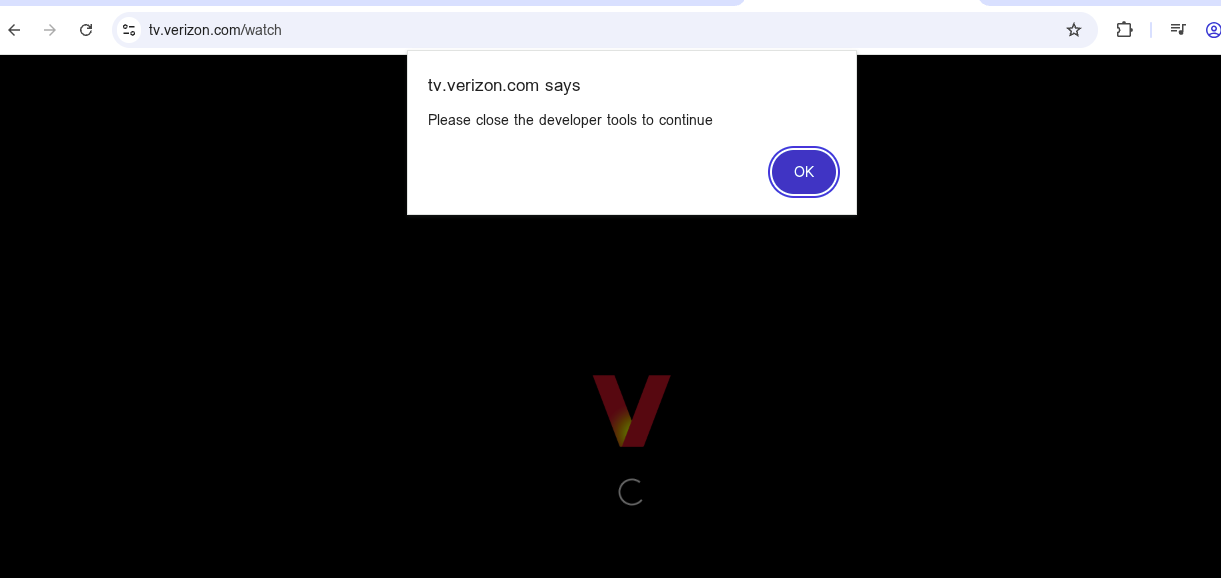
Any chance you'll support Verizon Fios as a provider? I'm guessing not because when I tried to watch Verizon live in Chrome via VNC, the Verizon page wouldn't even load and told me to disable developer options. Any suggestions on getting this to work with Verizon?

Are you asking about going to the channel's website to view, or Verizon's website and view through a portal they offer? For the former, you should be able to use the existing channel profile and select Verizon if they offer the channel to be accessed. For the later, I would assume if you can access via your desktop web browser, then you an configure a custom channel within PrismCast to access as the same way.

A source of confusion with the UI documentation with Stream source vs. Provider.

I have PrismCast setup to get channels from tv.youtube. I call that a Stream source.
My Provider is Google YouTube TV (YTTV). I call that my Provider.

I added a channel to get my local Fox channel directly from Fox One (fox.com) using my YTTV Provider credentials. I call that a Stream source.

It didn't show in my channel list or appear in the playlist m3u.
Once I selected Show disabled channels it appeared as disabled in the channel list saying no available providers.

Found out I had to add Fox One Provider to my filters, even though I don't have a Fox One account (not my Provider).

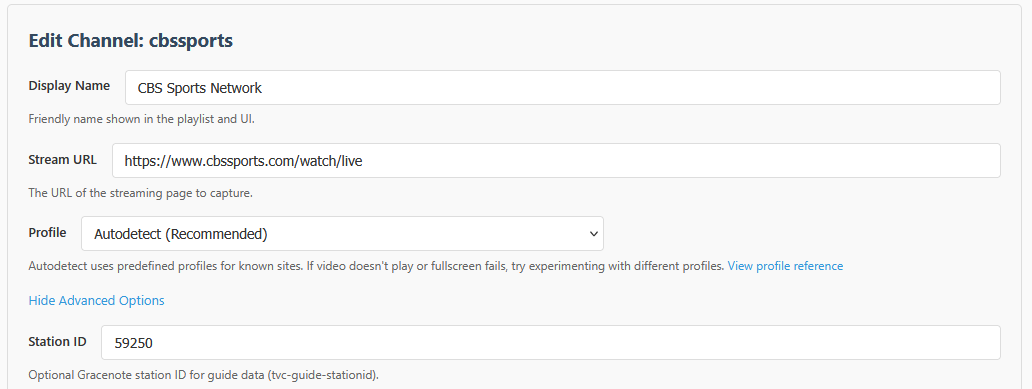
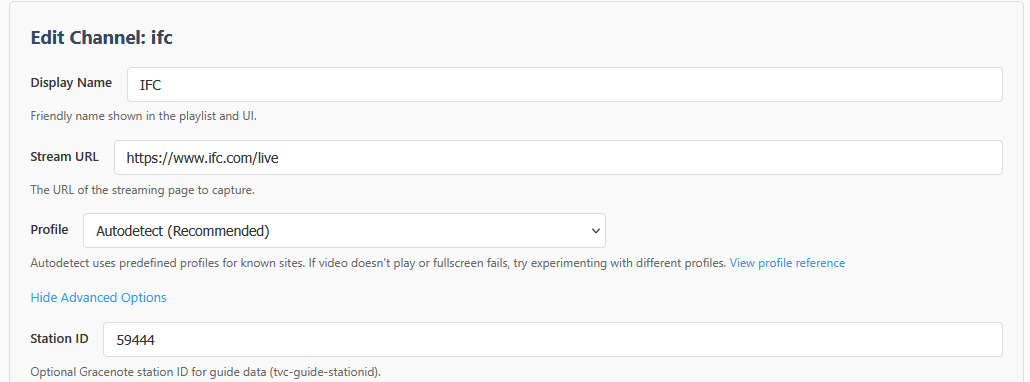
Here are some additional stations you can get from their websites using either TVE or no login required...


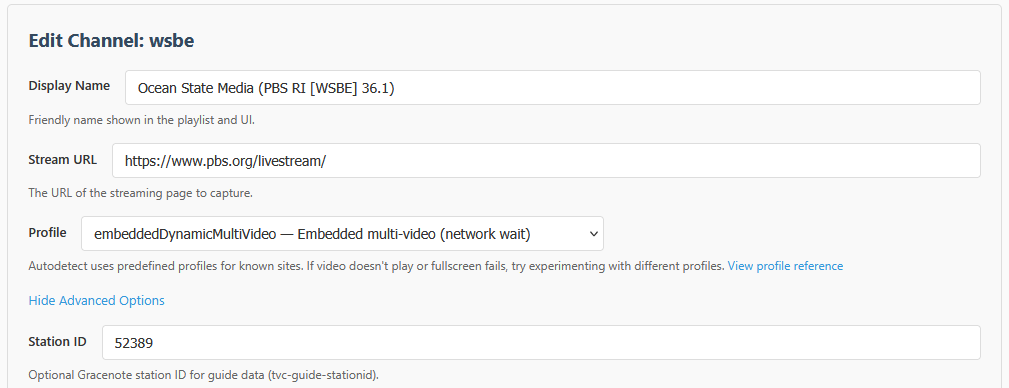
You can also have your local PBS Main Feed Station with something like this...

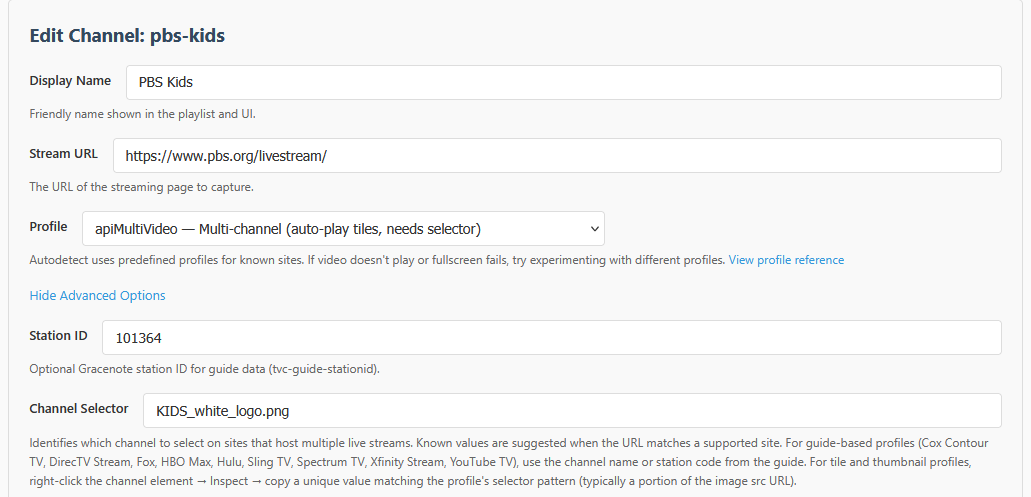
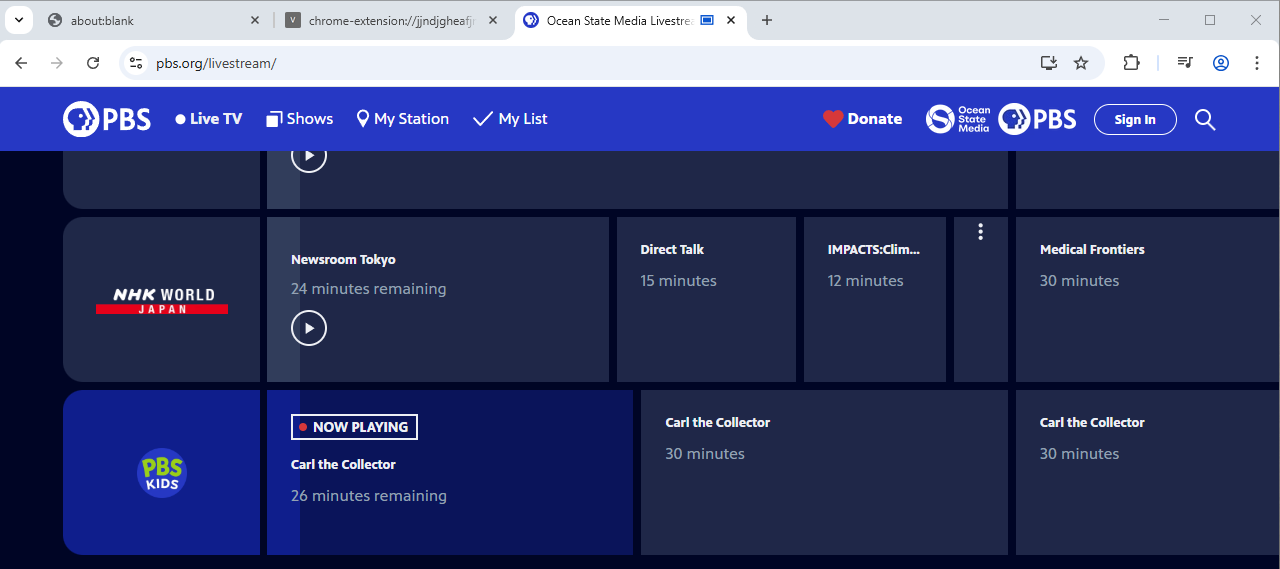
However, for a Sub-Stream like PBS Kids, I can't get it both to select and play. I can make selection work like this...

But I need the embeddedDynamicMultiVideo for it to play, and I don't see a way to mix the two.


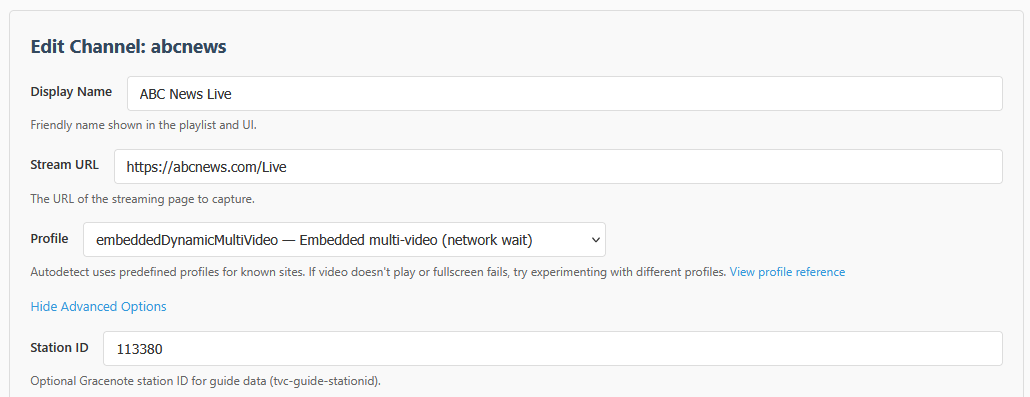
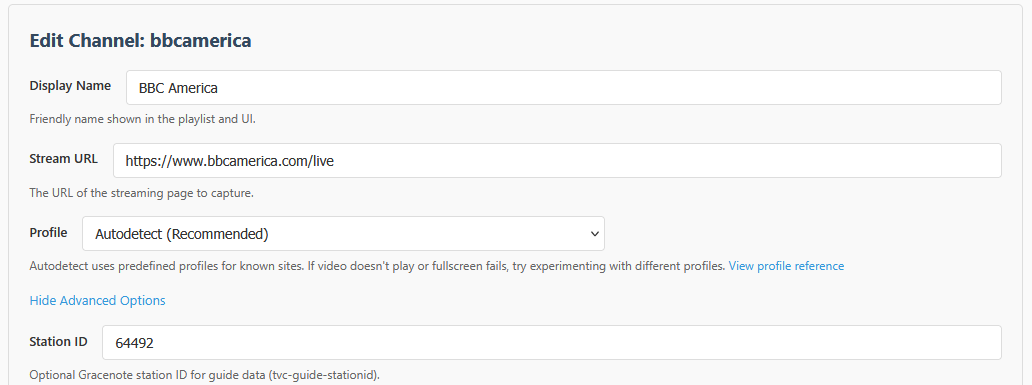
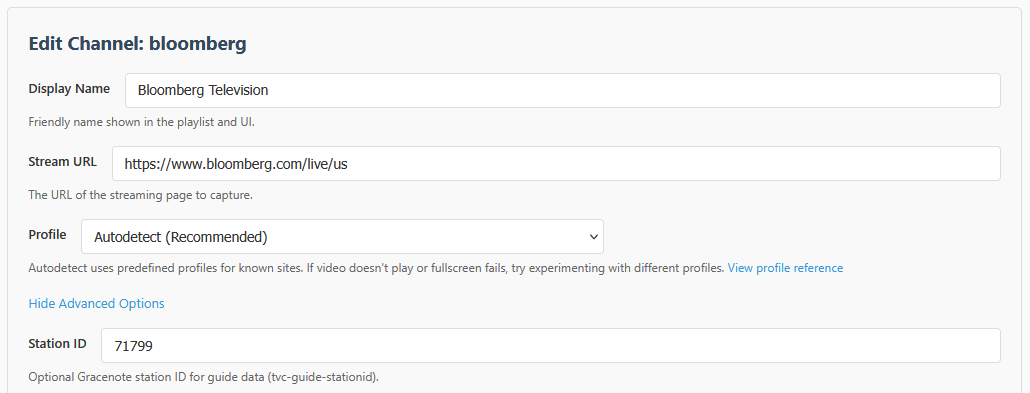
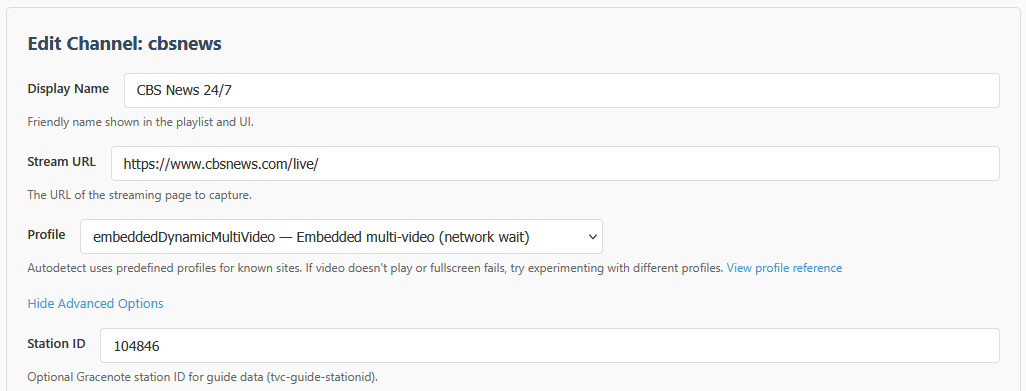
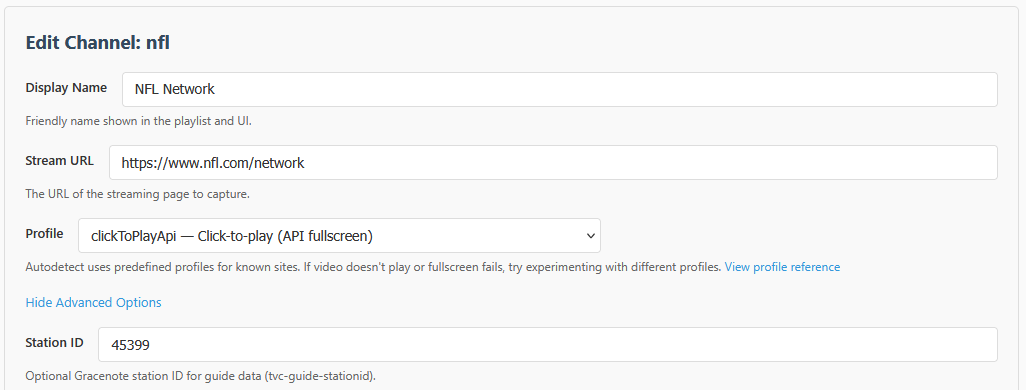
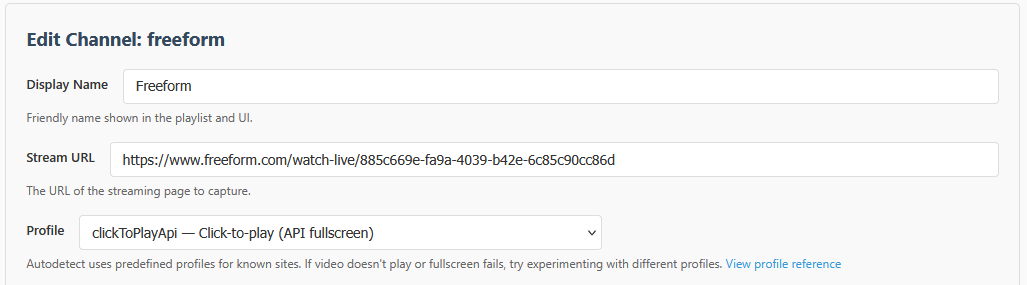
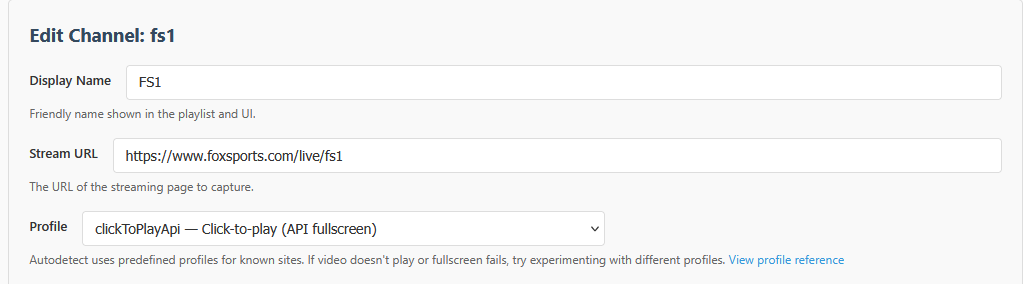
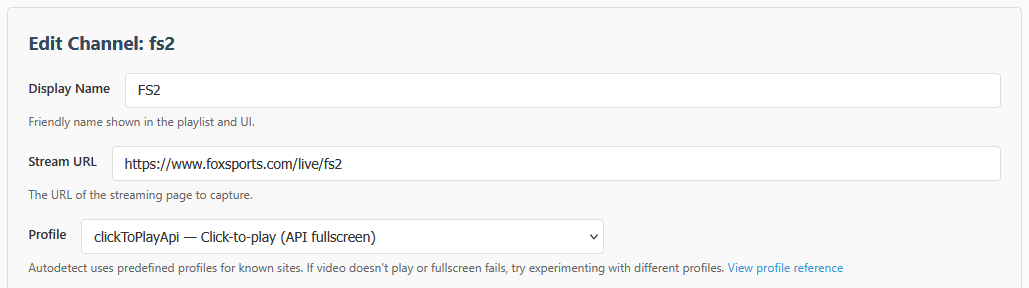
For some stations, I found the autodetect method does not work and have to force its hand...


@chDVRuser brought this up as I was typing this, but it's also worth noting that you can go to Fox's website and login with your TVE provider, and then you can use Fox One. If you use PrismCast's built-in method, it tries to first connect you to the Fox One paid app version.

3 Likes

I was talking about going to Verizon's streaming website (https://tv.verizon.com/watch/) and having PrismCast show the channels on there. Each channel doesn't have it's own URL (everything plays from that same URL above), so I'm not sure if I can make it tune to a specific channel. I'm new and still learning the software so that might be a feature.

The bigger issue I think is that I can't even bring up the web page on the Chrome browser used by PrismCast. I get this error and am not sure how to bypass that. Thoughts on that?

There may be deep links to access the actual channels through a hyperlink, but smarter people than me will have to weigh in on that. Same with the developer tools, I just know how to follow directions fairly well (my wife would disagree however).