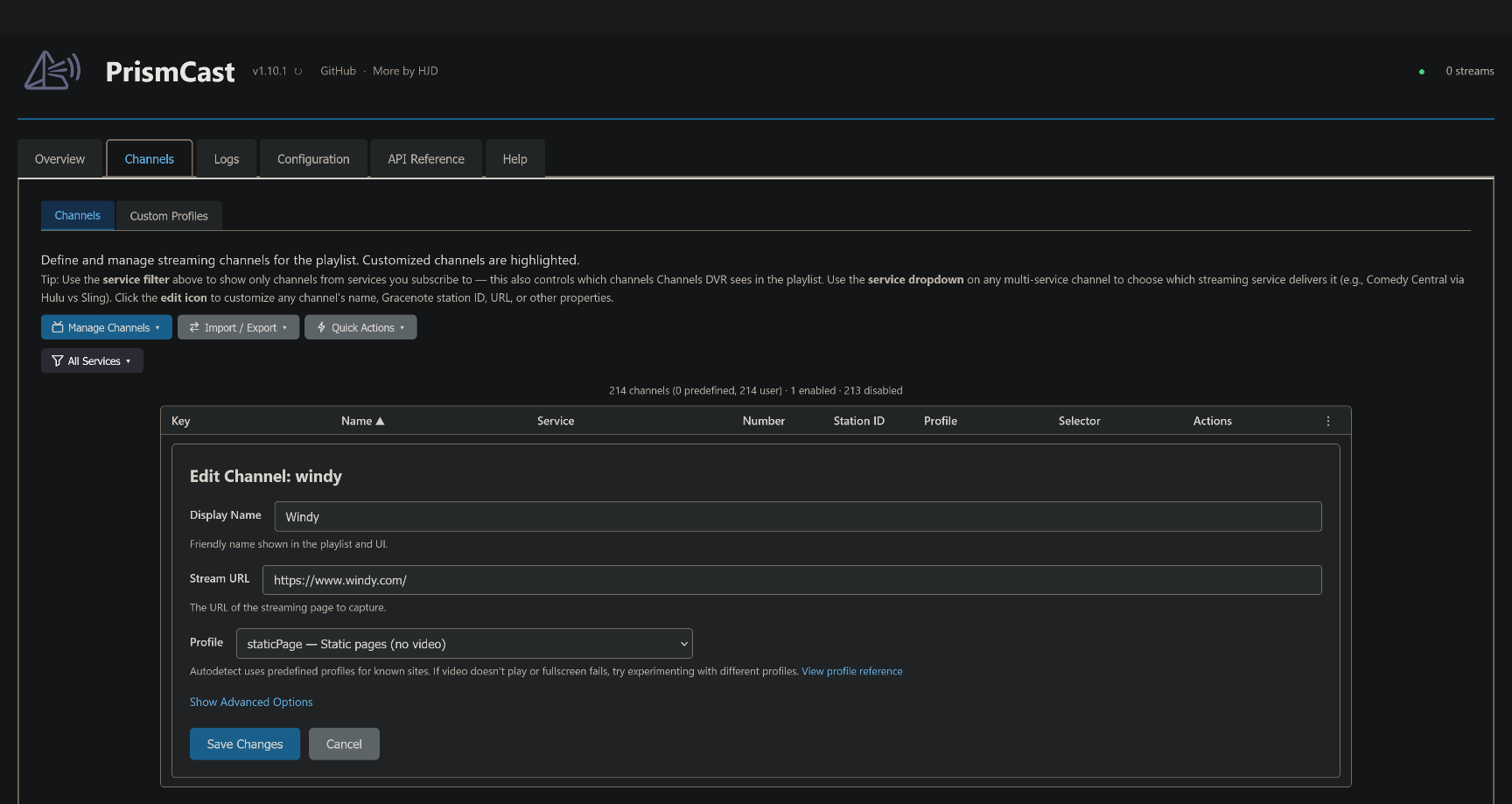
I'm trying to add a profile for Windy, but says it already exists as built in. But where do I find it?
It seems clear how to use this with providers, but I'm having trouble utilizing it for static web pages.

I'm trying to add a profile for Windy, but says it already exists as built in. But where do I find it?
It seems clear how to use this with providers, but I'm having trouble utilizing it for static web pages.
oh I was adding a profile.
Ah, I was confused by the services section at the top of the form. I thought I had to pick one, vs it being helpers.
OK boom!
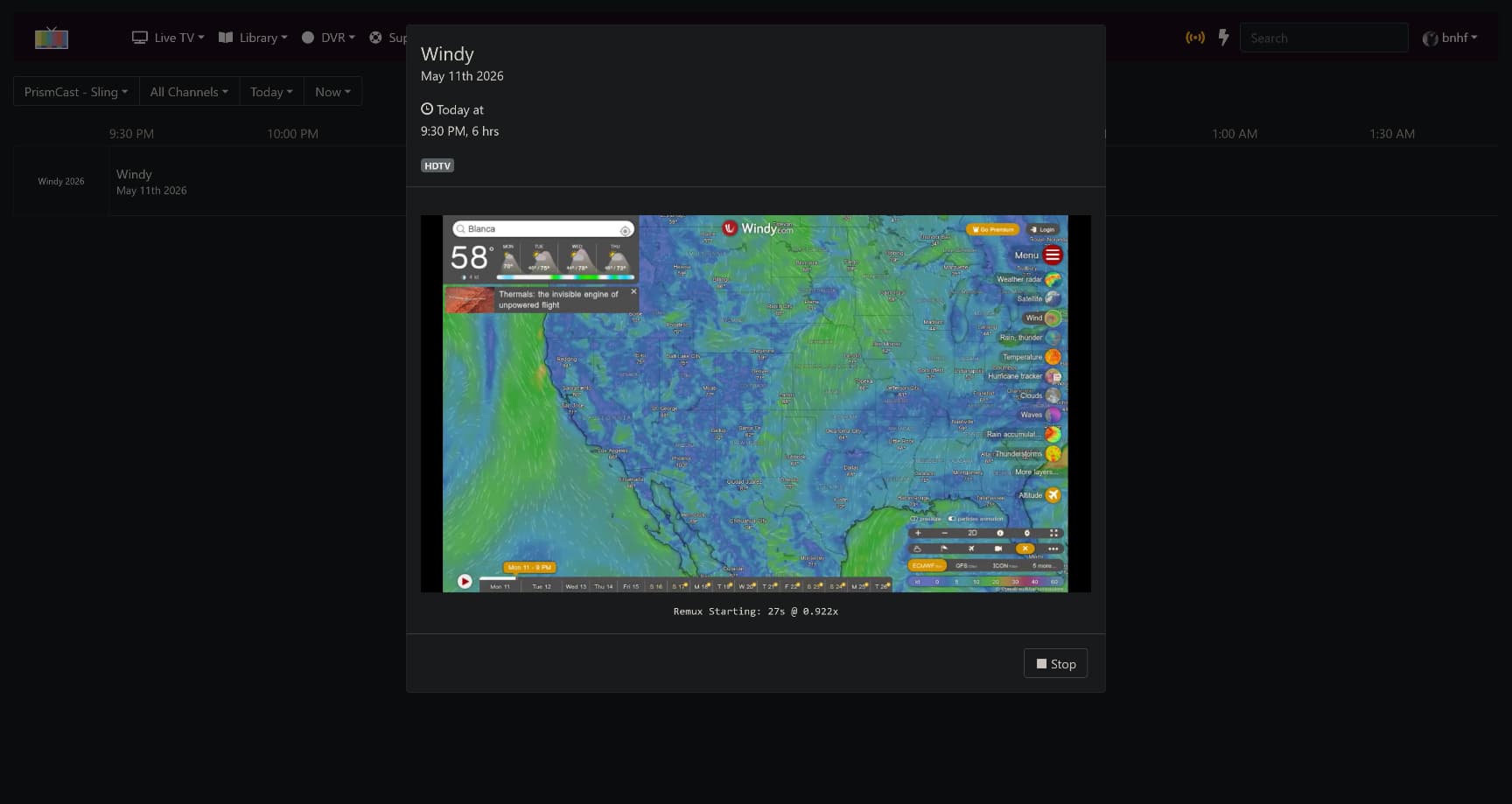
I've got Weatherscan, Windy, and doppler back up and going. Thanks everyone!
I've migrated my system to a new computer, everything is up and running just fine on 1.10.1. only issue is that no matter which service is selected in the dropdown, it is opening up Spectrum in the Chrome window. That's fine if I'm only watching/recording one thing at a time, but if I have multiple things scheduled at the same time, Spectrum gives a too many streams error. For example for National Geographic, it will open the Spectrum link and not the Nat Geo link. I have logged into Nat Geo, so that's not an issue.
EDIT: I want to clarify that doesn't seem to be for all the services as ESPN will open in ESPN.com, but this opens in spectrum
It was suggested to me that I should post here with a link to a thread I have regarding PrismCast and HBO Max. This is regarding issues I am having in getting PrismCast to recognize my authentication to HBO Max as well as failing to navigate to the linear channels. Everything worked fine when first setup but when the Mac Mini I have PrismCast installed on was moved from one location to another as a "portable" source for two separate ChannelsDVR servers (identical hardware/image), HBO Max no longer works but yet up to 7 other services work fine.
Any input or assistance would be appreciated. Thanks!
I think the 24/7 channels page for HBO Max has changed with some new feeds like "All the Laughs." The default profile probably needs to be updated.
If you need a quick fix, I would use the individual channels' URLs, such as https://play.hbomax.com/channel/watch/a903ca8a-6d5e-559b-a027-f82997397694/452e5d78-1cca-59a9-8508-21b25d813874 (HBO)
It was suggested to me that I should post here with a link to a thread I have regarding PrismCast and HBO Max. This is regarding issues I am having in getting PrismCast to recognize my authentication to HBO Max as well as failing to navigate to the linear channels. Everything worked fine when first setup but when the Mac Mini I have PrismCast installed on was moved from one location to another as a "portable" source for two separate ChannelsDVR servers (identical hardware/image), HBO Max no longer works but yet up to 7 other services work fine.
I’m aware. HBOMax has shifted their site on Monday. I’ll be addressing it in an upcoming update. Thanks for raising it.
No worries. Nice to know it's not me! LOL. Thanks!
Got it! Thanks!
Can PrismCast be installed and run comfortably on the same machine as your Channels DVR server? I'm currently using a M4 Mac Mini as my Channels DVR server.
Not in all cases -- but in yours, a definite yes.
Has anyone been able to successfully add the apple tv MLB games to prismcast? I installed fruitdeeplinks but I don't know if it will show up when the game comes on tonight. Is there another way to add the apple mlb games to prism?
I'm trying to restart the prismcast container but the log says there is another instance running. If there is an orphaned PID file, I am unable to find it. I've tried to restart the docker service but that doesn't solve the issue.
Error: another PrismCast instance is already running (PID 31). Stop it before starting a new one.
(there is no PID 31)
Thanks
Im not sure it will work for you but here is what works for mine:
# Cleans the virtual display and the PID lock so it survives a Docker restart
entrypoint: >
  sh -c "rm -f /tmp/.X99-lock /tmp/.X11-unix/X99 /root/.prismcast/prismcast.pid && /usr/local/bin/docker-entrypoint.sh"
entrypoint: >
sh -c "rm -f /tmp/.X99-lock /tmp/.X11-unix/X99 /root/.prismcast/prismcast.pid && /usr/local/bin/docker-entrypoint.sh"I'd like to understand what's causing this in your installation, as the docker-entrypoint.sh script is already set up to handle this type of "unclean" shutdown:
# Remove stale X11 lock files from previous container runs. Without this, Xvfb refuses to start after an unclean shutdown.
rm -f /tmp/.X${DISPLAY_NUM}-lock /tmp/.X11-unix/X${DISPLAY_NUM}
im really not sure why but until i put that line in every docker resart i got an error and had to start over from scratch?
services:
  prismcast:
    # 2026.02.09
    # GitHub home for this project with setup instructions: https://github.com/hjdhjd/prismcast.
    # Docker container home for this project : https://ghcr.io/hjdhjd/prismcast.
    image: ghcr.io/hjdhjd/prismcast:${TAG:-latest}
    container_name: prismcast
    hostname: prismcast
    dns_search: ${DOMAIN:-localdomain}
    shm_size: '1gb'
    # Cleans the virtual display and the PID lock so it survives a Docker restart
    entrypoint: >
      sh -c "rm -f /tmp/.X99-lock /tmp/.X11-unix/X99 /root/.prismcast/prismcast.pid && /usr/local/bin/docker-entrypoint.sh"
    ports:
      - ${HOST_PORT:-5589}:5589
      - ${HOST_VNC_PORT:-5900}:5900
      - ${HOST_NOVNC_PORT:-6080}:6080
      - ${HOST_HDHR_PORT:-5004}:5004
    environment:
      - DISPLAY_NUM=${DISPLAY_NUM:-99}
      - SCREEN_WIDTH=${SCREEN_WIDTH:-1920}
      - SCREEN_HEIGHT=${SCREEN_HEIGHT:-1080}
      - SCREEN_DEPTH=${SCREEN_DEPTH:-24}
      - TZ=${TZ}
    healthcheck:
      test: ["CMD", "wget", "-q", "--spider", "http://localhost:5589/health"]
      interval: 30s
      timeout: 10s
      retries: 3
      start_period: 30s
    volumes:
      - prismcast-data:/root/.prismcast
    restart: unless-stopped
volumes:
  prismcast-data: