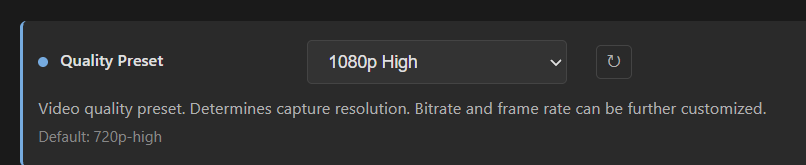
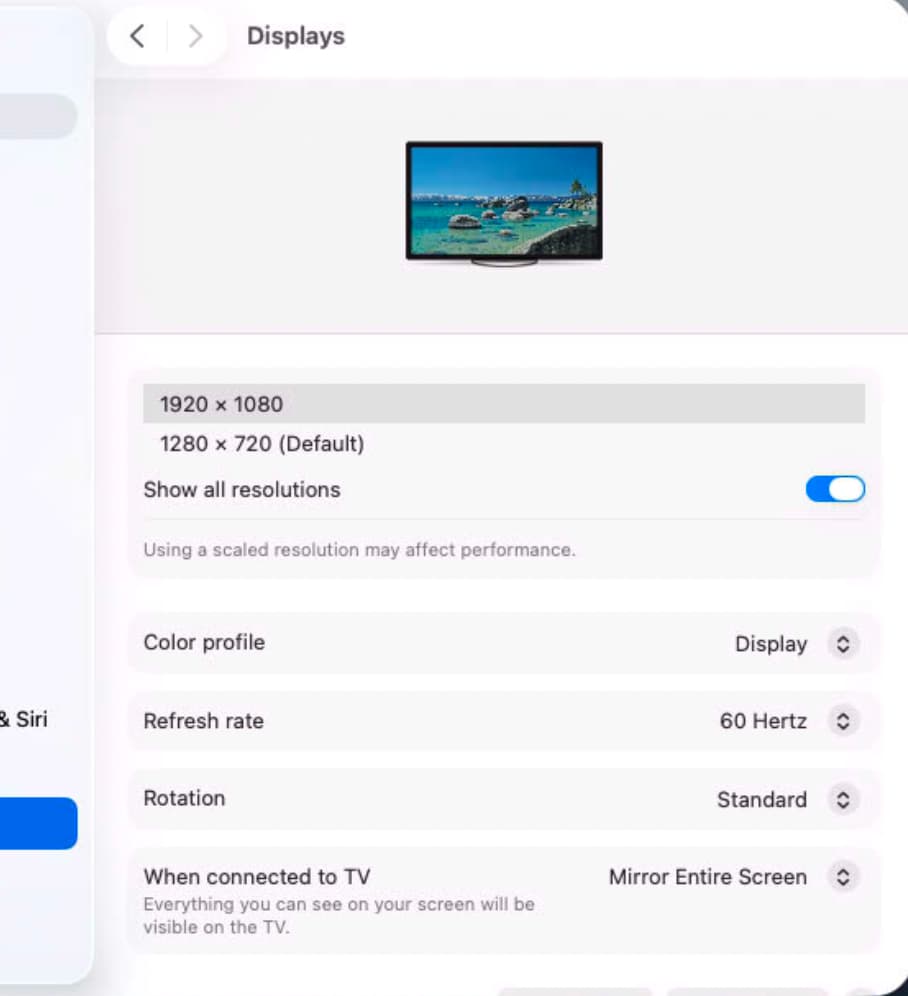
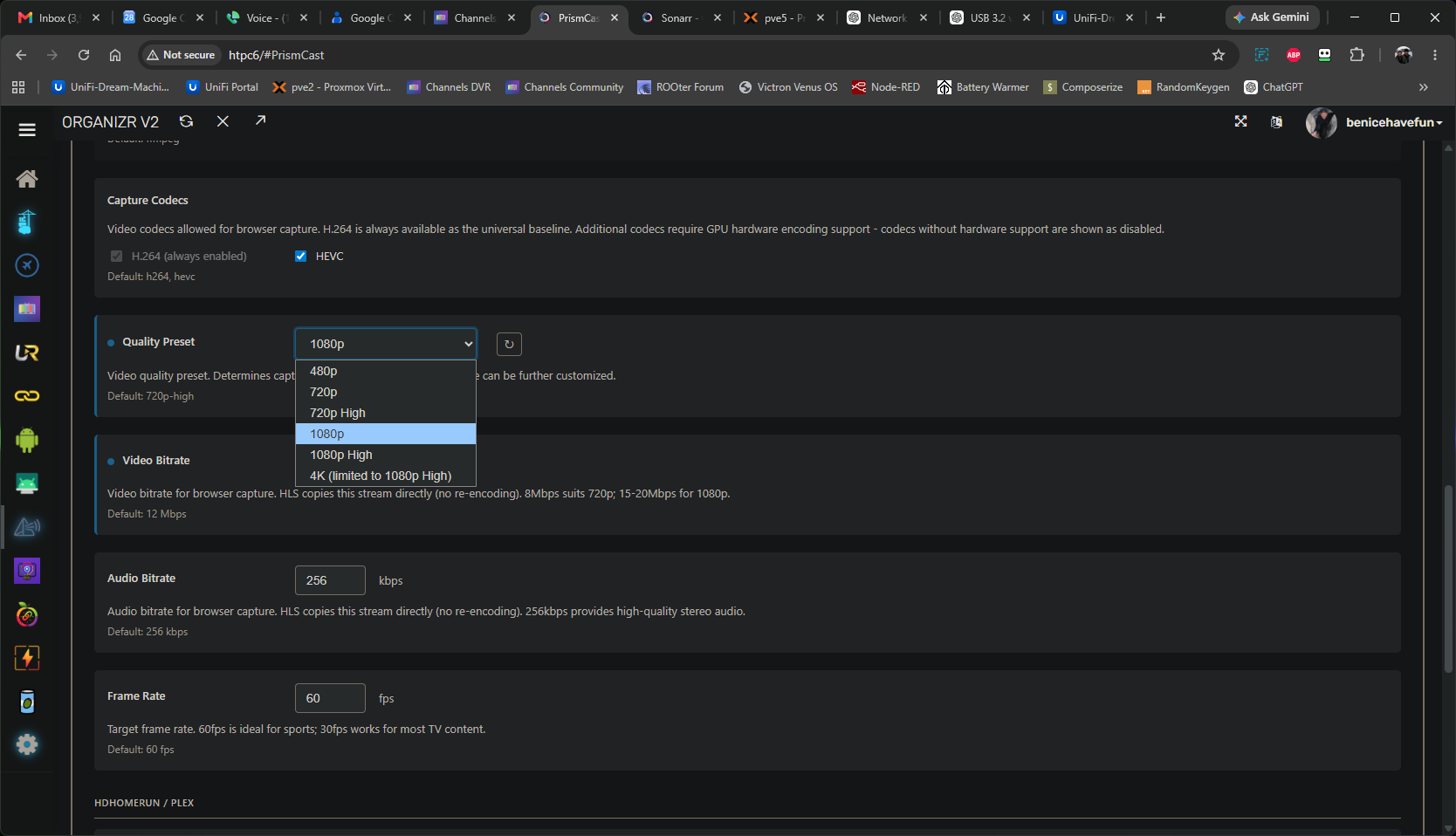
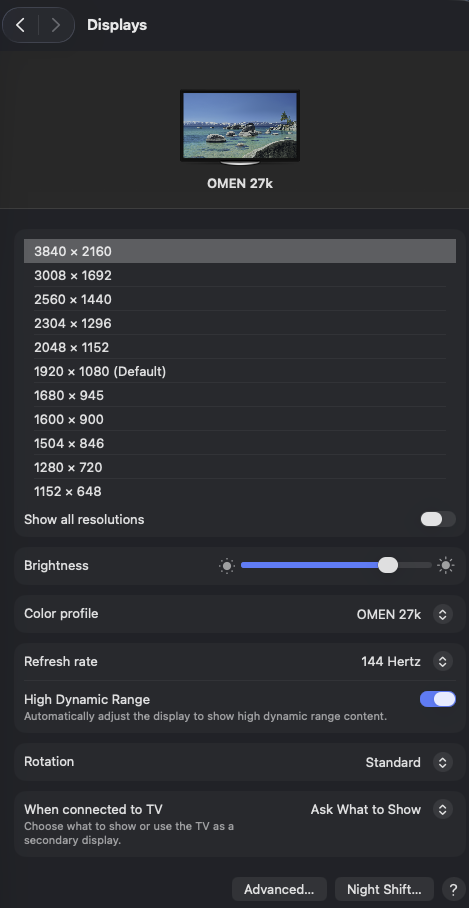
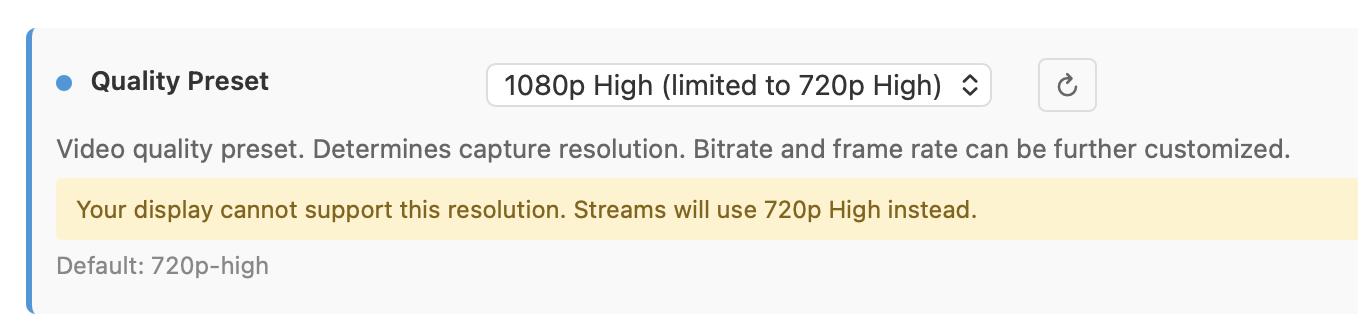
Docker knows nothing of your host's HDMI port, so nothing you do at the host level is going to make any difference. The PrismCast container uses Xvfb (a virtual X11 display server), which is what you're controlling with the env vars. Setting those to 2K resolution should give you the ability to change your PrismCast Quality Preset.
Starting PrismCast with noVNC support...
  Display: :99
  Screen: 2560x1440x24
  VNC Port: 5900
  noVNC Port: 6080
  PrismCast Port: 5589
  Data Directory: /root/.prismcast
  Intel GPU: /dev/dri/renderD128 present (LIBVA_DRIVER_NAME=iHD)
Starting Xvfb...
screen 0 shmid 0
WARNING: Kernel has no file descriptor comparison support: Operation not permitted
Xvfb started successfully (DRI3: -vfbdevice /dev/dri/renderD128).
Starting x11vnc...
Xlib:  extension "DPMS" missing on display ":99".
The VNC desktop is:      prismcast:0

0
x11vnc started successfully.
Starting noVNC...
Warning: could not find self.pem
Using installed websockify at /usr/bin/websockify
Starting webserver and WebSockets proxy on port 6080
WebSocket server settings:
  - Listen on :6080
  - Web server. Web root: /usr/share/novnc
  - No SSL/TLS support (no cert file)
  - proxying from :6080 to localhost:5900
noVNC started successfully.
==============================================
  noVNC available at: http://localhost:6080/vnc.html
  PrismCast UI at:    http://localhost:5589
==============================================
Starting PrismCast...
Navigate to this URL:
    http://prismcast:6080/vnc.html?host=prismcast&port=6080
Press Ctrl-C to exit
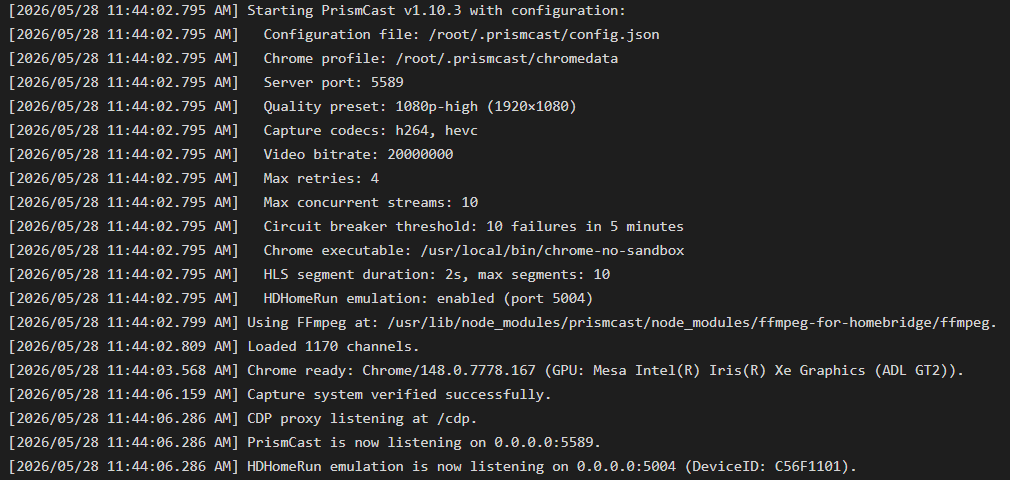
[2026/05/28 09:02:38.192 AM] Starting PrismCast v1.10.3 with configuration:
[2026/05/28 09:02:38.192 AM]   Configuration file: /root/.prismcast/config.json
[2026/05/28 09:02:38.192 AM]   Chrome profile: /root/.prismcast/chromedata
[2026/05/28 09:02:38.192 AM]   Server port: 5589
[2026/05/28 09:02:38.192 AM]   Quality preset: 1080p-high (1920×1080)
[2026/05/28 09:02:38.192 AM]   Capture codecs: h264, hevc
[2026/05/28 09:02:38.192 AM]   Video bitrate: 20000000
[2026/05/28 09:02:38.192 AM]   Max retries: 4
[2026/05/28 09:02:38.192 AM]   Max concurrent streams: 10
[2026/05/28 09:02:38.192 AM]   Circuit breaker threshold: 10 failures in 5 minutes
[2026/05/28 09:02:38.192 AM]   Chrome executable: /usr/local/bin/chrome-no-sandbox
[2026/05/28 09:02:38.192 AM]   HLS segment duration: 2s, max segments: 10
[2026/05/28 09:02:38.192 AM]   HDHomeRun emulation: enabled (port 5004)
[2026/05/28 09:02:38.196 AM] Using FFmpeg at: /usr/lib/node_modules/prismcast/node_modules/ffmpeg-for-homebridge/ffmpeg.
[2026/05/28 09:02:38.218 AM] Loaded 1384 channels (214 user, 1170 predefined).
[2026/05/28 09:02:39.014 AM] Chrome ready: Chrome/148.0.7778.167 (GPU: Mesa Intel(R) Graphics (ADL-N)).
[2026/05/28 09:02:44.923 AM] Capture system verified successfully.
[2026/05/28 09:02:45.050 AM] CDP proxy listening at /cdp.
[2026/05/28 09:02:45.051 AM] PrismCast is now listening on 0.0.0.0:5589.
[2026/05/28 09:02:45.052 AM] HDHomeRun emulation is now listening on 0.0.0.0:5004 (DeviceID: 2A87050E).
Docker Compose for Portainer:
services:
  prismcast:
    # 2026.03.16
    # GitHub home for this project with setup instructions: https://github.com/hjdhjd/prismcast.
    # Docker container home for this project: https://github.com/hjdhjd/prismcast/pkgs/container/prismcast.
    image: ghcr.io/hjdhjd/prismcast:${TAG:-latest}
    container_name: prismcast
    hostname: prismcast
    dns_search: ${DOMAIN:-localdomain}
    shm_size: '2gb'
    devices:
      - /dev/dri:/dev/dri
    ports:
      - ${HOST_PORT:-5589}:${PORT:-5589}
      - ${HOST_VNC_PORT:-5900}:${VNC_PORT:-5900}
      - ${HOST_NOVNC_PORT:-6080}:${NOVNC_PORT:-6080}
      - ${HOST_HDHR_PORT:-5004}:${HDHR_PORT:-5004}
    environment:
      - PORT=${PORT:-5589}
      - VNC_PORT=${VNC_PORT:-5900}
      - NOVNC_PORT=${NOVNC_PORT:-6080}
      - HDHR_PORT=${HDHR_PORT:-5004}
      - DISPLAY_NUM=${DISPLAY_NUM:-99}
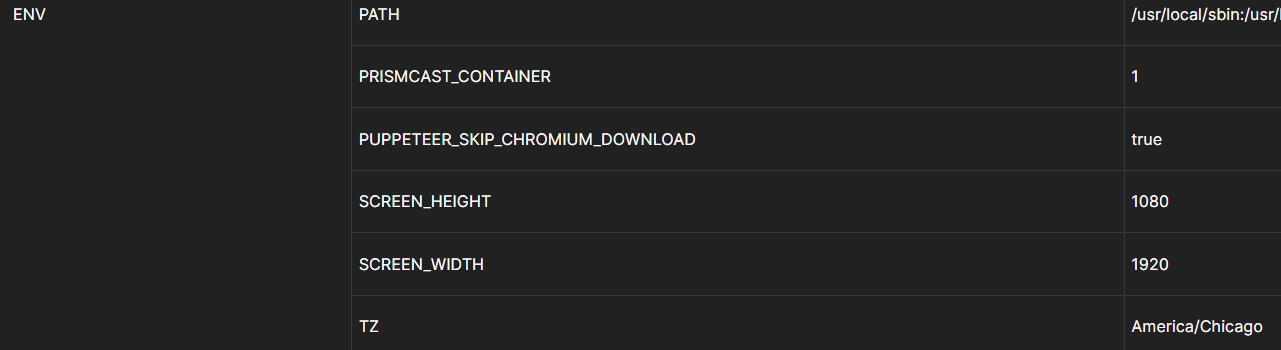
      - SCREEN_WIDTH=${SCREEN_WIDTH:-1920}
      - SCREEN_HEIGHT=${SCREEN_HEIGHT:-1080}
      - SCREEN_DEPTH=${SCREEN_DEPTH:-24}
      - TZ=${TZ:-America/New_York}
      - LIBVA_DRIVER_NAME=${LIBVA_DRIVER_NAME:-iHD} # Override below with LIBVA_DRIVER_NAME=i965 for older Intel GPUs (pre-Gen 9 aka Skylake).
    healthcheck:
      test: ["CMD", "wget", "-q", "--spider", "http://localhost:${PORT:-5589}/health"]
      interval: 30s
      timeout: 10s
      retries: 3
      start_period: 30s
    volumes:
      - prismcast-data:/root/.prismcast
    restart: unless-stopped
volumes:
  prismcast-data:
Sample Env Var Overrides:
TAG=latest
DOMAIN=localdomain tailxxxxx.ts.net
HOST_PORT=5589
HOST_VNC_PORT=5900
HOST_NOVNC_PORT=6080
HOST_HDHR_PORT=5004
DISPLAY_NUM=99
SCREEN_WIDTH=2560
SCREEN_HEIGHT=1440
SCREEN_DEPTH=24
CDVR_STARTING_CHANNEL=13001
TZ=America/Denver
DEVICES=true
LIBVA_DRIVER_NAME=iHD


 ).
).