PrismCast v1.12.0 is here. Two headline features in this release:
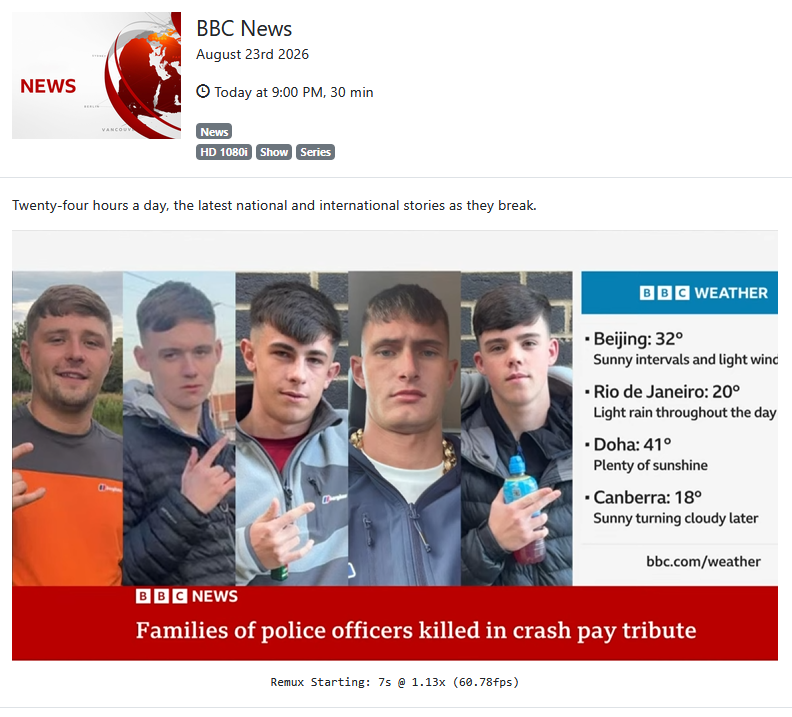
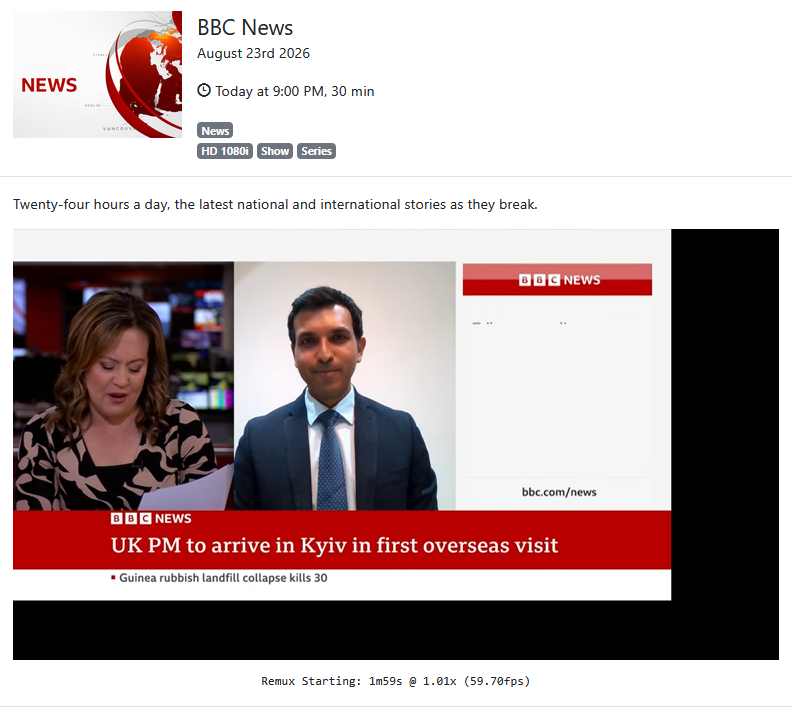
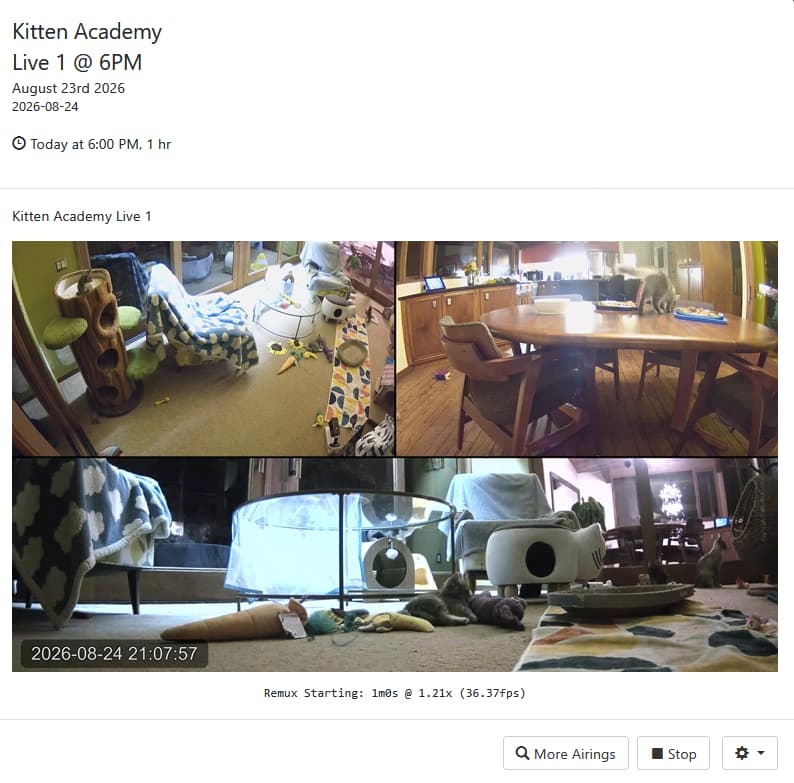
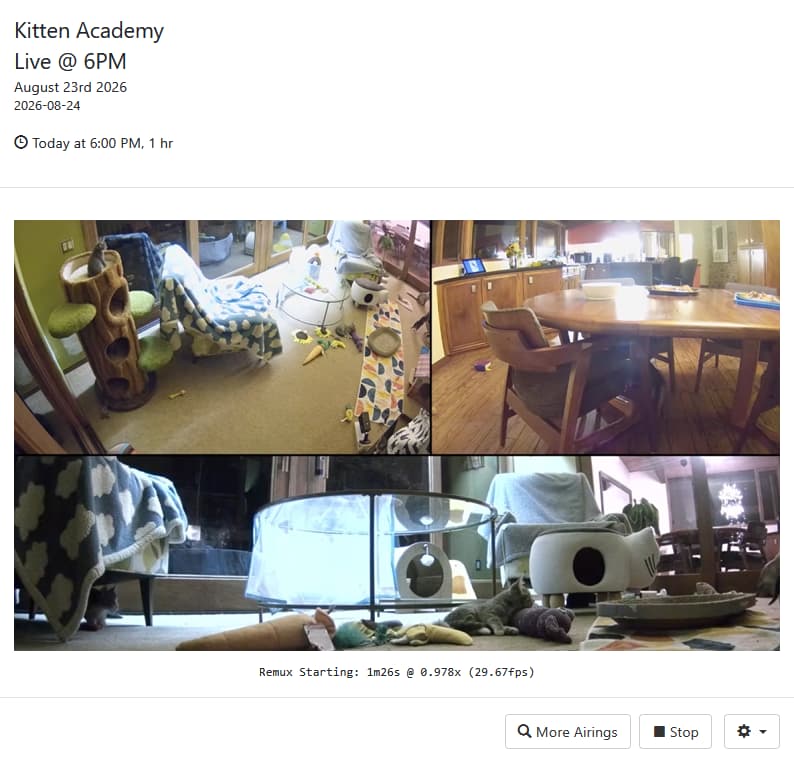
Every quality preset on every display. Every capture page now renders at the quality preset you've chosen, whatever the size of the display or browser window behind it. A headless Mac mini, a Docker container, or a machine with a small monitor now captures at full preset resolution. The 4K preset works on any hardware, streaming sites serve their best rendition because their players see a full-size viewport, and the settings dropdown offers every preset without caveats. No more SCREEN_WIDTH juggling in Docker, no more borrowing a 4K monitor to get set up, and no more multi-step resolution guides...thanks to @chDVRuser and @JWIII for walking so many people through the old workarounds. One caveat: Chrome still needs a display to render into. macOS works without a monitor, and Windows and Linux servers still need a dummy plug or virtual display adapter, but the resolution of that display no longer matters. If your display is smaller than the preset, PrismCast notes it once at startup and captures at the preset anyway. Login mode is the one exception: it uses the browser window's own size, so signing in to your TV provider looks and works exactly as before.
Chrome 149 and later work out of the box. Chrome tightened how it loads unpacked extensions, and a Chrome auto-update could stop PrismCast with "Capture system verification failed." PrismCast now marks its own Chrome profile as trusted at every launch, so the capture extension loads the way it always has. No Developer Mode toggle, no patched files, and no need to keep Chrome pinned at 148. Thanks to @daldana7296 for the community patch that kept a lot of people running in the meantime, and to @KineticMan and @chDVRuser for asking to have it automated. If you froze Chrome's updater, it's safe to let Chrome update again.
Beyond the headlines:
-
In-app upgrades on Windows - clicking Upgrade in the web interface now hands the install to the same detached helper the command-line upgrade uses. The helper waits for PrismCast to exit before installing, so Windows file locks stay out of the way, and the upgrade toast tells you what actually happened, including where to find the helper's log.
-
Instant stream startup with a system FFmpeg - if the bundled FFmpeg download didn't complete during installation, preroll generation now uses the FFmpeg already on your PATH, so you still get video within seconds of tuning.
As always, I really appreciate the feedback, enthusiasm, and passion around PrismCast. Almost every feature added since 1.0.0 has come from thoughtful, respectful discussion with this community.
My only ask is simple: please be kind, not demanding. PrismCast started as a project for my own needs, and I share it because I enjoy this community and wanted to give something back. Respectful feedback is always welcome; entitlement is not.
Thank you to everyone who's shared encouragement or joy in using PrismCast — it genuinely keeps this project fun to work on.
One more note for everyone's benefit: please don't repost the same questions in this thread. Many of them have already been asked and answered, and the forum's topic-only search works well. Keeping discussions focused helps everyone. Please treat the thread and each other with the same consideration you'd expect in return.
1.12.0 (2026-08-24)
- New feature: every quality preset on every display - each capture page now renders at the quality preset you've chosen, whatever the size of the display or browser window behind it. A headless Mac, a Docker container, or a machine with a modest monitor captures at full preset resolution, with no dummy plug, no screen-size environment variables, and no borrowing a 4K monitor to get things going. The 4K preset works on any hardware, streaming sites serve their best rendition because their players see a full-size viewport, and the settings dropdown lists every preset without caveats. Login mode keeps using the browser window's own size, so signing in to your TV provider looks and works exactly as before. If your display happens to be smaller than the preset, a one-line note at startup lets you know and confirms that capture is unaffected.
- Fix: capture keeps working on Chrome 149 and later - Chrome has tightened how it loads unpacked extensions, so PrismCast now marks its own Chrome profile as trusted at every launch and the capture extension loads just as it always has. No Developer Mode toggle, patched files, or pinned Chrome version required.
- Fix: in-app upgrades complete cleanly on Windows - the web interface now hands the install to the same detached helper the command-line upgrade uses, which waits for PrismCast to exit before installing so Windows file locks stay out of the way. The upgrade toast also tells you what actually happened, including where to find the helper's log.
- Fix: instant stream startup works with a system FFmpeg - if the bundled FFmpeg download didn't complete during installation, preroll generation now uses the FFmpeg already on your PATH, so machines that bring their own FFmpeg keep instant startup.
- Housekeeping.