Zinwell NextGen TV Box + Encoder + ah4c = Success (But What About HDR?)

The values look mostly OK however there are some important ones missing. This list looks like it's from Portainer-Containers, however I'm actually looking for the values you're using in Portainer-Stacks. Go into the Stacks Editor, look in the Environment variables in Advanced mode, and you can copy-and-paste the values here.

Based on what you posted above, here's roughly what I think you should show. This is a pared down list, that shows just those values that are required for your scenario:

TAG=latest
DOMAIN=localdomain
HOST_PORT=7664
WSCR_PORT=7665
IPADDRESS=192.168.1.136:7664
NUMBER_TUNERS=1
TUNER1_IP=192.168.1.135:5555
ENCODER1_URL=http://192.168.1.141/0.ts
STREAMER_APP=scripts/zinwell/livetv
CHANNELSIP=192.168.1.98
UPDATE_SCRIPTS=true
UPDATE_M3US=true
TZ=US/Central
HOST_DIR=/data

Note that CHANNELSIP should only in include the IP and not the port. Your LAN's actual domain name may be something other than localdomain. CREATE_M3US and LIVETV_ATTEMPTS should not be set in your project -- those are used for a different purpose (as described in the Docker Compose comments).
@Timbo303 I'm guessing you missed this, as I believe the modification I made to the bmitune.sh above will likely work for you. Please give it another try.

I should point out another issue I must of had missed. It turns out channel 32 will only type the 3 when you use that command. It doesnt seem to type the 2. That is a problem in my scenario as there is a 30.1 channel in chicago. So I was spending all night trying to figure out the best way to make different commands for each channel ID. This is what I came up with as I cant figure out the exact syntax for putting bc (the basic calculator command that makes decimals possible) as bash only supports float point integers. I did try to make the number a string but then $channelID has to be a string too for that to work as bash is limited.

bmitune.sh

#!/bin/bash
#bmitune.sh for zinwell/livetv
#2025.01.26

#Debug on if uncommented
set -x

#Global
channelID="$1"
streamerIP="$2"
adbTarget="adb -s $streamerIP"

#Trap end of script run
finish() {
echo "bmitune.sh is exiting for $streamerIP with exit code $?"
}

#Tuning is based on channel number values from zinwell.m3u
tuneChannel() {
if [[ $channelID == 32 ]]; then
$adbTarget shell input keyevent KEYCODE_3
sleep 1
$adbTarget shell input keyevent KEYCODE_2
sleep 1
$adbTarget shell input keyevent KEYCODE_DPAD_CENTER
fi
if [[ $channelID == 2 ]]; then
$adbTarget shell input text $channelID
sleep 1
$adbTarget shell input keyevent KEYCODE_DPAD_CENTER
fi
if [[ $channelID == 5 ]]; then
$adbTarget shell input text $channelID
sleep 1
$adbTarget shell input keyevent KEYCODE_DPAD_CENTER
fi
}
main() {
tuneChannel
}
main

zinwell.m3u

#EXTM3U

#EXTINF:-1 channel-id="2" channel-number="102.1" tvc-guide-stationid="",
http://{{ .IPADDRESS }}/play/tuner/2

#EXTINF:-1 channel-id="5" channel-number="105.1" tvc-guide-stationid="",
http://{{ .IPADDRESS }}/play/tuner/5

#EXTINF:-1 channel-id="32" channel-number="132.1" tvc-guide-stationid="",
http://{{ .IPADDRESS }}/play/tuner/32

OK, so you're saying your original bmitune.sh (the script I was trying to clean-up to add to the next build of ah4c) doesn't actually work? And of course, if that's true, my cleaned-up version won't work either.

Does the script you posted most recently work correctly? If so, I have another tuneChannel function we can use that will duplicate that -- but do it in a fashion where additional channels can be added to the M3U without needing to modify the bmitune.sh script.

1 Like

I fixed the {{.IPADDRESS}} in the m3u thanks to your help however the port was wrong it should be 7654 not 7664 for the m3u. I would like to see how we could simplify the tunechannel() stuff since like I said you need to input the keycodes manually for 2 digits or more (you can also do this for 1 digit channels).

{{ .IPADDRESS }} needs to have a space as shown between each inside curly brace. Your version above doesn't have that.

Here's an example of a tuneChannel() function, that takes channel numbers with multiple digits, and sends each digit as an individual keyevent:

 tuneChannel() {
  for (( digit=0; digit<${#channelID}; digit++ )); do
    keypress=${channelID:$digit:1}
    $adbTarget shell input keyevent KEYCODE_$keypress
  done
}

The port number can be whatever you want it to be. It's 7654 INSIDE the container, but that can be 7664 or whatever on your host computer. The port you want to use OUTSIDE the container is defined by HOST_PORT in your Portainer-Stack variables. The value you use there should be reflected in your IPADDRESS value which contains both the hostname (or IP address), and the port you chose to use.

I have 3 ah4c containers running on ports 7654, 7664 and 7674.

Just got this working. Thanks for all of your hard work. I had to modify bmitune.sh and zinwell.m3u. my files are below. Again, thanks for all of your hard work.

#!/bin/bash
# bmitune.sh for zinwell/livetv
# 2025.01.26

#Debug on if uncommented
set -x

#Global
channelID="$1"
streamerIP="$2"
adbTarget="adb -s $streamerIP"

#Trap end of script run
finish() {
  echo "bmitune.sh is exiting for $streamerIP with exit code $?"
}

trap finish EXIT

#Tuning is based on channel number values from zinwell.m3u

tuneChannel() {
  for (( i=0; i<${#channelID}; i++ )); do
    keypress="${channelID:$i:1}"
    $adbTarget shell input keyevent KEYCODE_$keypress
    sleep 2
  done

  $adbTarget shell input keyevent KEYCODE_DPAD_CENTER


}

main() {
  tuneChannel
}

main

#EXTM3U

#EXTINF:-1 channel-id="102.1" channel-number="" tvc-guide-stationid="" tvg-group="" tvg-logo="",CBS 2 NEXTGENTV
http://{{ .IPADDRESS }}/play/tuner/02-1

#EXTINF:-1 channel-id="104.1" channel-number="" tvc-guide-stationid="" tvg-group="" tvg-logo="",NBC 4 NEXTGENTV
http://{{ .IPADDRESS }}/play/tuner/04-1

#EXTINF:-1 channel-id="147.1" channel-number="" tvc-guide-stationid="" tvg-group="" tvg-logo="",WNJU 47 NEXTGENTV
http://{{ .IPADDRESS }}/play/tuner/47-1
1 Like

Hmmm. Now I need to see if this could work with the (piece of junk) GTMedia X1. I picked one up for a song, as a failsafe. I would love to have this working in channels.

How has your encoder handled HDR? Too many of the stations near me have gone faux HDR.

1 Like

No problem. Congrats to you for pulling this post out of obscurity! I went back and forth with the OP for a couple of days back in January to put this together, but he never closed the loop on it. I had no idea if it was working or abandoned. Turns out what we had was just a couple of minor tweaks away.

Thanks for posting the updated script, and I'll add this to a fresh ah4c build shortly. For anyone that wants to give this a try, Project One-Click is the easiest way, if you have OliveTin-for-Channels installed (be sure you're using the latest OliveTin Docker Compose, and have the most recent version of the container).

Otherwise, there's a Docker Compose available in the usual place:

New bnhf/ah4c:latest (aka bnhf/ah4c:2025.09.23) pushed this morning with updates to scripts/zinwell/livetv and zinwell.m3u.

Just tried your bmitune.sh it works great. also tweaked my m3u a little the dashes were not needed

see below:

#EXTM3U

#EXTINF:-1 channel-id="102.1" channel-number="" tvc-guide-stationid="" tvg-group="" tvg-logo="",CBS 2 NEXTGENTV
http://{{ .IPADDRESS }}/play/tuner/021

#EXTINF:-1 channel-id="104.1" channel-number="" tvc-guide-stationid="" tvg-group="" tvg-logo="",NBC 4 NEXTGENTV
http://{{ .IPADDRESS }}/play/tuner/041

#EXTINF:-1 channel-id="147.1" channel-number="" tvc-guide-stationid="" tvg-group="" tvg-logo="",WNJU 47 NEXTGENTV
http://{{ .IPADDRESS }}/play/tuner/471

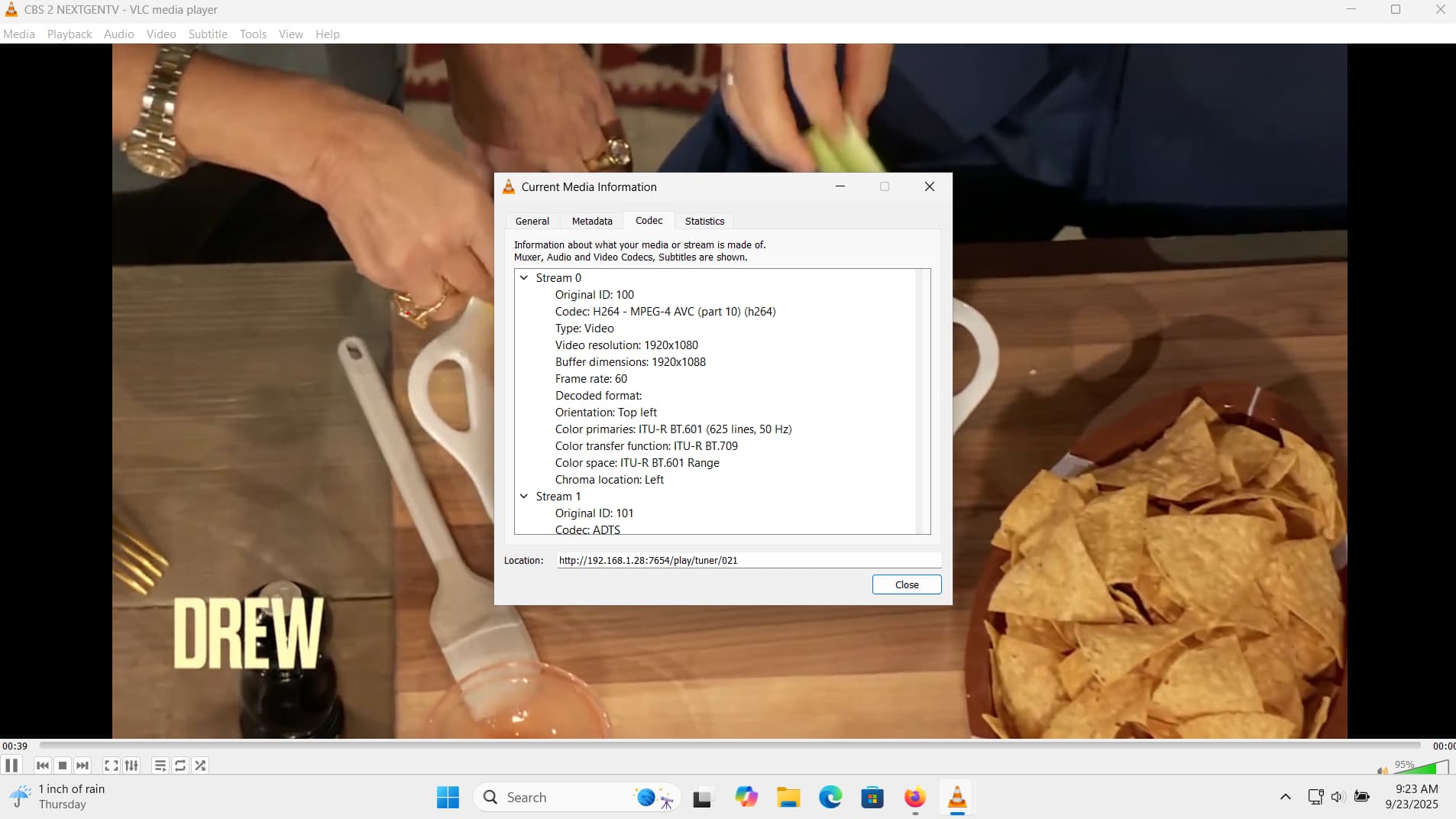
Picture quality is not as good as my hdhomeruns or adbtuner so I would appreciate it if there is somethning we can do about that.

Screenshot below from vlc

Also the bitrate is much lower in channels than what I have set on my linkpi

1 Like

ah4c is just a proxy, so the stream Channels is getting is what your encoder is putting out. Check the settings on your encoder, but maybe this is the HDR issue previously discussed in the ADBTuner thread?

1 Like

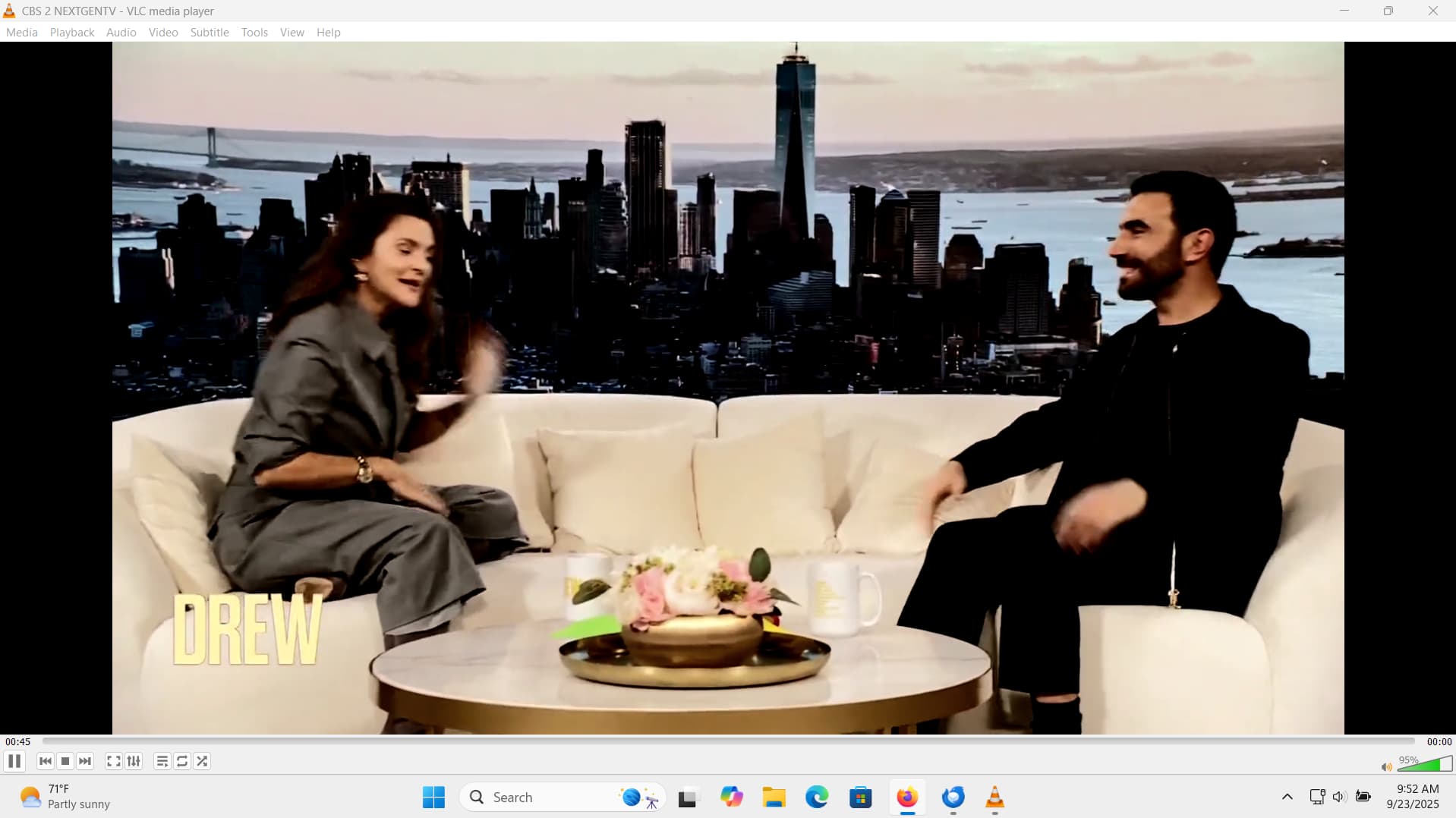
I switched my linkpi to cbr and upped the contrast. looks much better on cbs. nbc still looks dark screenshot below

That looks like HDR, at least on NBC, and probably both channels. ah4c does have the capability to pipe a stream through its included ffmpeg, but the resource requirements for the ah4c container will go from basically nothing to an unknown something (if you follow what I mean). The idea would be to tone map HDR to SDR.

It may also be possible to use Intel Quick Sync, but that's untested, and of course you'd need an Intel GPU. I don't get the slightest whiff of a TV signal here in the mountains, so it'd be up to you to get things setup and to do the testing. This all assumes that your Docker host computer isn't the usual low-end, outdated gear so many use. :slight_smile:

I should also mention adb does not work on wifi, it requires ethernet.

1 Like

I actually have an nvidia gpu. how would I do this? thanks

I believe this has mostly been used by people capturing from internal cards, but I remember somebody awhile back using it with an encoder -- however, I can't find that thread atm.

Right now, you're using env vars like:

TUNERx_IP=
ENCODERx_URL=

For each virtual tuner. This would change to:

TUNERx_IP=
ENCODERx_URL=
CMDx_DEVICE=
CMDx=

If this works the way I think it should (it's not something I've needed myself), you'd leave ENCODERx_URL blank, and put that value in CMDx_DEVICE. Then, your ffmpeg command would go in CMDx.

You can look at the sullrich/ah4c repo for some specific examples using encoder/capture cards.

Keeping the current structure of the ah4c Docker Compose, you'd add the following (one for each tuner, with their actual numbers like: 1, 2, 3, 4) in the environment: section of the compose, and the above values would go in the Environment variables section of the Portainer-Stacks Editor:

- CMD1=${CMD1}
- CMD1_DEVICE=${CMD1_DEVICE}

I'd start with some really simple ffmpeg command, that would allow you to confirm it's working and get a feel for the performance hit.

EDIT: It's possible you leave the ENCODERx_URL value as is, leave CMDx_DEVICE blank, and just put your ffmpeg command in CMDx. Try it that way first. This post, and a few after it, are the ones I was thinking of:

getting the following error:

[ERR] Failed to run command exec: ""ffmpeg": executable file not found in $PATH

I added the following to my stack:

  - CMD1_DEVICE=
  - CMD1="ffmpeg -i http://192.168.1.70:8090/stream0 -c:v h264_nvenc -vf yadif=0:-1:1,hqdn3d,flags=lanczos -c:a copy -f mpegts -"

Probably something to do with the shell running ffmpeg not inheriting the $PATH, because ffmpeg is there and it's on the path.

Try: /usr/bin/ffmpeg

EDIT: Or, try losing the double quotes...

noe I get the following:

[ERR] Failed to run command fork/exec "/usr/bin/ffmpeg: no such file or directory