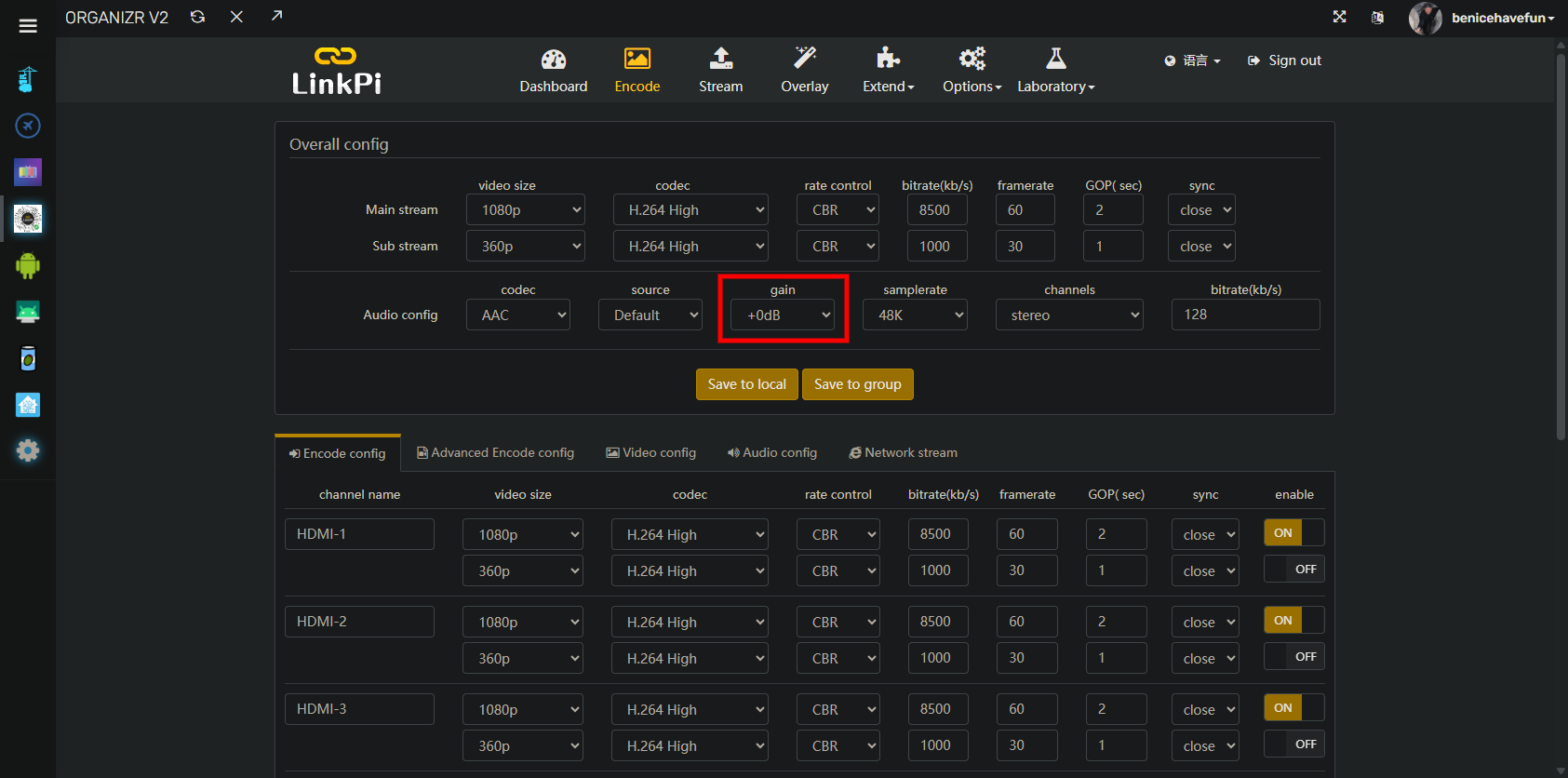
This is good to hear, I was worried that there was a bad design for the audio portion of these devices.
What I was doing wasn't a great solution, depending on where the gain was being applied for the audio config. Reducing the volume of clipped data just creates a lower volume clipped data.
I am using these devices for ADBTuner, and I suspect that @SF10 was doing that or something similar. So for me, I had a Google TV Streamer attached to the ENC1Pro. I set this streamer up at the get go to work with the ENC1PRO, so I never did anything to change the remote volume settings for the device. Also, the remote volume settings for the streamer were defaulted to CEC, so volume control from the devices remote did nothing.
After hearing about @mnwxman132 experience and thinking about this again, I went into the settings of my streamer, and went to the remote control settings. I went to the control volume section of that and switched if off of Auto (CEC). This set the volume control of the remote to control my streamer device directly.
Once I did this, I noticed the volume was defaulted to on full blast (15/15). I knocked this value down to around 5 with the remote, and the audio is all good now. So thanks to @mnwxman132 for the inspiration, and hopefully this helps @SF10 and others.