
I'm doing this with Fire Sticks. I never changed the volume on the Fire Sticks themselves because I wasn't sure if that would survive device updates and reboots versus the gain setting on the LinkPi itself. It's probably not the "right" way to do it, but I also haven't noticed any distortion or issues.
1 Like
I am thinking about purchasing either the single or the multi port unit and was wondering how well these are still working? Are these still the go to product? I see that Amazon is showing this unit WayPonDEV Link Pi ENC1-V3 4K NDI HDMI Encoder Decoder for purchase. Looks like newer version?
Thank you
Yes the LinkPi is still a good choice for an encoder. I own a couple of them, and also a couple of URayCoders -- both work well. The ENC1-V3 is the same single port version that's been available for at least a couple of years. They're still actively updating the firmware though, which is great.
1 Like
This is good to hear. I am going back and forth on which one to buy the single or multiport version. Just wished the price was lower on the multiport version.
Thank you.
Just my perspective:
Earlier this year, I got a single port encoder and started my ah4c journey. It was inexpensive and I had plenty of fire sticks laying around. With the community's help, I got it working but it was failing what I desired. Instead of giving up, I switched to the Osprey box (I have Stream). Switched to that and it was perfect for my needs-everything I needed. Within a few weeks, I had several Osprey's and a 5 port encoder in the mail. I saw my first bump last week; made a few changes and everything is good.
If you’re worried about getting up and running, there's plenty of great minds on this board to assist you-probably the best customer service experience you’ll ever get. If you decide to go with the one port, it’s really easy to upgrade to the 5 port.
I was in the same boat just a year ago. I opted for the multiport ENC5-V2. My reasoning was that it was 5x the ports at a cost of less than 3x the price of a single port model.
As I see the landscape of streaming changing, I want to have the greatest flexibility in capturing the media I value. I knew that I would grow out of a single port model quickly, as @jagrim mentioned, he upgraded to 5 ports within weeks.
Utilizing the open USB port on the ENC5 with a cheap HDMI capture device, I have six tuners running now. Three onn Android TV boxes, and three Roku sticks. They're not all constantly active since much that I record is still available by TV Everywhere. But, as TVE heads towards the sunset, I feel like I have a fighting chance of keeping up with the channels I need.
For what it's worth, you can add a cheap capture stick to the USB port on the ENC1, too. That gives you the ability to have two tuners for the price of a single port.
My experience with a single port was not great, the black levels were elevated and I had to return it. There were other reports of this that were supposedly fixed with RGB changes in the source device. I was not able to make this work this so I had to return it.
Most people have reported good results, just saying there are outliers that can't be fixed with the black levels.
1 Like
Thank you all for your replies to my post. I really appreciate them. I am still deciding if this is the path I want to take. I have been reading post in this forum and my head is spinning. I may have misunderstood about what this setup will provide. So this only works on TVE channels or all channels? Does it support Sling TV channels?
Thank you
1 Like
It works on all channels. Don’t know about Sling TV. I use it with Directv Stream and it allows me to tune to any channel in my package.
Found this on a Sling TV search in Playground:
Unfortunately, it looks like a no-go on Sling for now.
It works well from the standpoint of opening the app and launching content, but it appears that there aren't any direct links to "channels" in Sling TV. All of the links in the guide are for specific programs in the schedule and when that program is over the link no longer works.
Yes. Both ah4c and ADBTuner work with Sling deeplinks.
Yeah i setup a test late last night using ADBTuner and a Shield tv box as the feed for SlingTV. This explains why it didn't work correctly.
The package names threw me as i didn't know what hey where or where to get them. I wanted to attempt to test this before ordering the HDMI encoder box.
Deep Links? Where do you get those from?
There's really nothing to test until you have the hardware. Deeplinks, which are not always easy to uncover, are what allow virtual tuning without needing to emulate a remote control. They typically result in faster, more accurate virtual tuning.
Here's my post from back-in-the-day, when I figured out how Sling deeplinks work. Others have made similar discoveries for other streaming apps:
The most common mistake people make with Sling, is they grab the asset ID rather than the channel ID, which is what @jagrim was referencing.
1 Like
I think I am going to buy the single port version for now. I currently have a 2nd gen ONN Android tv box that is wifi only. I would like to do away with having to power it and the WayPonDEV Link Pi ENC1-V3 4K NDI HDMI Encoder box and use POE since I have a POE switch. What adapters/cables do you recommend?
Thank you
Edit: I found these after reading thru this thread.
Not sure if this is the correct topic in the forum, but since I'm moving my Link Pi Enc5-V2 encoder to POE, the below items allowed me to put add all (3) of my ATT Osprey devices to POE. I can confirm that these work!
@spammedeeper
The adapter plug was the hardest thing to source.
Thanks, those buggers are hard to shop for. I had resigned myself to sacrificing the factory power supplies and soldering wire.
I'm working on setting up ch4c with a MeLE Quieter 4C running Windows 11 Pro, and a LinkPi ENC1-V3. I'm using a USB to HDMI capture card to give me a second input.
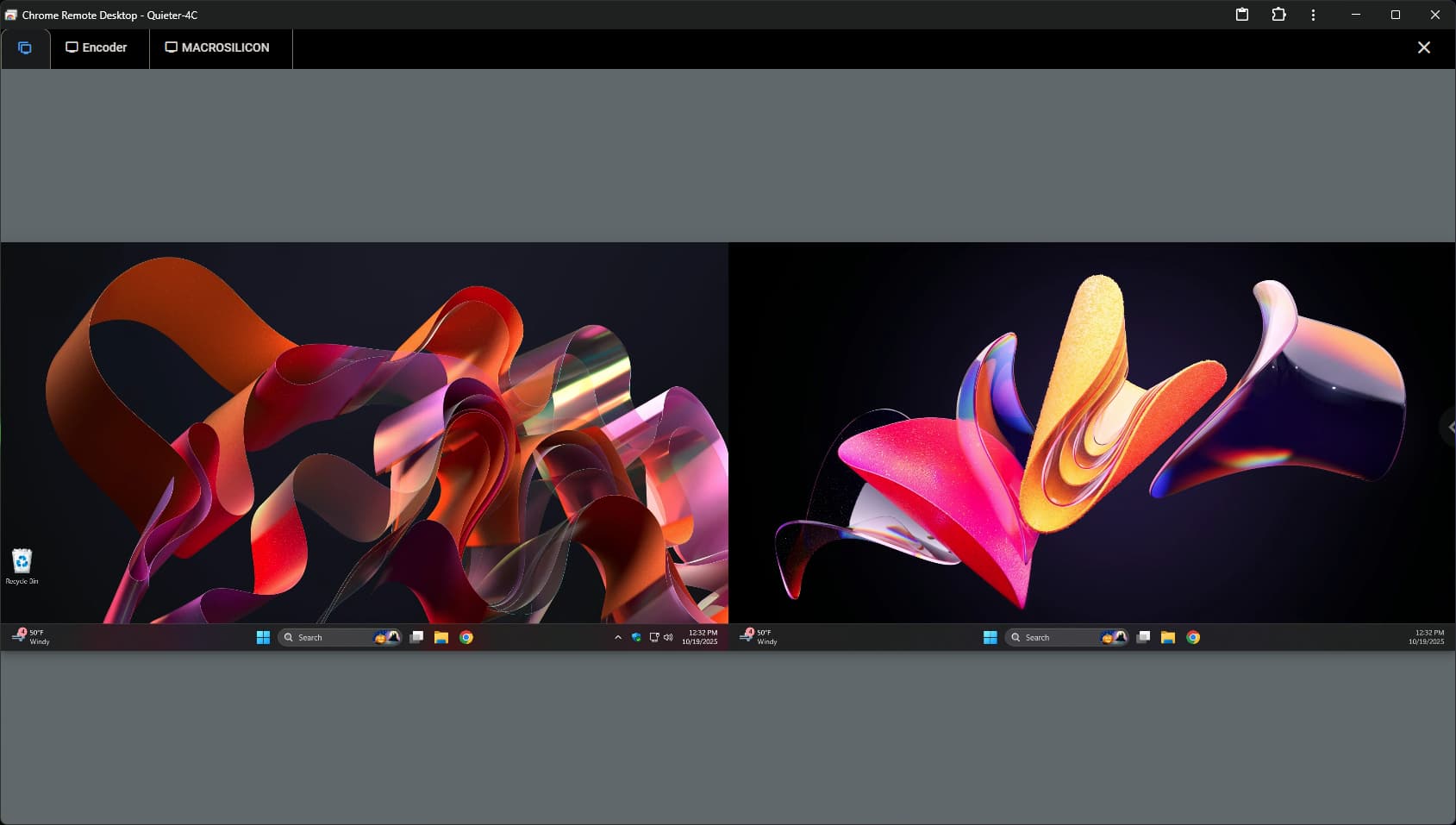
When looking at the Windows system, using Chrome Remote Desktop, things are looking as expected, with both desktops visible:
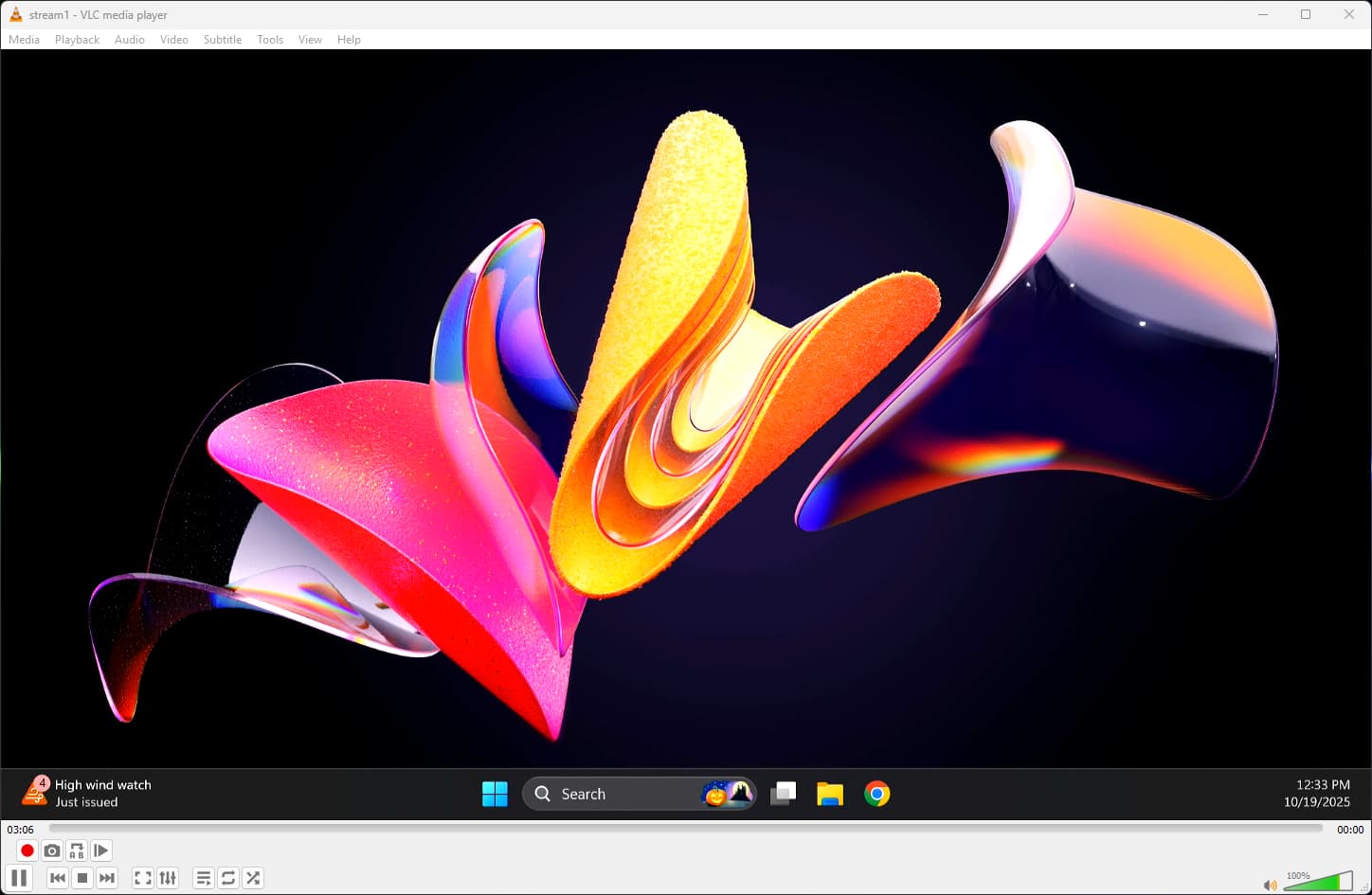
Also when connecting to the second stream using VLC, I'm also seeing what I expect:
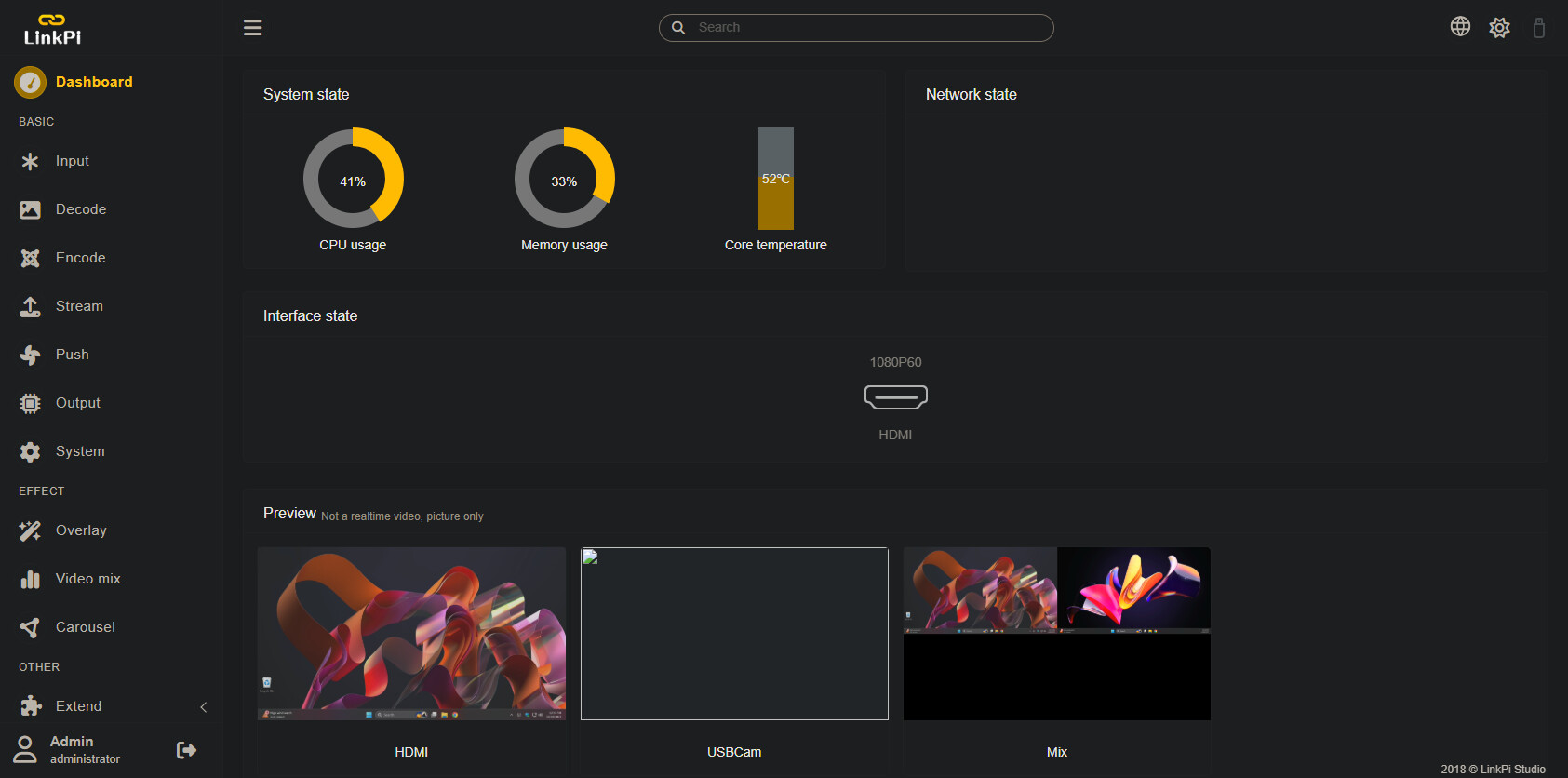
But when looking at the LinkPi WebUI, I'm not seeing what I expect for previews. The HDMI input looks good, and the Mix looks good -- but I have no Preview for the USB Capture Card. Has anyone else seen this behavior? I'm running version 4.3.2 of the LinkPi firmware, which is the latest as of this writing:
That tends to happen at times for some reason. Try replugging it. Either that or do a factory reset
1 Like
Factory reset was the answer -- thanks!
I bought the adapter listed below to power my single port Link PI and i would like to buy another one to power my ONN 4K Pro box as well. I just wanted to be sure its the right one to get?
1 Like