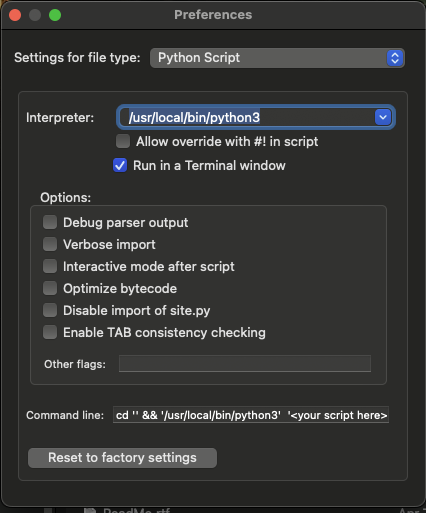
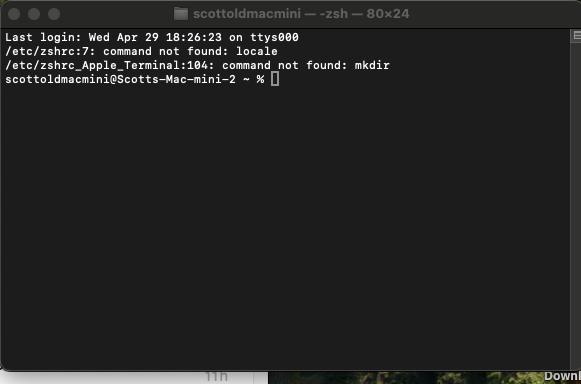
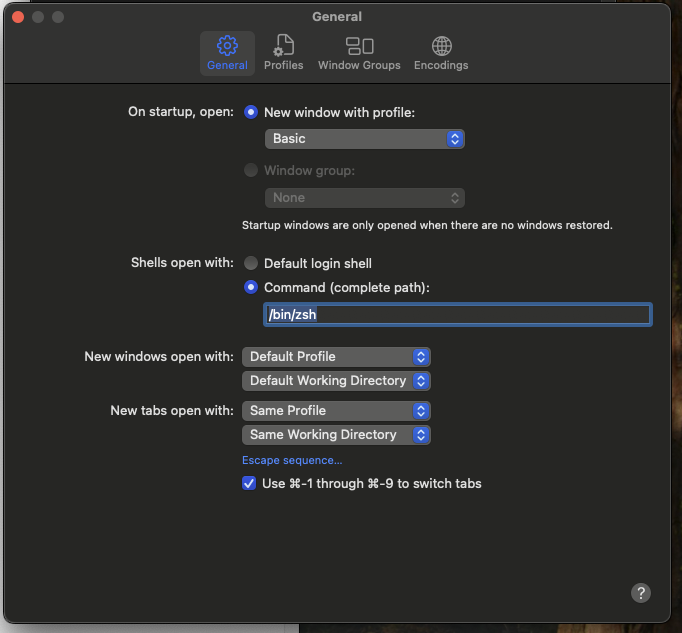
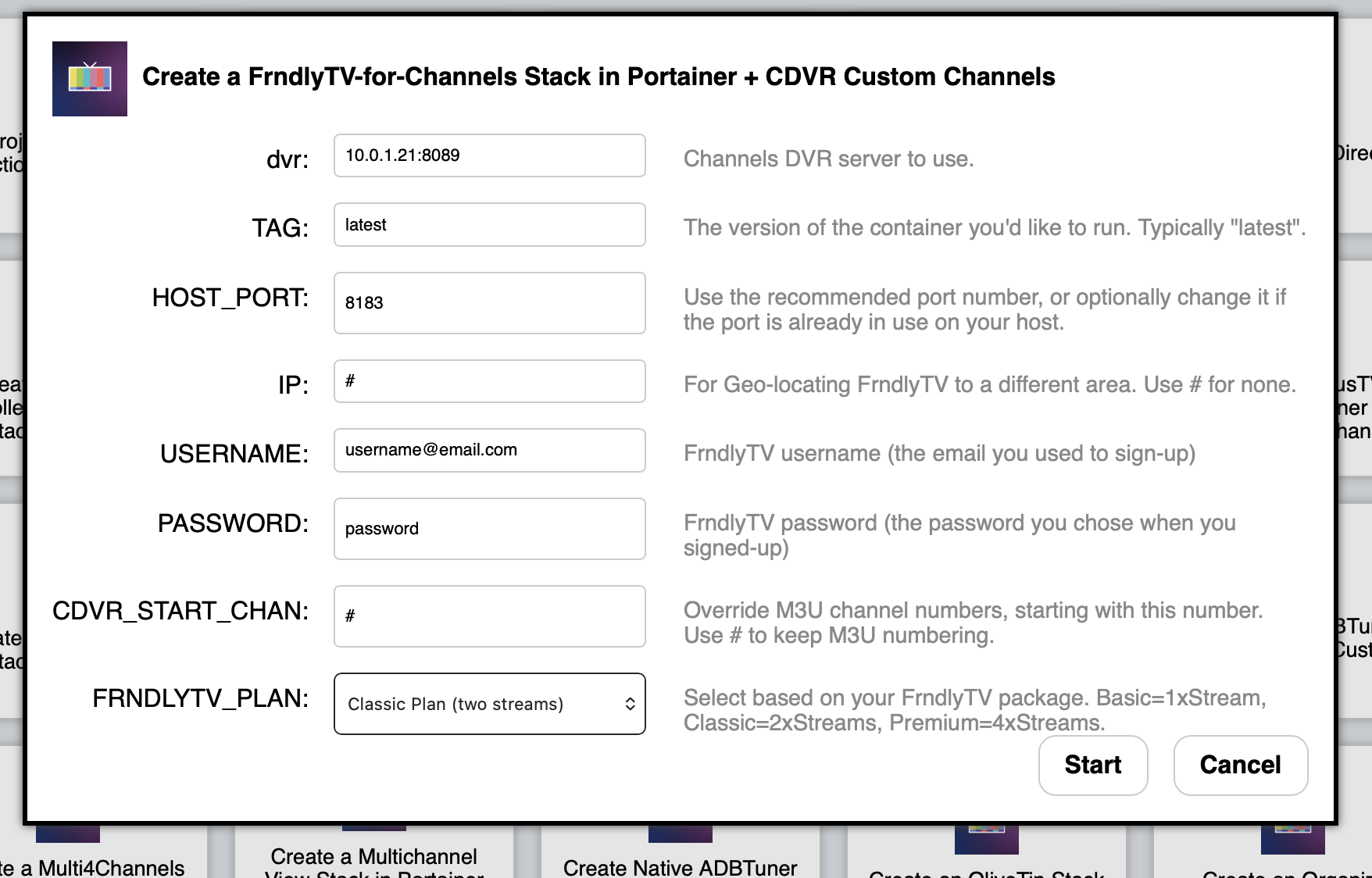
I took the time today to backup my server database on my Mac mini, I restored to factory settings and then restored my channels DVR…I then went though the steps in the previous links to install Docker Desktop, Portainer, then olive tin. I was able to complete all instructions until the very end of the olivetin instructions where it said to close the browser and reopen it using the same IP address I was using and change the port to 1337. Well, for some reason I can’t get that page to come up..but if I do port 1338, it takes me to the olivetin options….I feel like I am so close to the finish line, but not quite there. I took retook the last step I had taken in the Olivetin instructions which was “ Next, we'll install the full version of OliveTin-for-Channels. Run the Create an OliveTin Stack in Portainer Project One-Click Action:”
Does anyone have feedback on why I would be able to pull up the IP path under port 1338, but not 37? Also, Once I am able to complete all of this, how can I use this to use FRNDLYTV in channels rather than using python script in terminal?
Much appreciation for any feedback. Thanks.