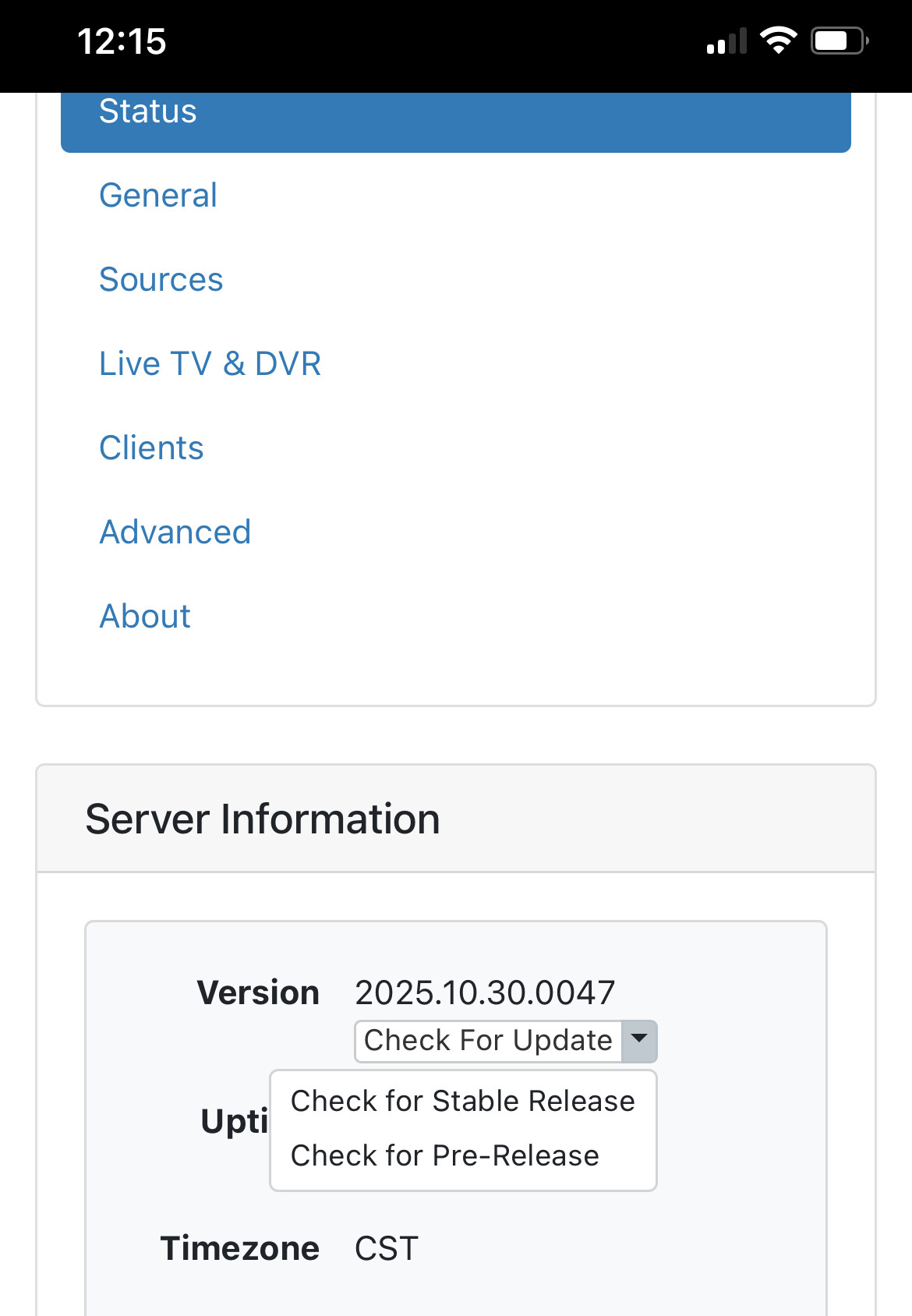
I found this URL, which lines up with my experience, but my problem persists in the newest 2025.10.30.0047 pre-release code:
In sum, I was able to find two HDHR Duals on my network from the server management URL on my windows11 machine, I was able to get the channels iOS app and do channel scans for each tuner, but now "Sources" says:
0 channels on 192.168.1.15
Please use the Channels app on tvOS or iOS to update this legacy HDHR to the latest firmware (if available), and then scan for channels.
Once the scan is complete, click .
The Channels app doesn't have anything to update firmware. Both are running the newest
20230505 firmware, per the HDHR Config GUI program. Clicking didn't result in the
number of channels ever being non-zero.
Then at one point, I thought I would try to reset things. I found a way to disable or ignore
the HDHRs in order to add them again, and now they appear when I reload the "Sources"
page and vanish when I click . It's like they are Heisen-pucks - half there and half
not, depending on how they are observed.
First, any help with starting over? What do I wipe out? Is uninstall sufficient?
Second, any specifics to the magic that helped user oldrover in the link, to get to the point
where Channels can prompt me for a zip code and sort out my guide?
Thanks,
RobT