I am rebuilding my server with below specs. Gonna use TVE some but definitely going to be looking at all of the new add ons like docker, ADB Tuner and HDMI capture, etc. Gonna use YTTV as DTV has just gotten way too expensive. Hoping this is strong enough to run CC4C smoothly as well.
Ubuntu Server 22.04.5 headless mode
i5 10400
64Gb ram
Nvidia 1660Ti
2.5GB Ethernet
4tb HDD for CDVR
3x HDMI capture device through USB3.0
Trying to decide between 2x 512 NVME's in RAID 0 with an 1TB SSD as a clone for emergency restore or RAID 1 setup.
OK then. Given what you're laying out spec-wise, and your desire to implement a number of the excellent extensions for CDVR server, I'm going to throw you a curve ball.
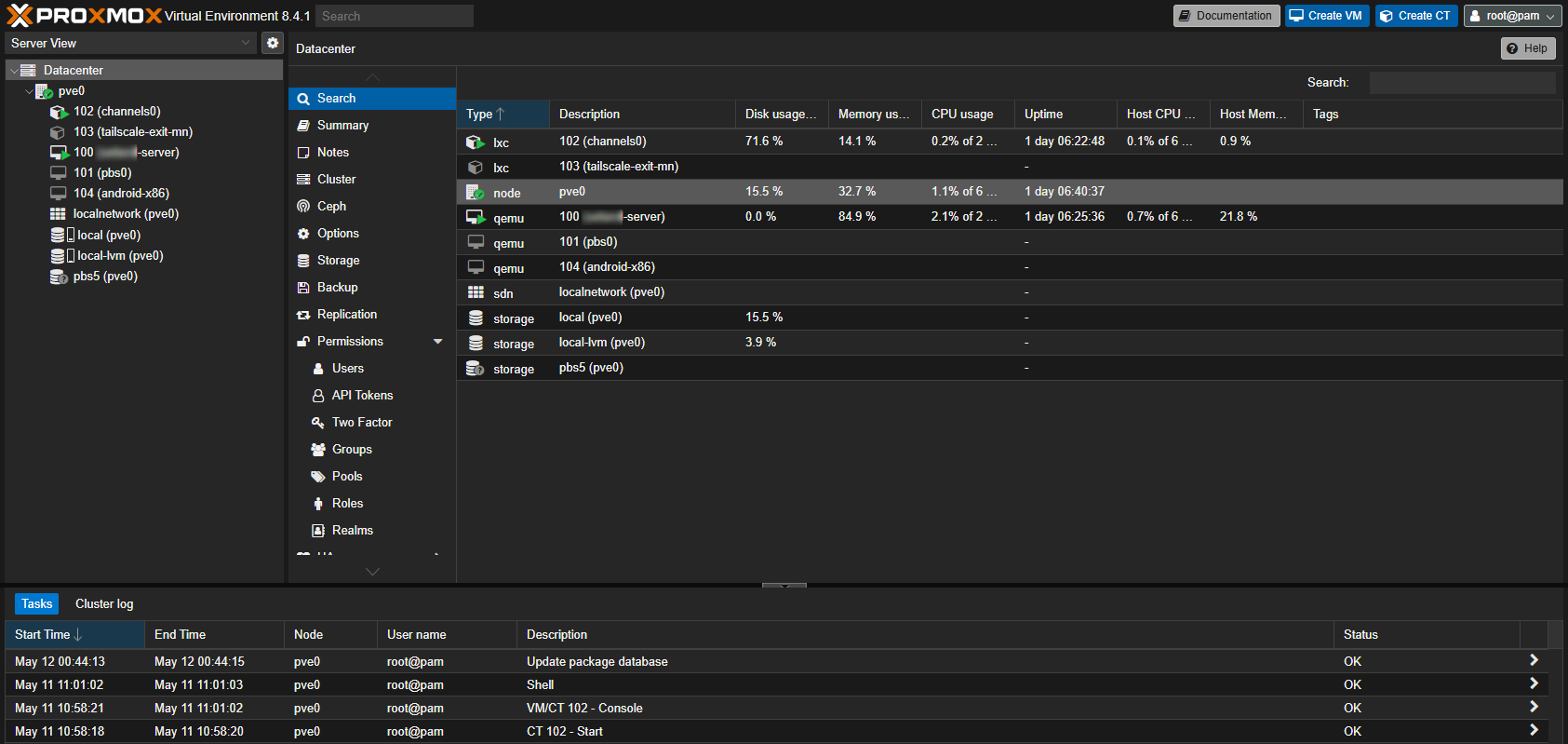
I think this is a pretty good scenario for you switching to Proxmox as your host OS, and implementing everything you're talking about in several LXCs (Proxmox containers). What's awesome about this approach is, that you get Proxmox up-and-running, and then you mostly leave it as-is.
Everything else would be installed as virtualizations, allowing you to try whatever you want without ever impacting the host. You can spin-up new virtualizations with Docker, cc4c or whatever -- and nuke them just as quickly if they don't work out, or you figure a better way to approach things.
I've been running Proxmox for a couple of years now, and it's absolutely transformed my approach to computing. Most everything you'll need to do at the Proxmox level can be done through its WebUI, so it's pretty accessible from the standpoint of being a new user. Here are a couple of posts you might find interesting:
Ok I will bite. I have to preface with I am a linux novice, but I am also patient and getting better and better at using ChatGPT and Gemini to help me with the command line.
SO, my first question would be, is there going to be a steep learning curve versus Ubuntu server, or are they very similar?
Next would be can I use the AI assistants to help me get this rolling?
You mention there's a webGUI which intrigues me, but again I would be stepping into a completely new world. And I am NOT a programmer of any sort certainly willing to try all this as I can use my other pc as my CDVR server in the meantime, but I'm hell bent on getting away from windows and getting my system to a set and forget state.
Perhaps, but I am working with what I already have and a very low budget at this time. I may move that way in the future though.
I could also consider once I have my server fully up and running using a second machine running OBS as encoder, but I need to take one step at a time as not to overload my brain.
@bnhf@Edwin_Perez I should also add one very important factor here. The ultimate goal is to have everything my wife and I use regular accessible through the CDVR interface wherever possible so we're not constantly switching between apps. As I type this though I wonder if its even reasonable or even possible to accomplish this???
IE: Max, Hulu, Netflix, etc.
I also want to eventually dip my toes into home assistant or home bridge and hope to run this all from one machine
No -- not steeper than Ubuntu. In fact, I would argue that's its easier, given the WebUI. Just as a point of reference, I have my ~90 year old parents on Proxmox, and they're over a 1000 miles away. Between Proxmox and Tailscale, I can setup just about anything for them remotely:
Absolutely. ChatGPT totally speaks Proxmox. In fact Proxmox is Debian under the hood, which is the same distro that Ubuntu and countless other distros are based on.
For the few things you'd need to do from the command line, this will all seem very similar to Ubuntu server. The main thing you'd need to adjust to is the idea of virtualizing everything. You don't install stuff at the Proxmox level, you create an LXC (preferred) or a VM (if you must) to install your applications on. These virtualizations run their own lightweight, shared-resource version of Linux distros, or Windows (if needed).
Stream Link Manager would allow you to link to anything you want to watch in other apps, and then return to Channels when you're done.
This also says Proxmox to me, as you'd be able to add add/or subtract things as time goes by, without ending up with a system that's had many things installed and deleted -- with who-knows-what left behind.
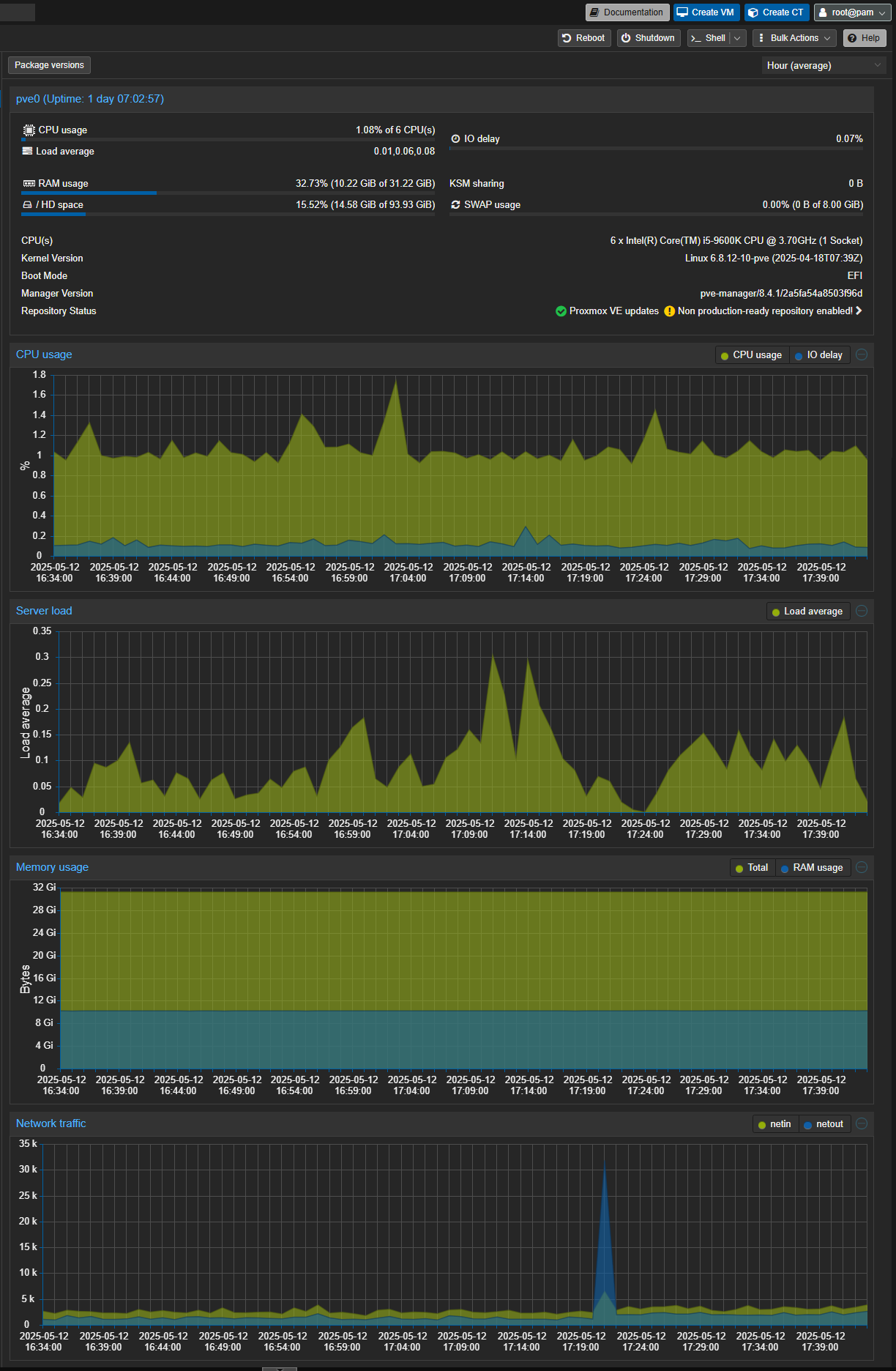
The system you described in your original post has plenty of horsepower to support lots of current and future virtualizations:
Believe it or not I only have about $250 total invested in this system. Almost every component was scavenged from other broken systems donated to me or purchased second hand, and many from a local thrift store
Would I gain anything at this point to up the ram to 128? I have a $100 amazon gift card burning a hole in my pocket
If you wanted to go all-in on Proxmox, then sure. When you're provisioning LXCs, you need to allocate vCPUs (this is from the sum of cores + threads), and RAM. vCPUs can be overallocated, but RAM cannot. Given that you have 64GB of RAM now, I'd suggest putting that $100 towards a big NVMe boot drive.
Each virtualization requires an allocation of disk as well, and as you go along these add up. Especially if you keep an LXC around, even if it's not running. So, as I write this, I'd say upgrading to a 4TB NVMe would be the better use of those dollars. Go with 2TB if you want to keep your additional kick-in lower.
Thanks for the input. I think I will hold my funds for a little while though. I have a 1tb I can throw in there, it just currently has my win 11 install on it for the same machine. But windows is so easy to reinstall, if I need to do so.
Keep in mind the laptop screen will be equivalent to a server's console -- there won't be much to see there. Once you have Proxmox installed you'll access the WebUI from another system on your LAN with a browser. Also, Proxmox like most all servers, needs an Ethernet connection to your LAN -- so no need to mess around with anything related to WiFi.
10-4. I use terminal on my Mac for everything SSH and every device that CAN be hardwired IS. It’s just this laptop is an extra piece of hardware I can use to test without changing my primary server.


 certainly willing to try all this as I can use my other pc as my CDVR server in the meantime, but I'm hell bent on getting away from windows and getting my system to a set and forget state.