Non-Docker source for PlutoTV m3u playlists and EPG

I'm testing the windows version now. Seems to be working nicely! I didn't have to provide my username/password.

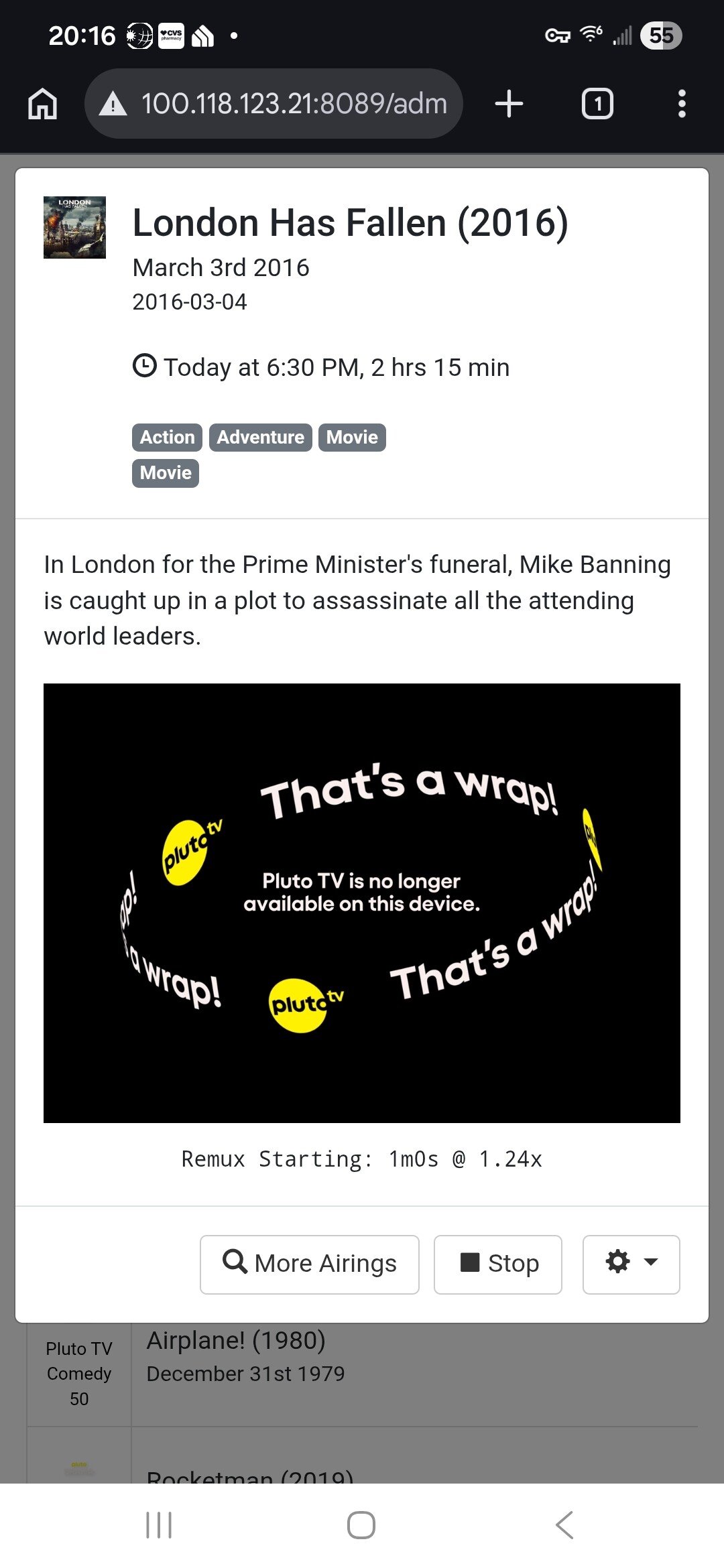
I was using nocords, but had the "that's a wrap" issue this morning. I switched to your docker, putting in my username and password, and it all worked. Then I shut that down and tried the Windows app - which as I say is working, without the username and password!
Hello Jon, if you don't mind, can you update your Github Repository? I realize you're busy, I rather install something trusted from a Channels Developer. Thank you.

A few days ago, I installed the joagomez version using Project One-Click. It worked fine until earlier today.

I just checked a couple of channels now and is just running this:

I will try the @Bobby_Vaughn version later.

I still use nocords url still. Will that be updated?
I have the jgomez docker too, but only use t for CA playlist for pluto.
I ran update in docker and it still v1.20 updated Jan 18,2025

So, what is now needed for Pluto to work in Channles?
A login to what, i see no way to login.
Never needed a Pluto account, did not even know they had accounts, why if they stream free and i can just google a channel it comes up fine.
I can go their site and not login and watch every channel fine too...

You will want to put them in on the dashboard of the Windows version. You have the token issued, but it will expire.

1 Like

Got it going with docker run, I needed single qoutes.

Them special characters are tricky in docker.

If you are using my docker version, they are added as environmental variables. If you use my Windows installer version, they will be on the dashboard.

Seems like @joagomez is no longer maintaining his projects.
His Plex project container had an issue for a week with not getting guide data.
He hasn't posted in this Forum for 27 days.

No single or double quotes required in Portainer btw. Not needed or desired. Portainer handles it.

1 Like

Good to know.

Single quotes in Linux command line docker run
Double quotes in Windows command line docker run
Or just use a docker compose and you don't have to worry about it.

Doubt it. If you need to provide a username and password that can't be done.

1 Like

https://support.pluto.tv/s/article/PTV-How-can-I-sign-in-to-my-Pluto-TV-account

I changed the port number in the .env file for Portainer, but the log shows the default. Perhaps I screwed up? Don't know.
I installed the one click version, and it uses a different port. Thanks [bnhf]

I don't know what your question is. If it is installed, go the the IP address with the port number and see if you have the dashboard. If not, try the other port number.

Sorry, yes, it is running.
I couldn't get the port number changed in Portainer, so I installed the one click version.

Installed the Windows version , channels come up and play, but the guide is empty. I tried refreshing the epg in channels, but still no epg data.

@stevecccc Did you enter the epg link in the custom channel? It may take a minute for it to populate in Channels.

?