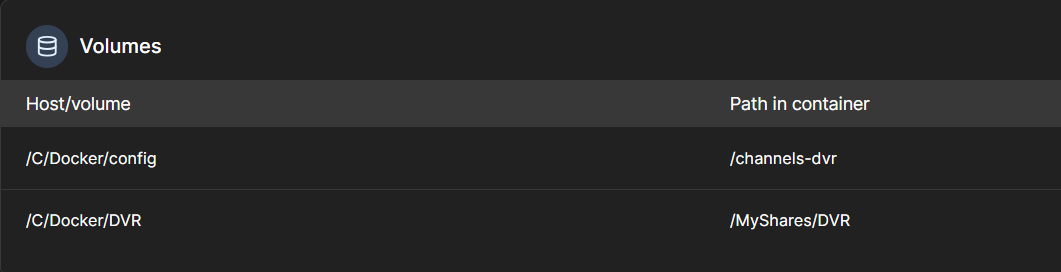
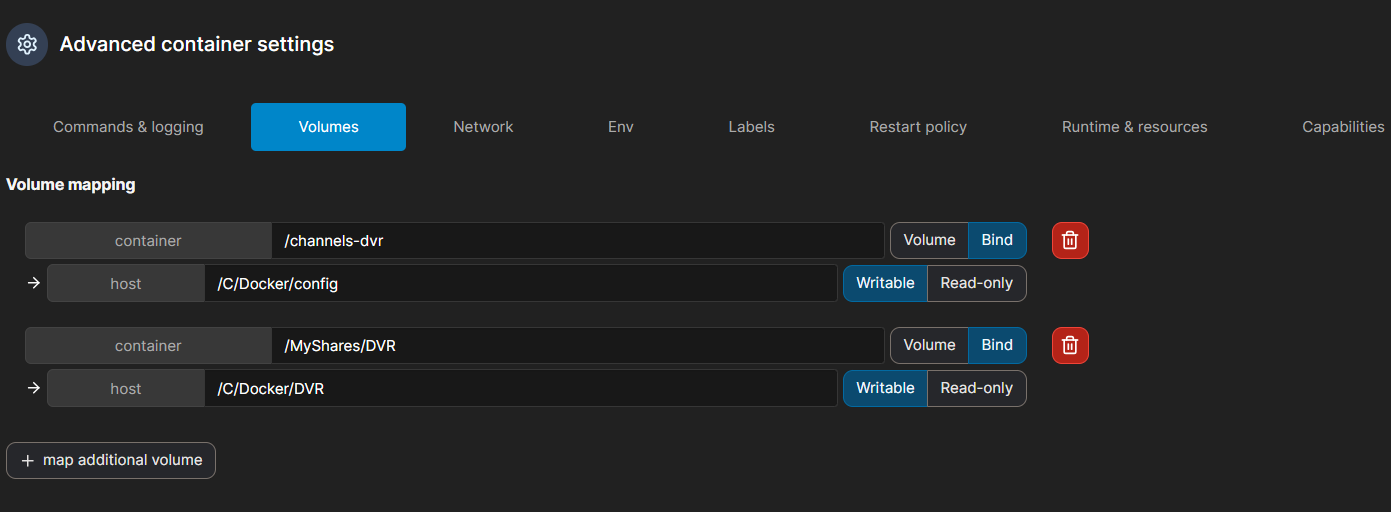
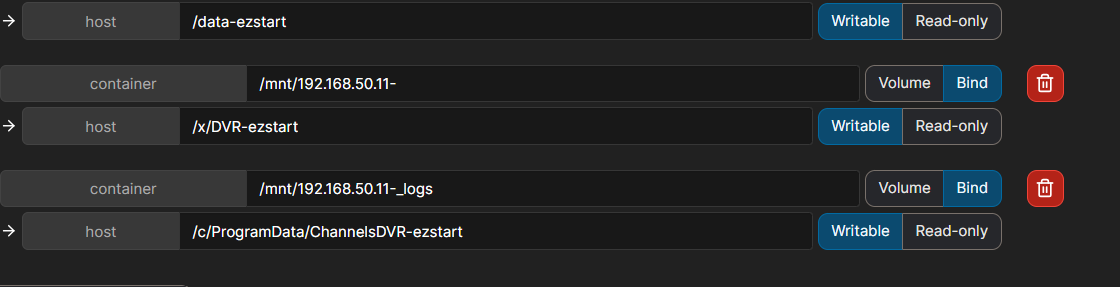
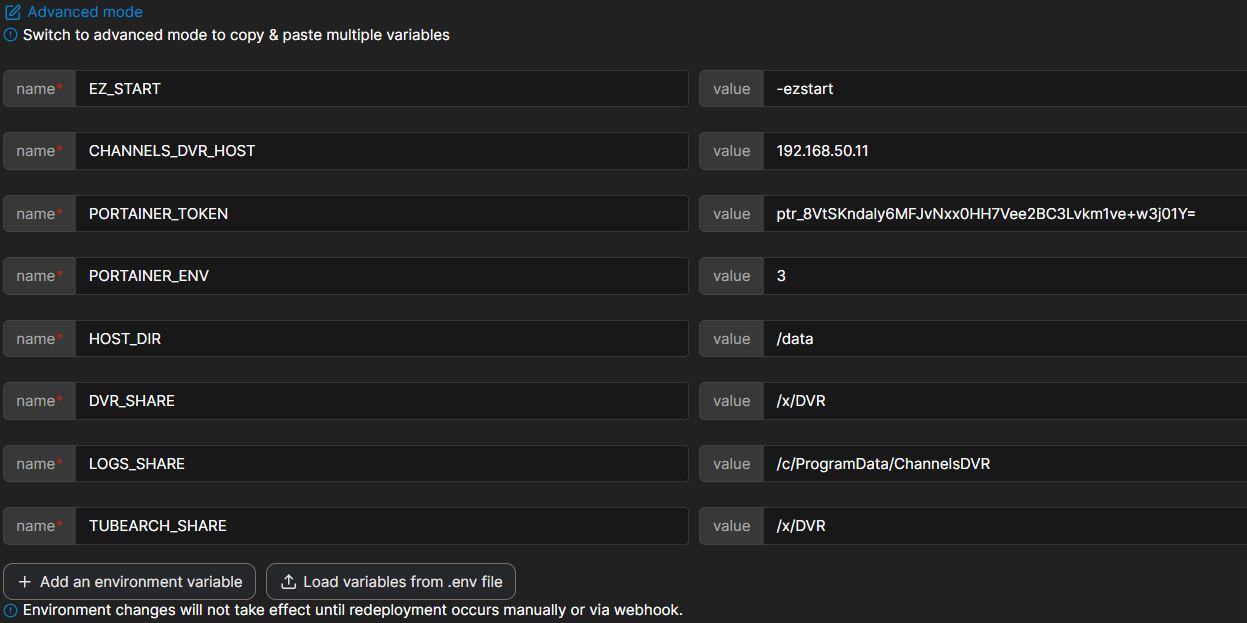
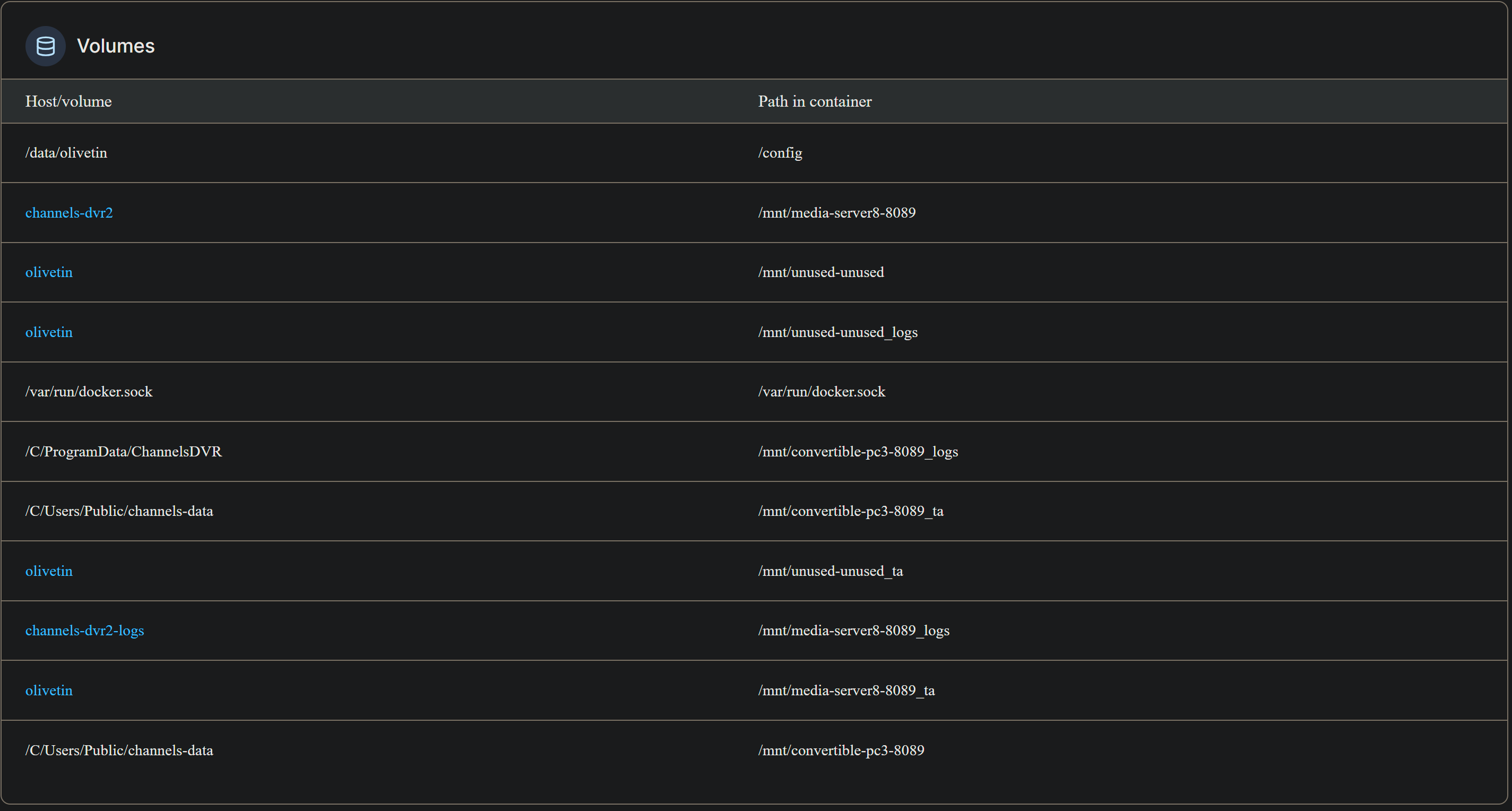
It keeps getting that mount error... when I do variables also get an error on one click will post it hold on.... below trying to add watchtower.
exit status 1

++ basename /config/watchtower.sh
+ extension=watchtower.sh
+ extension=watchtower
+ cp /config/watchtower.env /tmp
+ envFile=/tmp/watchtower.env
+ envVars=("TAG=$1" "WATCHTOWER_RUN_ONCE=$2")
+ printf '%s\n' TAG=latest WATCHTOWER_RUN_ONCE=true
+ sed -i /=#/d /tmp/watchtower.env
+ /config/portainerstack.sh watchtower
+ stackName=watchtower
+ portainerHost=192.168.50.11
+ [[ -n 9443 ]]
+ portainerPort=9443
+ [[ -n 2 ]]
+ portainerEnv=2
+ curl -s -o /dev/null http://192.168.50.11:9000
+ portainerURL='https://192.168.50.11:9443/api/stacks/create/standalone/string?endpointId=2'
+ portainerToken=ptr_8VtSKndaly6MFJvNxx0HH7Vee2BC3Lvkm1ve+w3j01Y=
+ cp /config/watchtower.yaml /tmp
+ stackFile=/tmp/watchtower.yaml
+ envFile=/tmp/watchtower.env
++ grep DVR_SHARE= /tmp/watchtower.env
++ grep -v /
++ awk -F= '{print $2}'
+ dockerVolume=
++ awk -F= '{print $2}'
++ grep VOL_EXTERNAL= /tmp/watchtower.env
++ grep -v '#'
+ volumeExternal=
++ grep VOL_NAME= /tmp/watchtower.env
++ awk -F= '{print $2}'
++ grep -v '#'
+ volumeName=
++ grep NETWORK_MODE= /tmp/watchtower.env
++ grep -v '#'
++ awk -F= '{print $2}'
+ networkMode=
++ grep -v '#'
++ grep DEVICES= /tmp/watchtower.env
++ awk -F= '{print $2}'
+ transcoderDevice=
++ grep CDVR_CONTAINER= /tmp/watchtower.env
++ grep -v '#'
++ awk -F= '{print $2}'
+ stackNumber=
+ [[ -n '' ]]
+ [[ -n '' ]]
+ [[ -n '' ]]
+ [[ -n '' ]]
++ sed 's/\\/\\\\/g' /tmp/watchtower.yaml
++ sed 's/"/\\"/g'
++ awk '{printf "%s\\n", $0}'
+ stackContent='version: '\''3.9'\''\nservices:\n  watchtower:\n    image: containrrr/watchtower:${TAG}\n    container_name: watchtower\n    environment:\n      - PATH=/usr/local/sbin:/usr/local/bin:/usr/sbin:/usr/bin:/sbin:/bin\n      - WATCHTOWER_RUN_ONCE=${WATCHTOWER_RUN_ONCE}\n    labels:\n      - '\''com.centurylinklabs.watchtower.enable=true'\''\n    volumes:\n      - /var/run/docker.sock:/var/run/docker.sock\n\n    # Default Environment variables can be found below under stderr -- copy and paste into Portainer-Stacks Environment variables section in Advanced mode\n'
+ stackEnvVars='['
+ IFS==
+ read -r key value
+ stackEnvVars='[{"name": "TAG", "value": "latest"},'
+ IFS==
+ read -r key value
+ stackEnvVars='[{"name": "TAG", "value": "latest"},{"name": "WATCHTOWER_RUN_ONCE", "value": "true"},'
+ IFS==
+ read -r key value
+ stackEnvVars='[{"name": "TAG", "value": "latest"},{"name": "WATCHTOWER_RUN_ONCE", "value": "true"}]'
++ cat
+ stackJSON='{
  "Name": "watchtower",
  "SwarmID": "",
  "StackFileContent": "version: '\''3.9'\''\nservices:\n  watchtower:\n    image: containrrr/watchtower:${TAG}\n    container_name: watchtower\n    environment:\n      - PATH=/usr/local/sbin:/usr/local/bin:/usr/sbin:/usr/bin:/sbin:/bin\n      - WATCHTOWER_RUN_ONCE=${WATCHTOWER_RUN_ONCE}\n    labels:\n      - '\''com.centurylinklabs.watchtower.enable=true'\''\n    volumes:\n      - /var/run/docker.sock:/var/run/docker.sock\n\n    # Default Environment variables can be found below under stderr -- copy and paste into Portainer-Stacks Environment variables section in Advanced mode\n",
  "Env": [{"name": "TAG", "value": "latest"},{"name": "WATCHTOWER_RUN_ONCE", "value": "true"}]
}'
+ echo 'JSON response from https://192.168.50.11:9443/api/stacks/create/standalone/string?endpointId=2:'
++ curl -k -X POST -H 'Content-Type: application/json' -H 'X-API-Key: ptr_8VtSKndaly6MFJvNxx0HH7Vee2BC3Lvkm1ve+w3j01Y=' -d '{
  "Name": "watchtower",
  "SwarmID": "",
  "StackFileContent": "version: '\''3.9'\''\nservices:\n  watchtower:\n    image: containrrr/watchtower:${TAG}\n    container_name: watchtower\n    environment:\n      - PATH=/usr/local/sbin:/usr/local/bin:/usr/sbin:/usr/bin:/sbin:/bin\n      - WATCHTOWER_RUN_ONCE=${WATCHTOWER_RUN_ONCE}\n    labels:\n      - '\''com.centurylinklabs.watchtower.enable=true'\''\n    volumes:\n      - /var/run/docker.sock:/var/run/docker.sock\n\n    # Default Environment variables can be found below under stderr -- copy and paste into Portainer-Stacks Environment variables section in Advanced mode\n",
  "Env": [{"name": "TAG", "value": "latest"},{"name": "WATCHTOWER_RUN_ONCE", "value": "true"}]
}' 'https://192.168.50.11:9443/api/stacks/create/standalone/string?endpointId=2'
  % Total    % Received % Xferd  Average Speed   Time    Time     Time  Current
                                 Dload  Upload   Total   Spent    Left  Speed

  0     0    0     0    0     0      0      0 --:--:-- --:--:-- --:--:--     0
100   883  100   168  100   715  12923  55000 --:--:-- --:--:-- --:--:-- 67923
+ portainerResponse='{"message":"Unable to find an environment with the specified identifier inside the database","details":"Object not found inside the database (bucket=endpoints, key=2)"}'
+ [[ -z {"message":"Unable to find an environment with the specified identifier inside the database","details":"Object not found inside the database (bucket=endpoints, key=2)"} ]]
+ echo '{"message":"Unable' to find an environment with the specified identifier inside the 'database","details":"Object' not found inside the database '(bucket=endpoints,' 'key=2)"}'
+ echo '{"message":"Unable to find an environment with the specified identifier inside the database","details":"Object not found inside the database (bucket=endpoints, key=2)"}'
+ jq -e '.Id != null'
+ exit 1
+ [[ 1 == 1 ]]
+ exit 1