
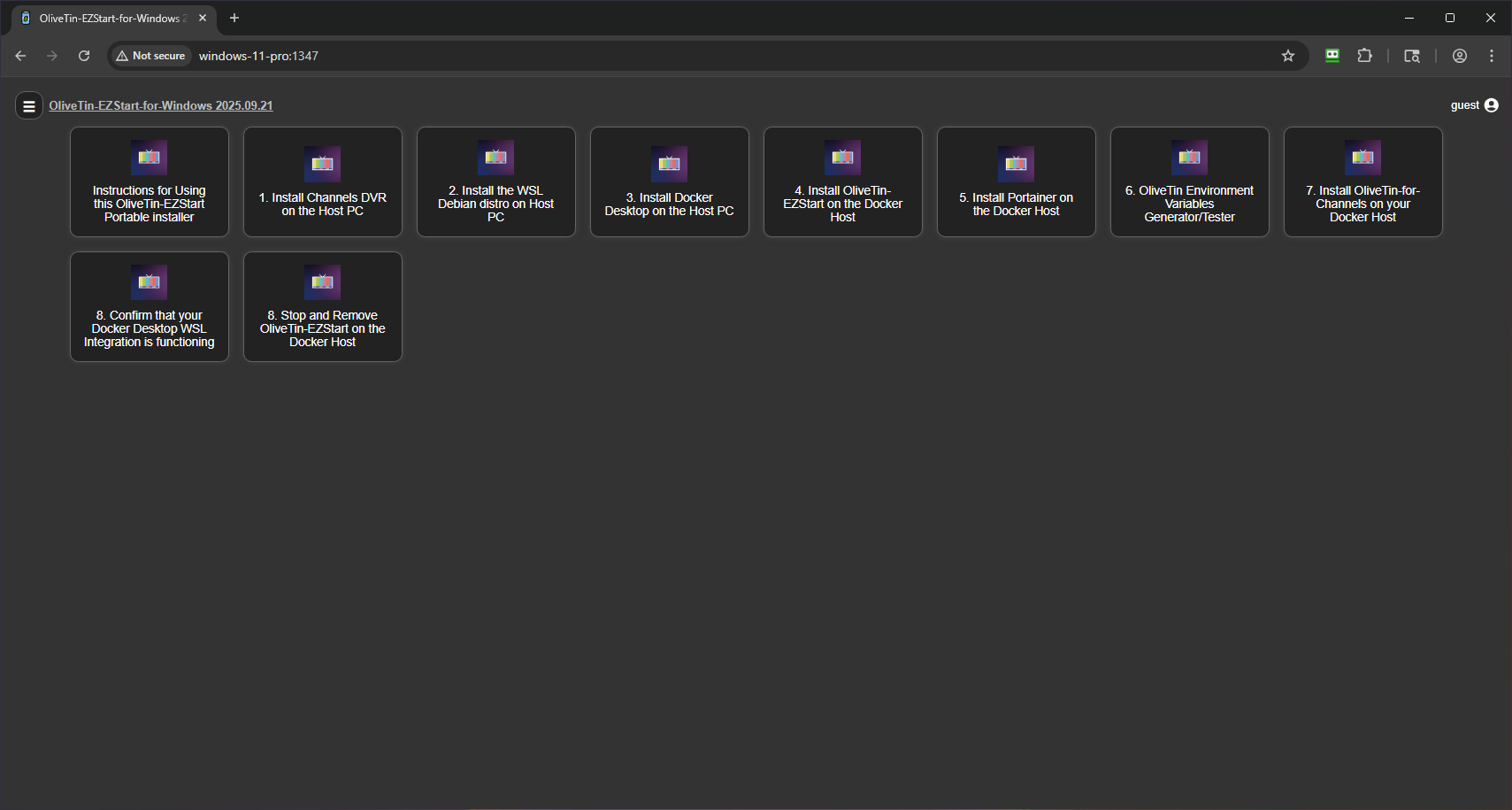
I've created a new OliveTin-EZStart portable installer for Windows 11 (24H2+). Not only can you very easily install OliveTin-for-Channels, there are also Action buttons to install:
- CDVR Server
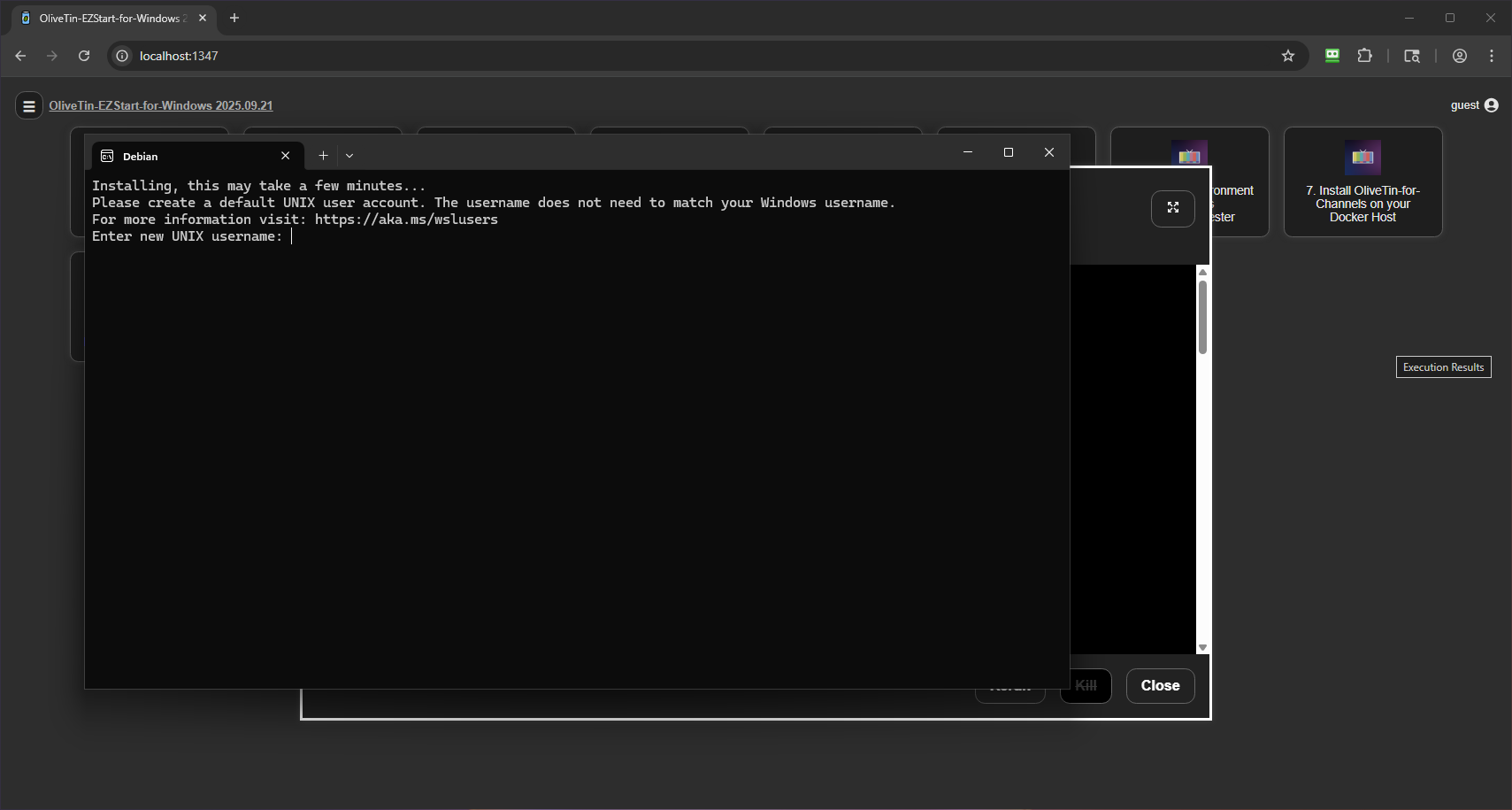
- WSL Debian Linux Distro
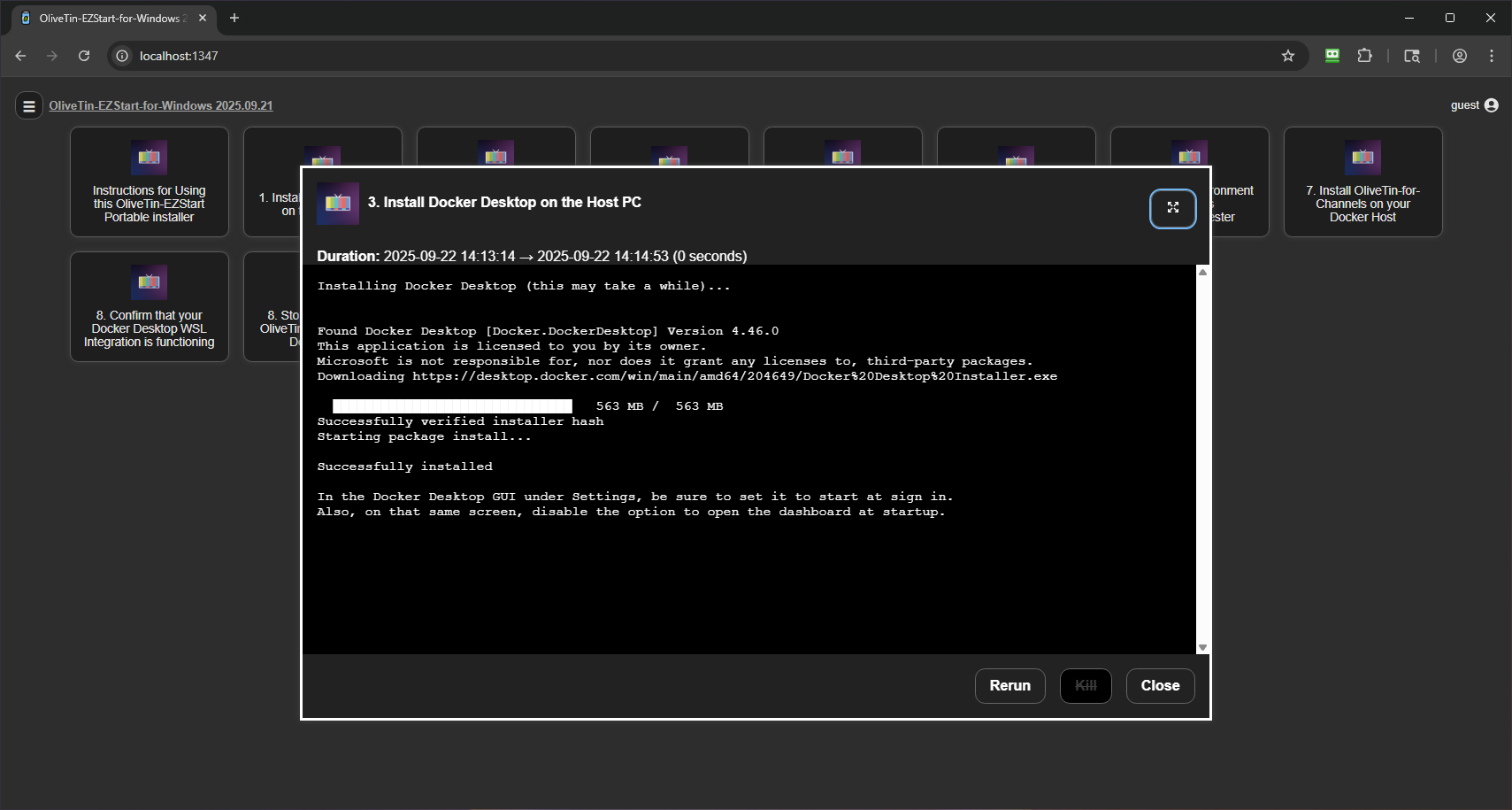
- Docker Desktop
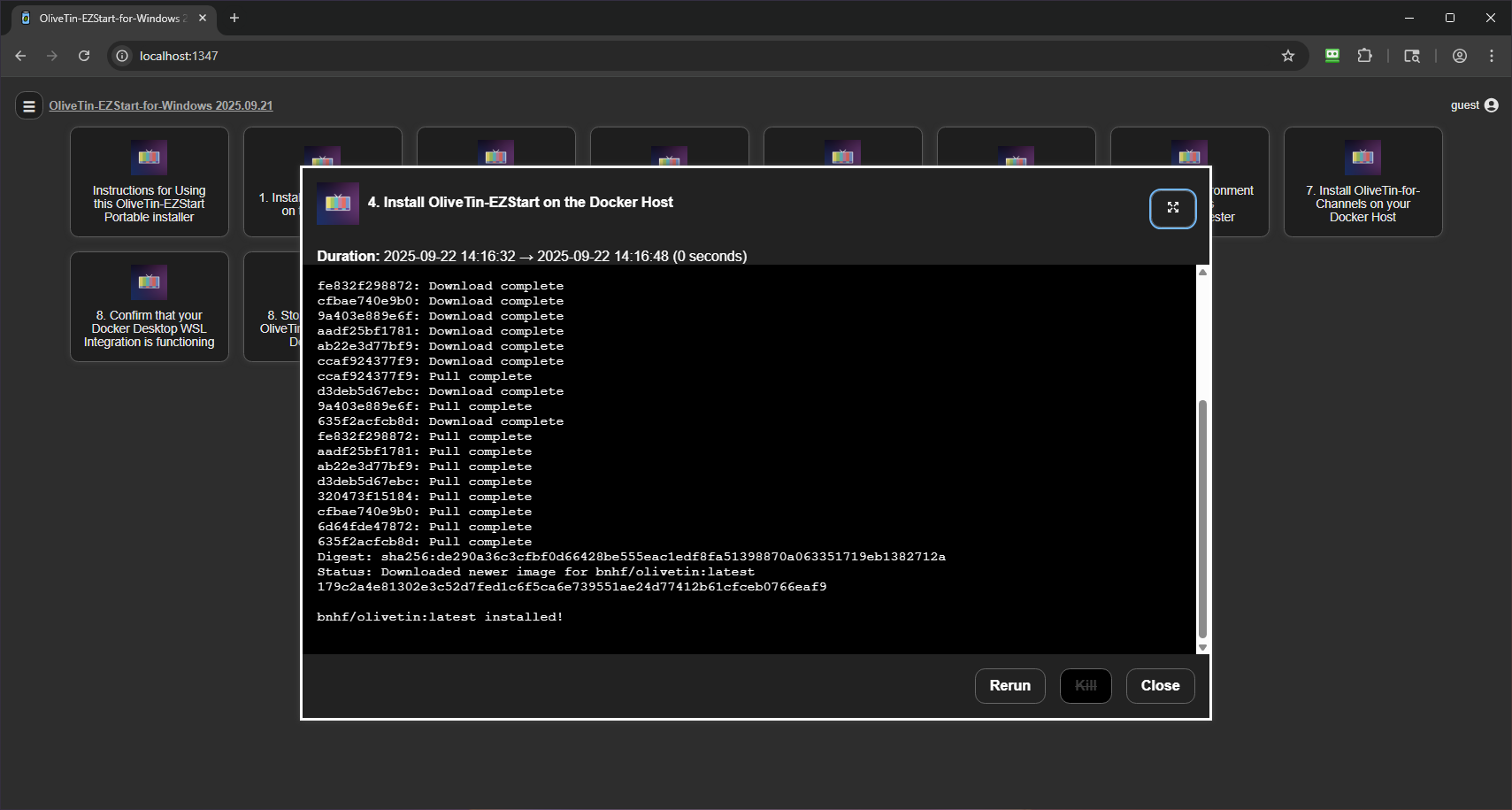
- OliveTin EZ-Start Docker Container
- Portainer
- OliveTin-for-Channels Environment Variables Generator
- OliveTin-for-Channels Docker Container
- Docker WSL Integration Tester
- OliveTin EZ-Start Docker Container Remover
This should work well for both existing, and new, Channels DVR users. Once you're done, you'll have pretty much every script and trick ever posted on this forum at your fingertips, along with One-Click installs of every community-driven Docker project available to extend what you can do with CDVR!
Here are the steps:
Download the latest olivetin-ezstart-windows.zip from the OliveTin-for-Channels GitHub repo.
Extract the contents, and run olivetin.exe as Administrator (important!):
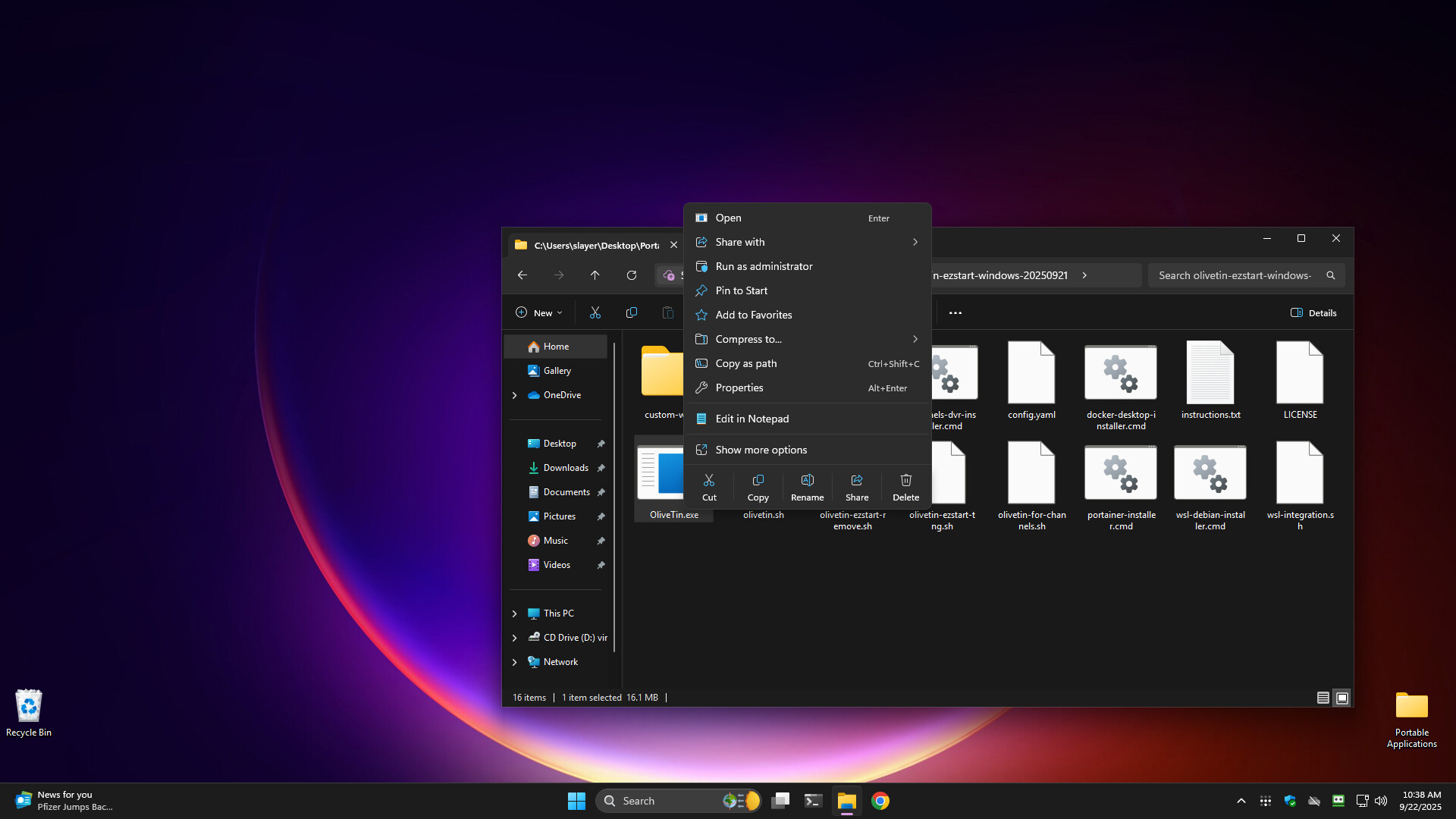
Open your browser and navigate to localhost:1347:
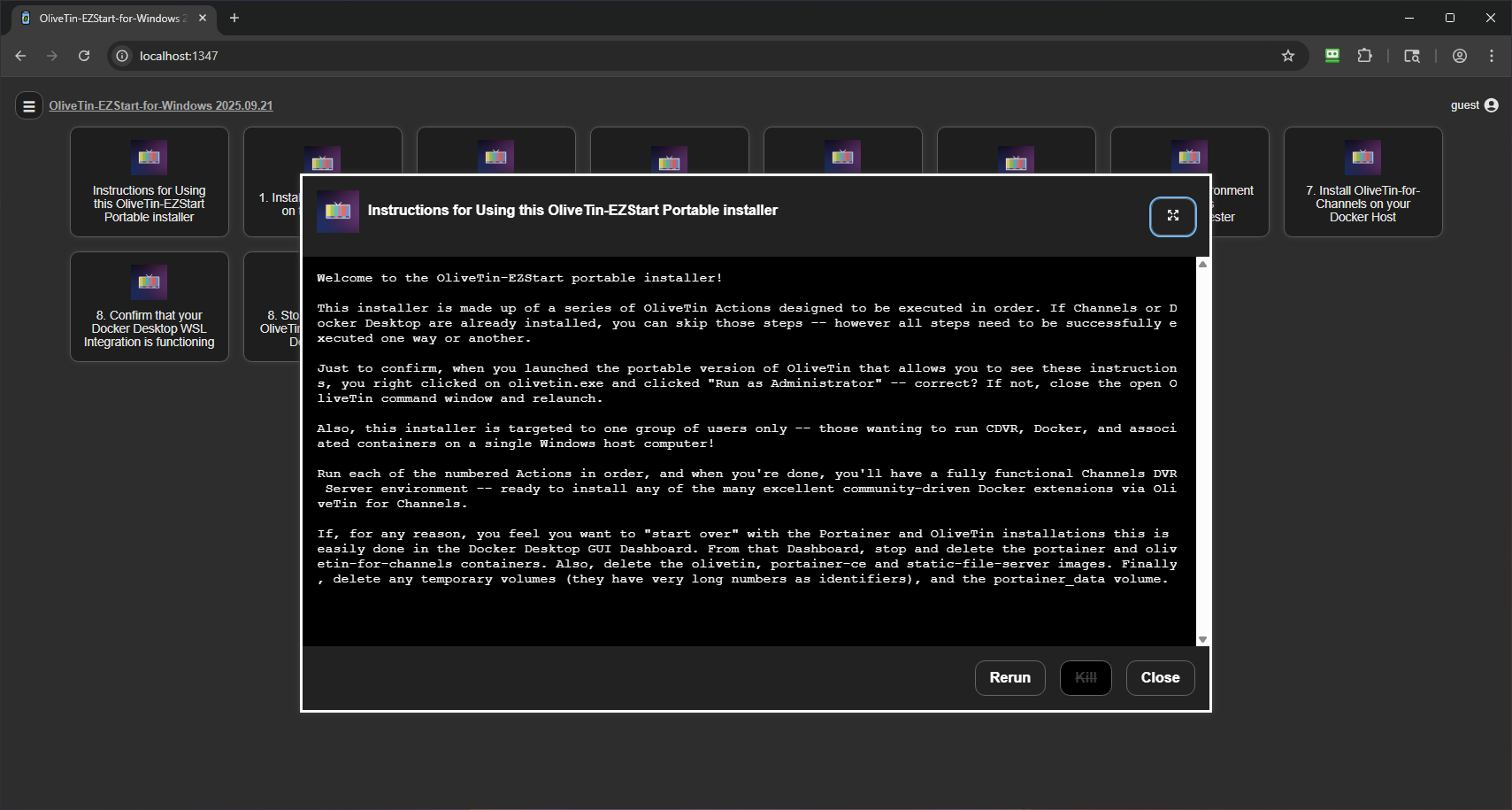
Run the Instructions Action:
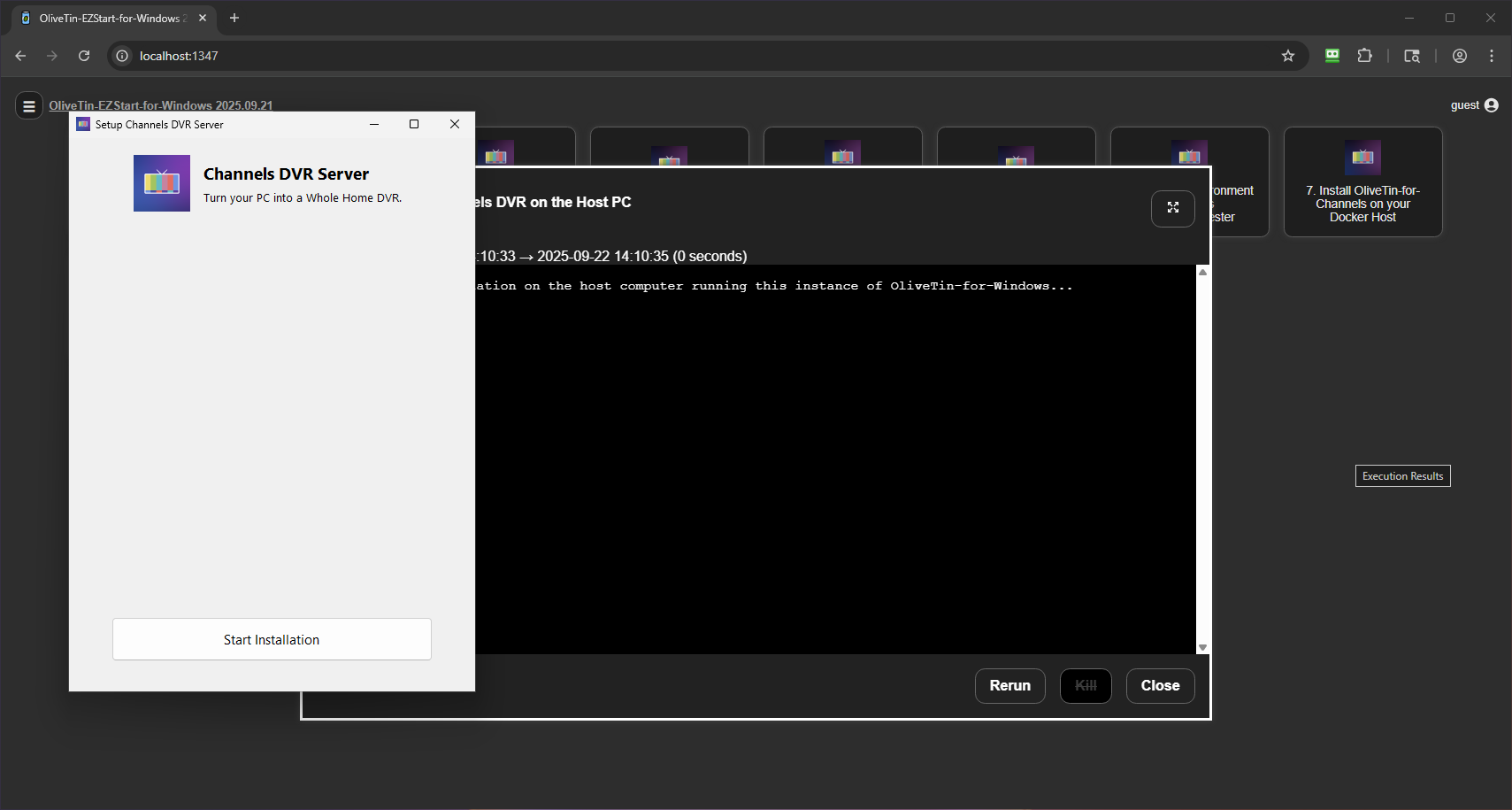
Run the CDVR Installer:
Run the WSL Debian Distro Installer (using your same Windows username and password recommended):
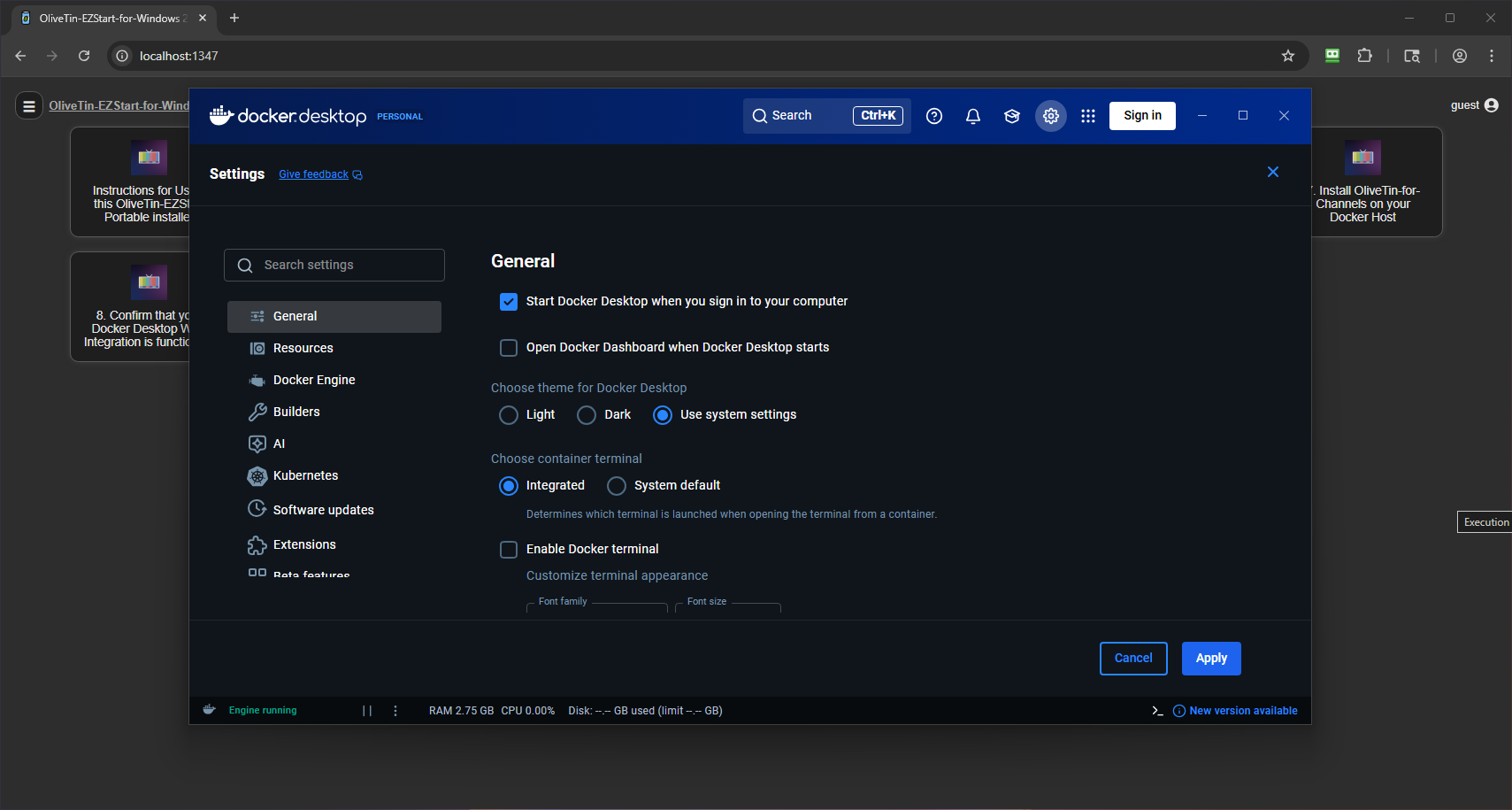
Run the Docker Desktop Installer (go into Docker Desktop settings when complete and enable starting at login, and disable opening the Dashboard at login):
Run the OliveTin EZ-Start Docker Container Installer (this container will be removed later):
Run the Portainer Installer:
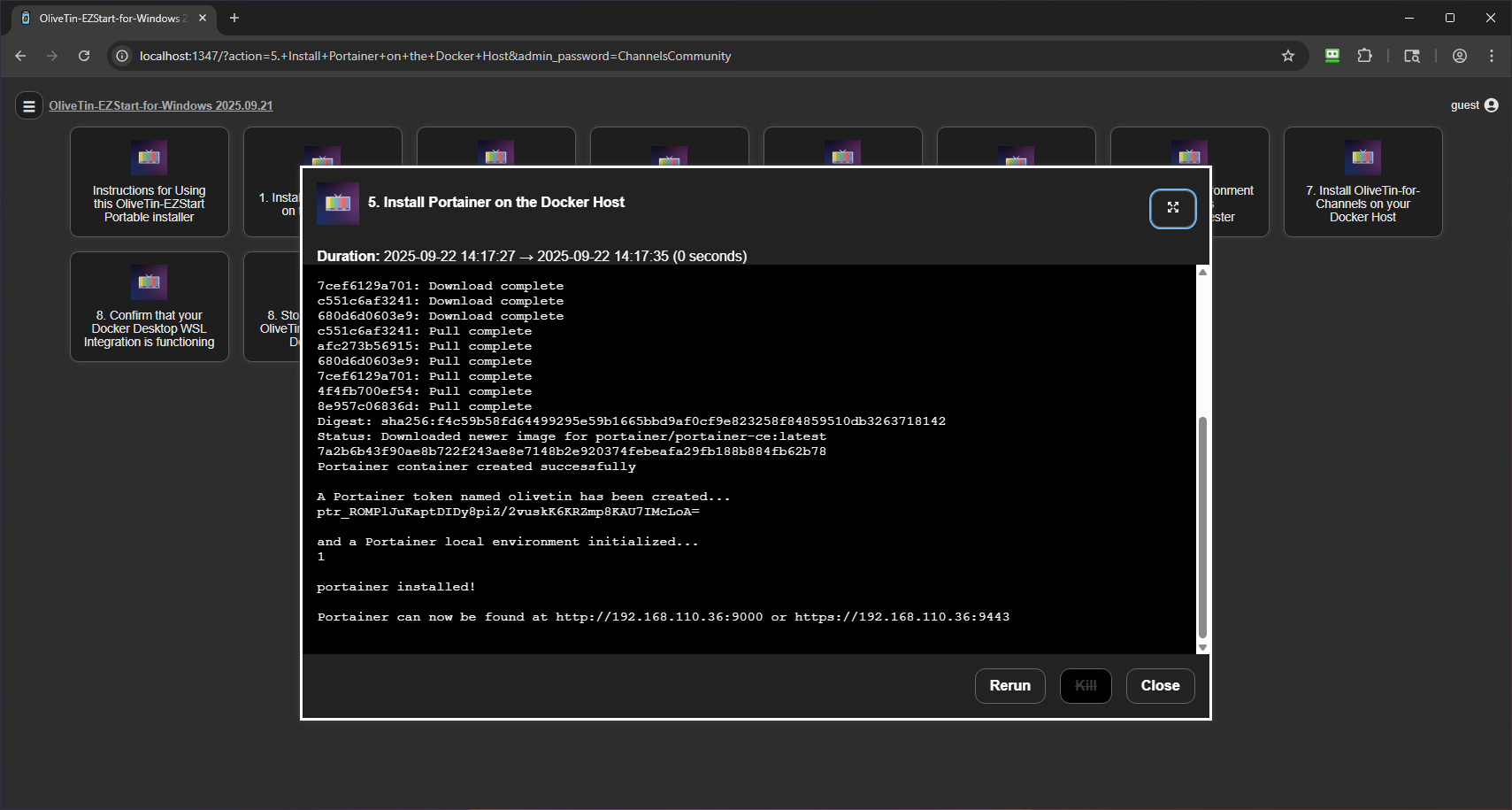
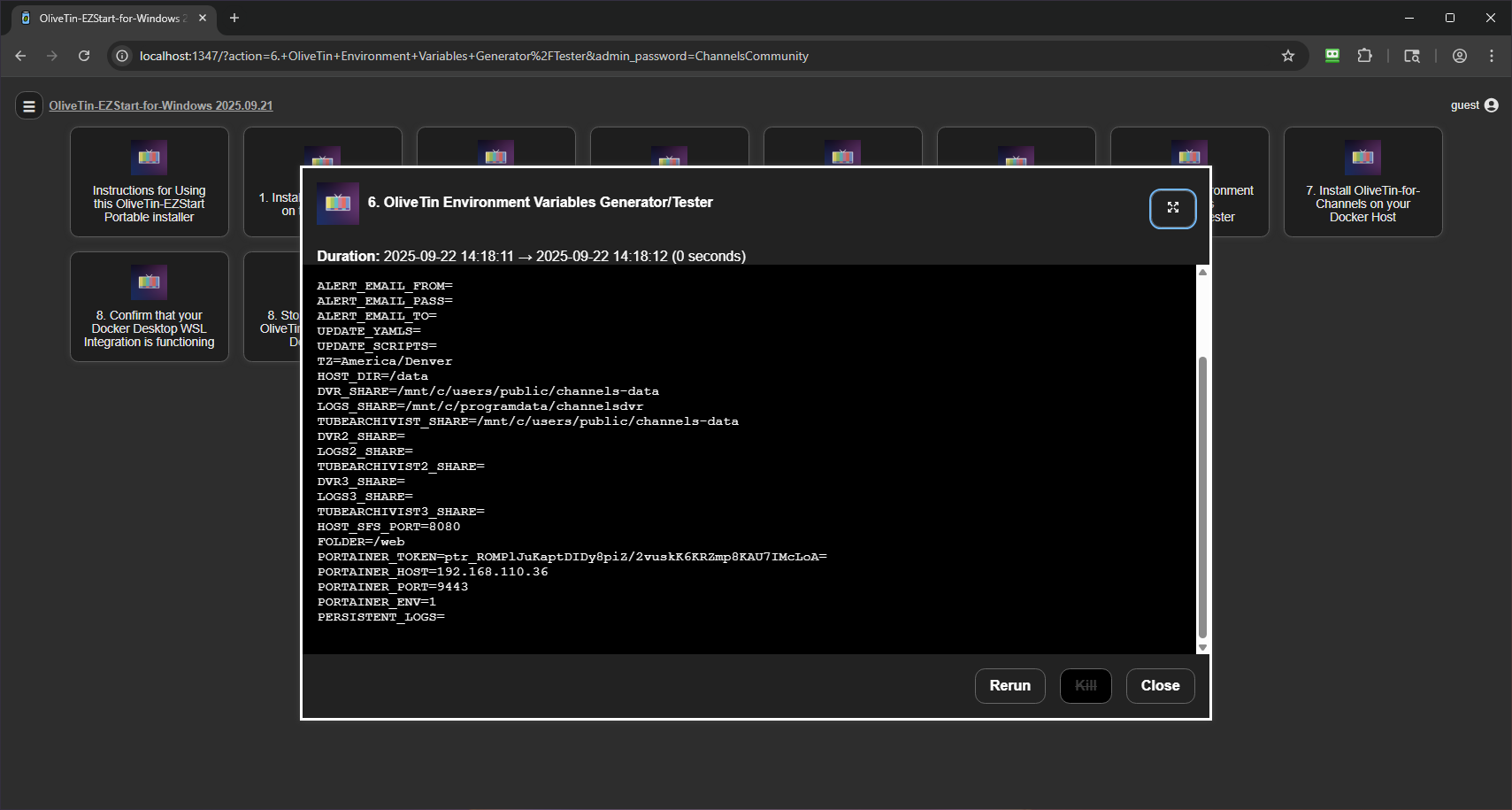
Run the OliveTin-for-Channels Environment Variables Generator:
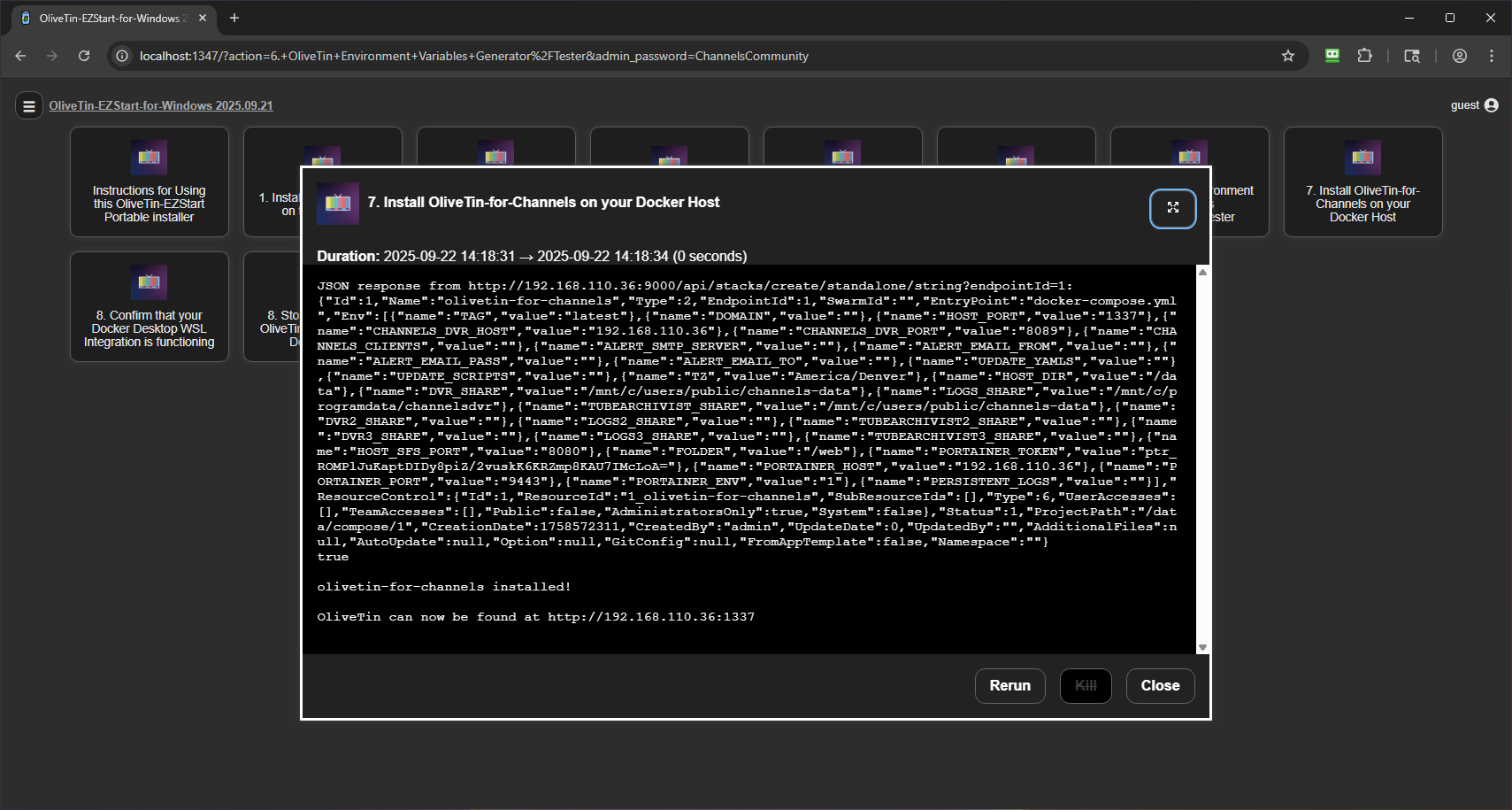
Run the OliveTin-for-Channels Docker Container Installer:
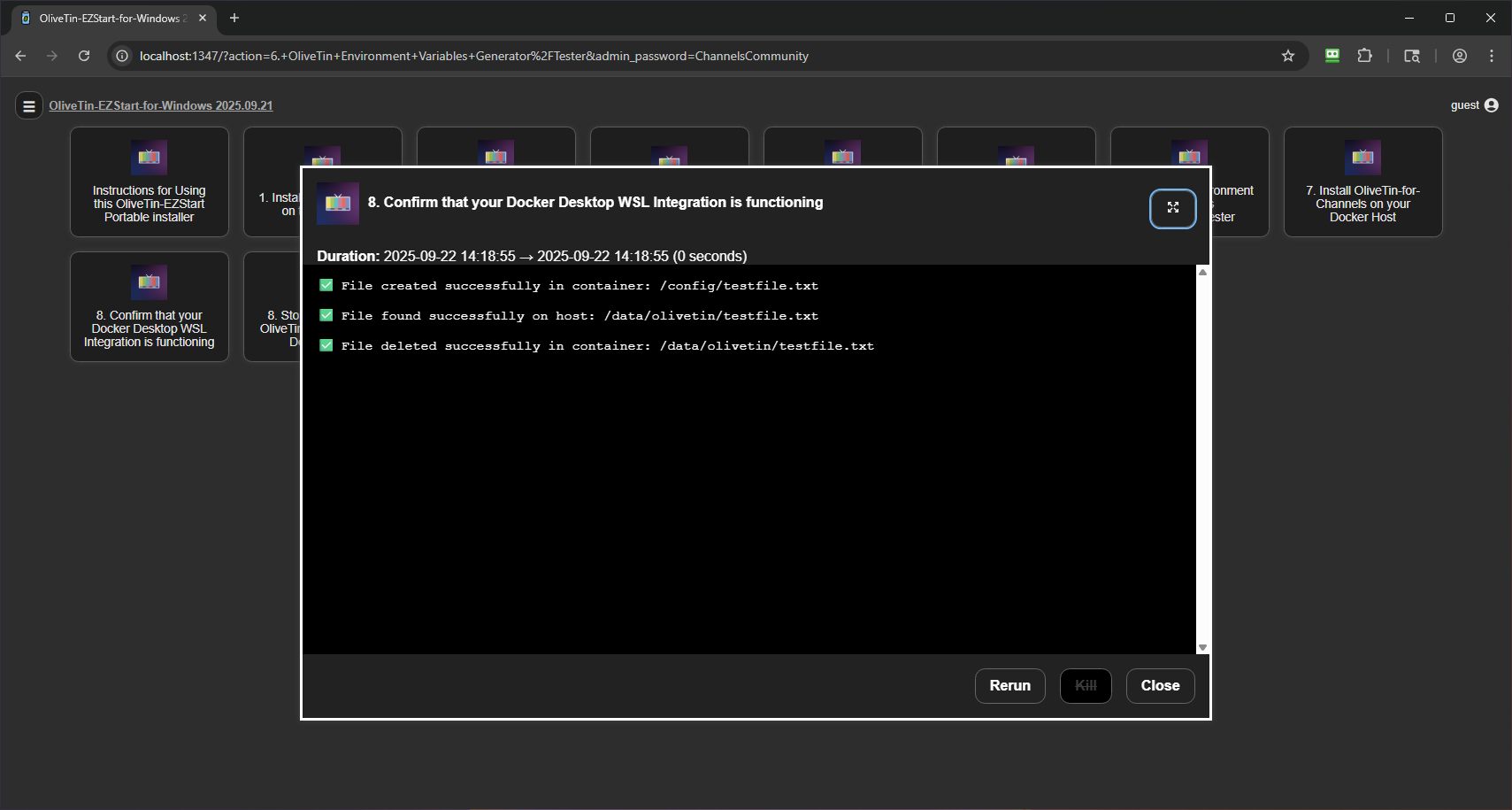
Run the Docker WSL Integration Tester:
Run the OliveTin-EZStart Docker Container Remover:
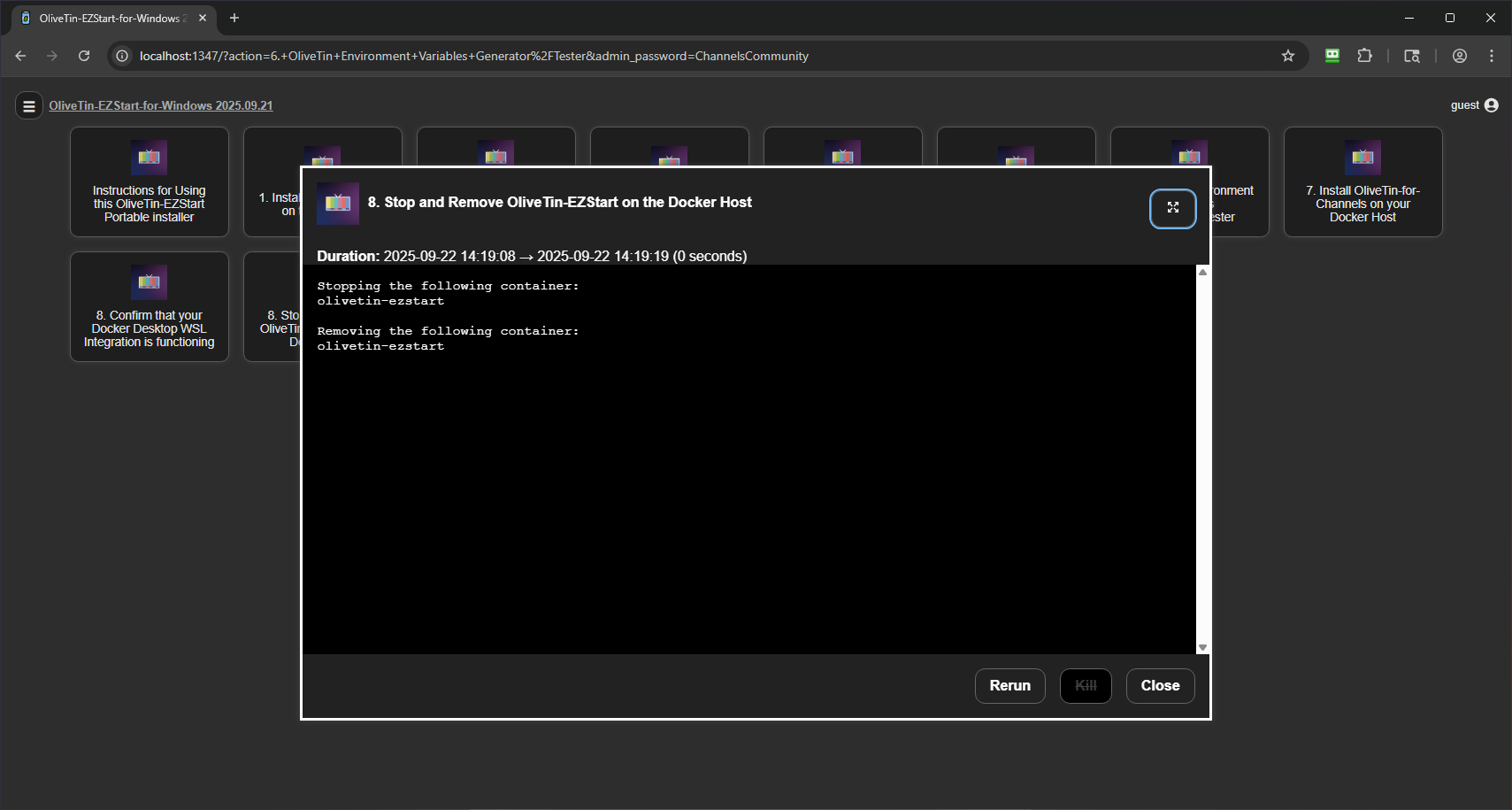
Navigate to the full version of OliveTin-for-Channels at localhost:1337 and run the OliveTin Post-Install Healthcheck:
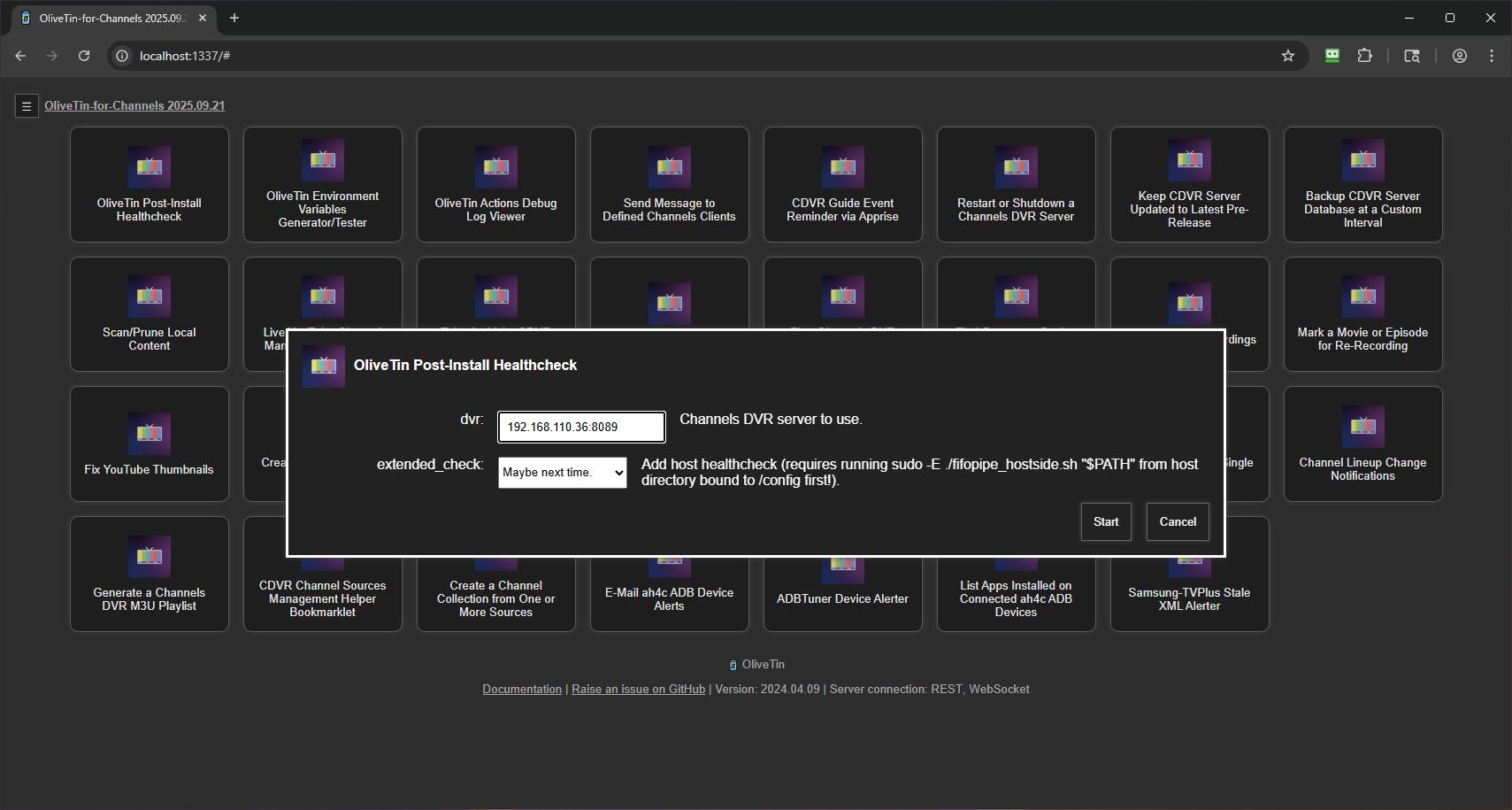
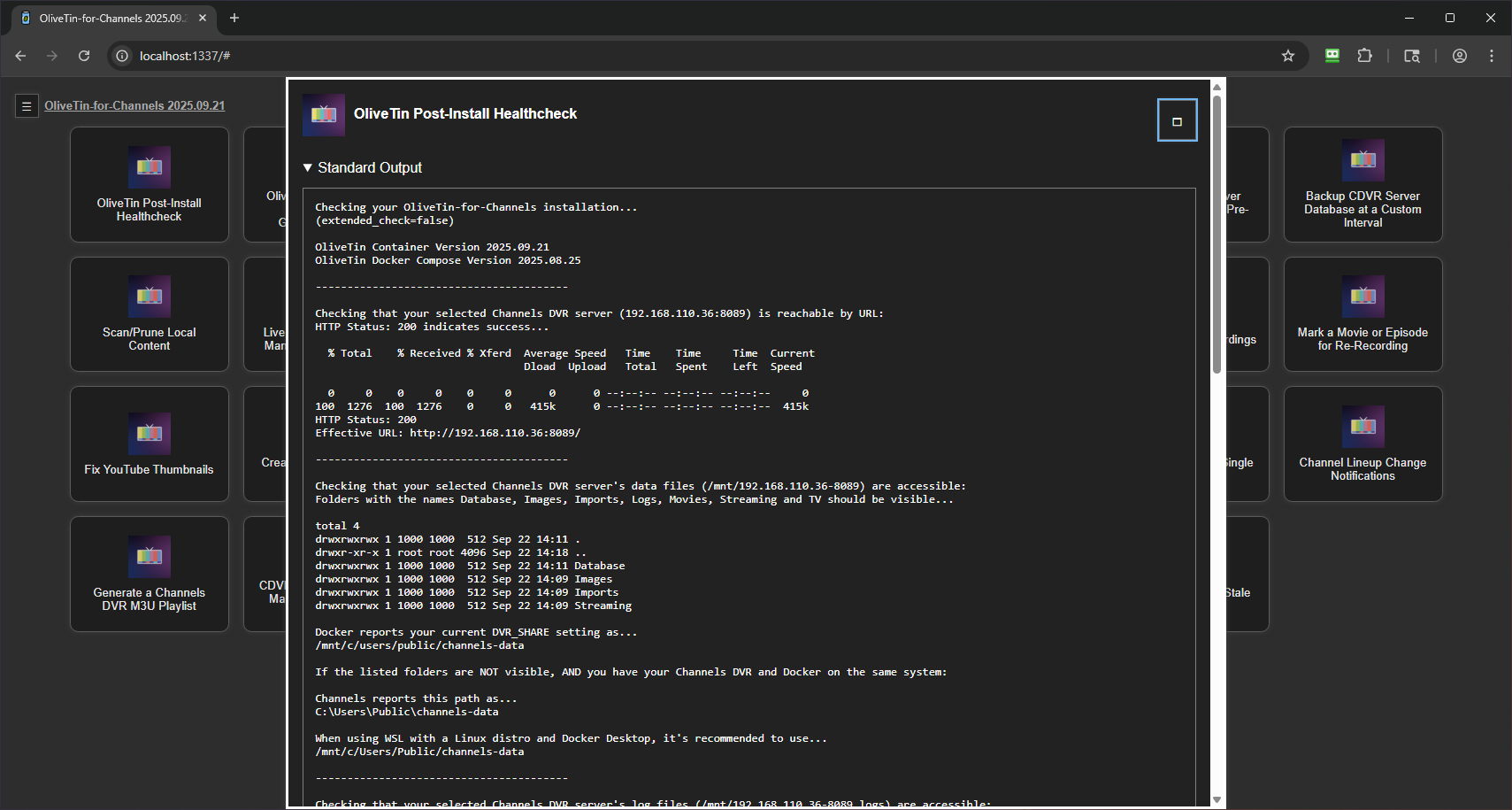
Look through the results of the healthcheck to see if there are any issues. All good here!:
Enjoy the absolute ease of installing projects the One-Click way. Fill in the values for a few fields and click; the project's stack will be spun-up through Portainer, and a Custom Channels Source added to your DVR. There is no faster way to make this all happen!:
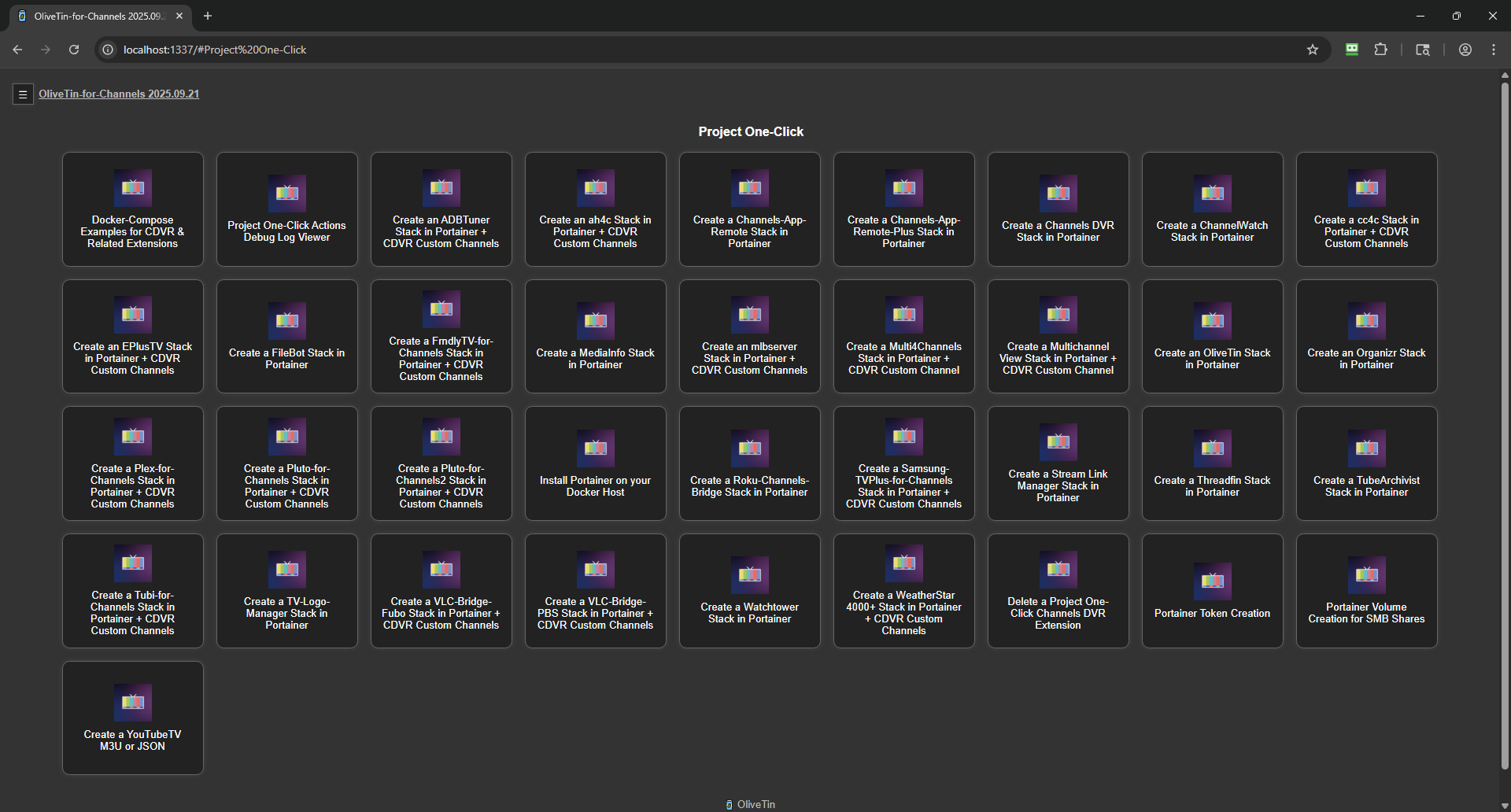
This can be done in as little as 10-15 minutes -- soup to nuts!
