Please help - MLB works via OliveTin in browser, but not on ChannelsDVR

However, in ChannelsDVR when I click a game it fails to connect.
I removed the MLB source from ChannelsDVR. How can I redo the ChannelsDVR part so that it'll work and get all of the updated M3U, etc?
Should I just rerun the OliveTin button - or will that cause issues (2 instances)? What else should I do?
thx
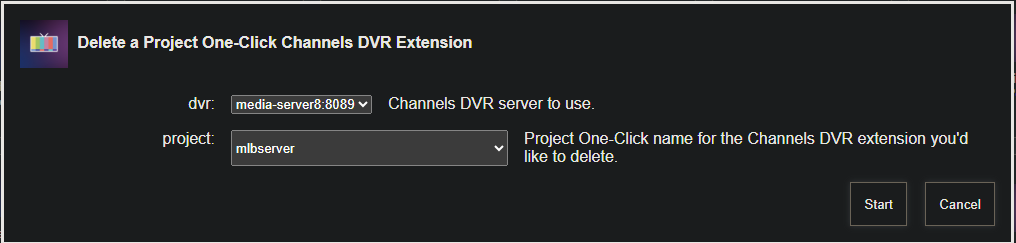
OliveTin has an Action to completely remove anything added by Project One-Click, you should probably use that if you want to try adding it again:

screenshot-htpc6-2025-09-01-08-39-09

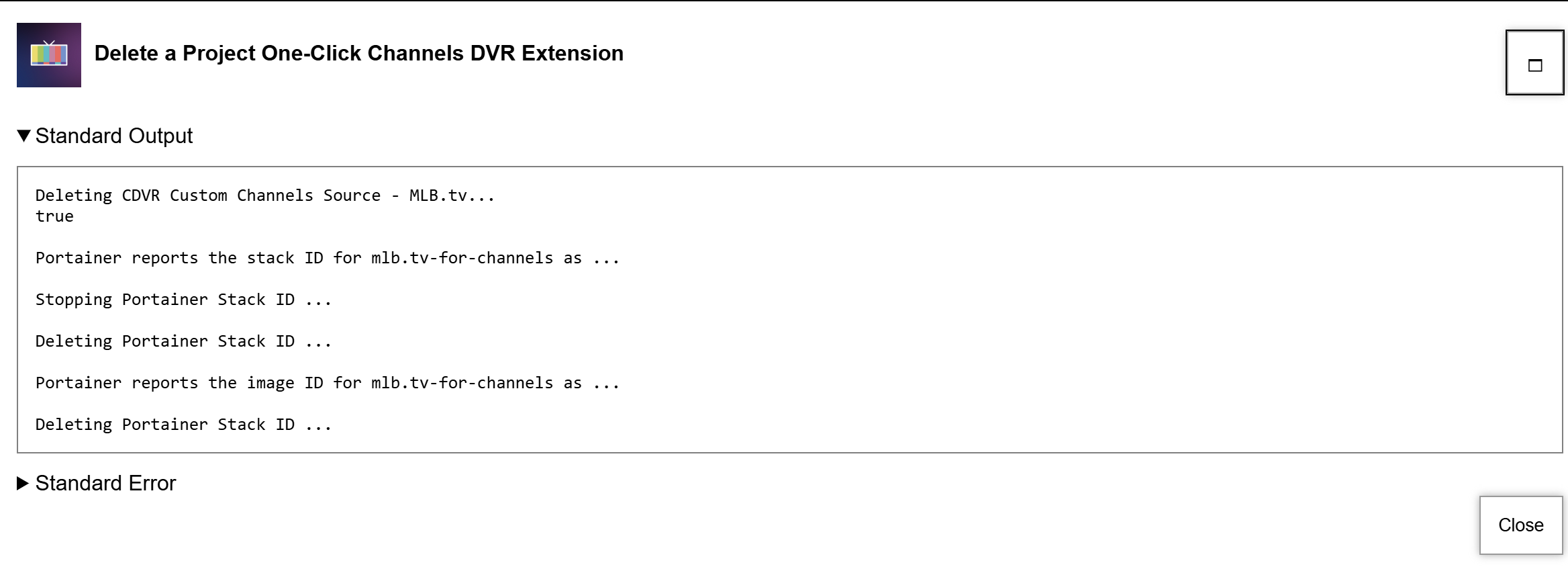
thanks, I ran that. results below:


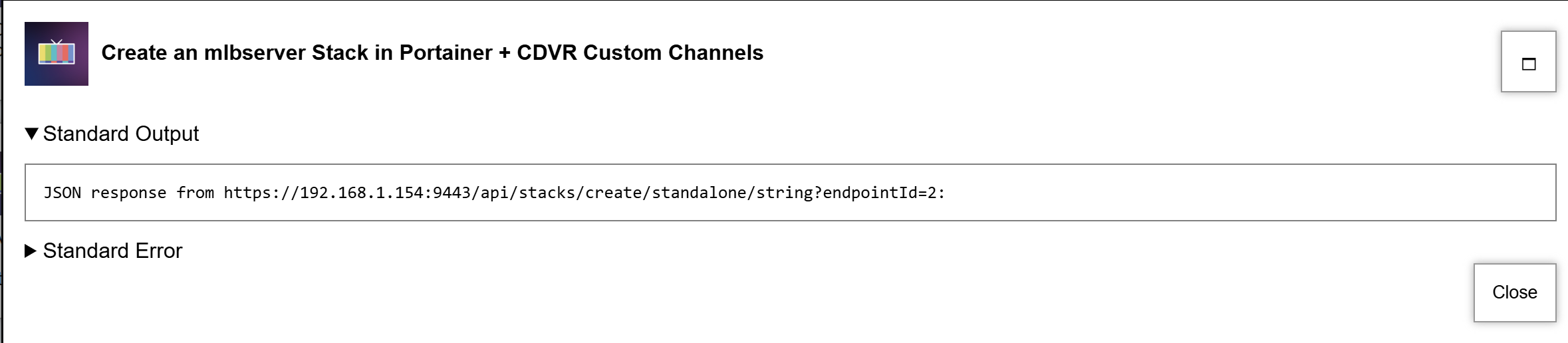
And rerun the create MLBserver button. Results:

However, I don't see a source added in ChannelsDVR

In your first screenshot, there's nothing reported (i.e. no IDs reported), so it doesn't appear that mlbserver was installed.

Ditto for your second screenshot, no JSON response means no joy.

Could you run the OliveTin Post-Install Healthcheck and post the results here? I'd like to see if there are any fundamental issues with your installation.

I see that olivetin returned
JSON response from https://192.168.1.154:9443/api/stacks/create/standalone/string?endpointId=2:
i.e. 192.168.1.154
However, that's an old IP. I entered my new IP in the OliveTin parameters but it doesn't seem to have used it. How do I change that?

Update: I figured out how to change the IP in OliveTin in Portainer. Now when I run the OliveTin Create MLBServer I see the new channels in ChannelsDVR. (Thanks!)
Do I need to wait until a game is actually live to see anything or should the channels show some "offline" screen (as now when I click it doesn't connect)?

You need to wait for a live event -- there's no offline screen or test pattern. :slight_smile:

Yep, now I see the pregame!
I went into the MLBserver dashboard and selected to skip idle time. Do I have to refresh the source in ChannelsDVR or anything like that. Reschedule any recordings? Or will it automatically take effect when I watch the completed game on the ChannelsDVR? Also how long after the game does it take until this feature is available for watching the game?

Thanks!

Now you're asking about some stuff I'm not familiar with, and I think you'll need to ask in the mlbserver thread. Off the top of my head though, I don't see how skipping anything would work with live games, but this is not a container I use much myself.

This doesnt work with Channels natively. I think someone may have tricked it into working by using streamlinks in the past. I never tried as it really didnt intrest me.

The Skip Type and other options on the mlbserver homepage are just for watching through the links on that page in the current browser session. The options do not persist if you attempt to watch in a different browser or program (like Channels).

See these posts in the MLB thread for tips about making a VOD "skip" stream in Channels, and please reply there if you have any further questions:

thanks. I'm fine with the browser as I can cast it from my phone to the tv.
Is there any benefit to having in Channels since the MLB.tv subscription has all past games archived anyway?
For those interested, via the browser, I can watch a game in progress and the skip pitches/idle time works right away. I tried watching a 6:40pm game at 7:00 and was able to watch the first 20 minutes with MLBserver skipping through. For me that's AMAZING as I generally don't start watching until there's 30min to an hour left. So this allows me to watch from start to finish skipping through!

thanks so much (now you'll need to code a way to skip REAL LIFE into the future :wink: )

This topic was automatically closed 30 days after the last reply. New replies are no longer allowed.