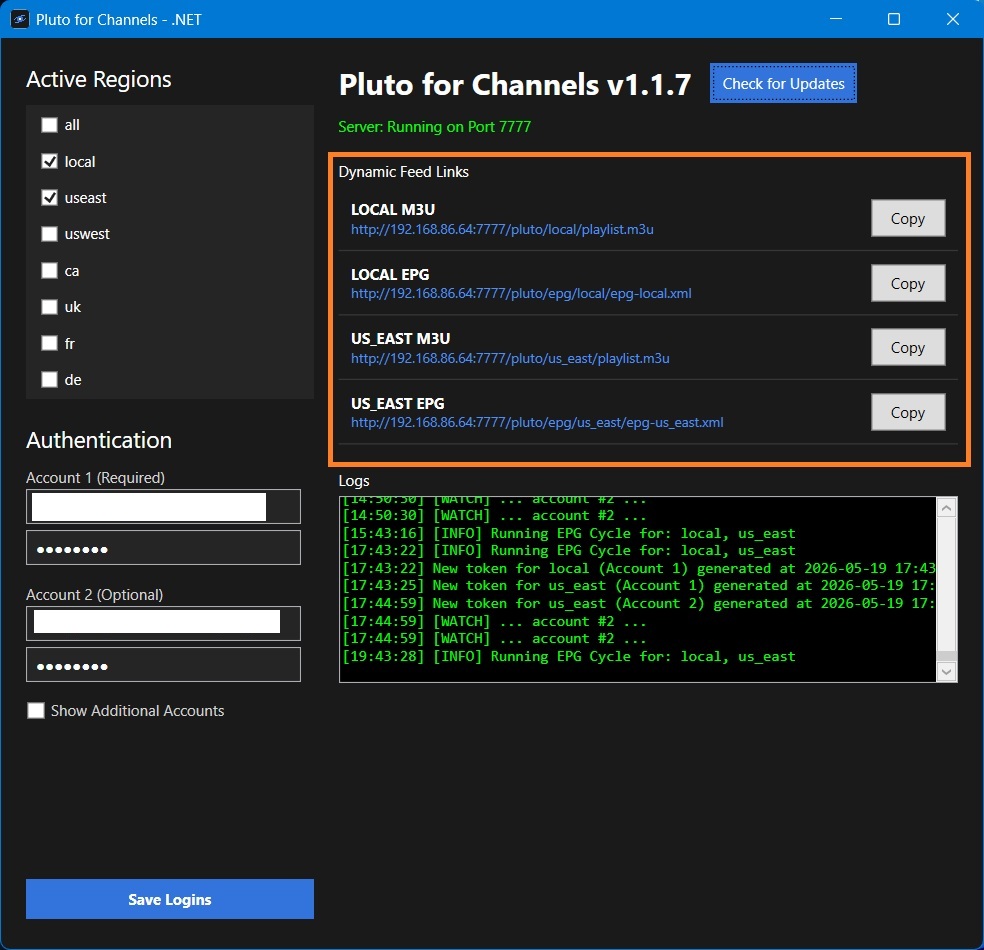
I just tried it on Windows 10 and it works, once you double click it and it runs a Windows Firewall box pops up and you click allow. I don't know if you have an additional firewall or antivirus blocking it. It worked fine for me, but I run a regular Windows install. No additional requirements.
I don't get a firewall window popup. Nothing at all comes up when I double-click. I tried editing my firewall settings directly & adding it to the permitted apps. Still doesn't run.
I re-downloaded the current version, in case the download was damaged; that made no difference. Then I downloaded the previous version (1.1.5), and it is working: I was able to paste a m3u into VLC and it worked - but only on the same computer I run it from. If I try on another pc in my network, it doesn't see the stream. The URLs start with 10.5... I copied your program to the other computer, ran it, and it generated URLs starting with 192.168 ... , which both PCs can access. Is there a way to force it to use the 192.168... URLs?
1 Like
Let me take a look into it.
On the PC that is showing the 10.5... url, In a browser window go to your http://192.168.xx.xx:7777 URL of that PC (assuming it is on port 7777) and make sure the links work on your local network. The server is already listening on it, I just want to narrow it down.
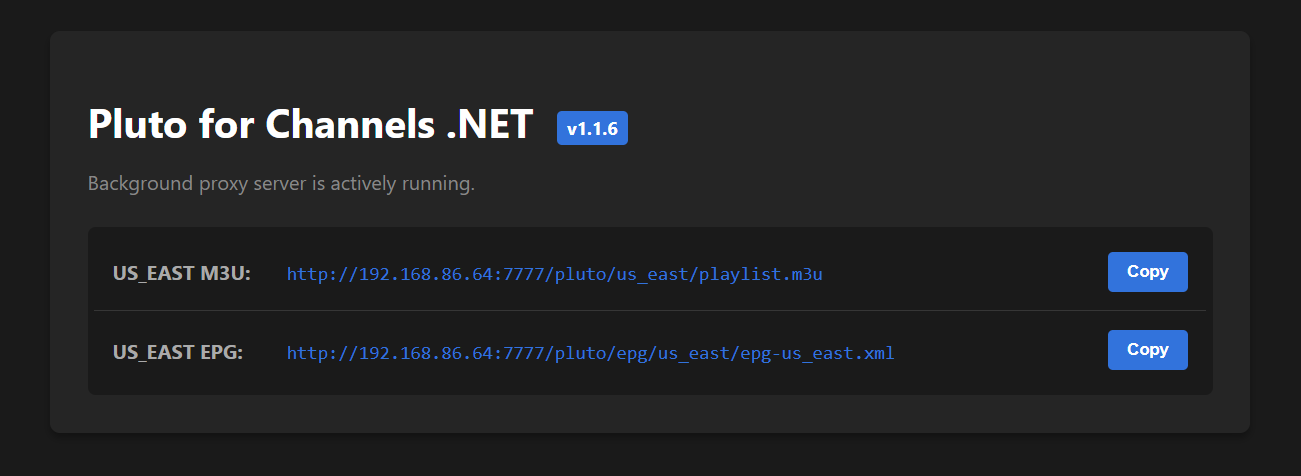
Try this release and see if it works for you. The biggest change between 1.1.5 and 1.1.6 is I updated the .Net framework from 8 to 10. This version is on 8 and I also changed the GetLocalIPAddress() method to explicitly prioritize 192.168.* network adapters.
Yes, just tested that & it worked; replaced 10.5... with 192.168... and both offered to save the .m3u file.
1 Like
Good deal. Thanks for letting me know.
Working well, thanks!
Hi, I appreciate all of your work on this but I just noticed that none of my Pluto TV shows have been recording and when I go to sources it shows as 0 channels. The server is running in background and it says no updates from 1.1.7.
Is this just not working anymore?
Thanks again.
Still working here, shows 411 channels for us east and records fine. Restart Pluto server and refresh source/guide data in channels?
1.1.7 is the latest release. I just checked and it is working fine on my end. Open the dashboard and verify the port number is the same as the one in your Custom Channel in the Channels DVR Server. Also, which region do you have selected? Like GTFan said, you can also try to refresh the pluto server and dvr guide.
I'll bet money your port changed from 7777 to 7778 (or a higher one) for some reason. That happened to me at the beginning, check my post #4 up above
Jesus, I thought I was the victim of a "senior moment" 2-3 weeks ago when this happened to me.
The port should be retained in the settings file so any restarts /upgrades can keep the original port number. As long as it stays in the same folder, it should attempt to use the same port and not jump ports unless Windows is trying to hold the release of the port longer than I assumed it would.
Edit:
Unless you run multiple instances from the same folder. That would make it jump to the next available port and save the new port to the settings. I could change it to only allow one instance to run, but I seem to remember someone wanting to have multiple instances of it running, which is fine as long as each instance has its own folder and its own settings file.
I had been using "local" as my region since the latest release without any issues until I noticed the problem last night. I switched to "west:, reloaded the guide data and now have 411 channels working fine. Thanks for all of the suggestions and I hope that it continues to work well.
Take care..
OK, totally new to this...I just discovered that Pluto now requires user/pw.
Switching from the maddox docker, took out that source and quit running Docker, though it is still installed, just turned off run at startup.
Questions:
I've set it to use ALL, LOCAL and USWEST
- Is that overkill, or does ALL cover it?
- Does my 1 account allow me to use all of those?
- Does using multiple accounts allow me to record upto 4 channels from Pluto?
- What are people doing to create multiple accounts?
Update: I'm getting channels, but no episode data 
All is really only needed if you are using a separate manager to sort your channels. If using channels DVR, I would not use it as it is overkill.
1 account should be fine in most cases. If you need more, use a disposable email and create another account.
The extra accounts are available if Pluto ever limits single account access. As of now, they do not.