
You have the playlist url in the XMLTV Guide Data.
Should be the epg url
http://192.168.1.19:7777/pluto/epg/local/epg-local.xml
Yup! Just noticed that!!
Now we’re rocking. Apparently the copy url didn’t take for some reason and I wasn’t paying attention during the paste.
Guide data slowly coming in.
1 Like
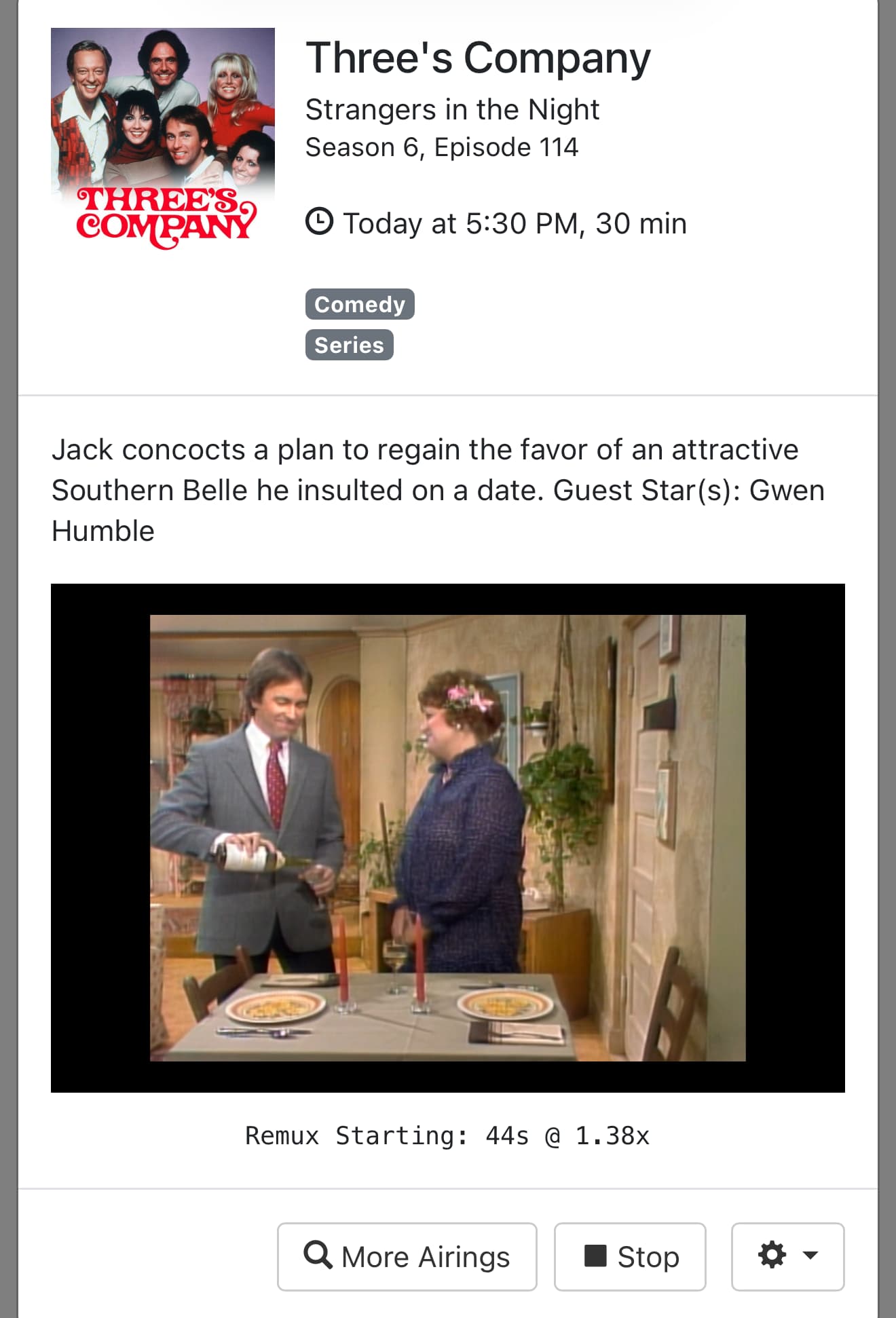
Glad I could help. It's so easy to overlook the simple things, because people tend to go too deep and over complicate stuff in their minds.
The ALL feed is literally all the feeds. Channels DVR will only load the first 750 channels and ignore the rest. If you want all of them, you would be better off enabling the feeds you want and creating custom channels for each. If you want to use a Playlist manager and select which channels you want in a custom playlist, there are many available online. One developed by @babsonnexus is available here
XUMO has some also
Question:
Sometimes it seems Pluto?? changes channel numbers.
I have a Channel Collection of Pluto channels and in the past (using a different "source") I had to keep track and update my Collection as channels I had selected something like 110112(Internal CHDVR number) for Beach day was now Hogans Heroes.
Maybe my other source for the m3u was the culprit, is this also a thing in your version?
Thanks for this EASY solution.
@Flt505 I used the Pluto provided channel name as the Channel-id. If I remember correctly, CDVR uses that tag to sort channels. The Pluto name/Channel-id should not change unless Pluto removes the channel or changes its name.
just stumbled on to this to possibly get pluto back into my lineup... when i click link the .exe file doesnt download per se... or windows thinks its suspect file... how may i get the .exe file and run on windows computer ?? i have "trusted" the file but still no .exe appears.
Don't use Edge browser as it will block it. I personally use Chrome and follow the install instructions from the GitHub repo
Installation
Download the latest PlutoForChannels.exe from the Releases section.
Move the .exe to a folder of your choice (e.g., C:\PlutoForChannels).
Run the application. Windows may show a "SmartScreen" warning; click "More Info" and "Run Anyway."
bobby -- assume that I still need to create the source inside CHANNELS? am very new to this and very green about adding sources. basicaly a couple copy and paste. Plus do I need to restart the app once I enter in my pluto credentials?
No need to restart the app Here are the directions from the GitHub repo.
Thanks Bobby. All is working as designed per this thread and other referenced threads and notes. Win11 pro cheap workstation. Previously running NEXTpvr but now paying for CHANNELS DVR as a superior solution, plus pluto now. Just have to find a TUBI solution next.
I have a linux version ready. I only tested it on Ubuntu, but should work on most 64-bit Linux. Not built for ARM Processors or 32-bit systems. Instructions are on the GitHub repo page.
And the release is here:
First, I did try searching this topic and didn't find anything.
Using the windows version with n*xtpvr and it is working great. Thanks much to developer and anyone else involved!
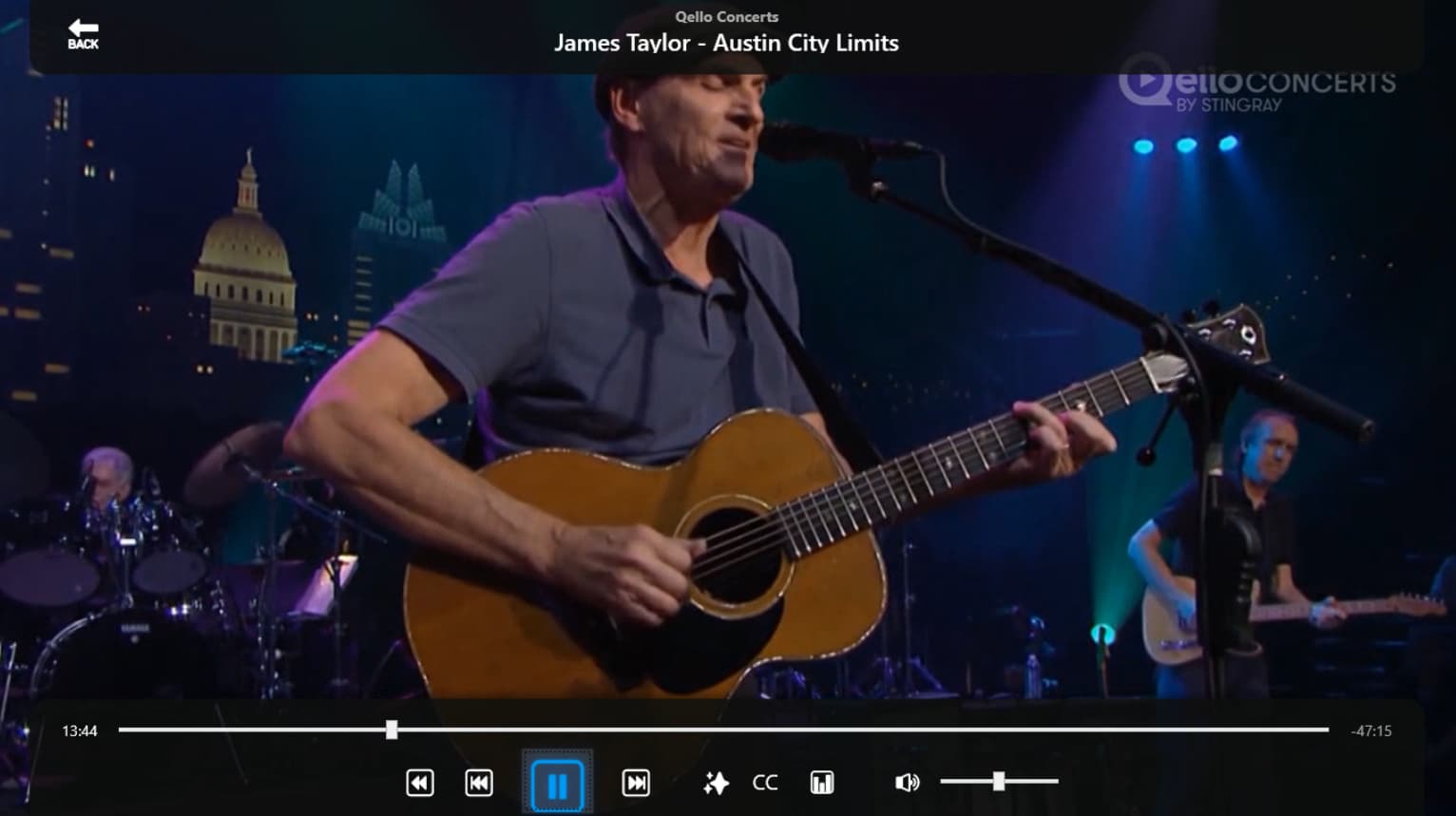
General content question - most channels work perfectly. A handful of channels display as audio only. At least 1 channel it seemed to be show dependent, but, qello seems consistent.
I've tried...
Updating Codecs (shark007)
Taking the stream directly to vlc (Pluto > gateway-ap > nPvr > vlc)
Have not yet tried using ffmpeg, or anything else, inline to transform the stream.
Is the Qello channel delivered, in some way, differently than other channels?
Is this a known issue with a known solution?
Is there a way to go directly from the gateway ap to vlc on a specific channel to see what that does?
Other things worth trying?
Thanks
The script is just a proxy. It only provides what Pluto provides from their api. As far as VLC goes, you should be able to load the M3U in VLC and select the different channels to view them through the VLC menu.
Good to know, thank you. Obviously something with my setup. I'll keep trying things.