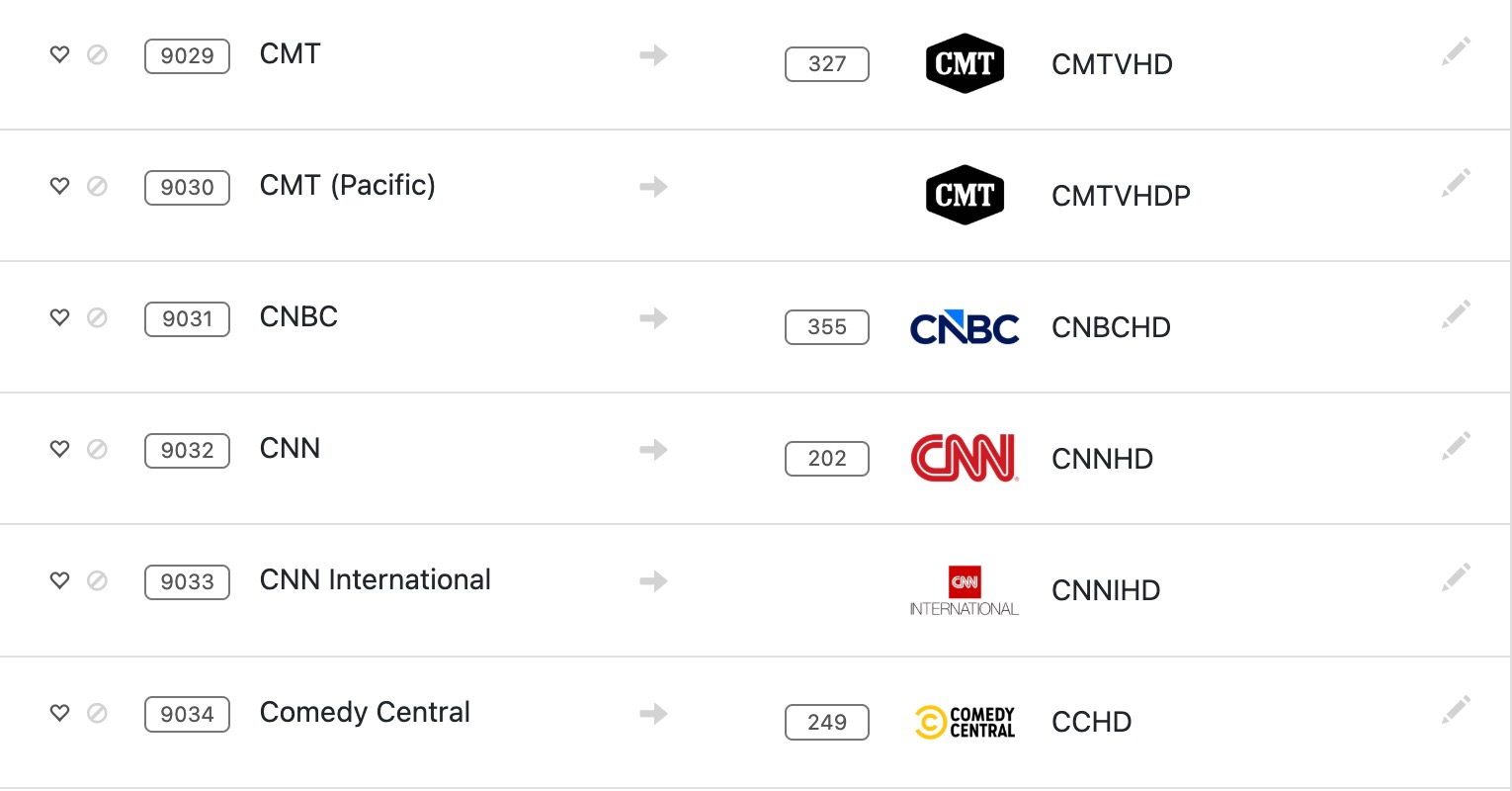
Are you sure you're selecting your PrismCast Xfinity CNN channel to play?
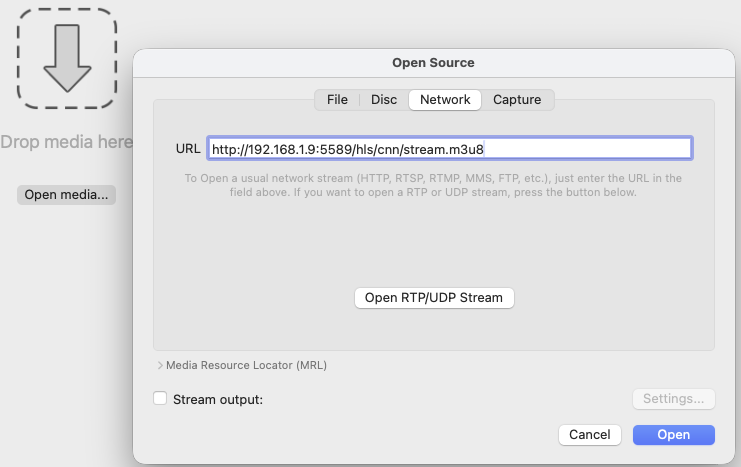
How does it look (HLS URL) in VLC Player?

Are you sure you're selecting your PrismCast Xfinity CNN channel to play?
How does it look (HLS URL) in VLC Player?
How does it look (HLS URL) in VLC Player?
and can you see it playing in PrismCast's Chrome tab
May be time to examine the PrismCast log
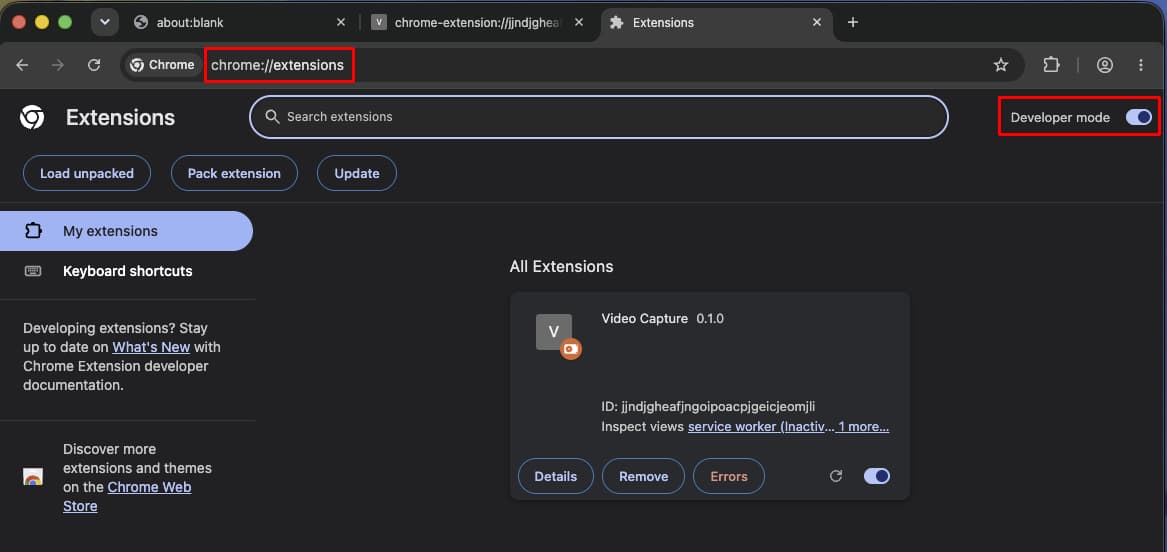
Did you turn developer options on in Chrome so PrismCast can use its puppeteer extension?
I suppose this is one of the issue that is making me drool, and what I initially explained: I have no idea how to get to the "Prism Chrome window." I am working in Chrome, but I see nor can find any other instance of Chrome.
Shut chrome down.
Restart your Mac
Restart PrismCast if you didn’t set it up as a service
OPEN SAFARI!!!!
Go to Dashboard and attempt to authenticate CNN @cnn.com
The chrome browser window should pop up.
Authicate with provider then open another tab and type in "chrome://extensions
At the top right there is a place to turn on developers option.
It should be minimized in your dock
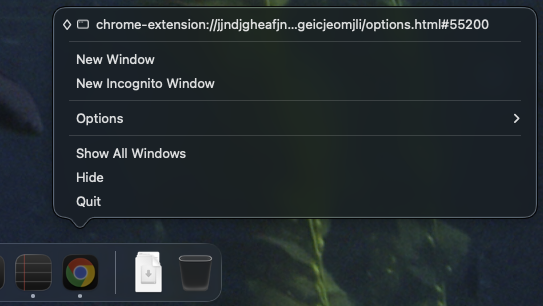
Let PrismCast use Chrome.
You should use Safari.
Do what jagrim said
I told him 5 hours ago to use Safari!! I'm wondering if he followed the directions for native install on the GitHub page. From my experience, you never see the PrismCast chrome when you’re in Chrome. Been there, Done that. Moved to DDG and the "magic screen" appears immediately.
I'm using Remote Ripple to access my Mac Mini over screen sharing.
I leave Chrome alone on it for PrismCast to use.
I don't like Chrome anyway.
When I switch my KVM switch from my Windows PC to my Mac, I use Safari to browse.
I can hear your frustration and trust me, it's worse over here. But thanks all the same.
I am using Safari for managing the console. All of this was about chasing the phantom Chrome Prismcast browser window. What, now, is DDG?
What is "DDG", the DuckDuckGo browser?
How did you install Prismcast?
I installed last night and configured this am - about 3 hrs and it was the first MAC I’ve ever touched.
I think your Chrome is not right. I would remove it and use Homebrew to install it. Then restart Prismcast.
FWIW, I had issues installing Chrome from Google. Though I could open Chrome, Prismcast was not finding it. Used Homebrew to install and it worked.
Also, you can use it to check your version of ffpmeg. It wont work without it. Scroll thru configuration tab on dashboard.
Yes, what am I looking for in terms of additional behavior? Thanks.
When PrismCast starts it will launch an instance of Chrome that it will control
It should be minimized in your dock
and it will close and relaunch it every 5 to 6 hrs
[2026/07/31 07:27:11.786 PM] Restarting browser for scheduled maintenance (uptime: 6h 5m).
[2026/07/31 07:27:12.639 PM] Chrome ready: Chrome/151.0.7922.71 (GPU: Apple M4 [AV1, H264, HEVC]).
[2026/07/31 07:27:13.007 PM] Browser restart complete. Fresh instance is ready.
[2026/07/31 07:27:17.640 PM] Starting channel lineup precaching for 3 services.
[2026/07/31 07:27:23.104 PM] Precached Fox: 14 channels (5.5s).
[2026/07/31 07:28:00.341 PM] Precached Sling TV: 326 channels (36.8s).
[2026/07/31 07:28:05.272 PM] Precached YouTube TV: 143 channels (4.5s).
[2026/07/31 07:28:05.665 PM] Channel lineup precaching complete: 3 services cached in 48s.
What does your PrismCast log look like?
```
(copy then paste it between two lines of 3 backtick marks)
```
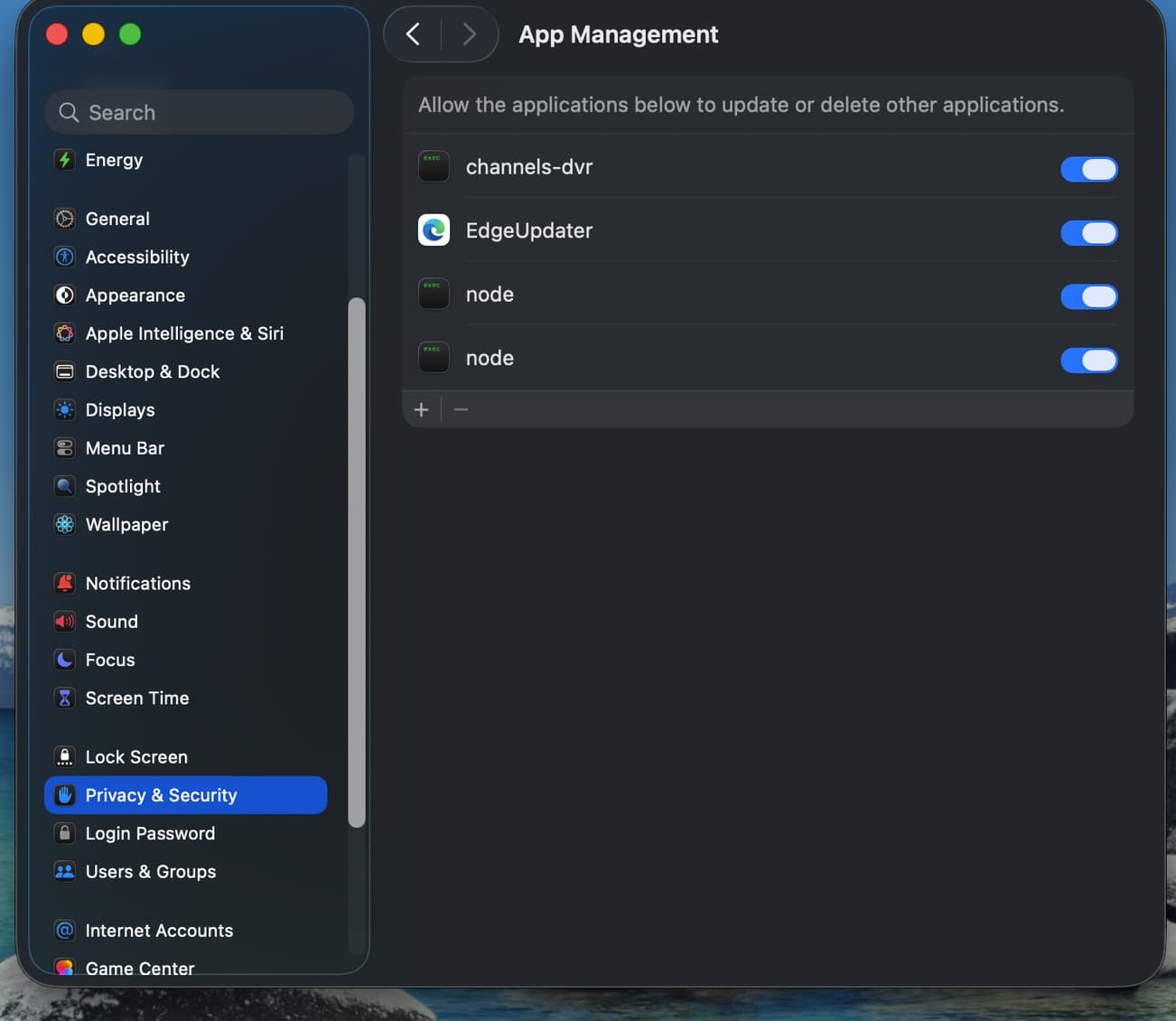
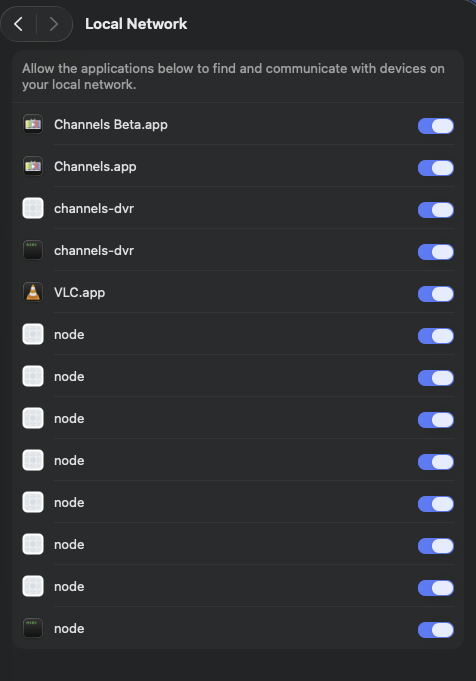
Perhaps I missed it, but something I didn't see anyone mention in this thread, if PrismCast is installed natively, then you need to make sure Node has permissions in System Settings -> Privacy & Security -> App Management. Turn that on then in Terminal run PrismCast Service Restart
Hey. Thanks for this. I am out today but will look at the log and report back. Thanks again.
FYI all of those blank white icon items can be removed. You can confirm they are no longer valid by right clicking on the name and picking Show in Finder. The dead ones won't find anything.