PrismCast Setup Snag

  • Bumping my issue up to a new post. *

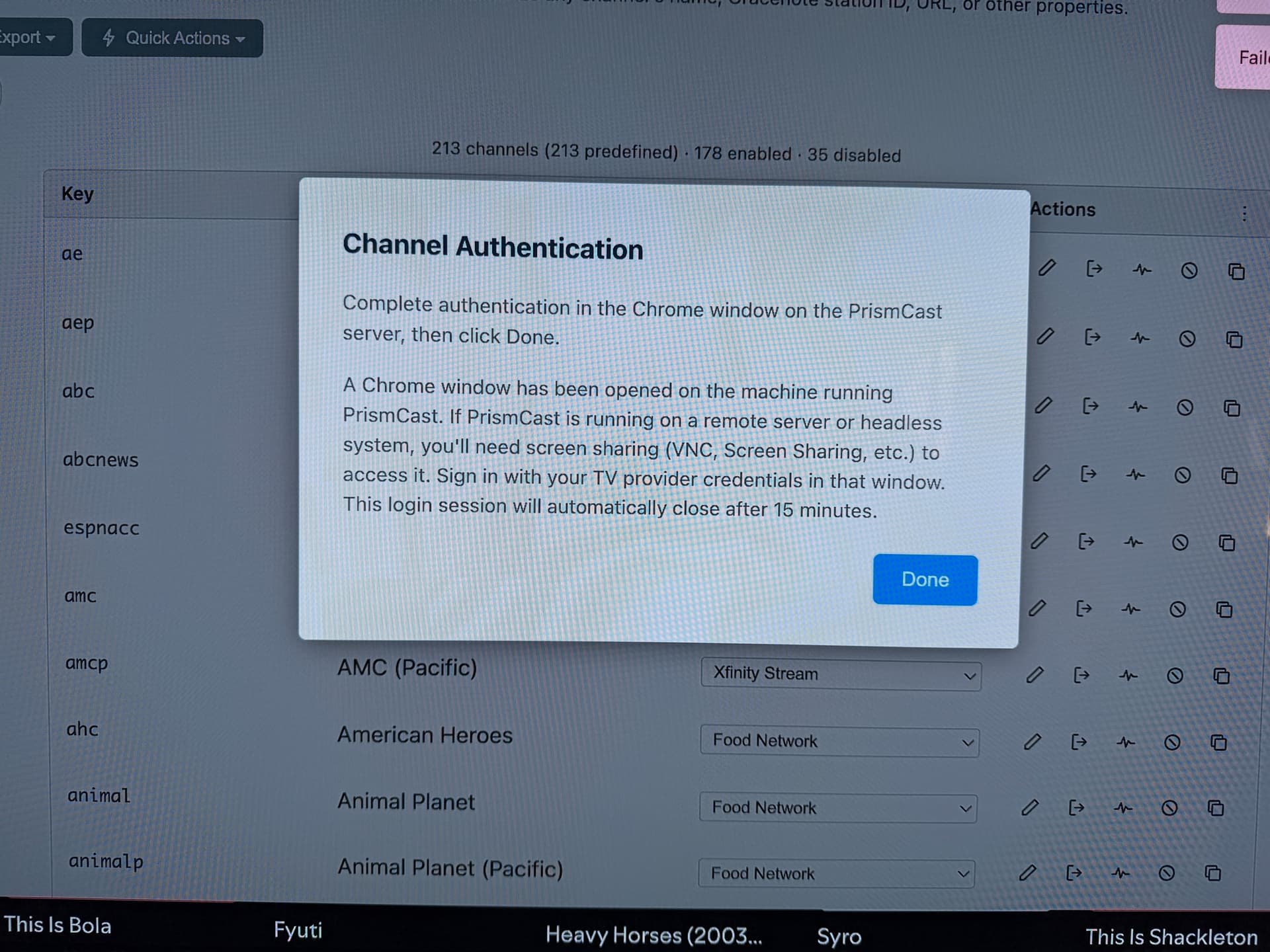
Since Turner/CNN content got DRM'd off of TVE, I have been scrambling to fix by setting up an instance of PrismCast on my Mac Mini server. I installed Docker and then made a container of PrismCast and was configuring and hit a snag in process. When it comes time to authenticate against Xfinity, apparently some Chrome browser window supposedly appears to take my credentials, but I have no idea how or where to get at the window that is "opened on the machine running PrismCast."

What is happening here? I am on the very machine that is running PrismCast, and it is connected to a monitor and can see what's going on. Am I missing something? Is PrismCast, being installed in a container in Docker, somehow seen as a different machine, and I need to somehow access that?

Color me totally confused. Thanks in advance for your expert help for this drooling idiot :slight_smile:

The Docker version of PrismCast is amd64 only. You'll need to install it "natively" on an arm64 based Mac like a Mac Mini M1-M4. Unless you have and older Intel-based Mac Mini, in which case it likely lacks sufficient processing power to run this project in a docker container. Either way, running the PrismCast container on any generation of Mac Mini is unlikely to be successful.

1 Like

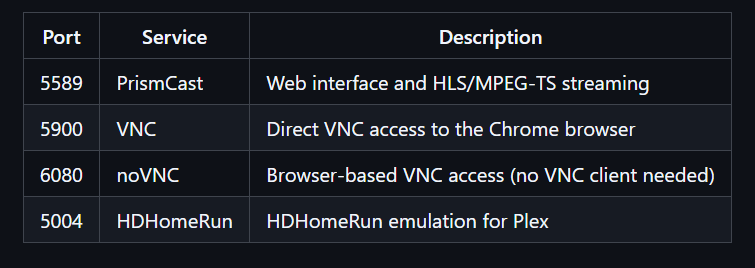
I am not exactly sure on Mac. But there are several ports on PrismCast.

You can try port 6080 to connect and you should be able to get to a browser for the Chrome that gets launched.

Do you have Chrome browser open on the same machine?

This is how I remember the login window will appear when using a Mac.

I ran Prismcast on an M1 Mac for a while. It worked but the Mac struggled. I'm now running on a mini pc with good performance.

I do have Chrome open. In fact, the config pane for Prism is a browser window in Chrome, and F if I cannot locate any other instance of Chrome anywhere on my machine, in my house or up my street lol. This is infuriating!

You're confusing your local instance of Chrome with the one PrismCast controls. In the case of a Docker container, that instance of Chrome runs inside the container, and can be accessed through your local Chrome on port 6080. In the case of a "native" install, you need to use the Chrome that PrismCast is controlling on the machine PrismCast is running on.

Having said all that, be sure to read my post above about running the Docker version of PrismCast on a Mac Mini:

So I’ll try and help with my limited knowledge on Mac OS. I just set this up on a shiny new m4 Pro (3 month delivery)natively. I’ve got CNN & a couple of channels working now. I set mine up using homebrew if that matters. My chrome is v150 or 151.

Use Homebrew Cask to install Google Chrome by running brew install --cask google-chrome in the terminal. Google it.

I also had to install ffmpeg using brew. Google how to install it.

I use DuckDuckGo to access the PrismCast dashboard. Use that or Safari. When I was using Chrome to access, nothing appeared to work correctly.

When you go to authenticate CNN from DDG, a chrome window will pop up for you to put your credentials. Open another tab in the Prism Chrome window and go to chrome://extensions —- turn developer options on in the upper right.

Look at the logs on the PrismCast dashboard and look for errors- that's where I found out about installing ffmpeg.

Good Luck!!

Thanks. I already said I was stupid and probably confused, and still wonder how, exactly, to "access" that instance of a tab in an instance of Chrome in a container. At the risk of continuing to guess, is it a URL of something like "http://192.168.1.107:6080"? Because that is the first thing I tried. Or am I still flailing?

Yes. So, let's say you're getting to the PrismCast user interface at:

http://192.168.1.100:5589

To get to noVNC running on port 6080, you'd use:

http://192.168.1.100:6080 (then click vnc.html, or you can add /vnc.html to the URL)

EDIT: I'm a bit puzzled though why you're pursuing using the Docker version of PrismCast on a Mac Mini?

He's on a Mac mini with Chrome already installed. He should give up and run natively. 10 minutes to install homebrew & ffmpeg (if needed). 10 minutes to get PrismCast installed, and probably 10 minutes to authenticate and set up in channels. Work on 1 channel to get it right then expand leisurely. Open the dashboard with Safari!!!!

I'm aware. I've sent him multiple posts about this:

There's no world where running the Docker version of PrismCast on any Mac Mini (Apple silicon or Intel) is going to end in success...

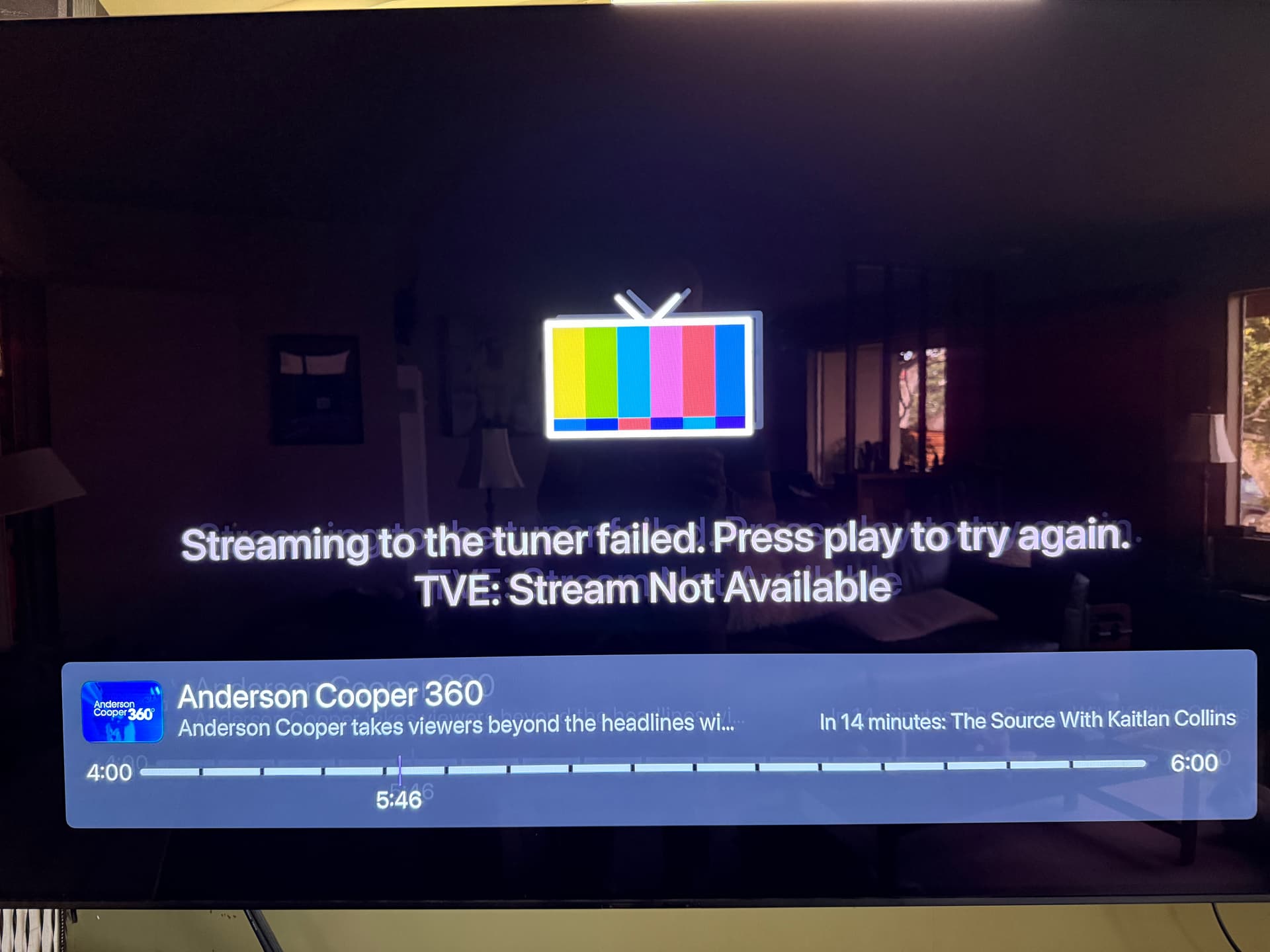
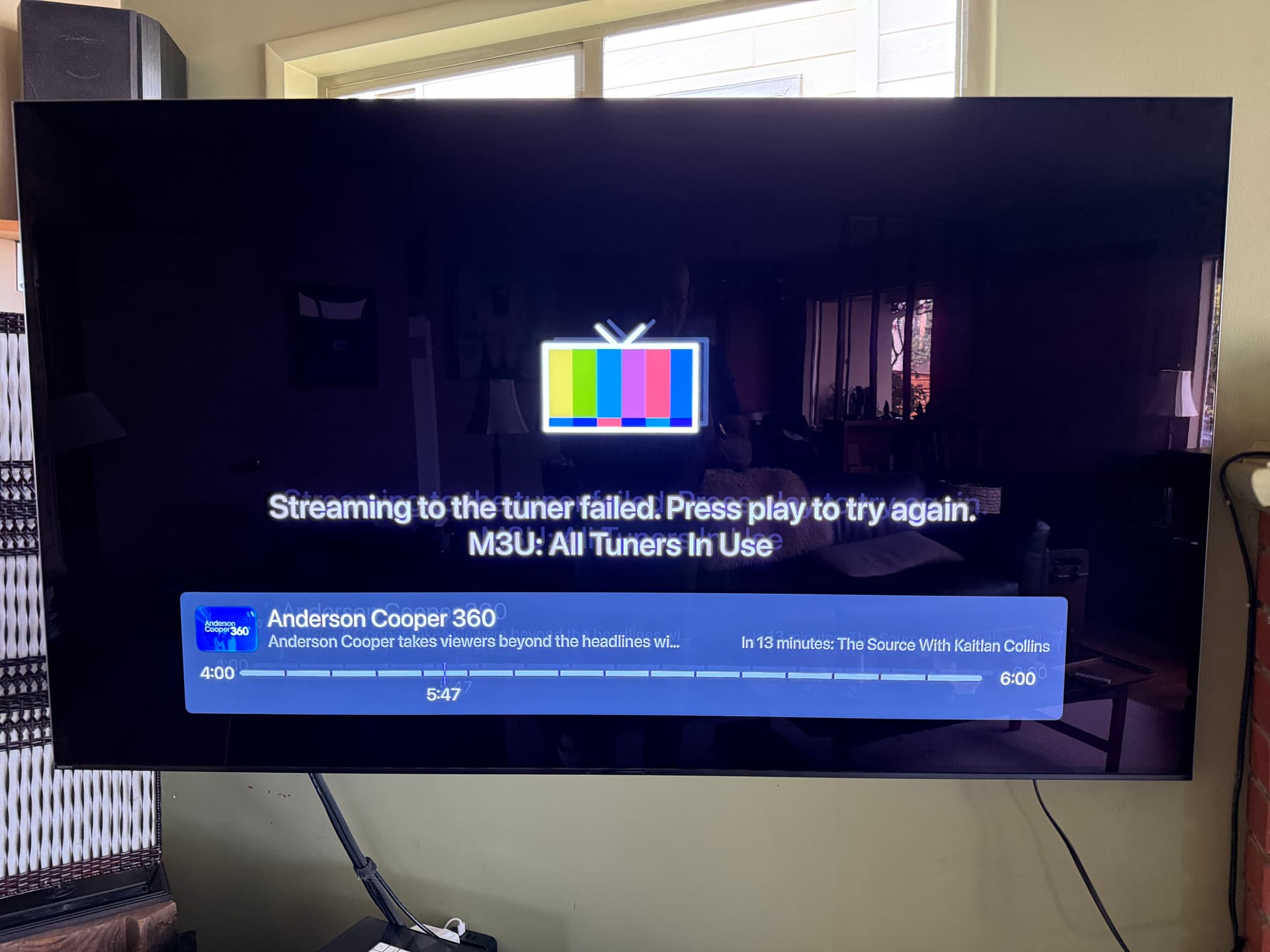
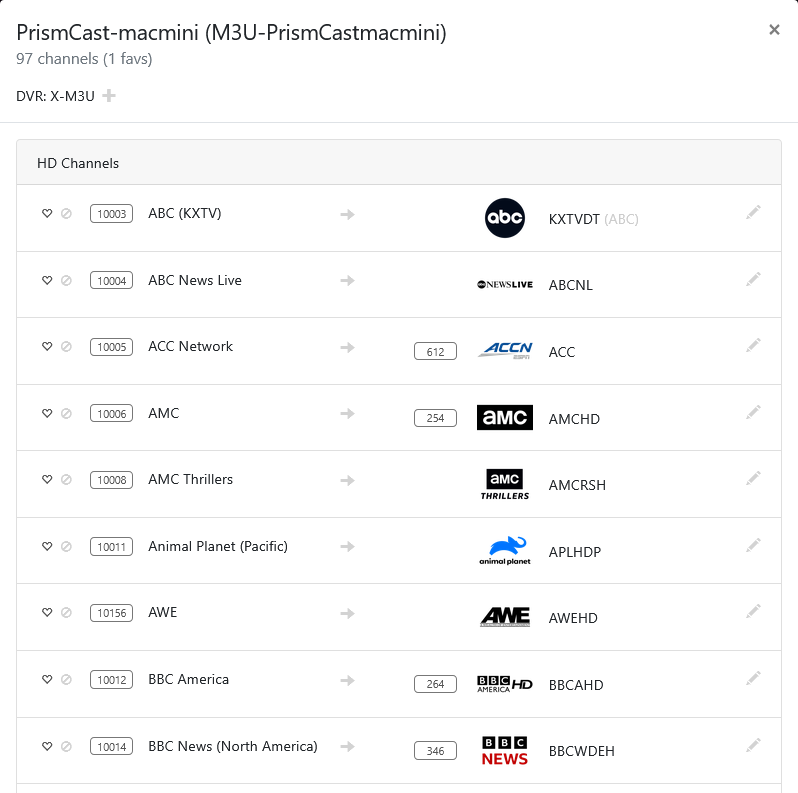
Thanks everyone for the help. "He should give up and run natively." This is how I spent the last couple of hours. I was able to get past the authentication snag, but I must report, no luck playing content from any provider from the new PrismCast source. I get similar errors in the Channels DVR ui about the content being unreadable. I am pretty sure I am connecting to the Xfinity stream service; I get full guide data, but just buffering-type indicators and then error messages on any content that is in the 9000 range coming from the PrismCast. I am fairly certain this not a bandwidth or codec issue; just about everything else from my OTA Tuner sources and my other Xfinity content via TVE work just fine.

I am very bummed and unsure what to do next.

Some browsers (mostly chromium based) give an error message when trying to play from the DVR web UI player. "The media could not be loaded, either because the server or network failed or because the format is not supported."

What about playing the channels in a Channels client?
Or copy the HLS URL for a channel and paste it into VLC Player?


Or use a non-chromium browser.