Program Guide Scrolling to the future

Anyone else having problems scrolling into the future? With the program guide if I arrow into the future the scrolling is acrobatic to say the least and often the cursor (display position) gets lost and I have to back space a few times to get back to side menu.

I am using the latest beta.
Yes. As far as I can remember, navigating in the guide has always been a problem on Android devices.

It's been reported several times and some improvements were made but it's still problematic.

I just avoid using the guide on an Android client.

This behavior has been previously reported by a couple of us. It makes scrolling ahead in the guide very difficult to nearly impossible. So far, I haven't seen an update to fix the beta version of the app. I ended up going back to the stable version v4.9.4 by exiting the beta program. It seems to scroll through the guide just fine. I'll sign back up as a beta tester after the problem is addressed.

Just tried it myself. Doesn't want to move forward and jumps back to the previous time slot. Have to hit forward twice slowly to get to the next time.

Yup. That's it, exactly.

Unfortunately, that's not an option for me. All of our clients are Android. It wasn't a problem until I updated to Beta 8.25.131. As I previously mentioned, switching back to stable Android client v4.9.4 makes the scrolling through the guide work fine.

Same here. I scrolled ahead and all the times got scrambled - all the 11:35PM shows were showing up at 7:30PM slots.

I use On Later and the Search function to find shows, so I can generally avoid using the Guide. The search function is nice because I can use voice input.

True, although I find that the page resulting from the search is less than intuitive to navigate.

We often scroll through a week or more of programming on TCM to see what movies are coming up to schedule for recording. Perhaps there's a better way. I'll try the "On Later" idea...

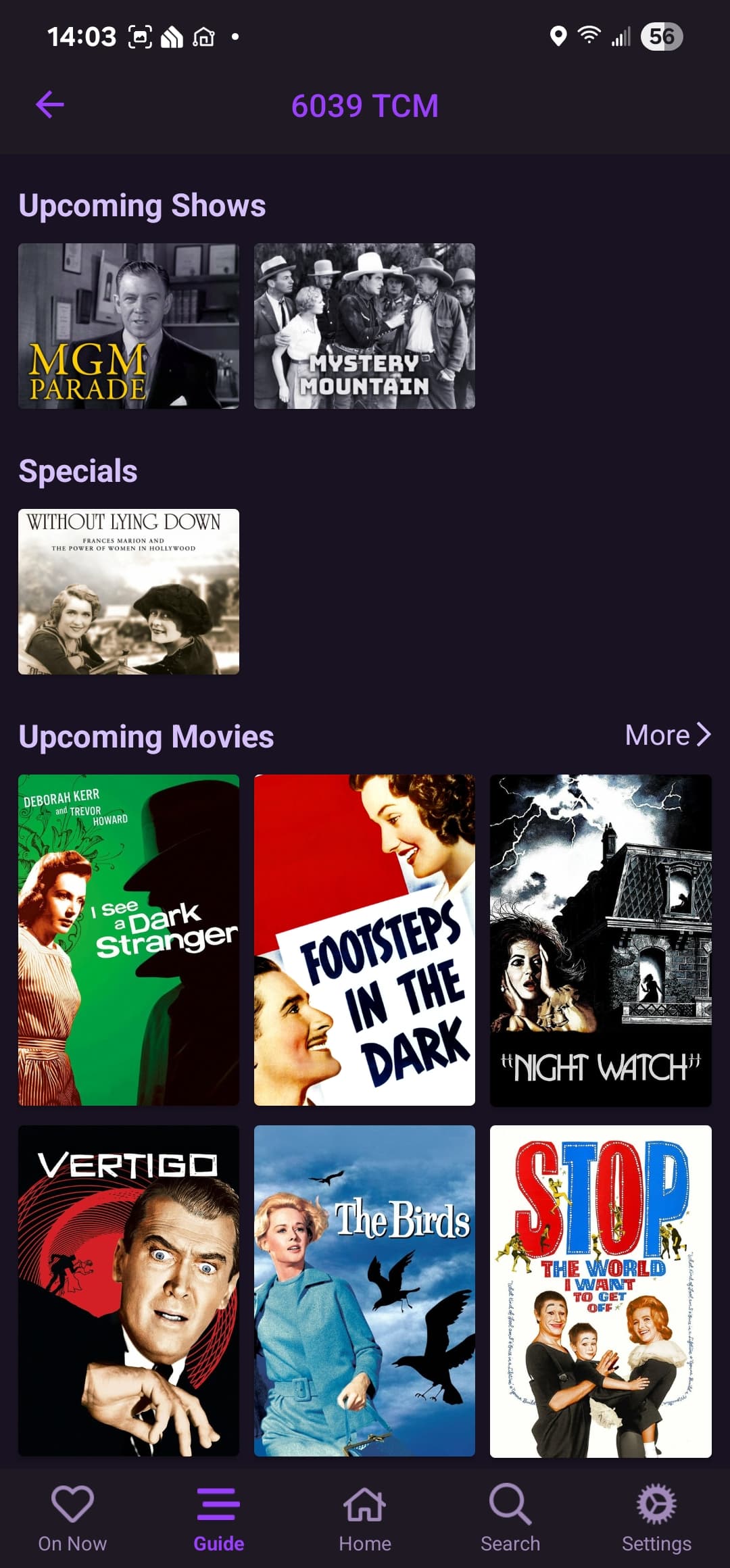
If you select the logo of the channel in the guide, it will show what's coming on that one channel. Like this for TCM:

1 Like

This looks to be a much better way than scrolling an entire week with the guide only showing a few hours at a time. Thanks!

1 Like

Yes that is good but I would still like the scrolling fixed and the page up and down fixed too.

I dropped out of beta thinking the stable version does not have the guide scroll weirdness but it is in the stable version too.

Is there anyone that this works for them?

I'm on (Android) stable version 4.9.4 . Scrolling through the guide goes normally since I dropped out of beta program. This may go without saying. But, once you quit the beta program, you need to uninstall the beta version of the client software, and then re-install the stable release. You can check which version you are using under Settings/Support/About Channels.

Screenshot 2025-10-29 3.10.58 PM

Thanks, I completely uninstalled and have the same version as you 4.9.4 and you are right the acrobatics is gone but I was hoping the channel up/down (page up/down) problem would be fixed too.

My Nvidia Shield remote does not have page up/down buttons. By holding the either channel up/down control, the guide scrolls very quickly through the channels. It is one line at a time, but move along at a brisk pace.

I also have an onn 4k pro box. The onn remote does have page up/down keys and scrolls through the pages normally.

I wonder if that page up/down problem you are seeing could be hardware related. What sort of TV/box is your client software running on?

1 Like

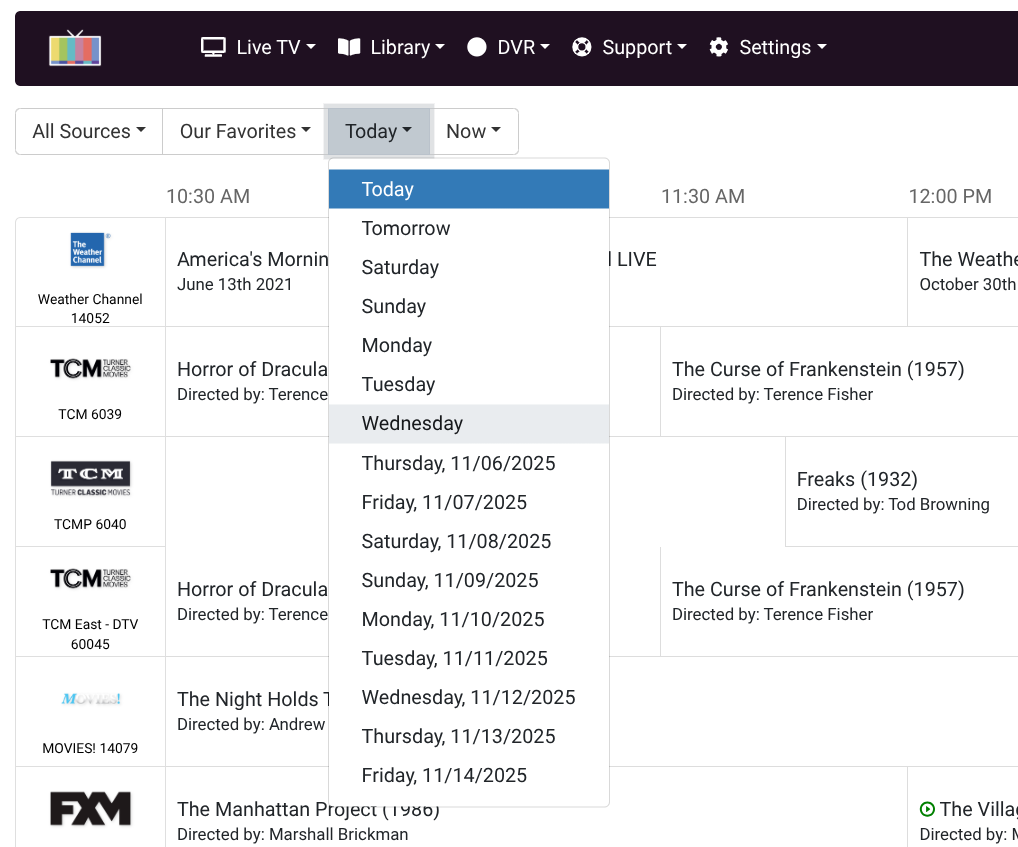
What we really need is a way to jump forward in the guide by either increments of 12 or 24 hours or be able to select the day (and possibly time) we want to scroll to.

Not using Shield Remote. Sofabaton remote with channel up/down mapped to page up/down functions.

That is possible in the GUI for the server. You could do that with a web browser on small laptop, Chromebook or tablet. I keep my Chromebook handy right next to me in the family room.

I know that. It's needed for the clients.