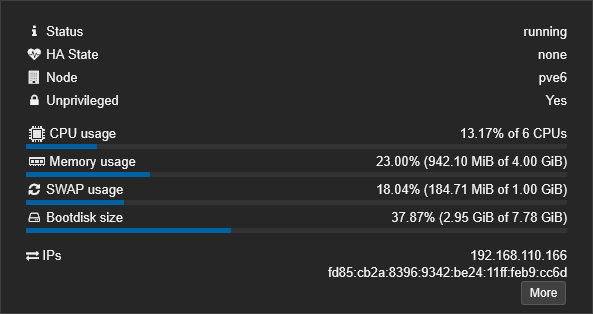
I've developed a comprehensive script for installing PrismCast in an unprivileged Debian 13 LXC in Proxmox. It's designed to include Chrome and optional Tailscale. The script also installs iGPU support for hardware-based encoding and decoding (if available).
First, create a new LXC with specs to your liking. Here's what I used:
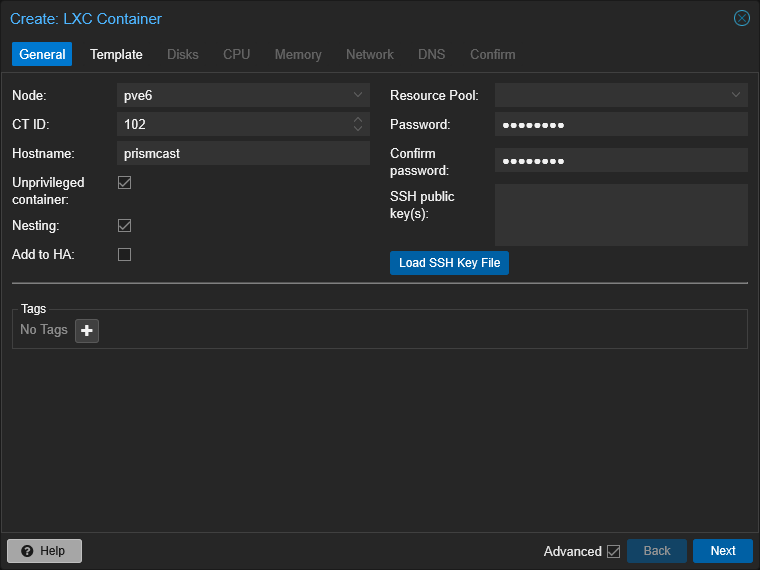
Use the latest Debian 13 template:
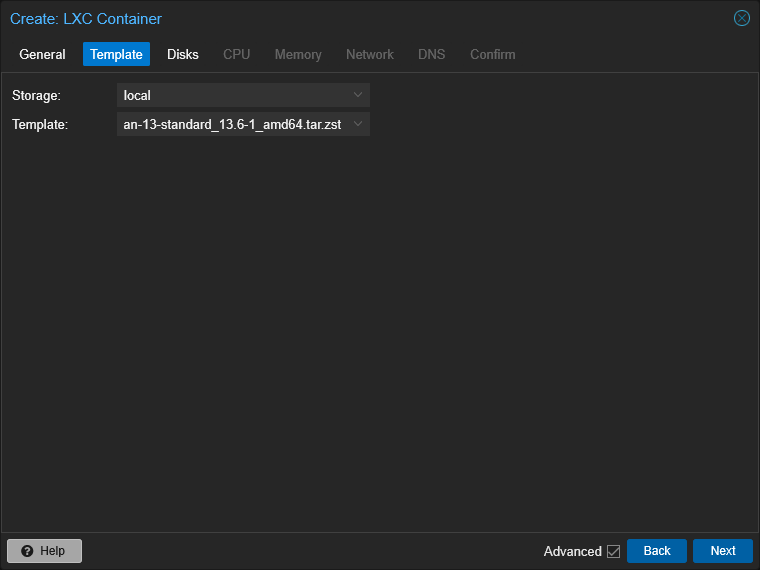
8GB of disk should be sufficient:
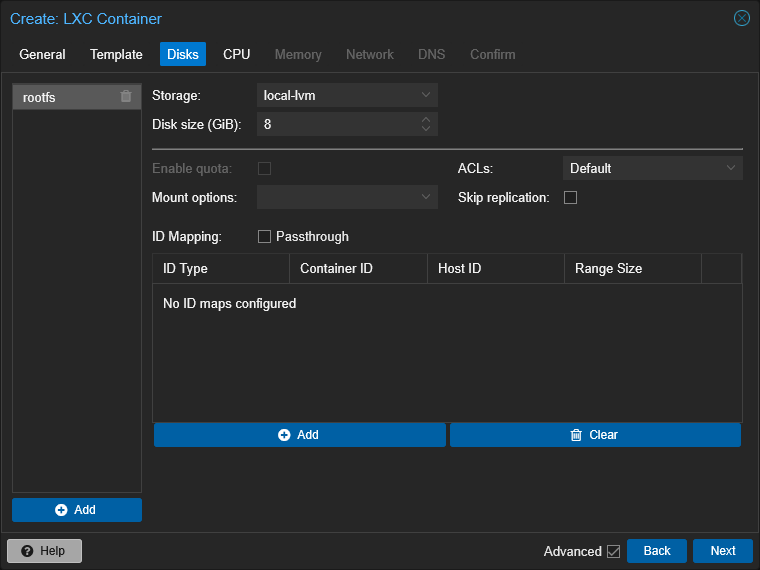
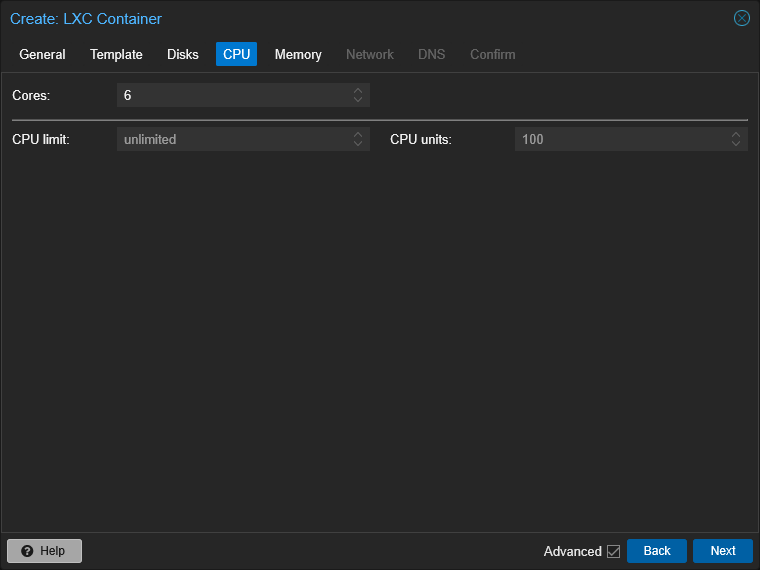
A decent number of cores is recommended:
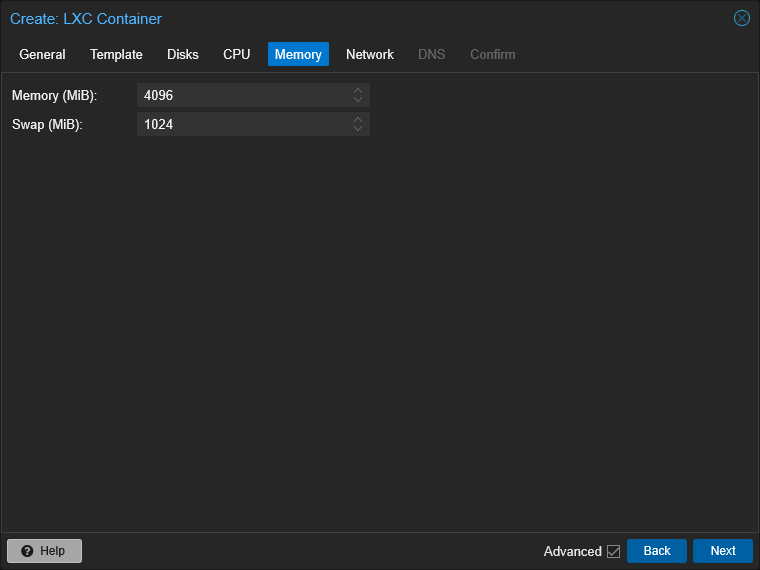
Don't skimp on RAM either:
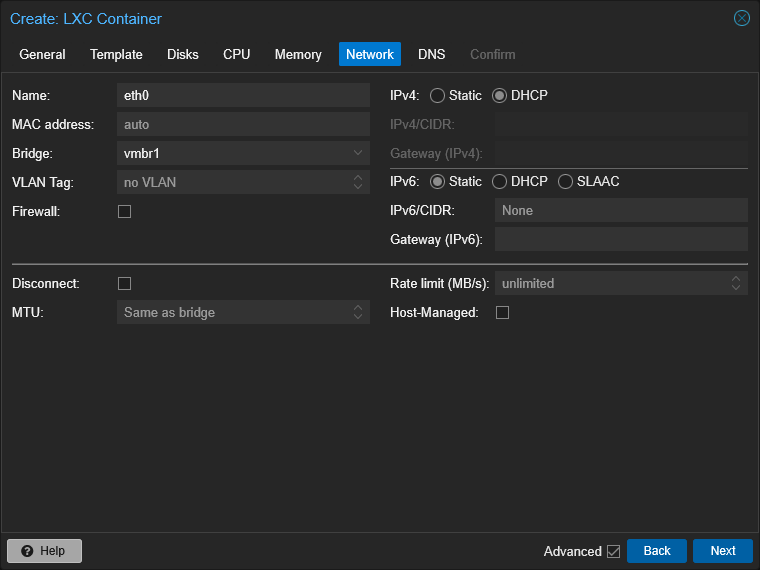
I'm using my 10Gbe NIC on vmbr1 here:
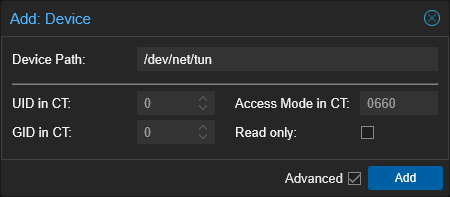
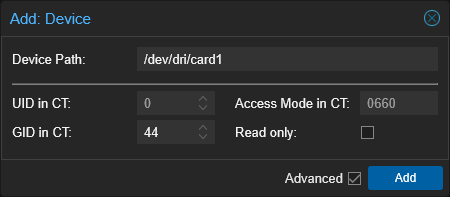
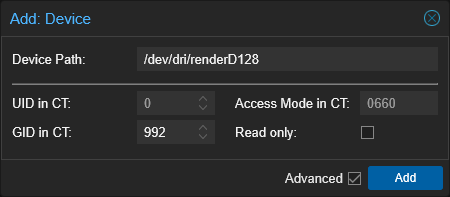
Next, I'll add /dev/net/tun to Resources for Tailscale, and /dev/dri/card1 (yours may be /dev/dri/card0) along with /dev/dri/renderD128 for iGPU support:
bash -c "$(wget -qO- https://raw.githubusercontent.com/bnhf/prismcast-proxmox-lxc/main/install-prismcast.sh)"