
I will work on adding both of those features to the new release. Thanks.

She is, thank you. The Barostim implant is supposed to help improve her heart issues. She already has a defibrillator and metal rods implanted in her back. I tell her she's my cyborg wife. She doesn't appreciate that nearly as much as I do though. 
3 Likes
I have the playlist m3u and the tuner release implemented in the stream branch as well as some under the hood improvements on releasing tuners. I'll be testing them over the next few days as well as finishing up on the on demand streaming to Channels. I should have it pushed to the main branch in a few days.
@jsfullam The update to the latest branch a few days ago added the discussed changes. The added On Demand feature is going to have a record function in future releases. The ability to record Shows or Movies will be to local storage that can either be added as a storage path to channels or imported into channels. I have TMDB integrated to help with metadata of the recordings.
Thanks, @Bobby_Vaughn . I just tested the Live TV Preview page. The Stop Preview & Release Tuner button stops the playback on the Preview screen.
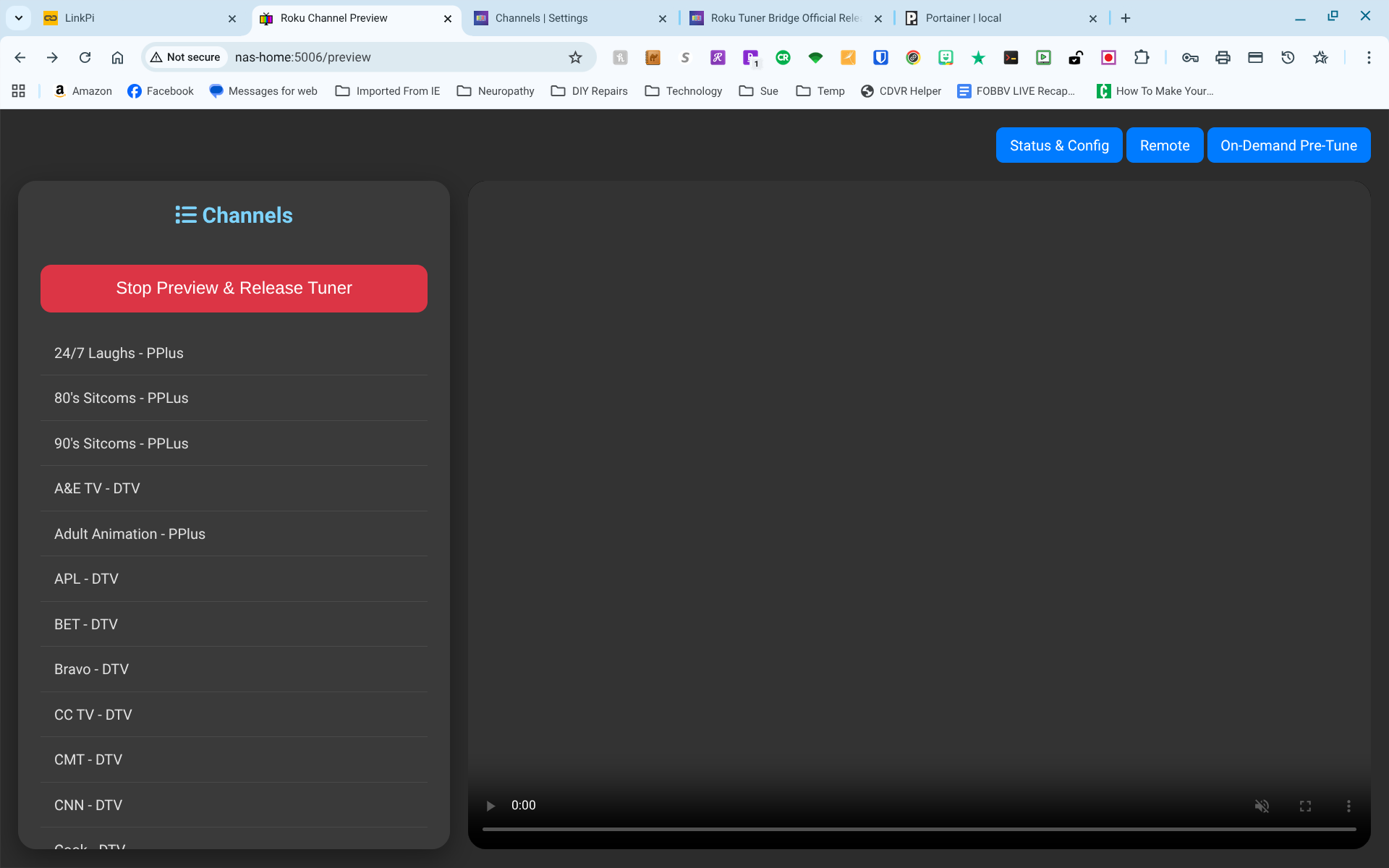
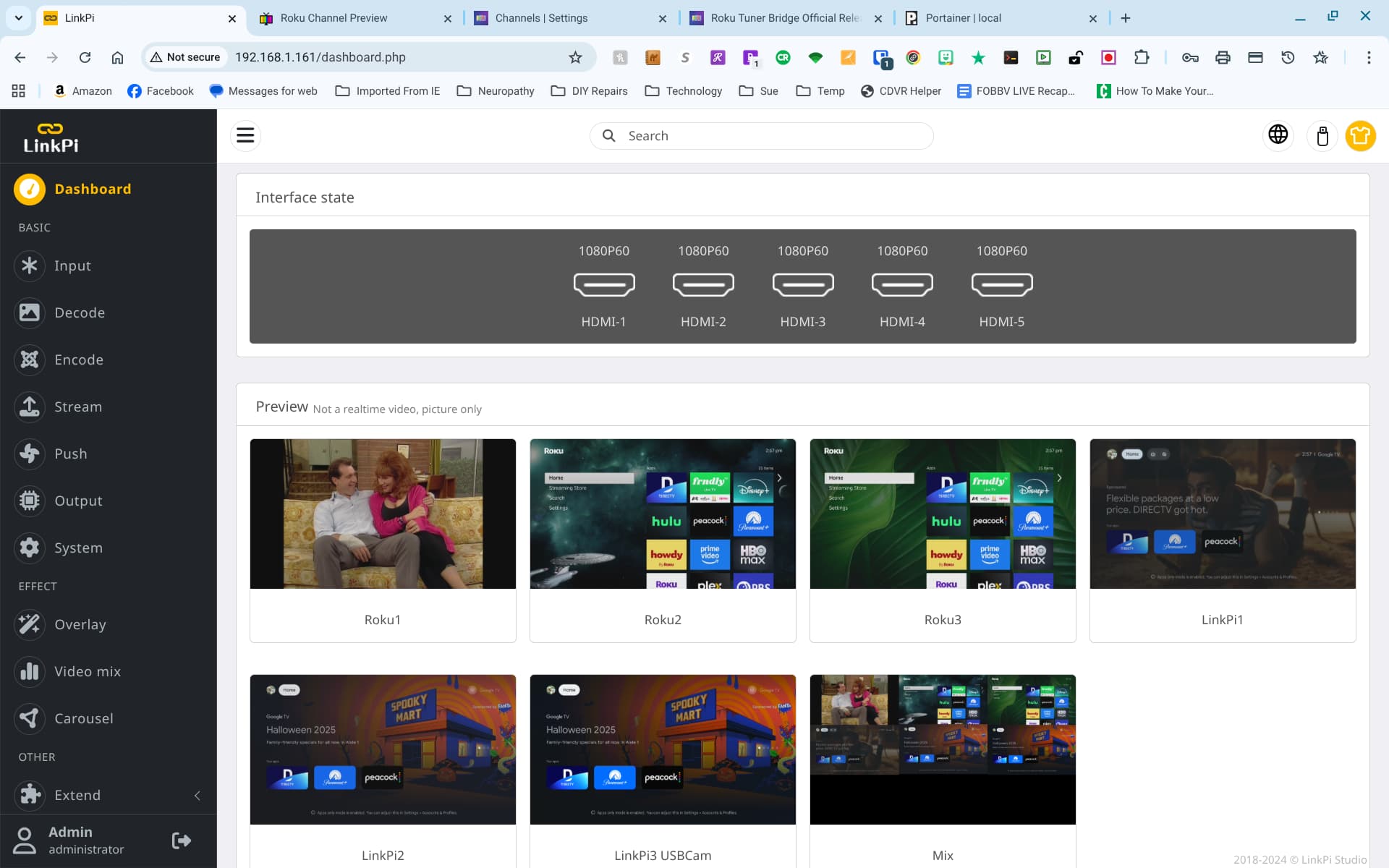
Unfortunately, when I look at the tuner output from the LinkPi, the Roku tuner is still playing.
See "Roku1" as below... It did not actually release the tuner until I navigated back to the Status & Config page.
I'll check in to that
It should be fixed now. Thanks
I hate to tell ya...still the same. I tried three different channels from DTV and Paramount+. None released until I went back to the Status/Config page.
I'm getting clean releases and sending the roku to the home screen. If you are on windows, do Ctrl F5 keys to hard refresh the browser in case some Javascript did not clear. Also, turn on debug logging and see if anything is not correct. You should see something like this:
2025-10-08 10:58:01,596 - INFO - Locked tuner: Roku1

2025-10-08 10:58:01,600 - INFO - Tuning to actual channel Charge...

2025-10-08 10:59:59,716 - INFO - Released tuner: Roku1

2025-10-08 10:59:59,716 - INFO - Sending 'Home' command to Roku at 192.168.86.35.
I get the same in the logs.
2025-10-08 14:35:46,215 - INFO - Locked tuner: Roku1
2025-10-08 14:35:46,216 - INFO - Tuning to actual channel Bravo - DTV...
2025-10-08 14:37:39,256 - INFO - Released tuner: Roku1
2025-10-08 14:37:39,256 - INFO - Sending 'Home' command to Roku at 192.168.1.165.
I keep the LinkPi GUI Dashboard open when I'm testing things. On that browser tab I can watch the output of each tuner. After pressing the Roku Bridge Stop/Release button, the channel preview continues to play.
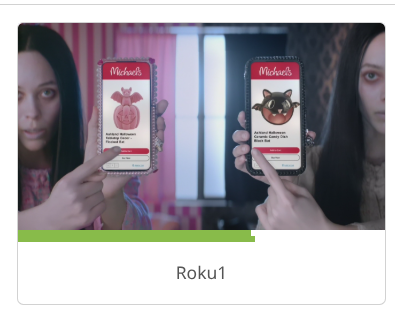
It only stops and returns to the home screen after navigating back to the Roku Bridge Status page.
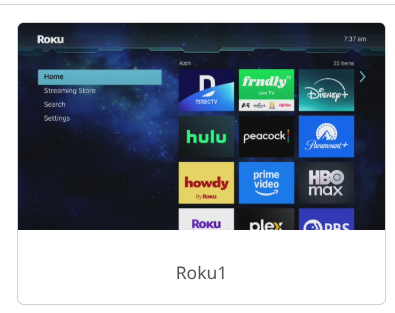
I'm on Chrome and can confirm that a browser refresh of the Roku Bridge Live Preview tab does cause a tuner release and return the tuners to Home without leaving the Roku Bridge Preview Page.
I was using the same method as you with the linkpi screen up on chrome browser, but I'm getting a clean release. I will add a screen refresh to the release button and see if that helps. I am away from the computer for most of today, but I will work on it this evening. Thanks.
I pushed an update. See if that works better for you.
Will do. I have some recordings running for the next couple of hours. I'll pull the new image and test when the system is idle again.
Yep. That did the trick! 
Cool. Thanks.
I also uncovered another tuner release issue in the pre-tuner section. If the tuner is released before it is sent to channels and in pre tuning, the tuner does not return to the home screen. I already have it fixed in the stream branch and will push the fix to the main branch tomorrow.
Stream branch? I think that I only know about the "latest" and "test" branches.
This is like an alpha build. It's not ready for testing yet. The big change will be the ability to record from streaming apps like HBO Max, Netflix, Discovery +. This is the reason I added the On Demand section to the tuner. I was trying to send it to Channels DVR for recording, but I gave that idea up. I couldn't send it directly to Channels without having a corresponding source. Once I had the source, I realized I needed 2 sources, one for movies and one for TV shows. Then I needed to send the proper metadata after it started recording and so on and so on. It became a little too much coding well above my abilities. I've settled on a simpler approach where it is recorded to a local folder created by a docker-compose.yml file. The metadata is pulled from either the Roku itself, very few apps allow for this method, or it pulls from TMDB with an API key. So far, it does record and has the proper embedded metadata as well as correct file and folder naming conventions applied from the supplied metadata. I have a lot of fine tuning and testing left though. I'll announce when it is pushed to the test branch.
I'm currently running the "latest" build. I was just trying to define a playlist for my different sources. When I completed the process, I scrolled down to the "Save All Changes" button. When I hit the button, I receive a red pop up error message "Save Failed: Invalid configuration structure."
I abandoned all of my changes by refreshing, and still receive the same error each time I try to save all changes, even when nothing has been changed.