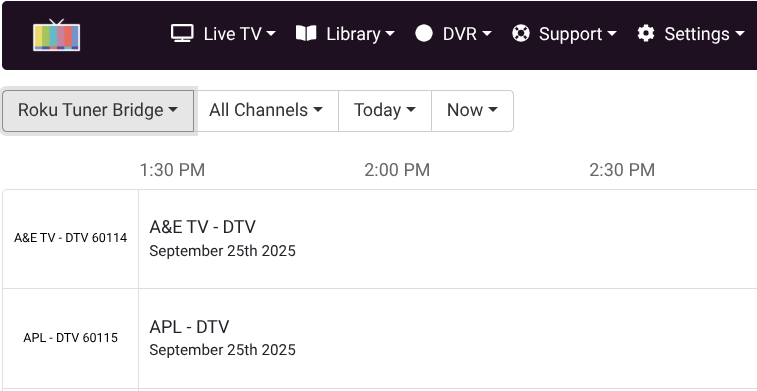
Roku Tuner Bridge Official Release

Indeed it is. Based upon positive results from my initial testing on the single Roku Streaming Stick 4k, I purchased 2 more brand new Roku devices. (Amazon, total investment = $72 incl tax) My two reconditioned Osprey boxes were delivered this morning. (Total cost = $101, incl tax) They are already in the return process.

My existing onn 4k devices are handling the Peacock and Paramont Plus channels, and the Rokus do the heavy lifting on the DirecTV app. Tuning is surprisingly snappy with the Roku Tuner Bridge. I am quite pleased so far. Keep up the good work! It is appreciated! :smiley:

Beta 3.1 released

  • Added Channel Preview link for testing purposes
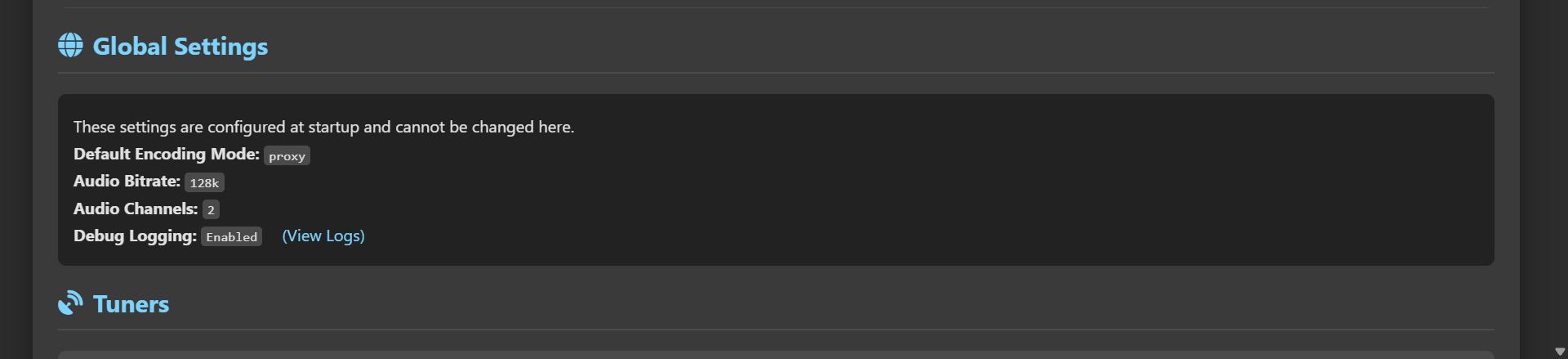
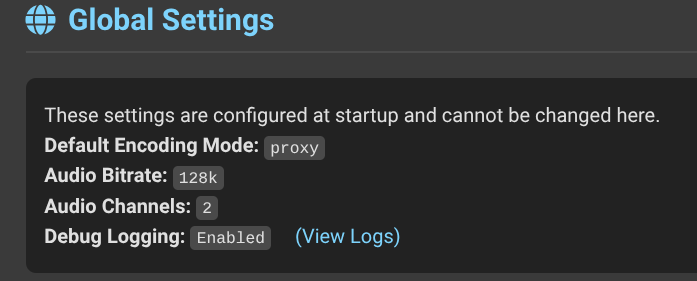
  • Added log view link if Debug_Logging is enabled

Beta 3.2 release

  • Upgraded to python:3.13-slim-bullseye to avoid 3.9 deprecation issues.

@Bobby_Vaughn , I have the following in my environment variables for the Roku bridge stack:
image
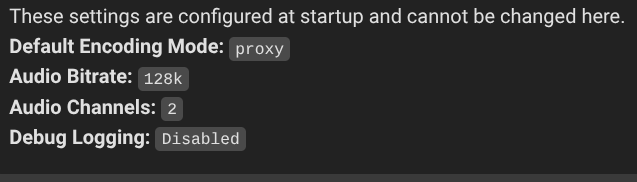
However, the GUI shows that debug logging is disabled: And, I do not see the "log view link" you mention:
Screenshot 2025-09-16 10.25.07 AM

Let me check on that. Make sure you refresh the page.

were you setting it as an environment variable?

 -e ENABLE_DEBUG_LOGGING=true

It is working fine on my end

Yes, I had added it as a variable outside of the compose window. I tried this as uncommenting in the compose was throwing syntax errors.

I just deleted the variable I had added, and then attempted uncommenting in the compose window again. I received a syntax error until I removed a space which was preceding the word "environment"

    environment:
      # Sets the default stream handling mode. Options: proxy, remux, reencode
      # - ENCODING_MODE=remux
      
      # Sets the audio bitrate for 'reencode' mode.
      # - AUDIO_BITRATE=192k
      
      # Sets the number of audio channels for 'reencode' mode (e.g., 2, 5.1, 7.1).
      # - AUDIO_CHANNELS=5.1
      
      # Enables more detailed logging for troubleshooting.
    - ENABLE_DEBUG_LOGGING=true

Working fine now...

1 Like

Good deal. I will remove extra spaces and add that to the instructions. Thanks.

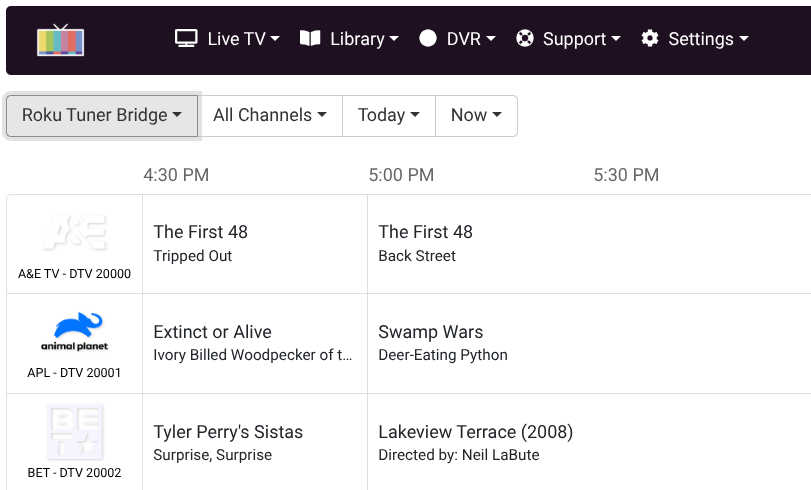
Hey @Bobby_Vaughn , after changing the environment variables as we discussed earlier, for some reason I now have no guide data or channel logos: What in the world did I do wrong?

Screenshot 2025-09-25 1.57.49 PM

Honestly, I have no clue. You should be able to download a copy of your config and see what is not correct. I am at the hospital with my wife and will not be near a computer for at least a day.

Any reason you're not using Project One-Click for this, or at the very least the Docker Compose from the list of project YAMLs I created to try to avoid/minimize issues like this? I've been trying for a couple of years now to get some standardization in docker deployments -- using Project One-Click as a model.

Oh my goodness! You have much more important concerns to attend to. I send you and your wife prayers of health.

Sorry to hear that @Bobby_Vaughn -- sending positive vibes your way...

Thank you @jsfullam @bnhf She had a Barostim implant to help with her heart condition. Hopefully this will work and help her feel better. She is doing fine and in no danger. They are just monitoring her recovery for a few days before she can come home.

4 Likes

I think that I jumped on this Roku Bridge project before it was incorporated into Project One-Click. Often times, once a project makes it to one-click, I'll remove my initial installation, and re-install using the one-click version. This one was working so well, that I was afraid to touch it. Looks like now is the time to make the change. (As soon as I back up my tuner configuration and all of the channels I have set up)

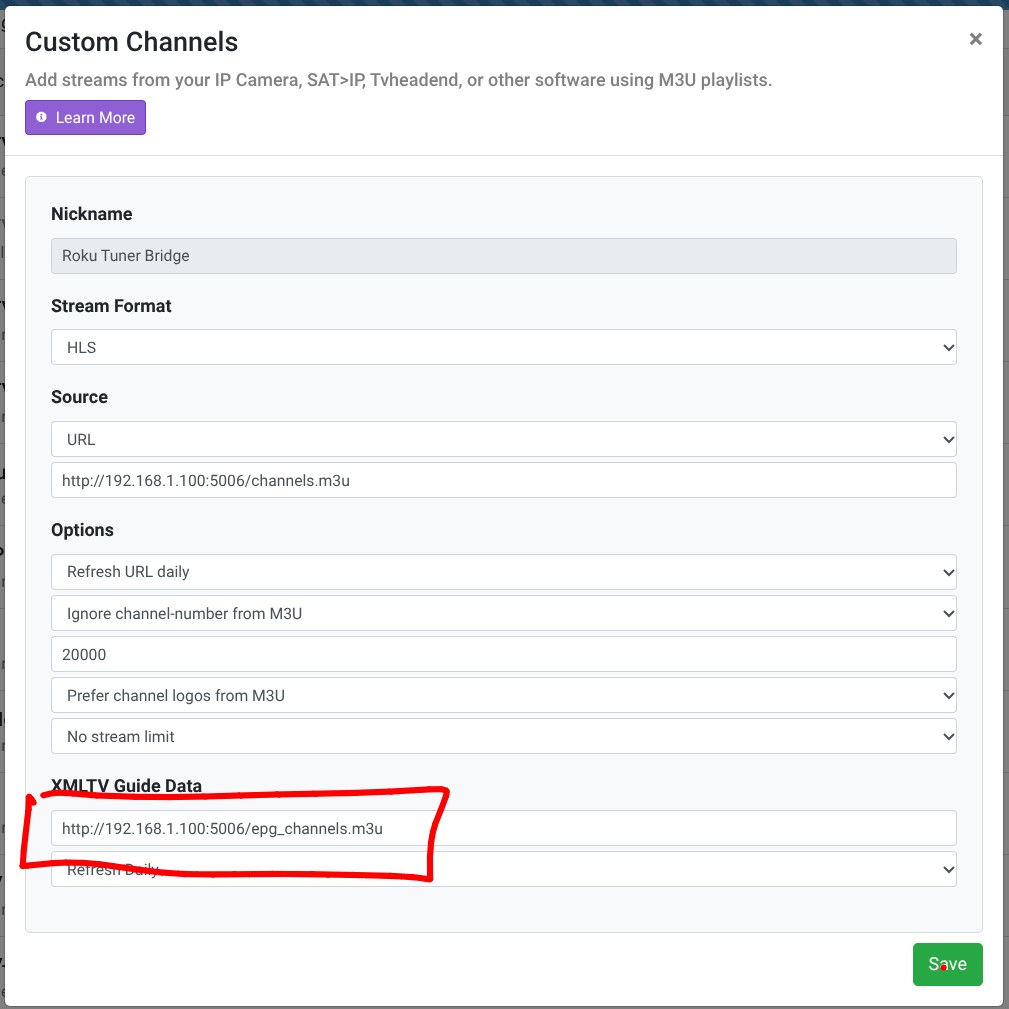
For what it's worth...I fixed it. I had attempted to change the numbering range of my Roku Tuner Bridge Channels source. When I saved the source with the updated range beginning at 20000 rather than what I had previously specified, I lost all the channel logos and EPG data.

The fix? I deleted the URL for the guide data, (red box below) and saved the settings again. Magically, the update restored all that had been lost. The strange thing is that the URL in the settings automatically populated with exactly the same URL as before, so, I don't understand why it went funky on me. :thinking: I guess that understanding isn't necessary, considering that it's working again...
I hope that your wife comes home feeling better than ever! :pray::slightly_smiling_face:

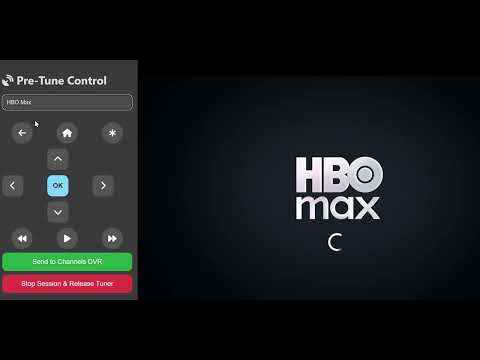
I started working on a new update for the Roku Tuner Bridge and would appreciate some early feedback on potential features people would like to have before I get too deep into the UI. The reason I wanted to do this is because Philo has added HBO Max and Discovery + to its package. Since these and other streaming services do not have live channels to tune, I was thinking of a way to add them to Channels with this application. Here is my concept:

You would have a single m3u to add as a custom channel, e.g. Stream Channel. Have a pre-tuner viewer added to the application that would allow the user to navigate to an app from the dropdown menu on your phone or tablet. You would then be able to navigate in the app with a virtual remote and tune to the episode or movie that you want to watch. Once you are there, you would click a button that says Send To Channels. The M3U would then be active and viewable on the custom channel you already have. This channel would be used for all apps you want to manually tune to and watch.

I still have a lot to figure out, but I have starting on the code needed to put this together and begin testing and debugging. I will put up some videos of it in action when I reach that point to give everyone a better idea of the update.

Basic Test

Here's just a couple of thoughts off the top of my head...

Personally, I'd like to have a way to release tuners when they get stuck/frozen. For instance, it would be great to have a button on the GUI to send a device back to the Roku home page, or, to force a reboot of the device.

Just the other day, I was using the Channel Preview page to test some new channels I had added, and after I reached the number channels equal to the number of my available tuners, I could not test any more. I noticed that exiting the preview page immediately releases all of the tuners. But, a release button for each channel preview would be nice when testing several channels in a row.

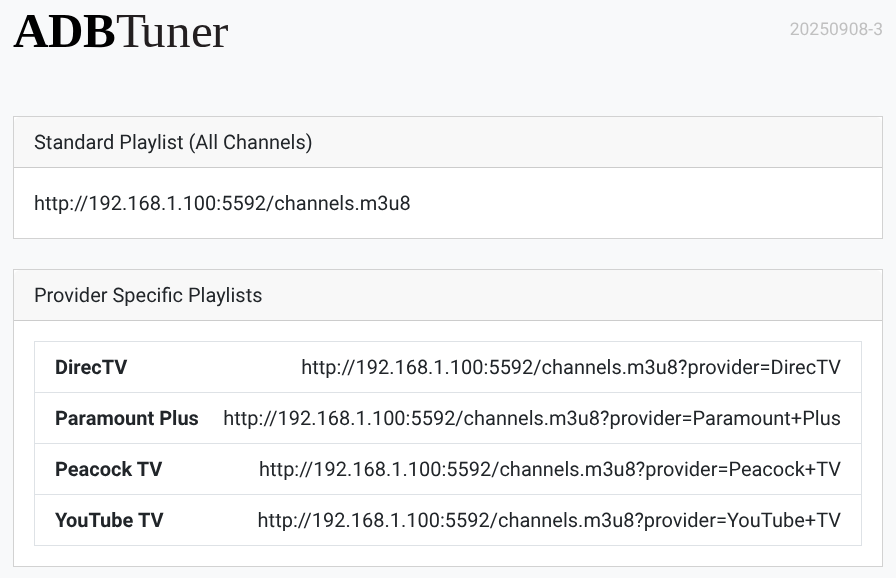
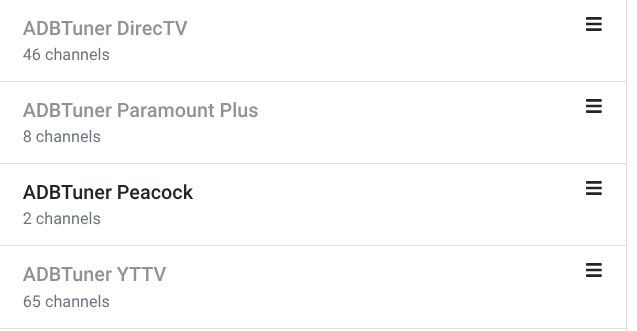
I also would like to have a way to separate channels from different providers/apps to individual playlists so that they can be added to Channels DVR as separate custom sources.

Here's an example of playlists from ADBTuner:

And an example of my ADBTuner Channels Sources:
Screenshot 2025-10-03 12.59.20 PM