Just opened the cable box and the AT&T and it is all standard for apartments
Had to take a look…
Kevin

Just opened the cable box and the AT&T and it is all standard for apartments
Had to take a look…
Kevin
OK I had to reread a couple of times to understand…
My T-Mobile is connected to HdHomeRun 3.0 Quattro via Ethernet cable.
My TV then is using WiFi and so is the computer supporting channels
So no my computer is WiFi to my TMobile
I have an old AT&T phone connection box but nothing else for the computer
Thanx Kevin
No catv outlet anywhere near the router/pc? Same wall adjacent wall etc?
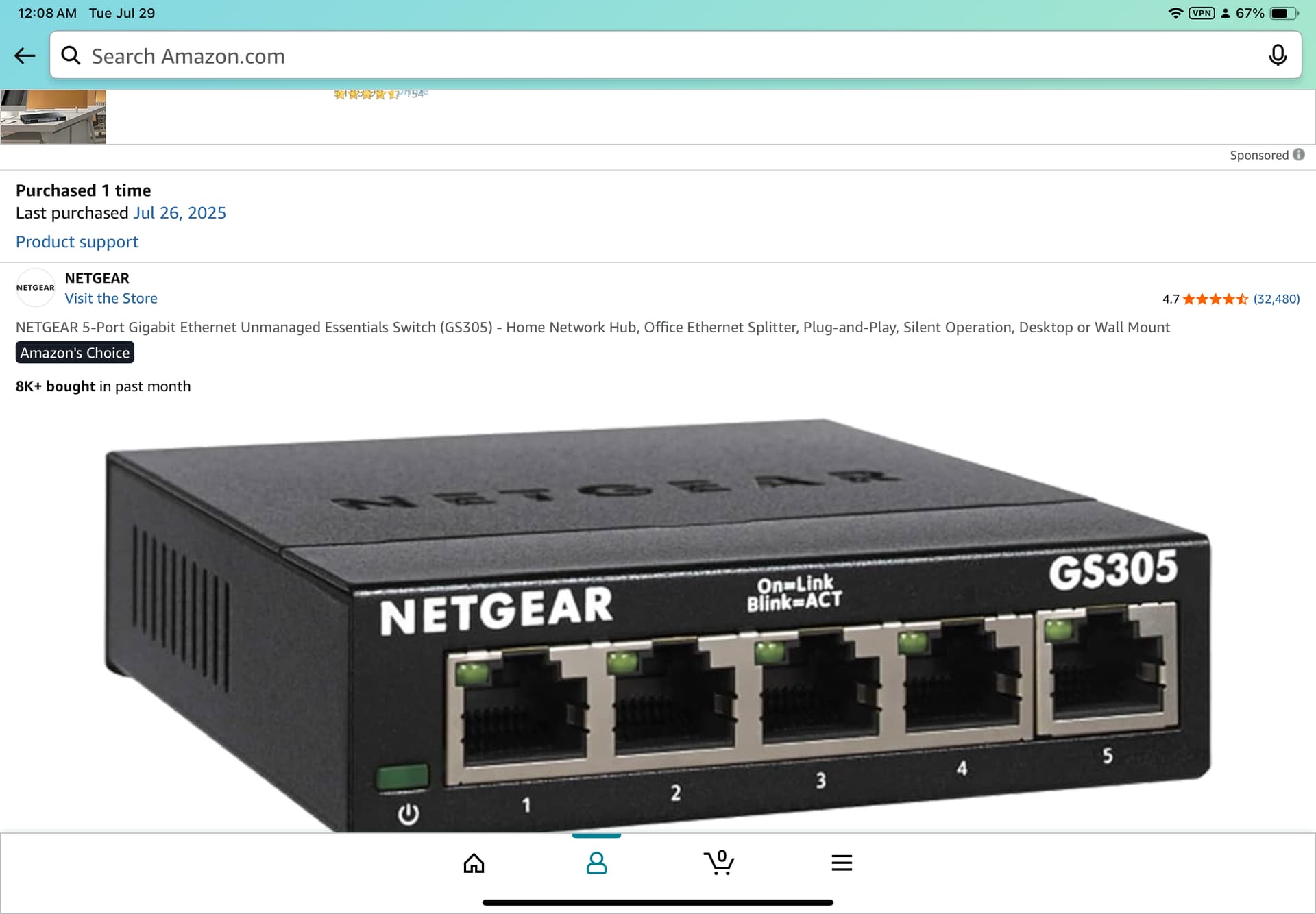
Best thing to try is purchase a quality ethernet cable of the length you need to go from your Internet gateway/router to a good unmanaged switch, then another quality ethernet cable of the length you need to go from the unmanaged switch to your PC, then another quality ethernet cable of the length you need to go from the unmanaged switch to your HDHR tuner.
This will prove that wired ethernet will work for you and works best.
Then you can experiment with downgrading connections using MOCA or WiFi to see if either will work for you.
I have run 75 foot CAT6 ethernet cable temporarily to verify it works great and then replaced it with both powerline and moca adapters. I ended up keeping the 75 foot network cable. All the powerline adapters I bought ruined my AC light switches (micro-arcing inside the switch) and most all of the MOCA adapters interfered with my ISP gateway.
WiFi, Mesh and MOCA are great on marketing promises. But I prefer real life, actual performance over marketing promises. Think of the ads for 250+ mile Digital UHD 8k resolution indoor antennas!
If someone tells you they use brand X of something that works fine, ask them to specify the model number and ask them to support you setting it up.
Your router would need to support wifi 6 for it to give you any improvement. One issue you are fighting is rf interference in an apartment environment. So wifi stability is probably going to be an uphill battle.
Same thing with powerline networking. Apartment AC wiring would most likely be a nightmare.
100% agree, get a baseline of what things could be and then work from there.
Im going to ask this again just to make sure. Are you sure there is no CATV outlet on the wall anywhere near your router and/or your pc? Maybe on another wall in the room or in a bedroom thst has a shared wall etc?
If you have to stick with wifi...
What does an internet speed test show from your PC? Im not really concerned with internet speed but i am curious what the top speed and latency you wifi has is in general(from the PC)
Your TV, is it 5Ghz capable? If it is only 2.4 ghz then that is probably the main issue.
Once i get answers to these questions i can help you better.
II
You mentioned compatibility
You also asked about 5 vs 2.4ghz
So I checked to see if my TV, T-Mobile Router, and Win 11 computer, would support WiFi 6e, and, the only hesitation was that the drivers might need to be updated.
I also read the fine print on the computer and it is running dual Band 2.4G / 5G. I do have gigabit Ethernet
You outlined the Ethernet cable then the WiFi 6
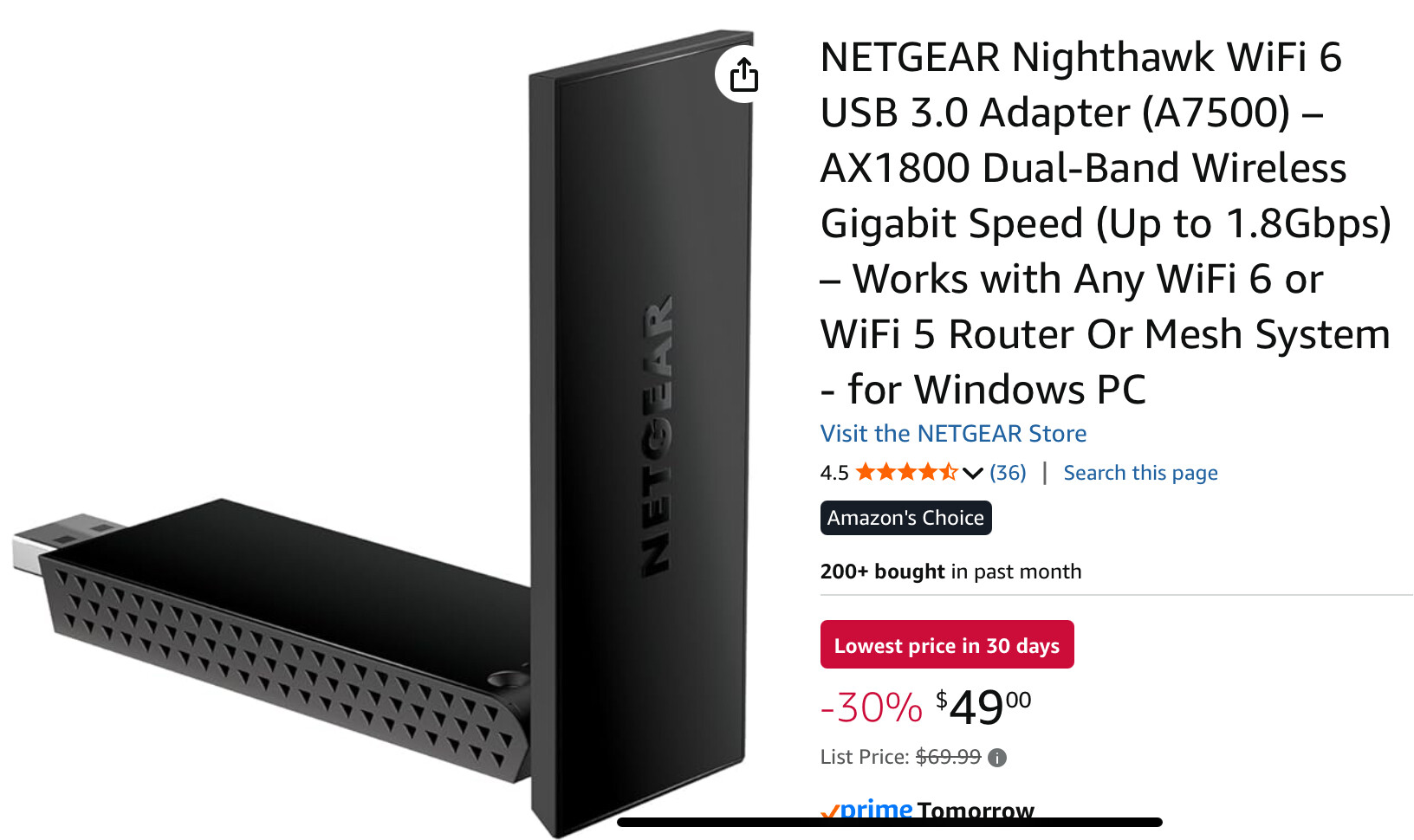
So I ordered a WiFi 6e usb device, an unmanaged Ethernet box, and the Ethernet cable: 75ft; I also have the small cables to tie the Ethernet box into T-Mobile, HdHomeRun, and the TV after I hook up the 75ft-er.
So I think I’m going with the Ethernet cable as that will take 5 minutes, and then like you said, I will give the WiFi 6e a shot; but, I’m thinking, that I will most likely go with the Ethernet cable.
{{There are just too many small, maybe very large details that are creeping into the dialog.}}
You asked again ; ) [AGAIN]
I checked the apartment throughly
I do have coax easily accessible behind the TV; unfortunately I don’t have anything anywhere near the computer.Iooked at MOCA and that really would be an easy answer
You mentioned Ad marketing for TV antennas
I tried 6 different antennas and finally went out reviewed them on the internet. I still had trouble!
[ WineGard] the finally decision. The powered version gave me almost perfect 4 green on the HdHomeRun, however, I lost ABC 10. I went back to unpowered [WineGard] and everything is back.
DRM shut me down completely, but, I was prepared for that.
You Asked About PC Internet Speed
Running the test from the TV
Support -> Test Speed to DVR Server ->
Download: 10-15mbps
Latency: 8.6
Jitter: 8.7
Running the test from the PC and viewing channels server from the task manager
Connection speed shows almost no activity
> 750 - 2.5 mbps
You mentioned this info was useless
I do know one thing and that is using my tablet to mirror is useless.
The video and the dialog are a mess for live TV
And just passable for PlayOnCloud downloads
Thank You
Kevin
I think it will be 1000% better with Ethernet.
OK I think I have stable WiFi signal to the TV
I’m a little confused thou
I ran a cable directly from the Ethernet port of PC to my TV’s Ethernet port.
I ran a speed test and it is averaging around 28-35mbps
Then I ran that same cable from the second Ethernet port on the modem to the PC
So my question IS
Which signal is the channels working from?
I have the channels app loaded on the TV!
Is the channels TV app using the Ethernet cable or is the TV pulling from the modem
Not even sure how to ask the question. OFF day!!
I plugged in the WiFi 6e products and some times they gave 30 -> then sometimes they 10-15mbps
Thank You Kevin
Ethernet from pc to router. Ethernet from tv to router. Ethernet from hdhomrun to router.
Try that
Best is
Ethernet from ISP gateway/modem/router (whatever they call it) to Unmanaged Gigabit Switch
Ethernet from Unmanaged Gigabit Switch to PC
Ethernet from Unmanaged Gigabit Switch to HDHR Tuner
Ethernet from Unmanaged Gigabit Switch to TV
That way the high bandwidth traffic goes through the switch instead of the router 
Thanx
Looks like I’ll put it together Monday when the unmanaged switch comes in
Kevin
If you have enough ports on your router you can just use those for now. Most routers use software switching which is slower and not as efficient. But for your case its just fine especially for testing
I have hooked up my wired system
HdHomeRun
TV
Computer
T-Mobile
To the unmanaged switch.
I think I have it working correctly; I will have to wait and see next Saturday and Sunday how my OTA recording for football and golf turnout.
I’m looking at the options and the option for speed test with the system running Ethernet dozen’s show the speed test.
Should it be there??
Thank You for all the help
Kevin
Turn off your wifi on your pc and make sure your tv is using the wired connection.
If you go on the channels app on the TV and go to settings - support - test speed to dvr server.
Checked the PC:
Network and Sharing Centre> Ethernet Status: Speed 1.0 gbps
I downloaded a lan tester for windows and it shows 1.0 gbps
I Manually removed WiFi and the TV shows Ethernet
Test Speed to DVR Server: 10mbps
I did a speed test and it functioned normally then I tried a second test and it says:
Net::ERR_ADDRESS_UNREACHABLE - shows my ip address
I unplugged the switch and tried again; it worked a few times, then, it shows the above error
I just unplugged the switch again and I got the speed test again, but it still shows about 10-13mbps
Then I tried another test and again…
Again… ERR_ADDRESS_UNREACHABLE
So I have a lot inconsistency….
The actual speed tester option disappears and reappears
I wanted to check the details of a video that I was watching and now the laptop can’t connect to channels
I am watching OTA live tv channels and they are working great using the app directly on the TV
I just checked to see if my videos located in my collection would work and they are spotty. I am accessing the videos from the TV app.
Sometime they work great. Quality-perfect
Sometimes they come up: Recording not Found (-13)
Out of curiosity, “I have done this a few dozen times” I unplugged the switch from power and plugged it back in; then, the movies show up again
Then they disappear… strange…
I just tried it again. The movies came back; but, the speed tester option is missing
Any ideas??
Thank you Kevin
That seems like a very long long dialog… 
Summarized…
I can’t connect my laptop to to WiFi channels because WiFi is gone??
For the laptop??
I have inconsistency…
Connecting to the speed tester
Sometimes it is there then it disappears
Movies are available then they show (-13)
Unplugging the power supply on the switch changes outcomes but I really don’t know why it would.
Hopefully this helps
Kevin
Forget the switch. Plug everything into the router. Reboot everything and verify that you have an ip address on the wired connection for each device.
Live tv probbaly works perfect because you are connecting directly to the hdhr. The connection between your tv and hdhr is probably just fine. There is something going on with your computer. Is your channels server running on your laptop?
I only have two ports on my T-Mobile router / modem
I need one for HdHomeRun
The TV
The computer
Kevin