Starting from the top
A better switch isn’t necessary????
I didn’t think it would be, just trying to cover the bases
You mentioned plugging my lan directly into the TMobile-Modem/Router because my system was behaving inconsistently when I connected the lan!!!
I only have two connections on the modem/router “TMobile” so that won’t work.
You asked about my Apple Air 5 tablet not connecting;
My Ethernet adapter should be here tomorrow; So the tablet is taken care of.
Thanx
About European broadcast quality??
I have a USA video for golf and it refused to play; it just froze
LAN troubles and WiFi speed troubles…
Do I use a laptop for channels server??
NO… I am using a Windows 11 computer.
I was trying to use my air 5 apple tablet to manage the recording of sports and movies while the lan was hooked up and I didn’t know that I would need a Ethernet->usb C adapter.
Adapter gets here tomorrow….
Computer -> SPECS: I doubt you will need the specs…
N95 Mini PC, Intel Processor N95 (up to 3.4GHz), 8GB DDR4 RAM 256GB M.2 SSD, Desktop Computer Support 2.5" SSD, Dual 4K, WiFi, Ethernet for Business, Office, Home
So I am back to square 1#
I put the TV back to WiFi and it works as long as I have better than 12mbps for my streaming videos
“Quality everything; better than I expected”
Worked great for about an hour and then the WiFi speed dumped to 5mbps
I tried hooking the lan back up; the Golf video immediately started stuttering and freezing. I might have had both the WiFi and Ethernet hooked up at the same time.
So I WAS…->
Looking around in the windows 11 desktop I found:
Network & Internet
I turned off the WiFi manually
Network & Internet -> Ethernet
I set this to Public network(recommended)
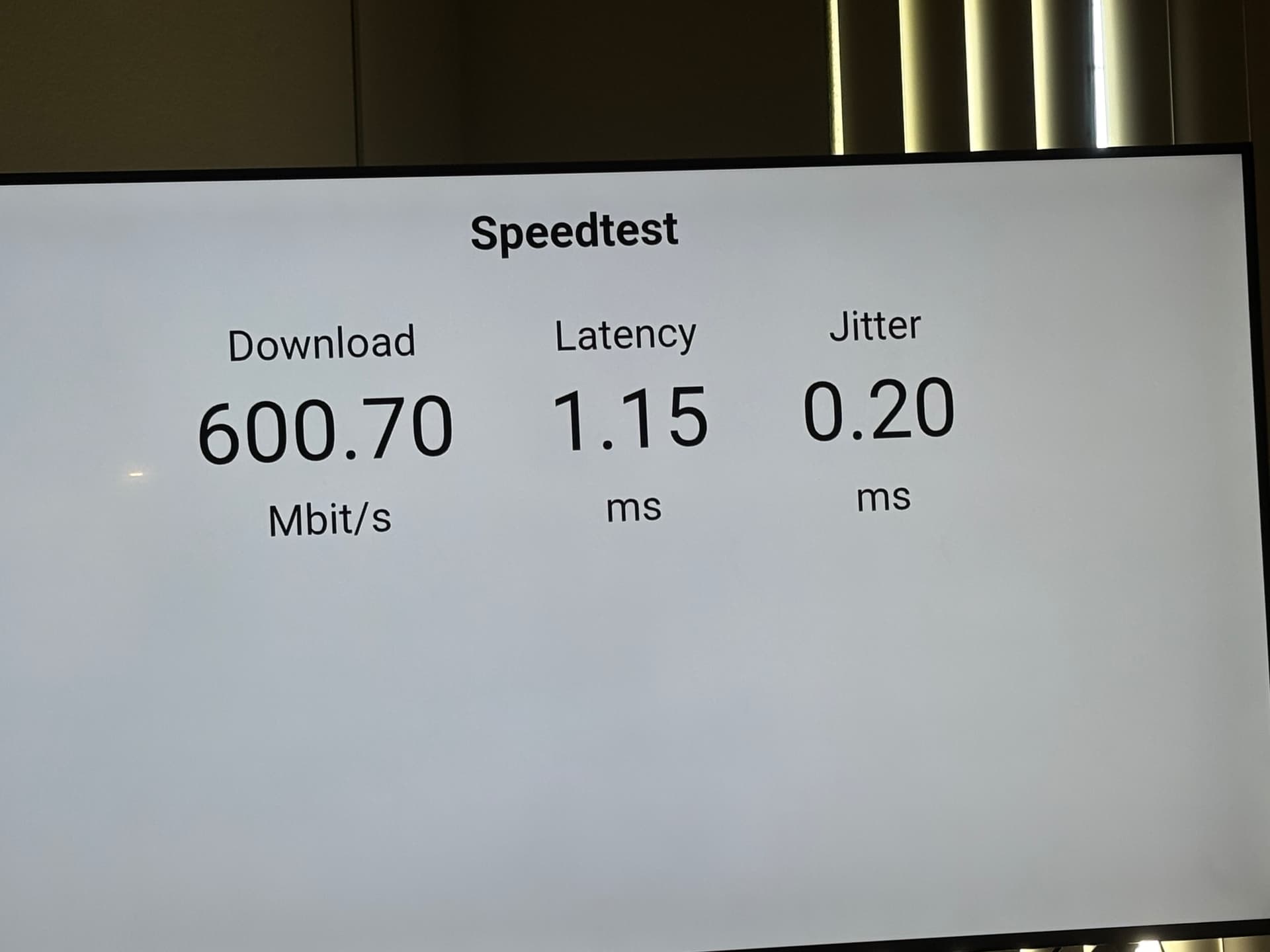
Now my lan network is up and running. I ran a speed test using windows
Ethernet>Help with Ethernet>Run an internet speed test
Results averaged around 320mbps while connected to LAN
So my speed test is where you said it should be,
but,,,,
Now my network is (-13) for movies and sports shows and the speed test can’t find the network address:
http://192.168.12.248:8089/speedtest?session=null
Address unreachable
SO… 
I put the WiFi back up and checked a few movies from playoncloud and old OTA westerns as well as new OTA movies, thriller action type and they all seem to responding without drama with a speed of around 12mbps, but, the sports OTA’s are the drama. At these speeds they just don’t function.
So as I understand It the only thing I have left to do is figure out why my lan can’t see my computer
Doing a little research I find that I might have addressing issues???
DHCP …???
I didn’t get very far with this
Any ideas
Kevin