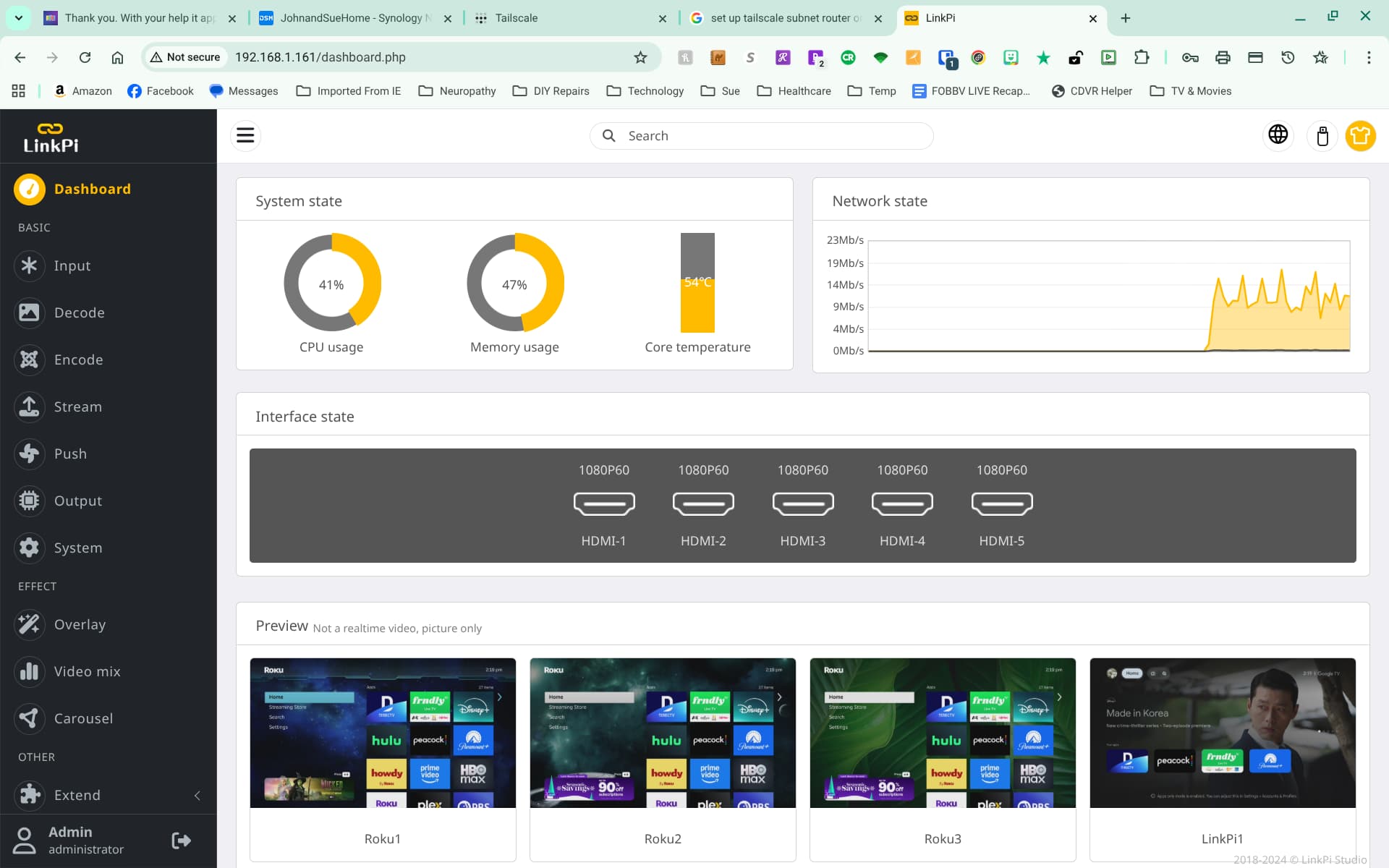
So, it wouldn't take 192.168.1.0/23 yielding this message:

As the message suggested, I used 192.168.0.0/23 and approved through the Tailscale admin console.
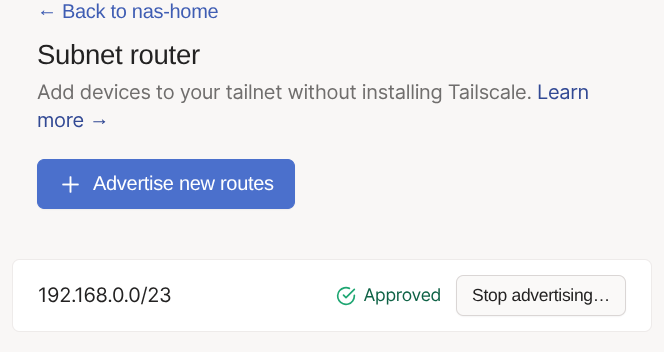
Now, it seems that I must let the Tailscale Subnet know where the LinkPi is located...

So, it wouldn't take 192.168.1.0/23 yielding this message:
As the message suggested, I used 192.168.0.0/23 and approved through the Tailscale admin console.
Now, it seems that I must let the Tailscale Subnet know where the LinkPi is located...
Well what it your default gateway?
When you go to your router do you go to 192.168.0.1? If so then yes that message makes sense. I was using .1 as an example.
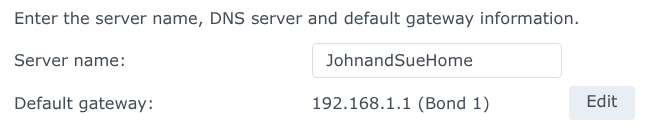
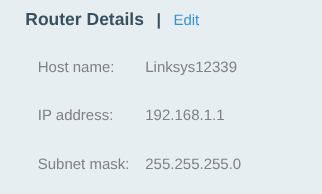
My default gateway is what you suggested: 192.168.1.1.
Synology settings:
Router settings:
Try 192.168.1.0/24
That worked!
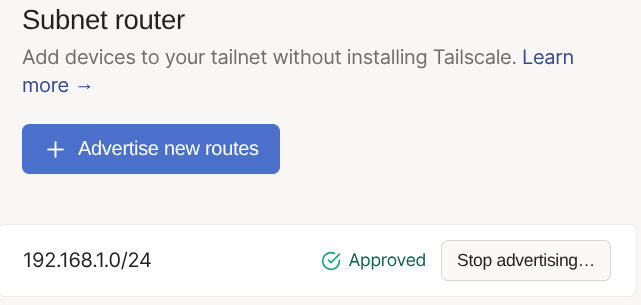
I don't know how I ended up with this conversation becoming a new topic on the forum... I meant to send as a DM. 
I'm still in the dark as how to get the LinkPi added to the subnet so that I can access it.
EDIT: Oh, I see! I can just enter the local IP address of the LinkPi as if I was on the LAN.

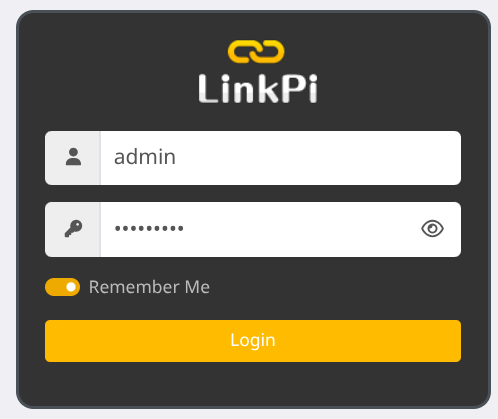
Boom! I'm in! Thank you so much for the suggestion and help!
Sorry, I just saw this now. I'm so glad you were able to get in.
It's pretty cool to be able to access devices which cannot run any client software. In particular, I'm able to get to the GUI for my "Keep Connect" router rebooter. I was never able to remotely change the settings on that thing.
So, here's a question... I have a second home where my other Synology Nas serves to provide offsite back up my important files and also hosts a backup of Channels DVR server, in case my primary NAS happens to be come disabled at home. Do I need to set up a second Tailscale subnet at the other location so that I can access the "dumb" devices on the other LAN? Or, do both locations fall under the same subnet?
So what you need to do is when you are home go in to your router and change your subnet to something else. Not 192.168.1.0 something like 192.168.111.0 to prevent conflicts when you are on another network that also uses 192.168.1.0. Then in your other home set the network to something else like 192.168.112.0 for example. If you are somewhere that also uses 192.168.1.0 as their subnet and your device such as a linkpi has the same IP address as something on that network you won't be able to access it due to the conflict. If you have two homes on the same tailnet they need different subnets to avoid conflicts.
 That's the simplest, easiest way.
Otherwise you would have to setup 4via6 subnet routers at each location (and do a lot of reading).
Yup I personally made my network something obscure to avoid conflicts. I also have a complex setup. I host my own OIDC provider and authenticate that way.
That makes a lot of sense. Even a dummy like me knew that there could be conflicts between devices which have the same IP addresses on different LANs. Combining both LANs together would result in tons of duplicate ip addresses.
Yeah, you're gonna have to resubnet. It's a bit of a pain, but once it's done, it's done.
I have tried to muddle through some of the Tailscale documentation. It's a completely incomprehensible language... The easiest way has to be the only way for me.