
This post was flagged by the community and is temporarily hidden.
What are your settings and what do you see that shows transcoding happening
Thank you.
I initially noticed a very big delay when playing some videos.
When I investigated I could see that the CPU on the NAS was maxing out running ffmpeg for Channels when these were playing. Playing other videos the NAS sits at only 3-5% total.
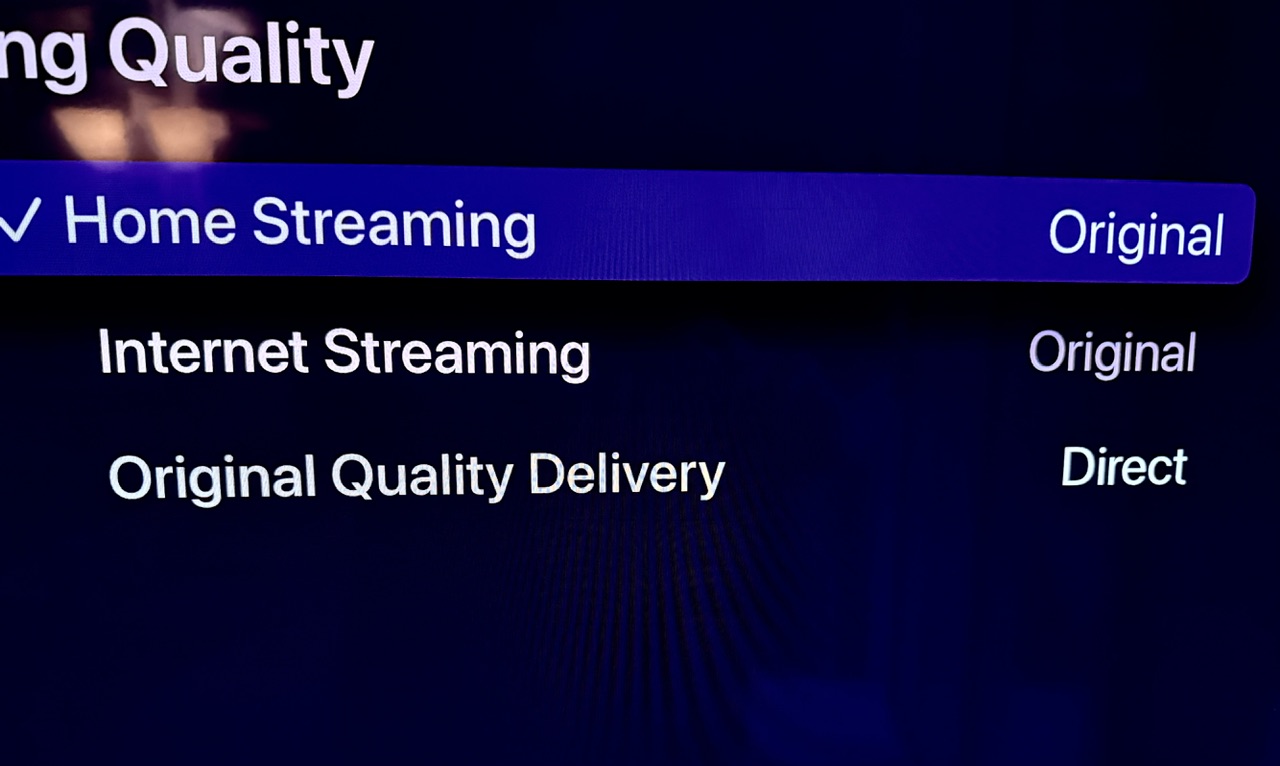
All the streaming settings are set to Original, and Original Content Delivery is set to Direct. Let me know if there are more settings you would like to know about, or more information I can provide.
Please go to Settings -> Support -> Submit Diagnostic Logs from your device and let us know when it's been submitted so we can have a better idea of what was going on.
Thanks. I’ve submitted logs from the DVR, and from a client.
I don't see any playback sessions from the device you submitted diagnostics from that involved transcoding. They are all playing directly for that device.
I’ve just submitted diagnostics from the Apple TV after it took a long time to start playing, and the CPU usage on the NAS maxed out by the Channels DVR.
If it’s not transcoding, it’s doing something else.
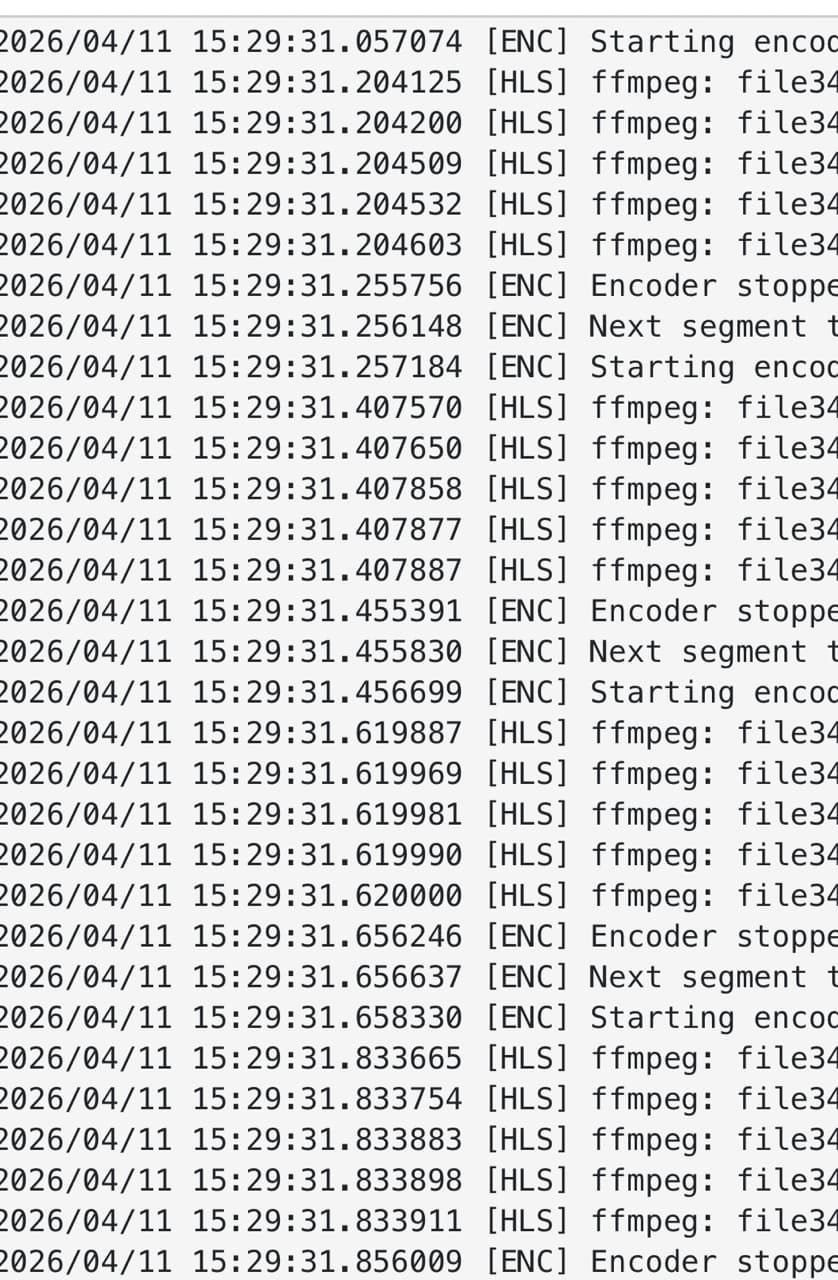
These are part of the logs from playback that made me assume it was transcoding video. It’s ffmpeg that is maxing out the NAS.
Yes, I do see those happening from a remote client that you have connecting and trying to watch HDR content remotely which is having problems transcoding.
Could you make a quick video of the issue you're having on your AppleTV with and upload it to: https://www.dropbox.com/request/MMjICRc053JJpSBPDIfQ
Please update to the latest pre-release:
and then submit diagnostics again. It'll hopefully provide some useful info to improve the errors.
I don’t have any remote clients. Those are local clients.
The NAS and Apple TV are on the same physical switch.
The Apple TV is 192.168.1.19 / 255.255.255.0
The NAS is 192.168.1.100 / 255.255.255.0
I looked at the DVR settings and they show remote access is off…
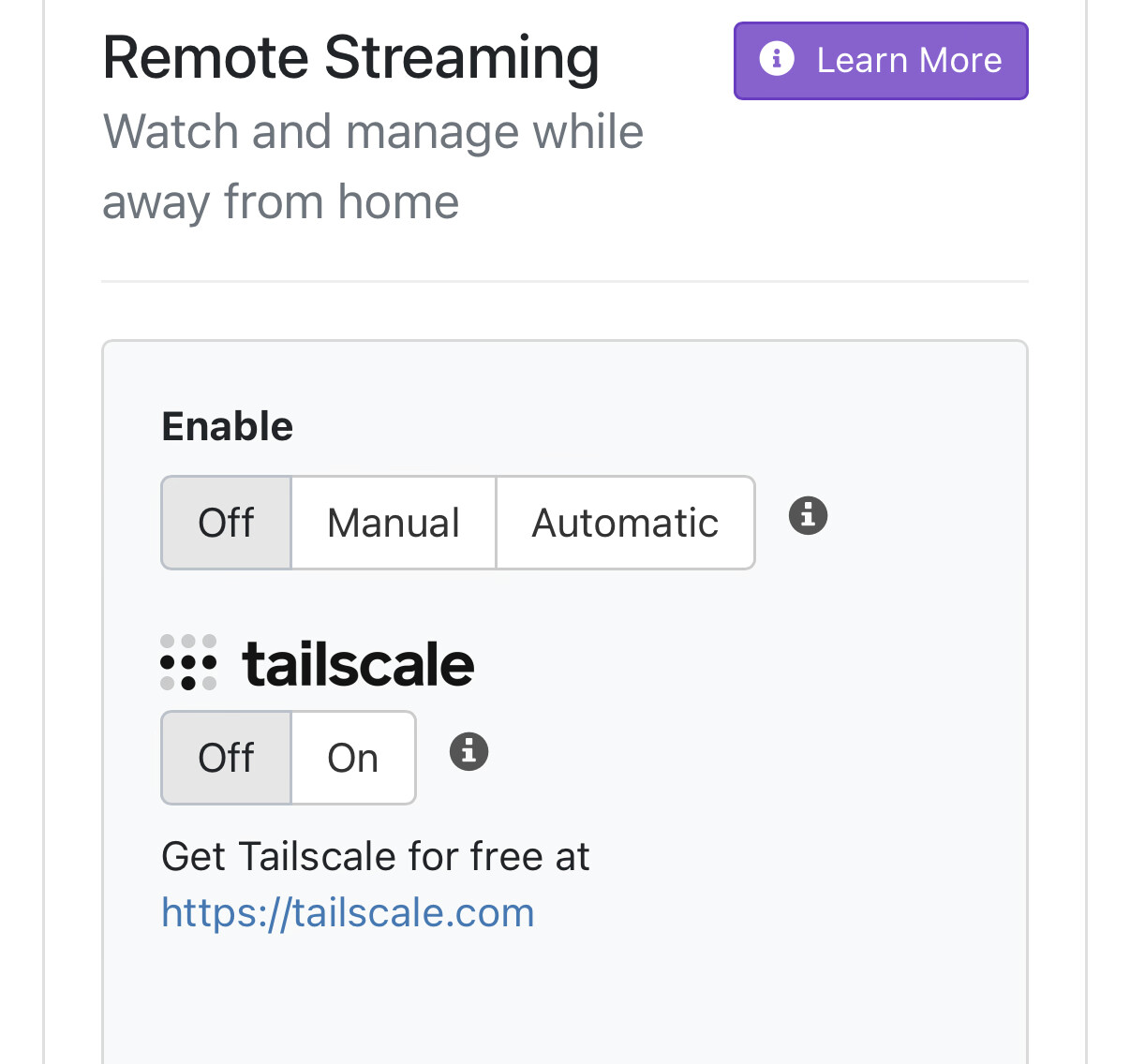
I’ll try this later today and get back to you.
In that case, you have something funny going on with your network. You have a client connecting over IPv6 which is using remote authentication.
Ok…
If remote streaming is off I’m not sure why it’s accepting a “remote connection”.
All the streaming settings are set to Original and Direct, so even a remote connection shouldn’t be transcoded.
Channels only reports the IPv4 numbers in all the UI’s.
The Apple TV and NAS IPv6 numbers are all in the same net as provided by the router.
Everything got rebooted yesterday before I made my original post just to make sure the network was stable.

It's the device trying to play "The Expanse" and failing.
Ok, so it’s not a remote connection / ipv6 issue now?
Now it’s the device or the file?
But if I use a different app on the same devices, from the same server, the file plays fine. It’s only channels that is choosing to transcode these files.
The problem is obviously somewhere in the channels software.
I’ll just use different software.
The issue is that you have a device that is somehow connecting remotely. It is likely that the configuration of that device is set to 8mbps for Remote streaming. If you change that to Original, it will not transcode. The IPv6 address of that device is 2403:5801:d906:0:c9f3:707e:be0c:1473. If you can send the diagnostics from that device, we can see what the configuration is on that device that is causing it to make the server transcode.
But the bottom line is: The device that you've actually sent diagnostics for is not trying to transcode, so if you're having problems with the specific device you sent diagnostics for, it would be helpful if you did what I asked for above: send us a video of the issue along with diagnostics from that device, so we can try to correlate this strange thing that is happening to you and fix whatever bug you may be running into.
It's clear we have a bug in our transcoder that is trying to use the hardware HDR-to-SDR conversion on your system (which does not work) and it would be helpful to fix that, but even if we fix it, it's unlikely that your hardware will have the power to do that tonemapping in software.
In the end, we can only help you as much as you want to be helped.
The bottom line is that you keep making claims about my setup that are wrong.
I did send you the diagnostics from two devices that are having problems, and from the DVR itself.
All of the devices I’ve tested on have streaming set to original, but they still transcode. The problem is not the settings.
You have blamed a remote client that doesn’t exist.
You’ve blamed my “funny” local network, which I’ve then tested extensively and found no other problems.
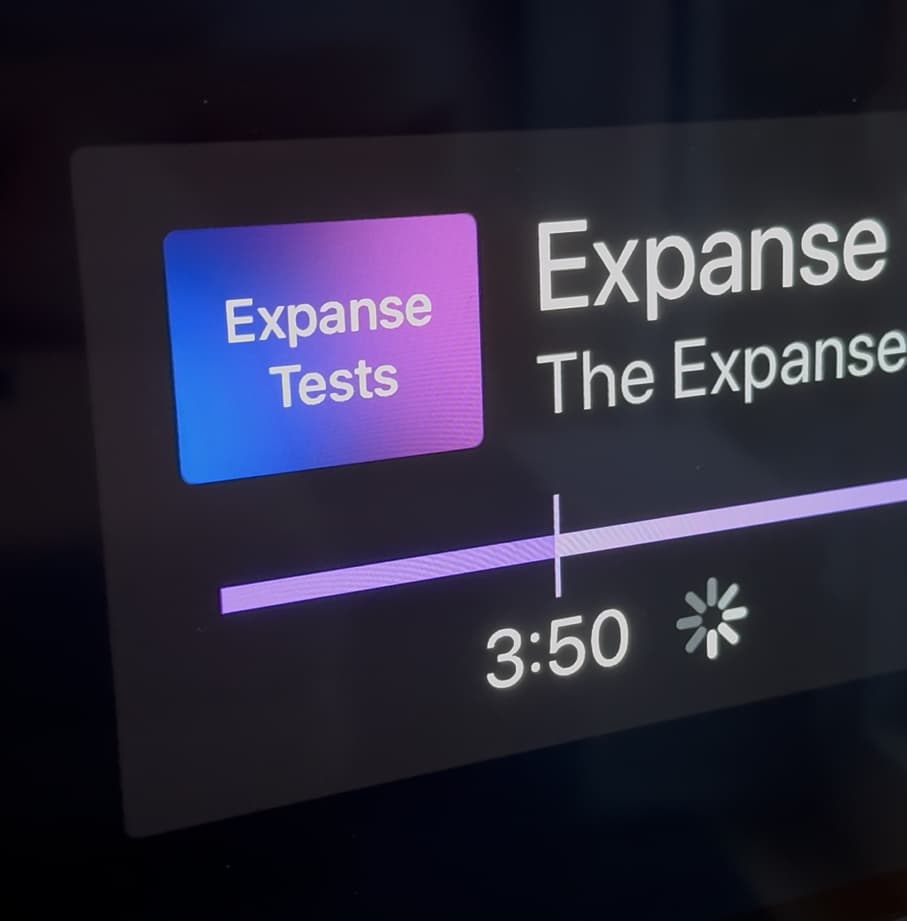
I’m not sure how a video of a spinning cursor on a screen is going to make any significant difference at this point.
I can’t help you if you keep blaming other things.
None of the diagnostics you sent were from the client that was the one that triggered the transcoding.
I gave you the IPv6 address of the system that caused the transcoding.
Is this the spinner that you saw on your screen before you submitted the diagnostics from your Apple TV?
The diagnostics from your Apple TV show that you hit play and 2.14s later it started playback and 1.69s after that you stopped playback by hitting the back button. so if that series of events doesn't line up with what you did, it would be helpful to have a video and a diagnostic log from the same session to help understand if there's something that is going on in the UI that doesn't line up with what the logs say.
And again: it would be really great if you could update to the latest DVR pre-release and submit diagnostics so I can check out this other tonemapping issue that you are running into with transcoding.
CDVR should not listen on IPv6 by default, a potential security issue. It is possible to kill IPv6 access by running CDVR with option -host IPv4.ADD.RE.SS
$ ./channels-dvr -h
Usage of ./channels-dvr:
  -dir string
        working directory for runtime data and logs
  -host string
        bind address for local web interface
  -port int
        port for local web interface (default 8089)
Alternatively:
https://www.techrepublic.com/article/how-to-disable-ipv6-on-linux/
IPv6 isn't even on the roadmap yet, so how did it sneak in?