These are wireless devices (Chromecast and FireTV). I know of no way to use PoE to power them.
I could use a smart plug I suppose.

These are wireless devices (Chromecast and FireTV). I know of no way to use PoE to power them.
I could use a smart plug I suppose.
I like your idea of ADB reboot buttons on the GUI. I offered the smart switch idea just in case your suggestion can't be incorporated.
Even wireless devices can be powered by PoE, you just need a PoE splitter and use the power side only. However, there are PoE Ethernet adapters for most streaming sticks, which eliminate any issues with having too much Wi-Fi in close proximity.
It's easy for these encoder setups to end up as a jumble of devices and wires. Using PoE-capable Ethernet adapters can help with both reducing the wires and the wireless, along with facilitating some great organizational options -- particularly for rackmount setups:
@hiperwall I use VLC to remotely attach to the video stream of the tuner and then use an android remote app to control the device as I watch on VLC. As @bnnf mentioned, I also have all my streaming devices and my encoder using POE so I can physically cycle the power in worst case scenarios. This has worked well for me to reset a device, install new software, change settings, etc.
Edit; It would be nice to also have a button in ADBTuner to do a reboot. Anything that makes it easier to manage remotely is a welcome addition.
I do the same when I am on-site, but I don't work from the office anymore, so I only go in rarely. I am looking at other options like AnyDesk, but last time I tried to set that up it didn't work. But I didn't have a ton of time to figure it out.
@hiperwall I have also used tailscale to allow me to RDP to a remote desktop then operate from that site. Maybe that would work for you.
I already use Tailscale, so my plan was next time I am in the office to maybe explore setting up wireless ADB from either one of my Linux boxes or from my Windows workstation. I am just not super ADB knowledgable, so not sure how hard that will be.
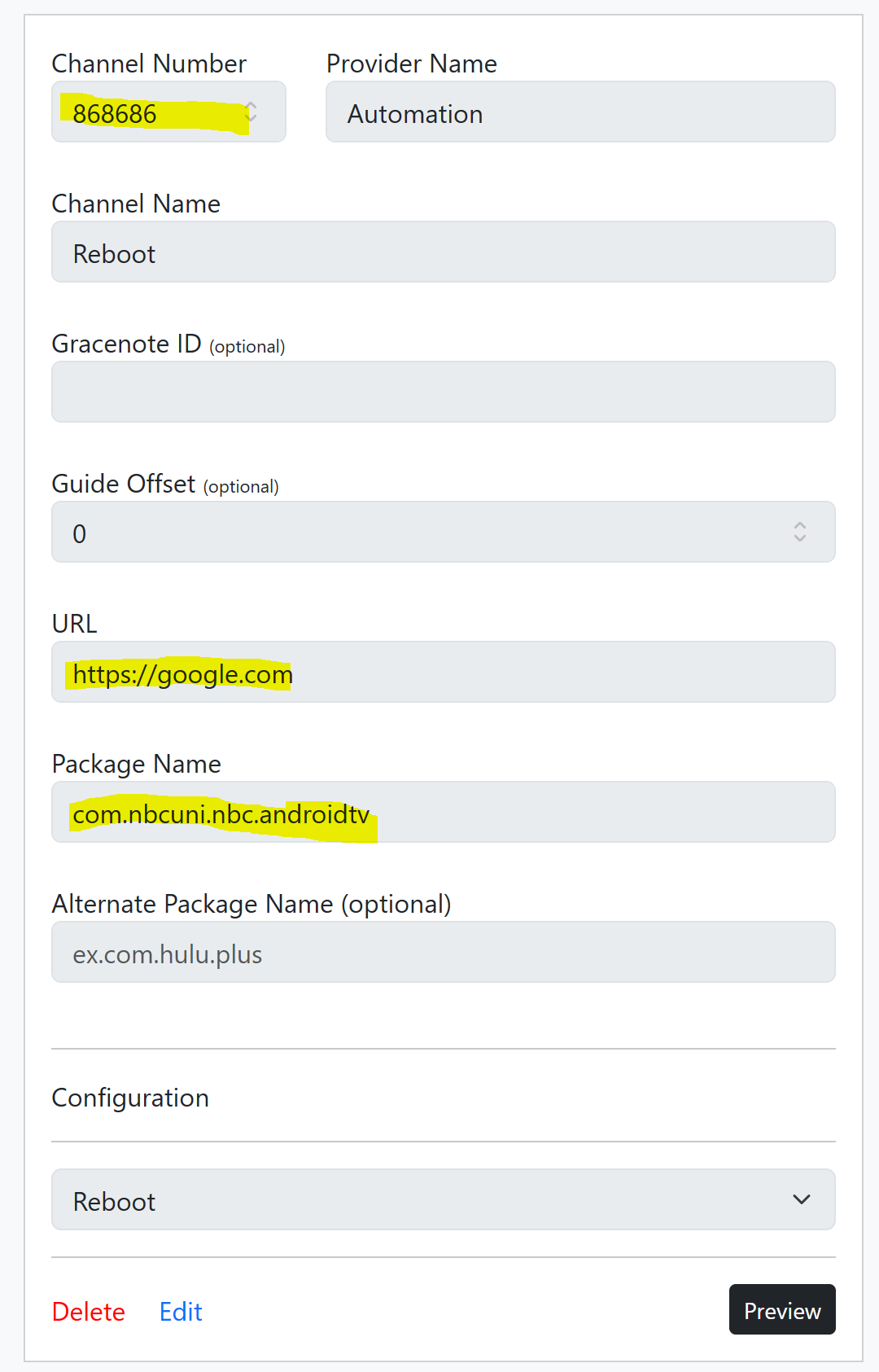
You can do this with a custom config, and fake channel. I just tested this:
{
    "name": "Reboot",
    "author": "",
    "version": "0",
    "description": "Forced reboot via ADB Command",
    "uuid": "e46314f0-cv73-21ab-c2b7-e1235d0f1433",
    "global_options": {
        "wait_for_video_playback_detection": false,
        "use_fixed_delay": true,
        "fixed_delay_seconds": 1,
        "check_for_and_clear_whos_watching_prompts": false,
        "wait_after_post_playback_start_commands_seconds": 3
    },
    "pre_tune_commands": [
        "input keyevent 3"
    ],
    "tune_commands": [
        "am start -c android.intent.category.HOME -a android.intent.action.MAIN"
    ],
    "post_playback_start_commands": [
        "sleep 5",
        "reboot"
    ],
    "post_tune_commands": [
        "input keyevent 26"
    ]
}
This wakes a tuner, sends the command to start the home screen button via AM Start, then pushes reboot command via ADB. You can watch the reboot process come back to home screen in the ADBT Preview Window. When tuning is finished, ending the preview puts the tuner to sleep.
To use the custom config, you have to make a fake channel, and but in anything for the URL, and select any application that is installed.
If you really wanted to, you could import this "channel" into Channels DVR, schedule short recording, and it should trigger reboot, say overnight. I guess you would then have a video log of the reboot completing, maybe. Didn't test this.
Of course this is a weird work around, but is much in the same style I use to get ADBTuner to work (rather well) with DirecTV Osprey boxes. If you have multiple turners, it would not target specific tuners. This was just a proof of concept, one that could be used if you were in dire need. As TurtleTank has mentioned before, ADBTuner should not become a scripting platform.
But this is the playground, it's something, best I could come up with before dinner. 
Have fun!
I see others have supplied solutions. I'll give out one I've been using. Create a shell script file called reboot-adb-device.sh
adb connect $1
adb -s $1:5555 reboot
Then invoke it with the IP to your device.
./reboot-adb-device.sh 192.168.0.xxx
Hi how are you deep linking with ospreys? I thought that could only do channel numbers last I was told?
EDIT: Found it! Great discovery thank you!!!!! ADBTuner: A "channel tuning" application for networked Google TV / Android TV devices - #2388 by spammedeeper
Where do I put that custom config? I think I can figure out the rest, just not sure where the above goes!
@hiperwall Did you see this part? This would only work with a single tuner setup, otherwise it's just going to reboot the next tuner up.
Yes, I did. I assumed I could force a tuner by setting priority, but even if that didn't work, it's ok.
Got it. I will look into that.
I ultimately went with this solution. I had to go into the office so I could approve the ADB connection, but once I did that, the script works fine from my Linux box. Thanks for the idea!
I did add a:
sleep 5
adb disconnect
at the end of the script just to clean up. I might add a check to make sure that the IP was passed as well since I will most likely forget it in the future!
Same here, works great.
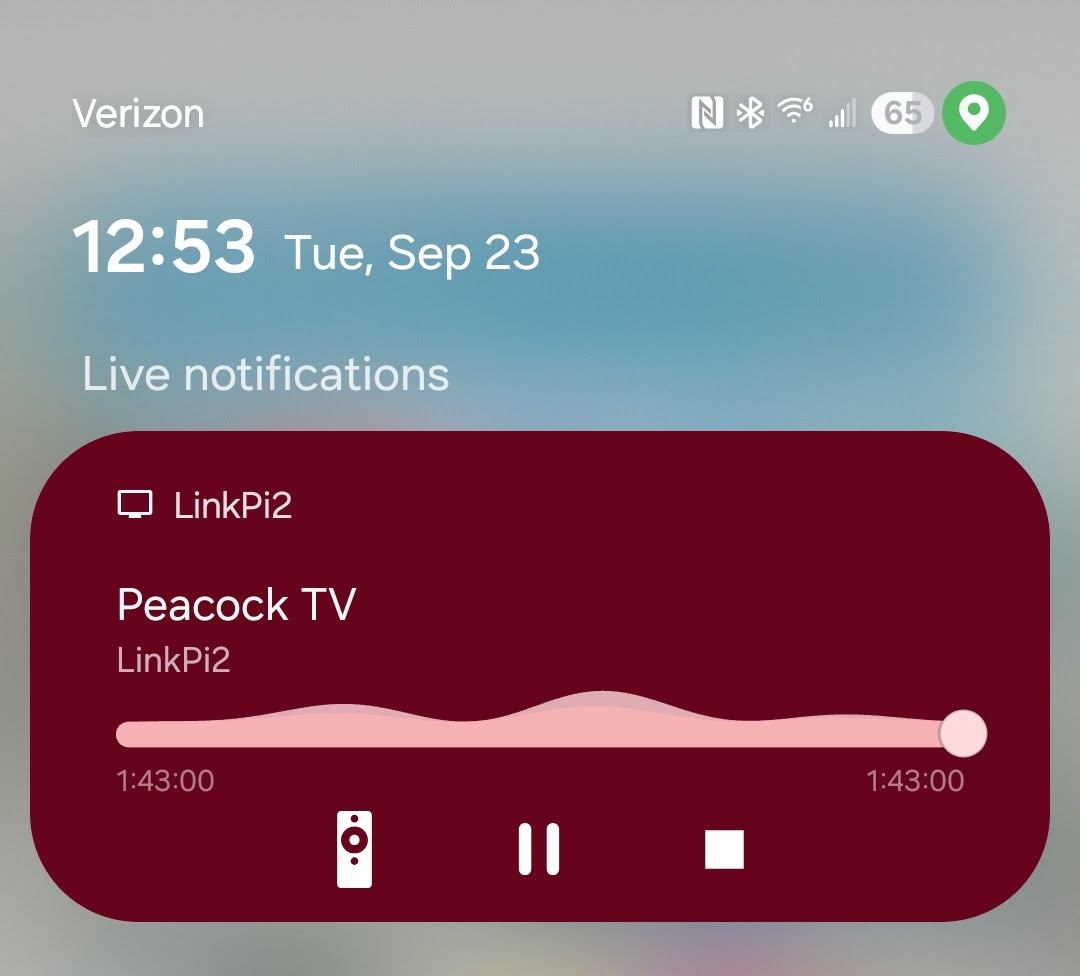
I have used a less sophisticated method when I'm at home and not feeling like going upstairs to the room where my tuner stack is. I use the "Let others control your cast media" setting. Then, you can use your phone or other device to stop the playback. Just hit the stop button:
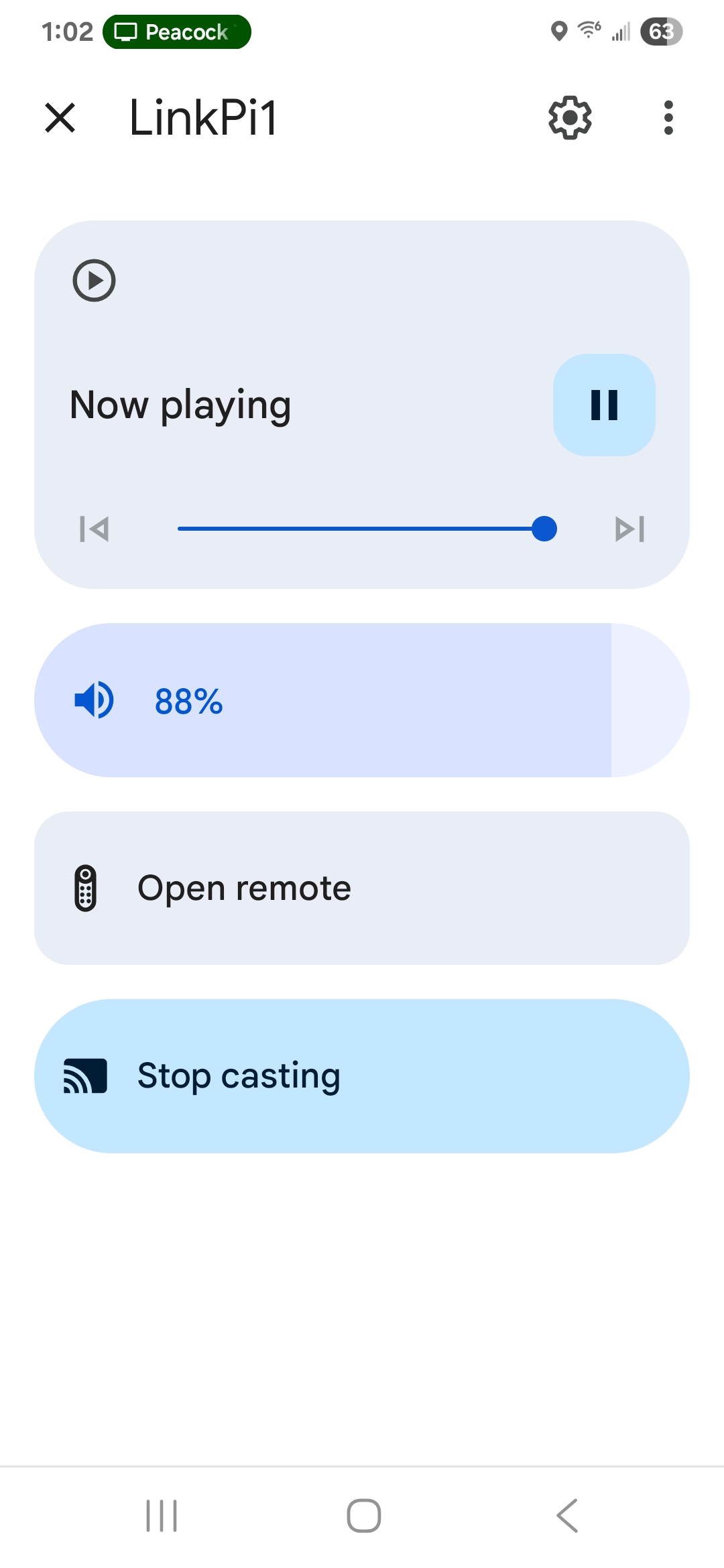
I have also used the "Stop casting" control available in Google Home for the same purpose. It's not a reboot. But, it usually sends the tuner device back to the home screen: (I think that this method also works remotely)
I have found ALL these different options for rebooting very interesting and fun to read.
The addition to adbtuner would be a GREAT start but....
I will add long term you will probably wish to have a separate hardware solution like suggested... either a smartswitch/POE that can be controlled remotely.
This is because if you are having a dongle misbehave there is NO guarantee it will listen to any commands you send it. And Murphy's law says it will fail only when you are at the 2min warning of the championship game and can no longer tune anything. 
I will probably drop a TreatLife Smart Outlet in at some point, but at least for now I should be good with the ADB process I have set up. It's just 1 of the 2 streamin boxes I have an issue with and I plan on replacing it. My old Google Chromecasts (before they stopped working with ADB for some reason) ran for what seemed like years.
Deep linking works with AH4C too, using ospreys. Have not shared the scripts yet. Neat stuff.
EDIT: Okay, scripts shared in the AH4C thread.
I have not been able to connect to my tuner or my encoder on adbtuner for the last 3 days is anyone else having the same problem?