Closing NESN so the next tune starts clean
There isn’t a dedicated close-app shortcut. App Play key sequences assume a known screen, so the second tune misses when NESN is still sitting on the stream that just ended.
In Options:
Turn on Stop app on release. That sends Home when Channels disconnects (after Release grace, 5 seconds by default).
Keep apps running is on by default, which is why the app stays where it was. Turning that off also sends Home on release.
If this NESN channel uses a configuration, post_tune_commands run when the stream ends and take the place of that global Home. Put the exit there, for example:
input keyevent KEYCODE_HOME
or am force-stop '||TARGET_PACKAGE_NAME||'
Home only backgrounds the app. NESN often resumes the live player, so the same key sequence still lands in the wrong place. A real cold start is am force-stop, and that only kills the process when the keys backend is network ADB. The Agent, Android TV Remote, and Fire TV Remote all turn force-stop into Home.
HDHomeRun vs Channels sharing tuners
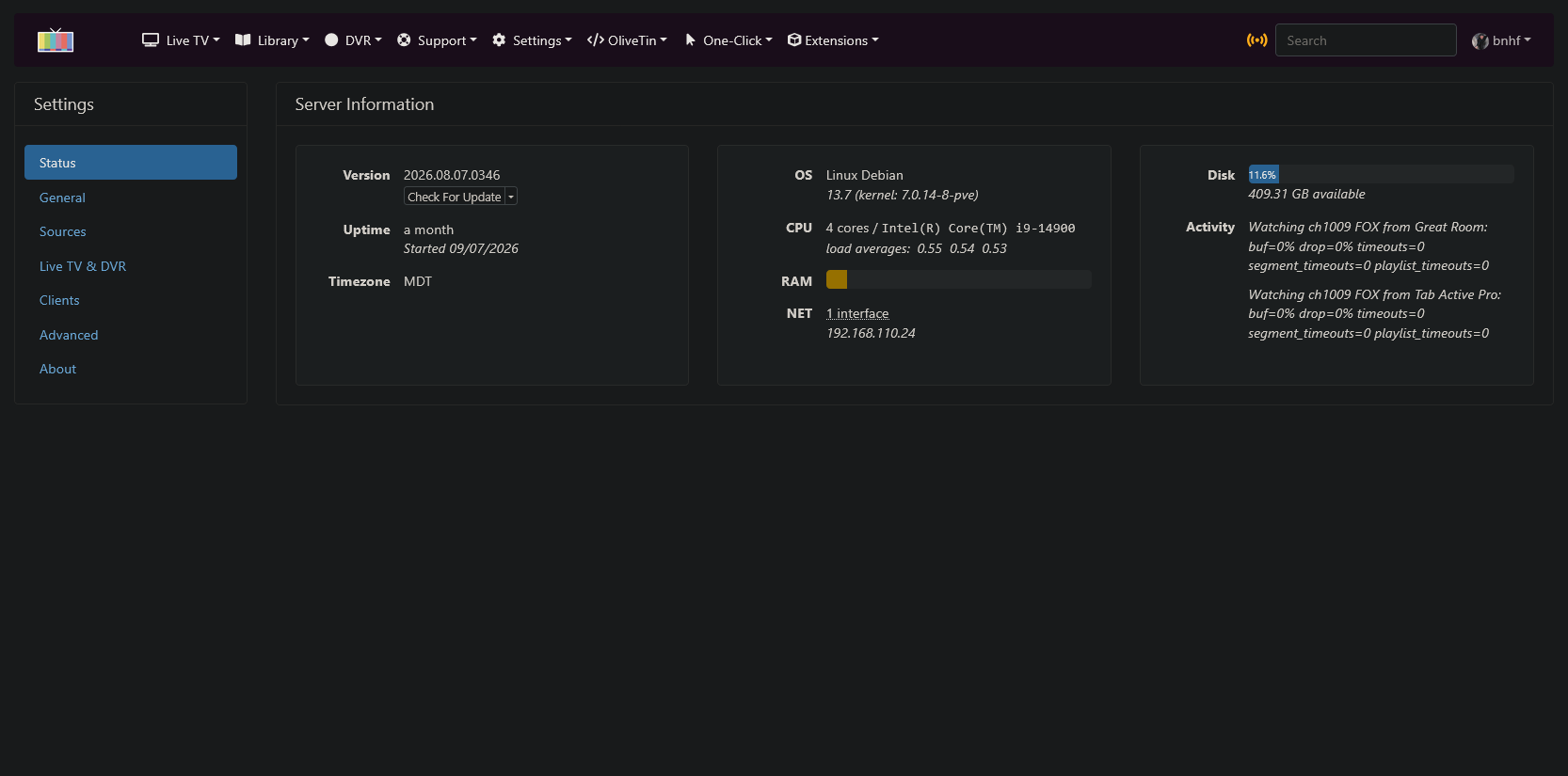
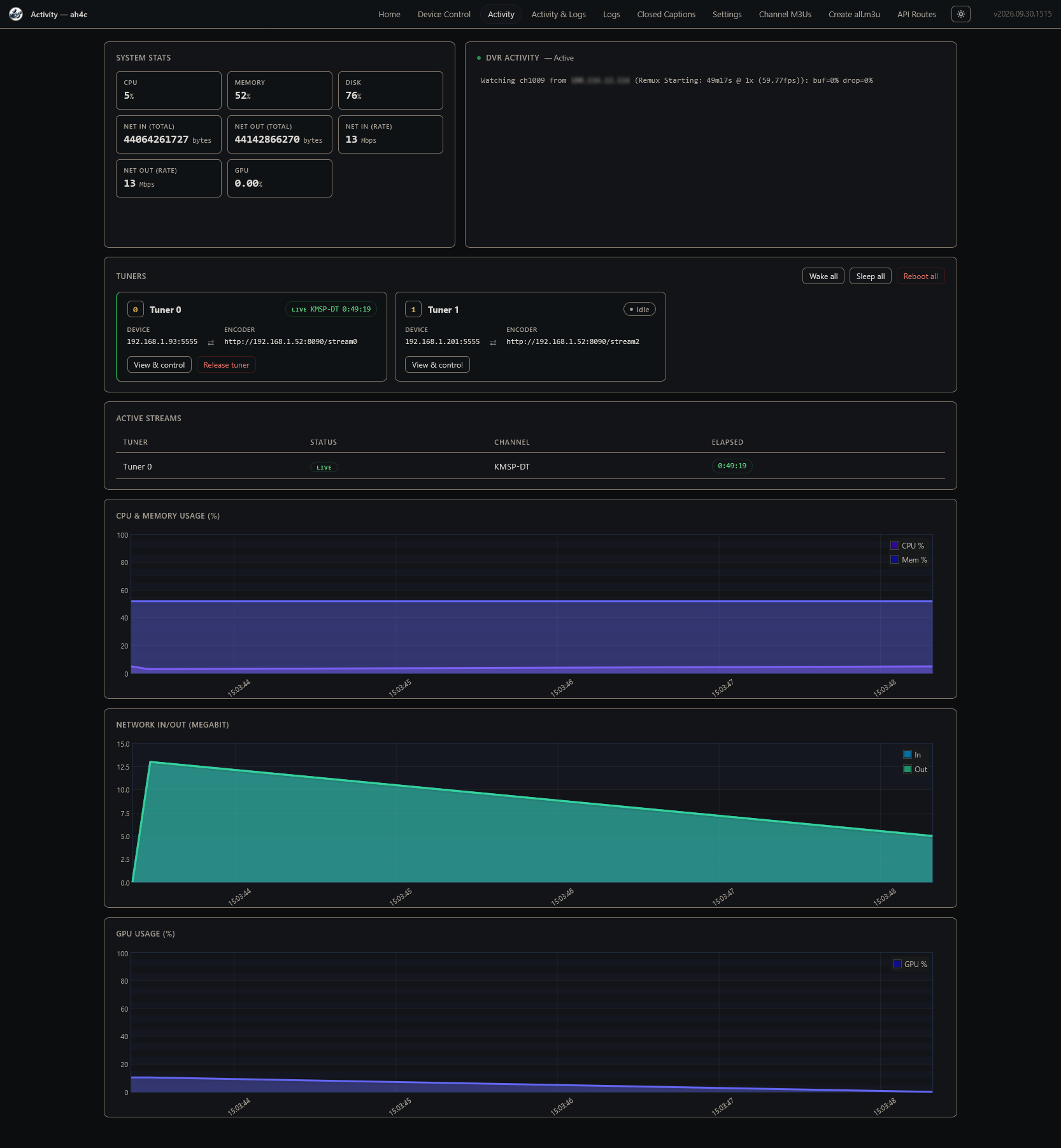
Channels only does Tuner Sharing for an HDHomeRun source: one tune of a channel is fanned out to every TV watching it, in sync. A Custom Channels M3U source does not get that. Each TV opens its own stream, which locks another stick and encoder, and the rooms drift.
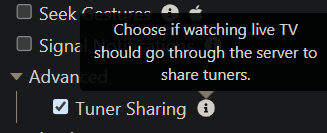
Making APITuner look like an HDHomeRun is what lets Channels apply Tuner Sharing to these encoder sticks. Tuner count is the number of enabled tuners (one device plus encoder per slot). The same discovery also works for Plex, Emby, and Jellyfin. Enable it on the clients under Settings → Playback → Advanced → Tuner Sharing, and drop the M3U source if you added one earlier so Channels doesn’t use both.
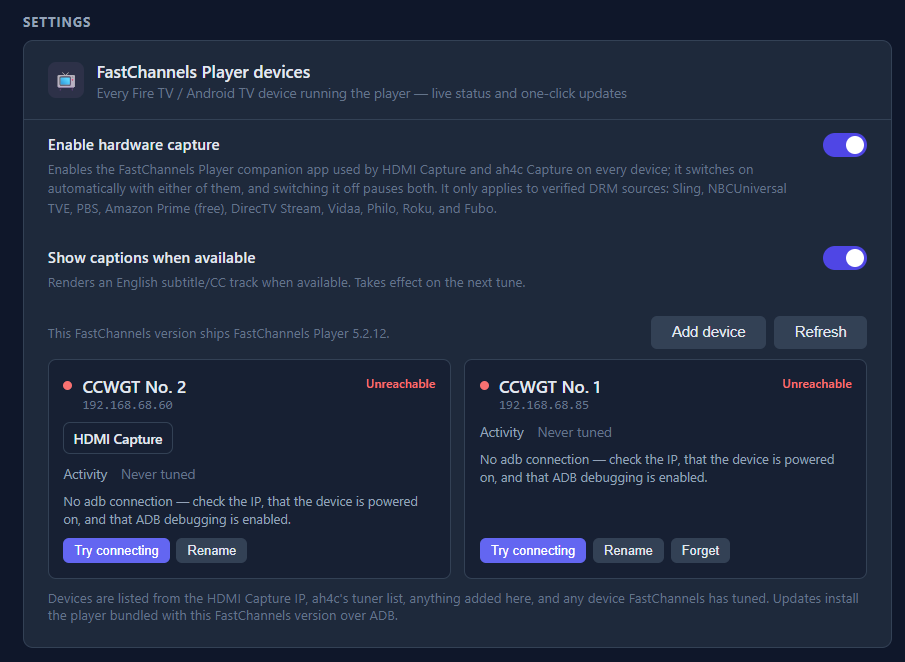
Glad it’s been more reliable than ADB day to day. That’s the idea: ADB is only for the one-time Fire permission grant, not for each tune.