Aspect Ratio Ignored by Channels Player

Why does Channels completely ignore the aspect ratio reported by the video file? This has been like this for years, and has ever been addressed or fixed. It drives me crazy.

I bet it works fine on Apple devices, because they get 10x the attention by the devs.
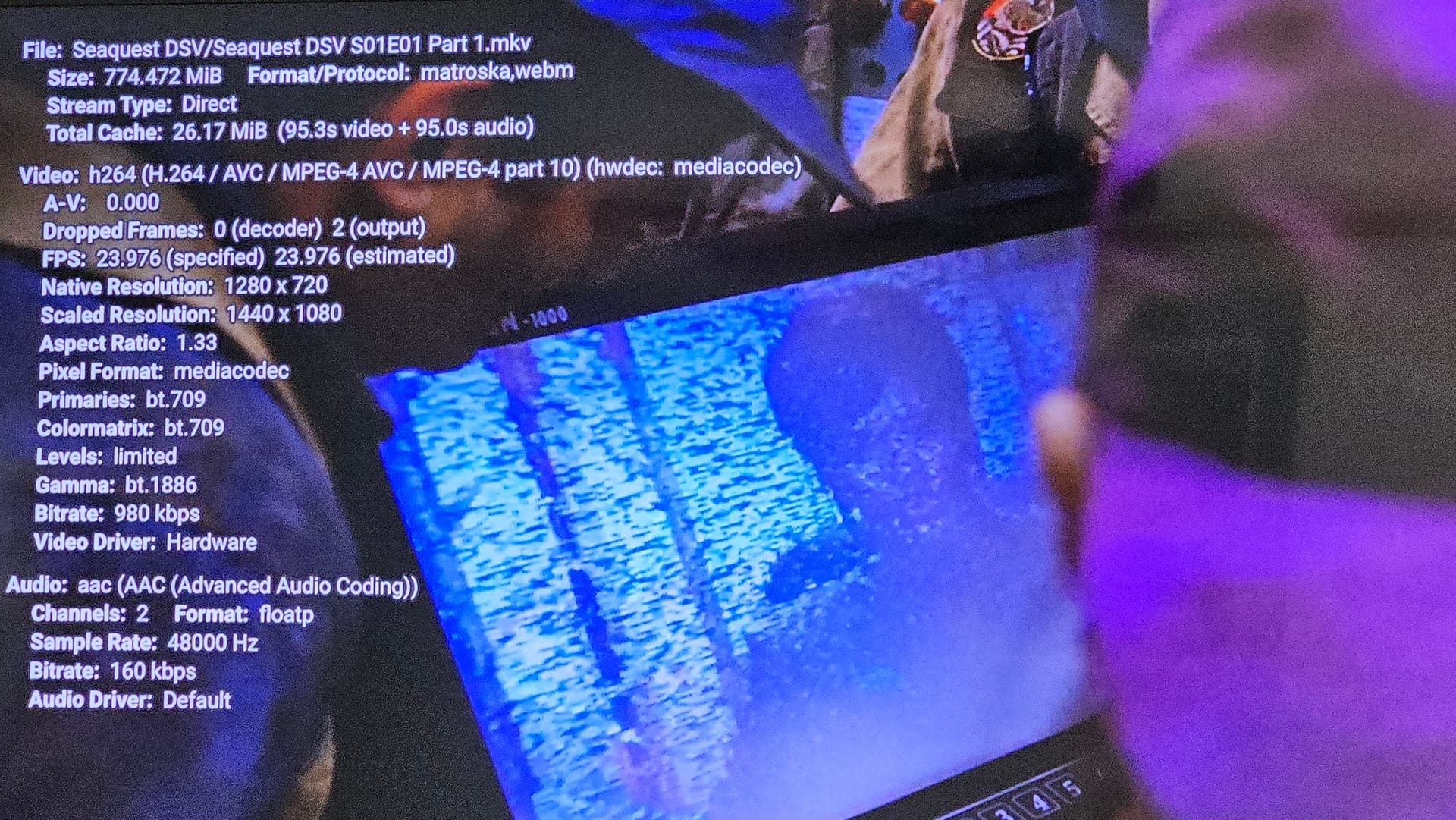
Not sure, but what I would like is a way to unstretch or stretch videos. Some OTA'S have perm stretch, some of my dvd rips are very narrow. Would be nice to toggle them thay way we want them.

I totally agree. Give us a choice of 4:3 or 16:9, and let us set it per TV Series.

1 Like

As expected, no solution presented.

1 Like

There are some seetings you can toggle, not sure if they will help with each scenrio.
Settings>playback>advanced>"stretch video to fit" and "overscan"
But then those settings becomes permanent for every video till they are changed again. A simple toggle while viewing the video would be so welcomed. Kodi has such settings you can change for each viewing. The original Tivos did too. Using the TV remote is not a valid option.

On a somewhat related note... I recently tried playing a couple of 16:9 480p DVD rips. With the hardware encoder, they played window-boxed. With the software decoder they played full-screen.

This is using the Channels client running on a Sony X90L. If I recall correctly, they played properly running the client on my Nvidia Shield no matter which decoder option was chosen.

Yeah, switching between Hardware, and Software decoding is a pain in the ass.

Meanwhile the Apple Devices get v7 while we're stuck on v4. Channels 7.0 for Apple TV & iOS