
Yeah this is a bug. We’ll check it out.
1 Like
Fixed in the latest PreRelease server:
1 Like
Hey,
Not entirely sure if it’s related to the latest beta or simply because my library has grown, but when I click on a movie, the backdrop appears instantly on the detail page, while the poster and logo take a moment to load afterward. It’s not a major issue, but it does look a bit rough. I’m fairly certain it didn’t behave like this before.
Has anyone else experienced this?
Cheers, Luy.
Yes, the new views load dependent on loading of the images. If it didn't do what it does, it would look awful every time.
The good news is, we've implemented new robust caching both on the server and on the client. So now any images loaded from the internet (almost all of them), go through your server and are cached there, so they can load faster later. Additionally, we've implemented a disk cache on the client so images are almost instantly when they're requested again.
So while you may see some initial speed difference (depending on your internet speeds), as you use the app things will start to pop up much faster.
1 Like
As of the latest TestFlight beta, you can now (FINALLY after many years) expand summaries in the case that they're truncated. Just navigate focus up to the summary and select it. This works on iOS as well by just tapping the summary.
8 Likes
• IMPROVED: Network name that episode was recorded on is now shown in the new recording modal if it is a recording

THANKS, Beats a channel number that may no longer exist.
UPDATE: Just realized that only the source device and channel number are stored in the database. So if the source device goes away, or the channel number changes, this doesn't display the network recorded from.
3 Likes
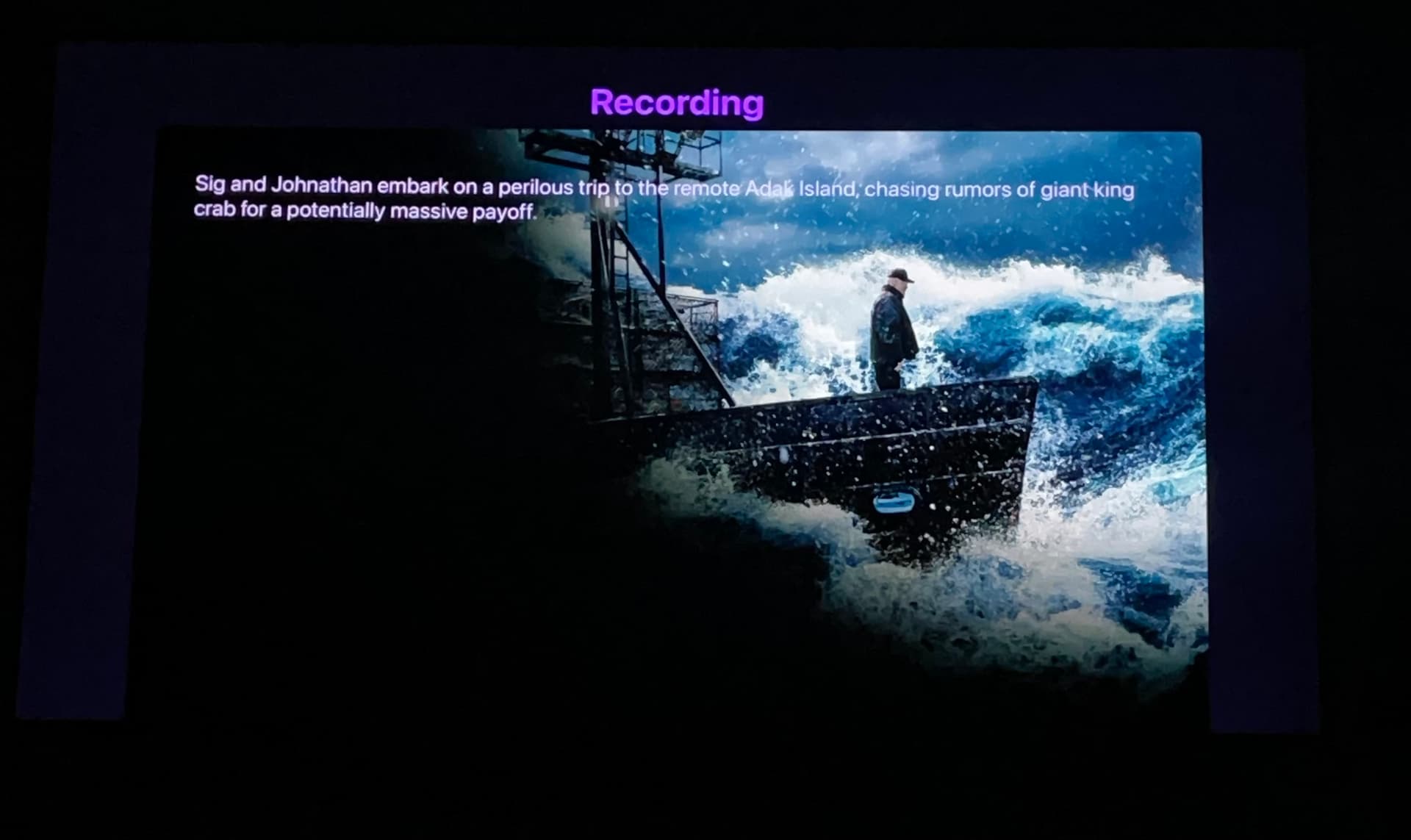
Choosing a show from Apple TV top shelf takes you to a screen that is unselectable. It is a dead end
1 Like
Fixed in the latest TestFlight beta. Thanks!!
1 Like
I am REALLY enjoying this new layout. I cant wait for it to come out of beta so the rest of my boxes will get it.
Question- I am a mixed environment household (android and apple tv), do you have any plans to bring this to Android?
4 Likes
Very well done, wasn't sure how you guys were gonna implement the new design with the up next feature, but I'm very impressed.
Channels starting to look very sleek.
Fingers crossed the EPG can get a little love 
4 Likes
Love the new module look on Apple TV. Here are a few thoughts on UI for your consideration.
- For shows that have a logo, it seems like the logo should be moved down a bit. Seems too close to the top especially for large ones like “Lego Masters” for example.
- Infuse has the episode description cut off halfway instead of going all the way to the right side of the screen. Looks good with everything on the left side.
- There is a one second delay when loading the text/logo info that is distracting. It is more pronounced in the “Explore Show” view or the Movie poster one. Even after it’s been loaded once, it still takes a second to load the text after clicking it again.
Im really digging the new look and feel.
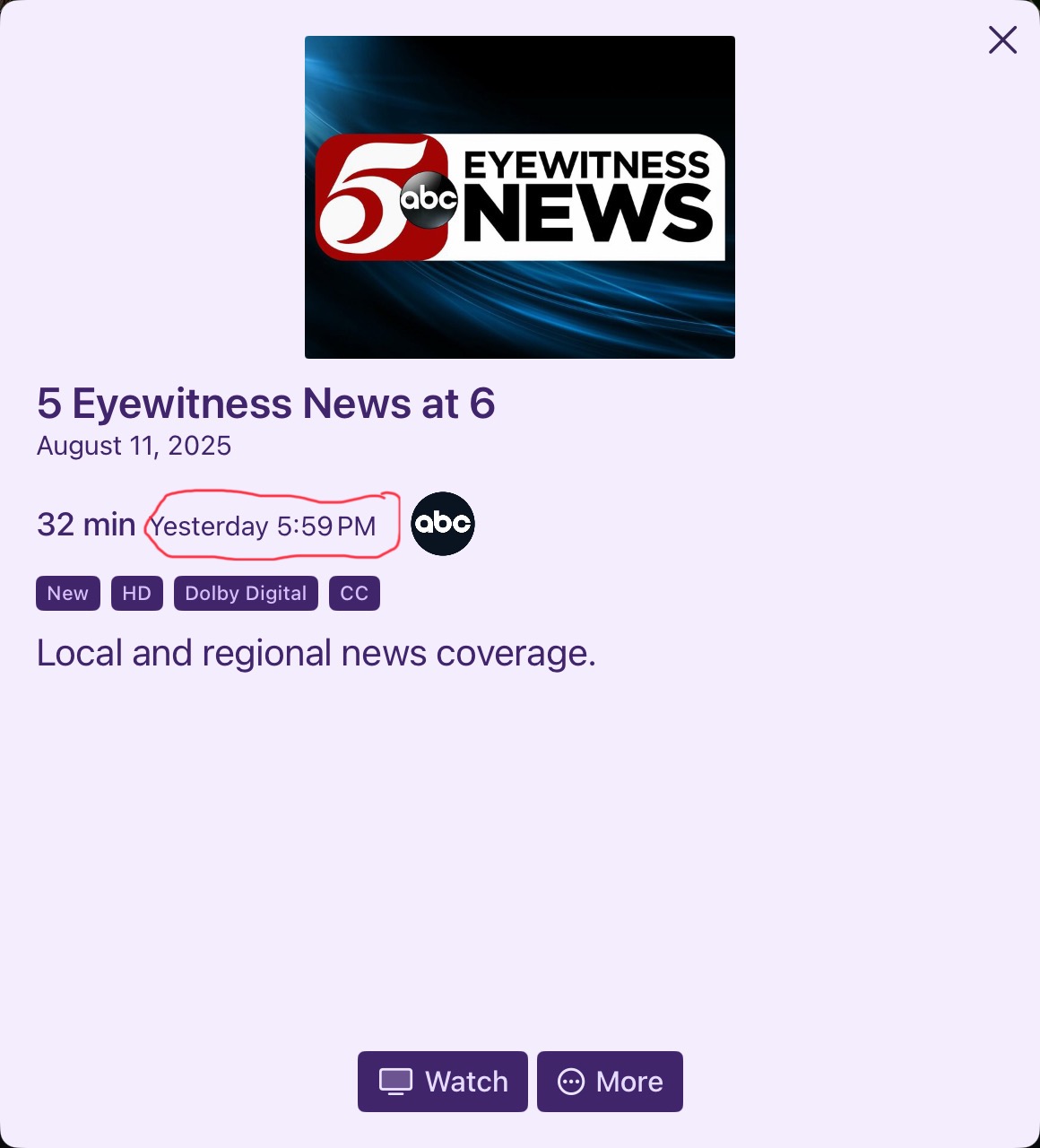
One thing that I noticed in the latest testflight is when viewing a TV show page with the new layout, there is no longer a recording timestamp.
Old method
New view
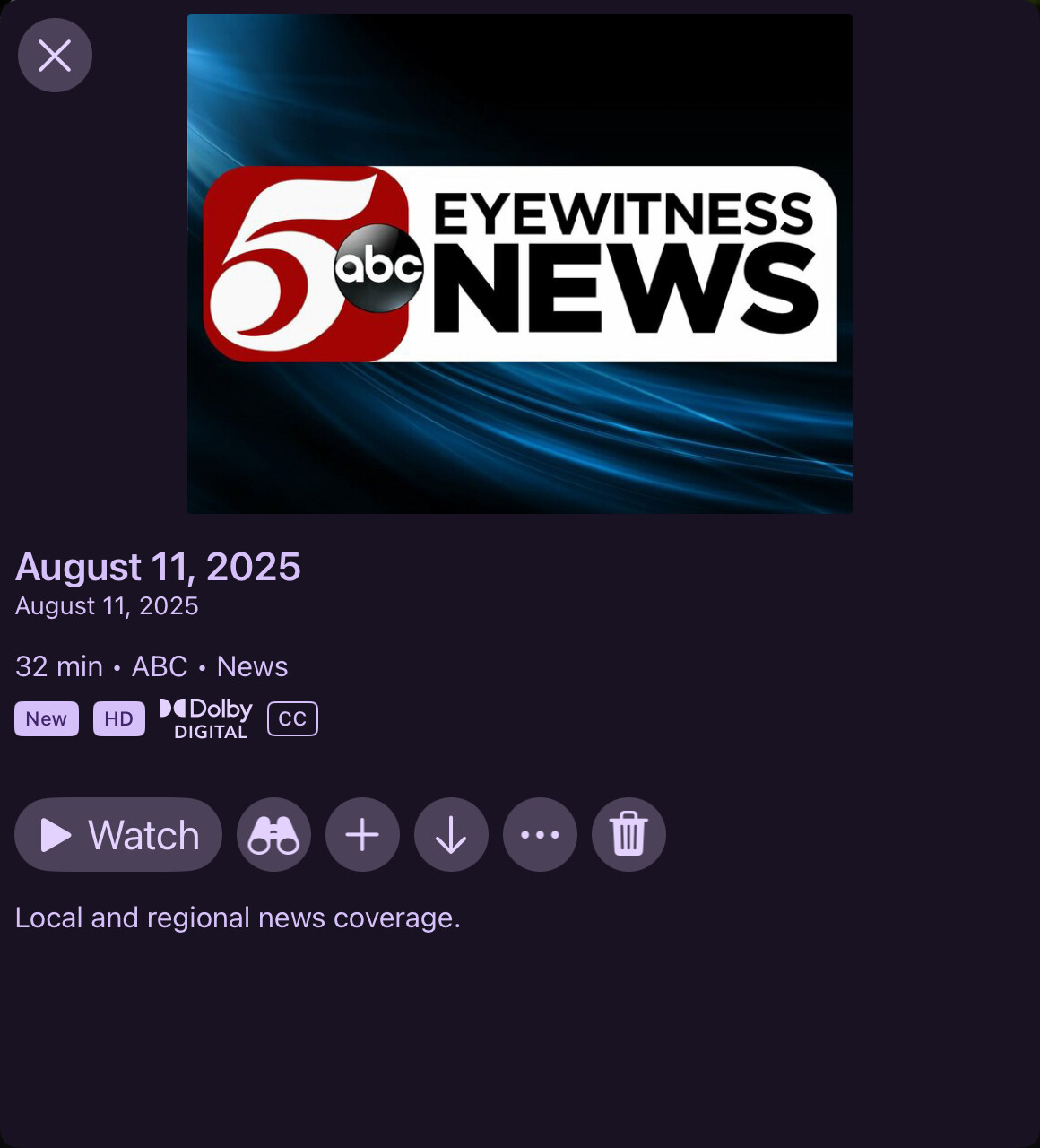
Is there any way to bring back the timestamp?
This is very handy for local news, because they usually have the same show name for many timeslots , especially on weekends, so without the timestamp, there is no easy way to distinguish a 4:30am broadcast vs a 6:00pm broadcast - for imstance.
Actually, as Im looking at this on a bigger screen now in my apple tv, it appears the second line is a duplication of the date field and should just be the old time field there?
Keep up great work!!!!
1 Like
Yes, I’ve noticed the same behavior. I’m fairly sure it wasn’t there in an earlier beta, though I could be mistaken. The loading delay only affects the poster, logo and the text while the backdrop appears instantly. Maybe the backdrop is also stored locally on the client, while the other aren’t?
As I said, it’s not a big deal, but it does look quite unsightly.
The latest TestFlight beta added this back from news and sporting events.
1 Like
Is there a way to have a "watch from the start" as well as "continue" from these new views?
I'm only seeing a Continue button and no option to play from beginning anywhere. I have to press continue, then wait for the choice of continue or watch from the start...?
Resume options are a setting in Playback settings.
And that's great - but the kids often want to press play to start it from the beginning and this used to be a context option on the artwork but doesn't seem to be now? Would just save an extra 'step'.
That was never an option. Nothing has changed in regards to starting playback.
1 Like
My mistake - could it be considered for a feature?
There's no plans to add a "Start from Beginning" button there.