The crash still occurs, but i did try using the “play to” feature and sending a local pbs hd stream from my “All Channels” on my iphone to the multiview session running on my ATV. That worked fine.
So cool, will be great for watching college football Saturdays!
1 Like
I have no new issues to report this morning. I just wanted to say, that I love this new feature, so much.
6 Likes
Can we get full screen swipe left/right or using keyboard left/right arrow keys for the iPad too?
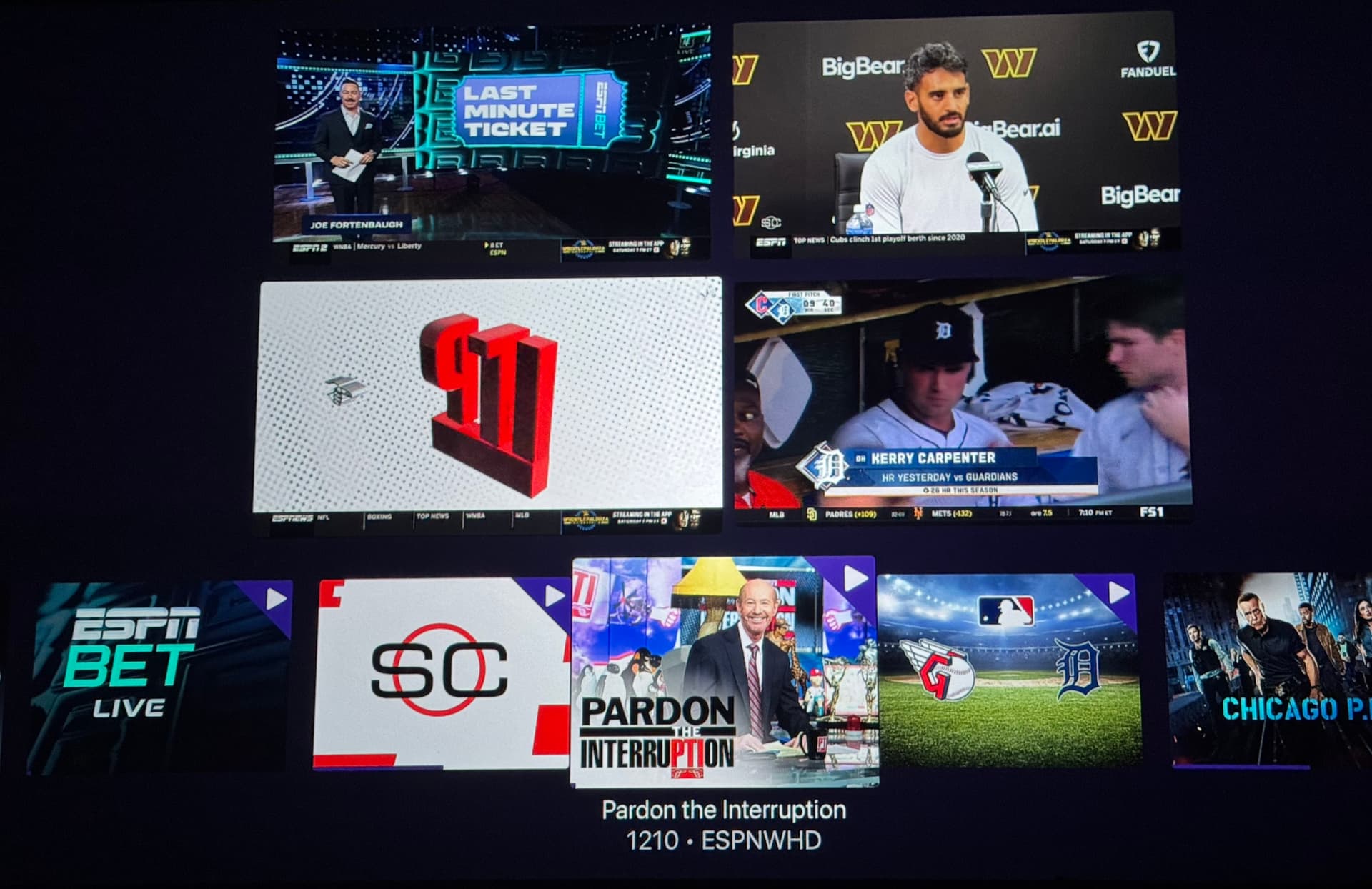
Can we remove or replace (no prompt) the channel from the mini guide? This is how the ESPN & Apple TV+ MLS Multiview app does it.
1 Like
Ok, this should be fixed now on the latest TestFlight beta:
1 Like
Still seeing the crash on ipad and TVOS. Sent in another crash log from ipad.
Im still on ipados 18 and tvOS 18. Havent updated to ‘26 yet, in case that helps.
1 Like
Please try this build:
i'm literally buying an apple tv right now. lmao. all that work we did on this topic i can finally stop worrying about it.
1 Like
Well, the newest model is coming out next month. Going to be a pretty big upgrade.
1 Like
I've been testing Multiview heavily in my living room, for many hours a day, without any issues. I haven't had any hiccups and I've tried many channel configurations. That's with a 1st gen AppleTV 4K, connected to a Sonos home theater setup. It runs very smoothly.
On my bedroom TV however I just started testing Muttview, and after about 15 minutes of playback, it starts to stutters, very badly. This happens for a few seconds then resumes normally. But it comes back every couple of minutes. It happens regardless of which channel is focused, it's happened with OTA channels, TVE and custom channels (Fubo-VLC bridge.). These same channels play fine when played as normal live TV, without Multiview. But in Multiview mode, after a few minutes, it starts to stutter repeatedly and it's hard to ignore. I captured video from my phone of what it sounds like:
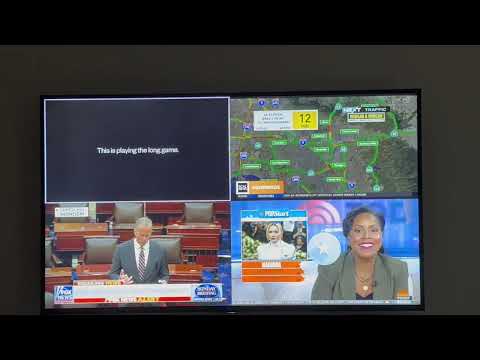
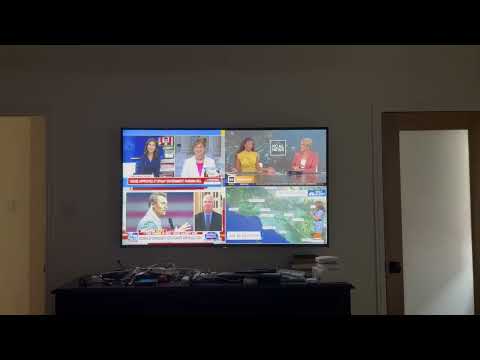
What's odd is that this model is an AppleTV 4K (2nd gen, 64 GB) which its newer than the one in the living room, that doesn't have this issue. It's on the release of tvOS 26, the latest TestFlight of Channels, and is hard-wired using Ethernet. I've had no other networking or streaming issues. I tried rebooting the AppleTV, didn't help. In Channel's Advanced settings I also tried troubleshooting by toggling off Surround Sound settings, and also Audio Driver back to Legacy. Neither made a difference, I'm not sure what else I can try. I submitted diagnostics from the AppleTV though. Happy to test anything anyone suggests!
DISCLAIMER: I'm not testing this, so don't know if these apply
Is your DVR Server on the latest DVR pre-release version.
Do you have tuner sharing enabled or disabled on your Apple TV's.
Good call. I was one day behind on the DVR server, I updated to today's pre-release update just now and will report back. I also had tuner sharing disabled on the bedroom TV, for some reason I've forgotten, with it enabled in the living room, so I re-enabled it on the bedroom TV just now too and will report back about that after I've let it play for awhile. Thanks!
Unfortunately the stuttering continues, even with tuner sharing enabled. I submitted diagnostics again just now.
1 Like
This build definitely shifted things! I observed a crash the first couple of times as before.. however, on the third try it is now working.
Sent diagnostics just in case ya need em
When I listen, it sounds like a digital feedback loop. Sometimes if the delays and buffers are set through an erroneous feedback loop, it can take several minutes to propagate through the system.
Are you by any chance feeding some of these channels through a different instance of channels on another device, through an HDMI encoder? Or are you playing around with a source that is feeding itself through a delay through a capture device, etc.
This works great on my Apple 4K TV. I will definitely be using this for football. Great addition!
1 Like
Thanks for that feedback. I'm not using any different instance of Channels, just one. I do have adbTuner set up for a few channels, but I wasn't watching any of those channels when these stutters have occured. I just turned off adbTuner entirely to test some more though!
It also seems noteworthy that when the audio stutter and video jitter starts, you can see it's affecting all four video grids, not just the one that's playing audio.
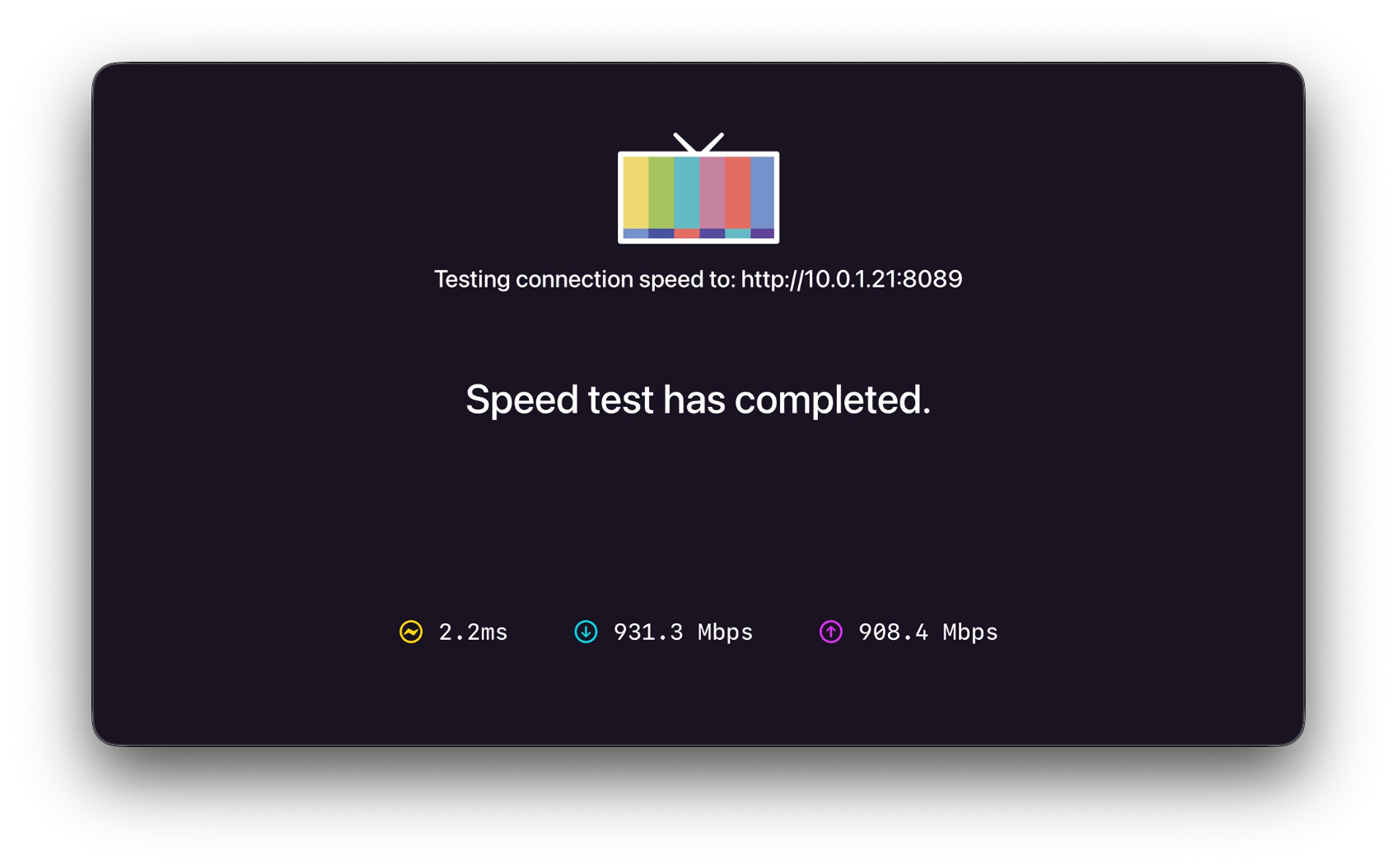
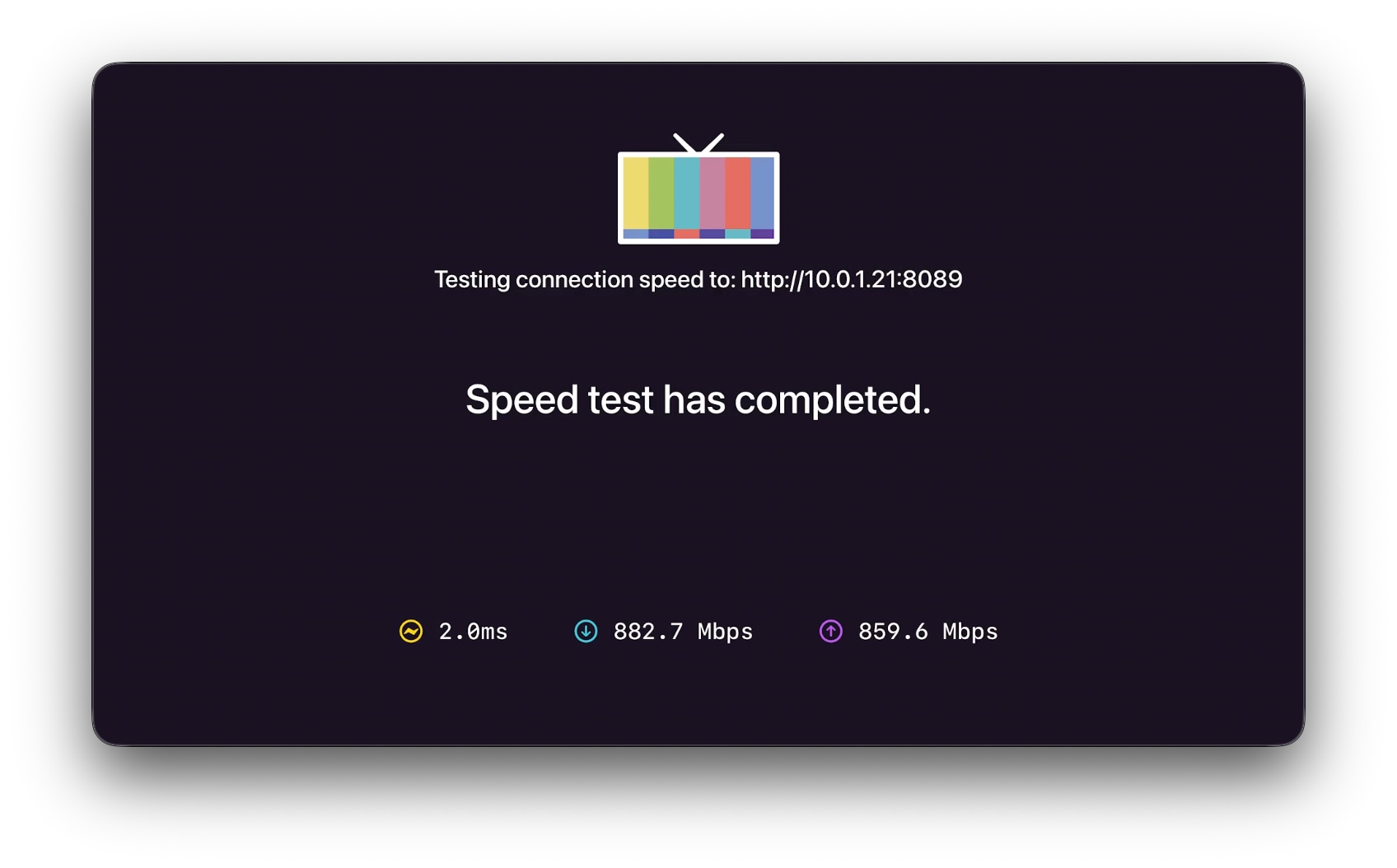
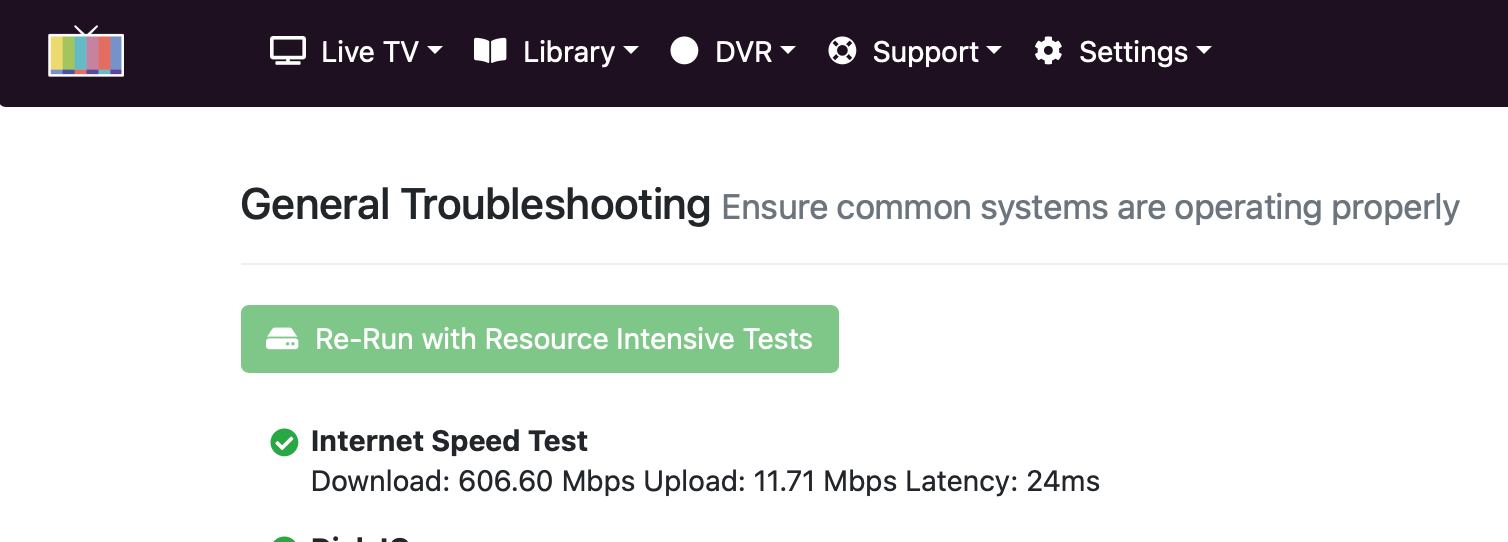
Even though you're connected via Ethernet, it's always possible you're not connecting at full link speed. If you're falling back to 100Mbps, or worse yet 10Mbps that could be the issue. Have you run the CDVR speed test to confirm you have similar performance for the two ATVs?