
The shortcut to Move to Trash (just pressing the letter "D" on the keyboard) is really dangerous. I couldn't figure out why one of my movies accidentally deleted. Way, way too easy to accidentally delete something and not get confirmation (other than a form refresh and the small notification that disappears quickly).
good catch. I'll add confirmation when trashing from a shortcut key
1 Like
Any plans to add the ability to click on someone from Cast and Crew to see other shows, movies, etc. that they're in? Would be even cooler to add full metadata (bio, filmography, etc.)...plus add that to the clients 
Yes, but it will work like the tvOS/iOS client in that it will show only content from your library. This isn't an IMDB/TMDB app. The point is about exploring your own library.
1 Like
I had the same thing happen, but if I refreshed the web page then it worked fine. During some conditions when you first load V2 settings page, it has problems, but the refresh seems to clear it up.
1 Like
As of the latest pre-release, these items have been resolved, amongst others.
The biggest fix here is with Settings on mobile. It was absolutely a disaster due to a single bug and everything mentioned on this thread regarding it should be resolved now.
3 Likes
@maddox Was hoping to see this in the update but seems it might have been missed: Beta: Web Admin v2 - #89 by mantooth
If the library is meant to be the replacement for the Manage/Recordings page, it would be helpful to have the channel information displayed. On v1 it's clearly listed but on v2 it's hidden away in the details.
2 Likes
In the old UI, /admin/recordings i click the show that recorded, and it pulls up the show details page
This.
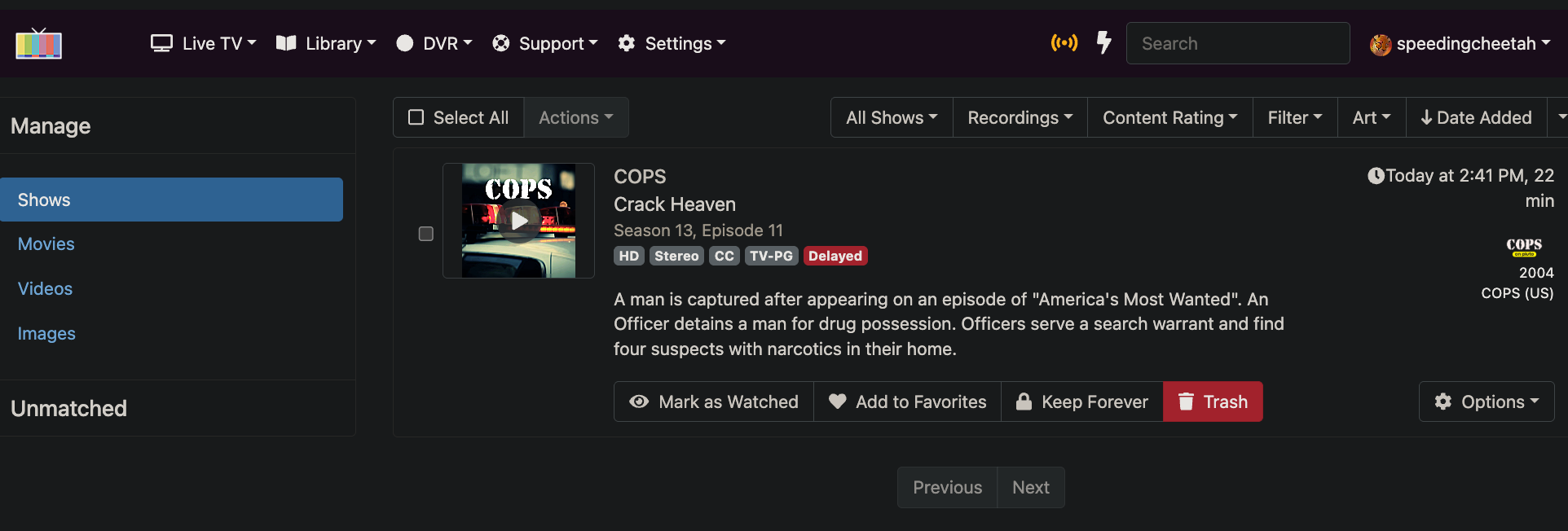
click name get this
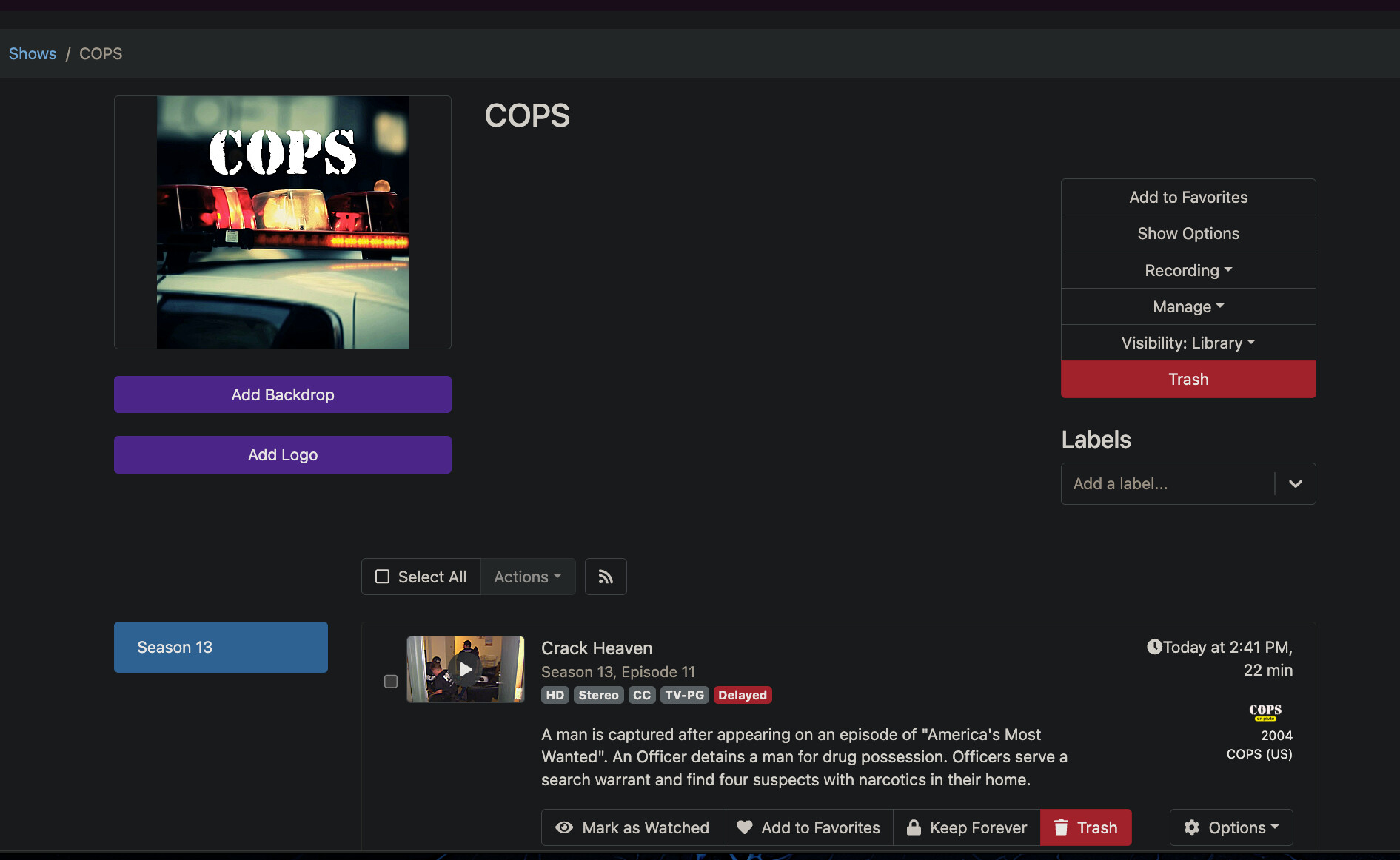
In the new ui.
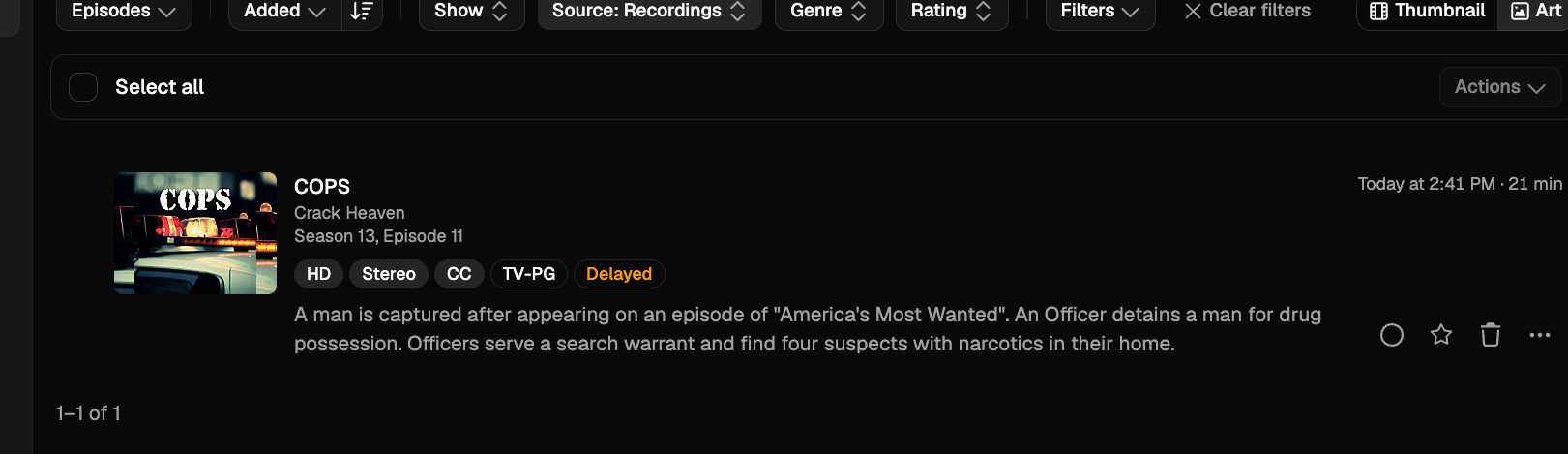
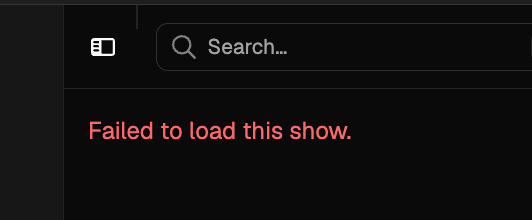
Click the title of the show.
get this
1 Like
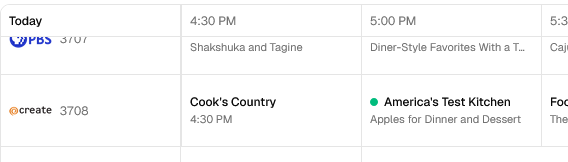

Can you show me the path of the URL for this content? It might be a URL encoding issue.

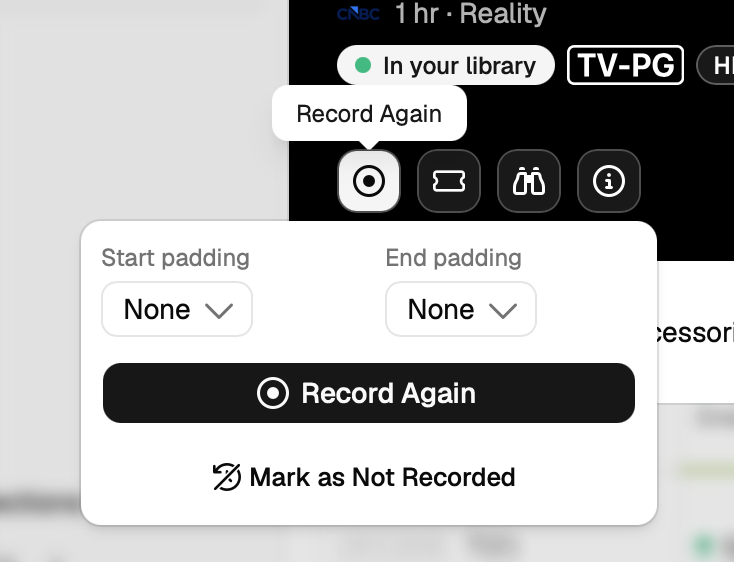
New: http://192.168.0.3:8089/v2/shows/pluto%2F5e472d60b3c46143ff15c4d9
old: http://192.168.0.3:8089/admin/shows/pluto%2F5e472d60b3c46143ff15c4d9
Thats the URL when i click the show name
ok, very likely an encoding issue. We'll get to it.
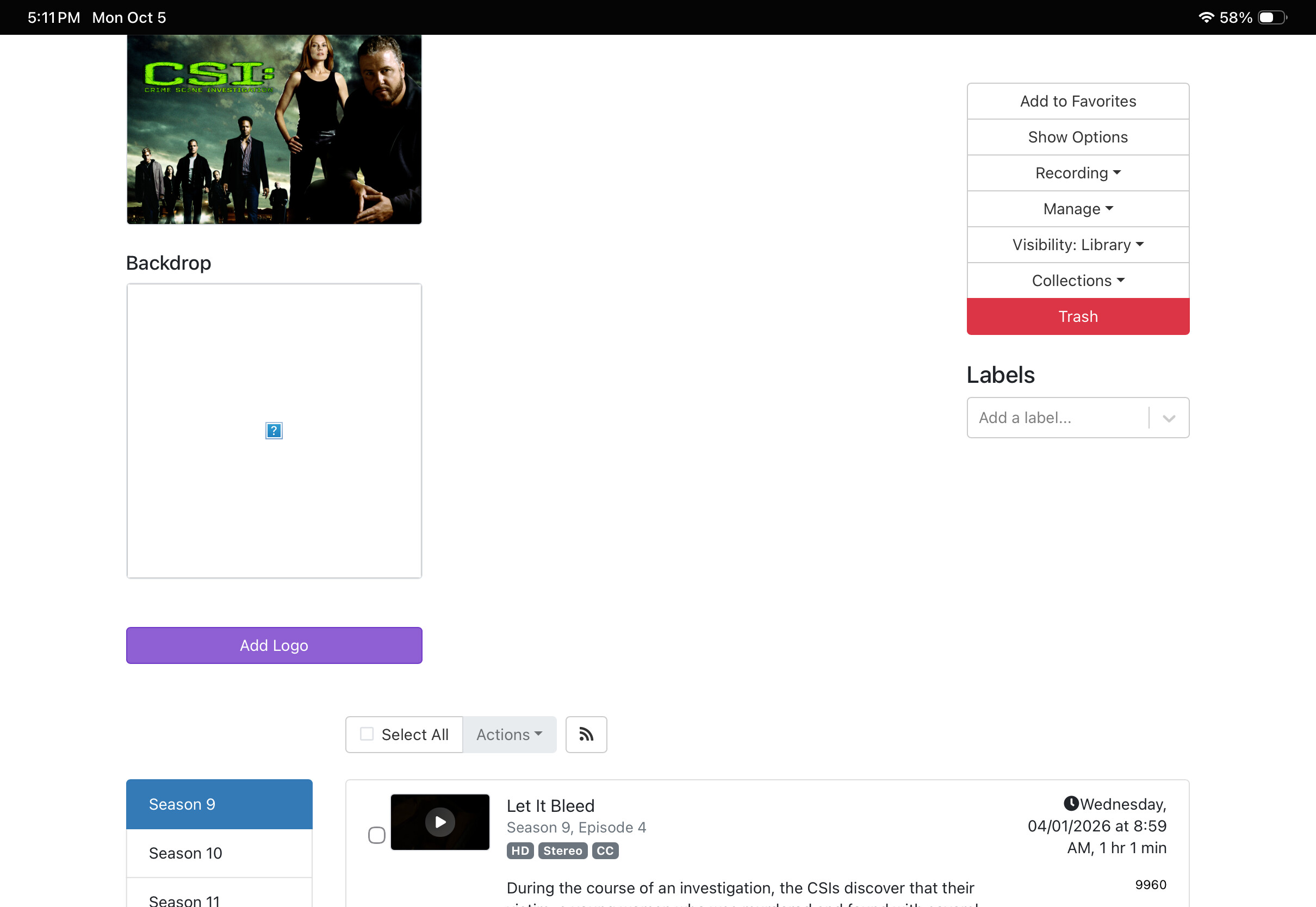
In Library, TV Shows, Recently Watched
If episode has been deleted, you get a failed to load instead of opening up the TV show in the legacy webui.
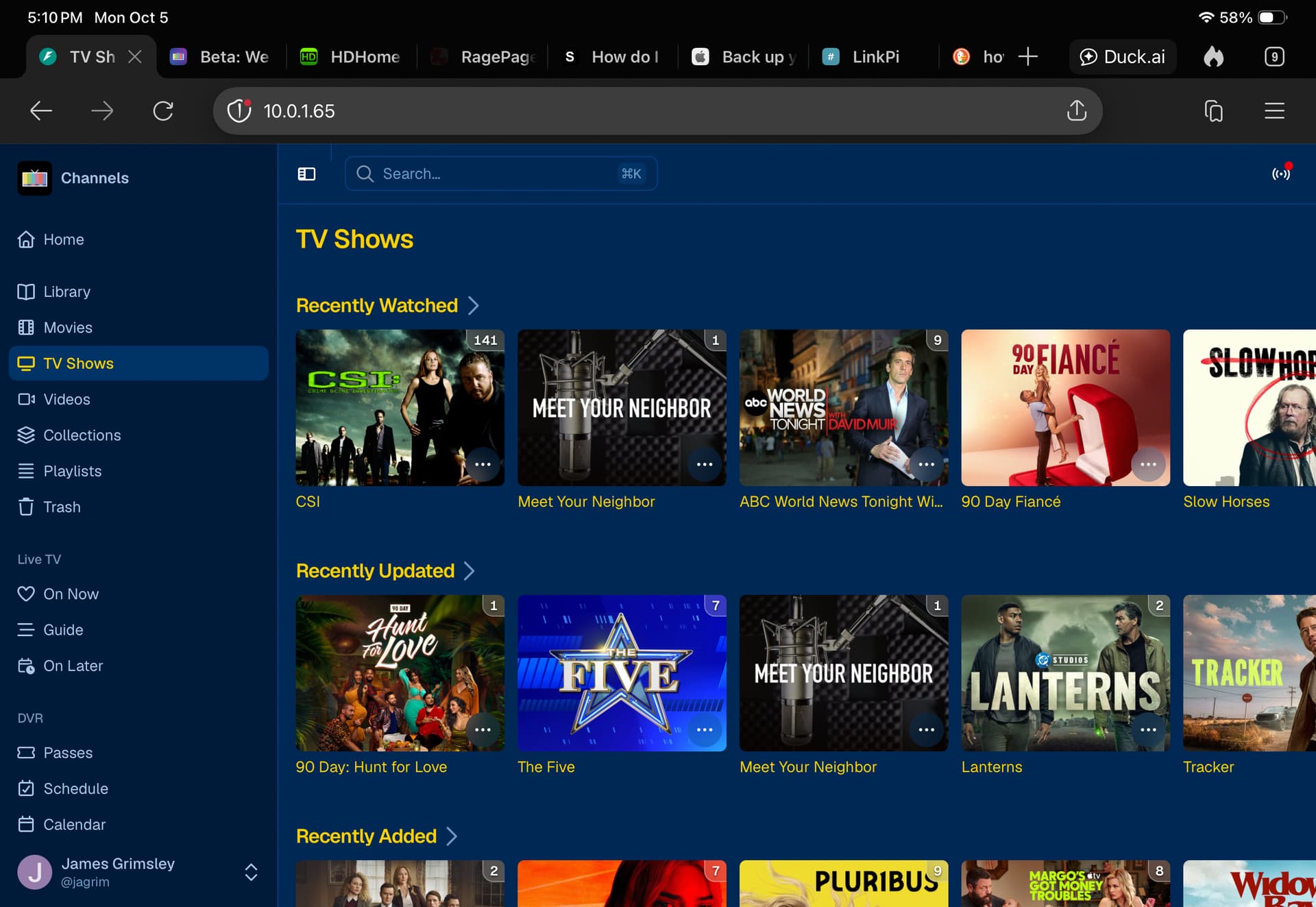
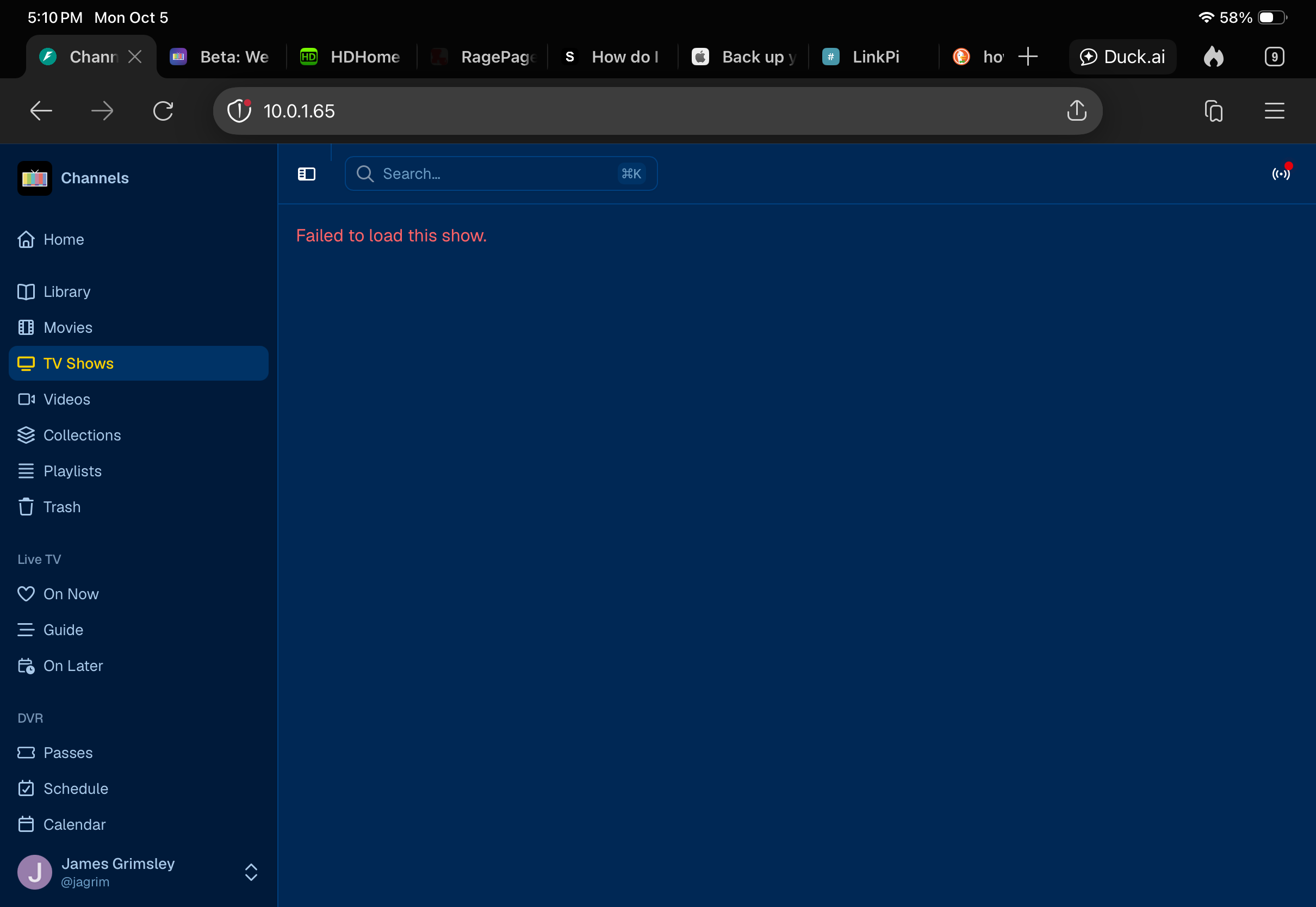
So you're clicking an episode that's been deleted?
The episode should get removed if it's been deleted, so this shouldn't be a scenario you run into. So of course you'd get a failed to load, it doesn't exist anymore.
Can you describe how you deleted the episode to get into this state, so I can reproduce it?
yesterday I could reproduce by clicking the In Library link after clicking a show in the guide.
after todays update I still get Failed to load this show. with my placeholder recordings http://10.0.0.7:8089/v2/shows/placeholder%2FMSNow%20News
because the guide had the green dot showing the episode had already been recorded, but not kept.
todays update did address this. it now shows 'Previously Recorded'
After watching the show, I deleted from the client.
I'll delete another one if you’d like. I know how to restore
I'm using CSI as I have another 4 or 5 seasons recording. In the legacy, when I went to just recently watched and selected "CSI", it opened up the entire set of recordings. In V2, I get the failed to open page.