
Hopefully this new guide design will also be used in the appletv/iOS versions of channels. The purple and such has kind of runs its course IMO.
1 Like
I don't know if anybody cares about the mobile version  but I found a functional bug: when you open the
 Settings page in portrait mode, the top buttons/icons don't do anything, you can tap on them all you want but nothing happens.
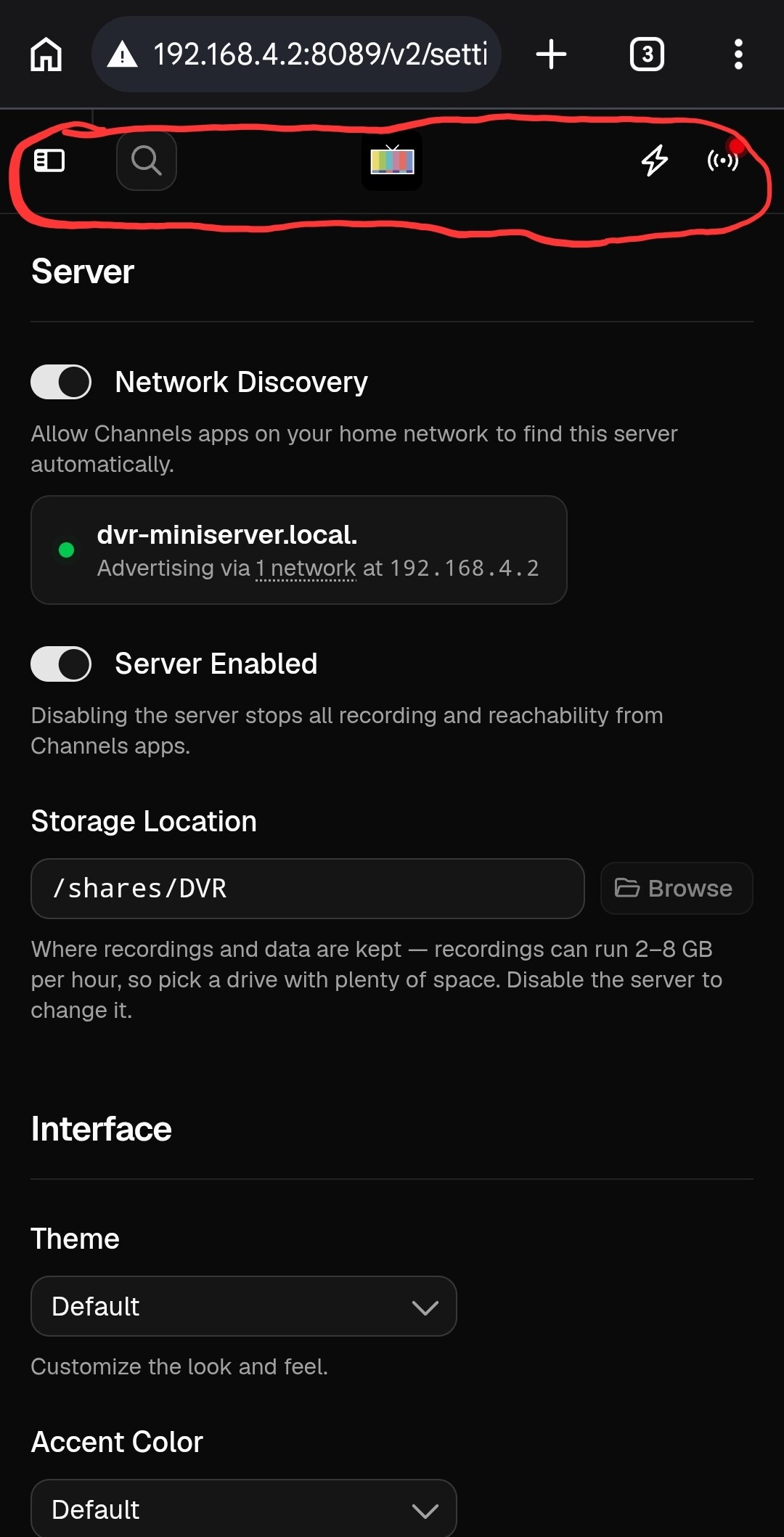
There are two ways I found to get unstuck:
-
Tap the phone's back button to return to the previous page
-
Rotate your phone to put it in landscape mode and then right away rotate it back to portrait. When you do that, the top buttons become active. When you're in landscape mode, the menu in the left pane also shows up and it works.
1 Like
Having used the new commercial editor once now, I'm going to double-down on my dislike for it. The extra vertical space between the rows of thumbnails makes it more difficult to notice changes from one row to the next. I also find my attention being drawn to the decorations at the top of each block, rather than focusing on the thumbnails.
I'd suggest you keep the current thumbnail size but widen the pane and move the decorations to one side or the other. Also, increase the background contrast between the content blocks and the commercial blocks. (I like white as the background of content blocks.)
Sorry if my suggestions offend those who use this on a phone.
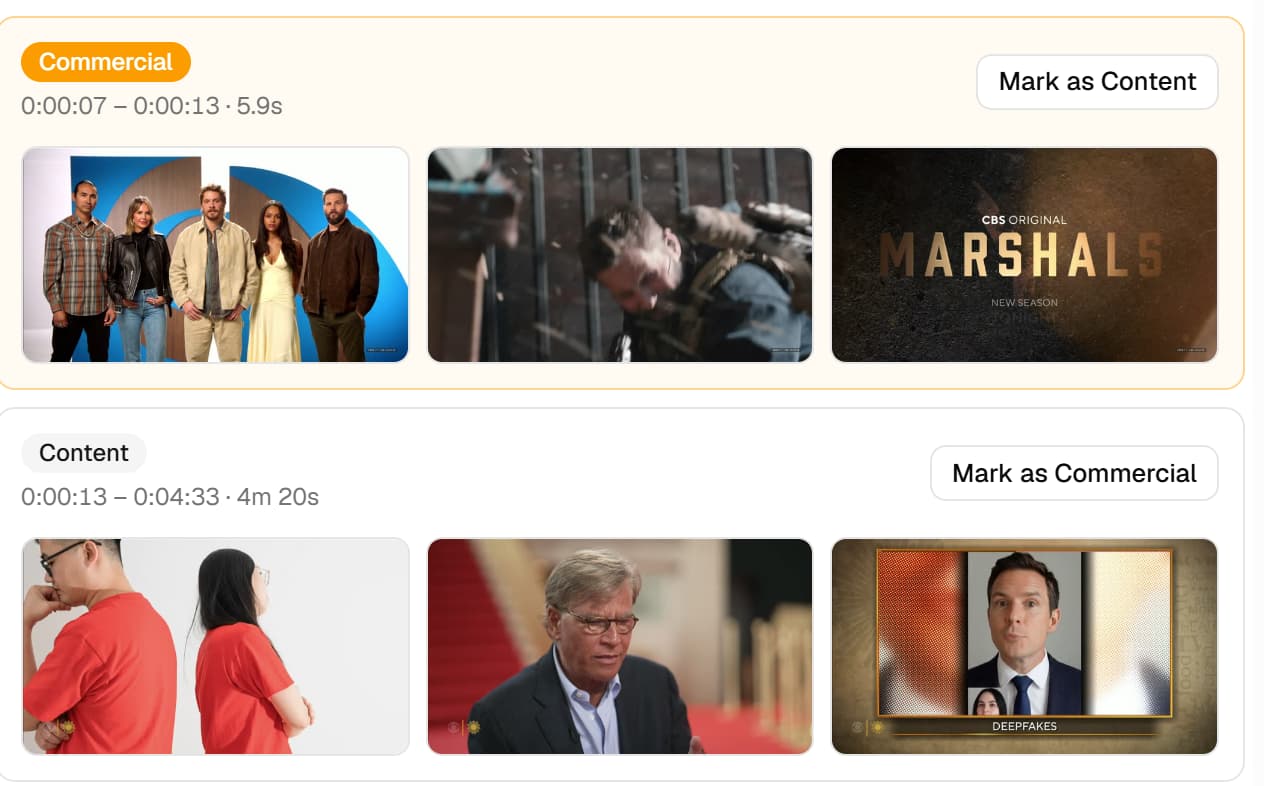
ETA: I also kind of miss the fun-facts that were present at the top and bottom of the old commercial editor.
3 Likes
That's a good idea, I like it. 
It seems that I spend more time with the commercial editor on my phone than on a computer, mostly for convenience and quick access, I guess. So, for me, I like the bigger pictures, but I'm not offended. 
Great feedback on the editor, thanks.
1 Like
Another difference between the Legacy Manage/Recording view that I'm seeing with the v2 Library view is that it no longer shows what channel the recording comes from. I see that I can click through to the details but I'm hoping the channel info badge can return.
4 Likes
This is awesome, thanks!
I ran into one defugalty: when I tried to connect PlayOn Cloud, it kept failing to authenticate, it would just repaint the dialog. I tried it in a new browser window and it worked fine, and shows up as connected in the management UI now.
FWIW, I'd love to see a "History" or "Activity" entry in the DVR section to get to the DVR recording history unambiguously. I know that it's redundant with the library view, but I didn't know what I was looking at until I read the comments about what happened to the "Manage" DVR item.

Agree, give us the channel number and channel name it was recorded from.
I will say the channel name is more important to me than the number, but would like both.
1 Like
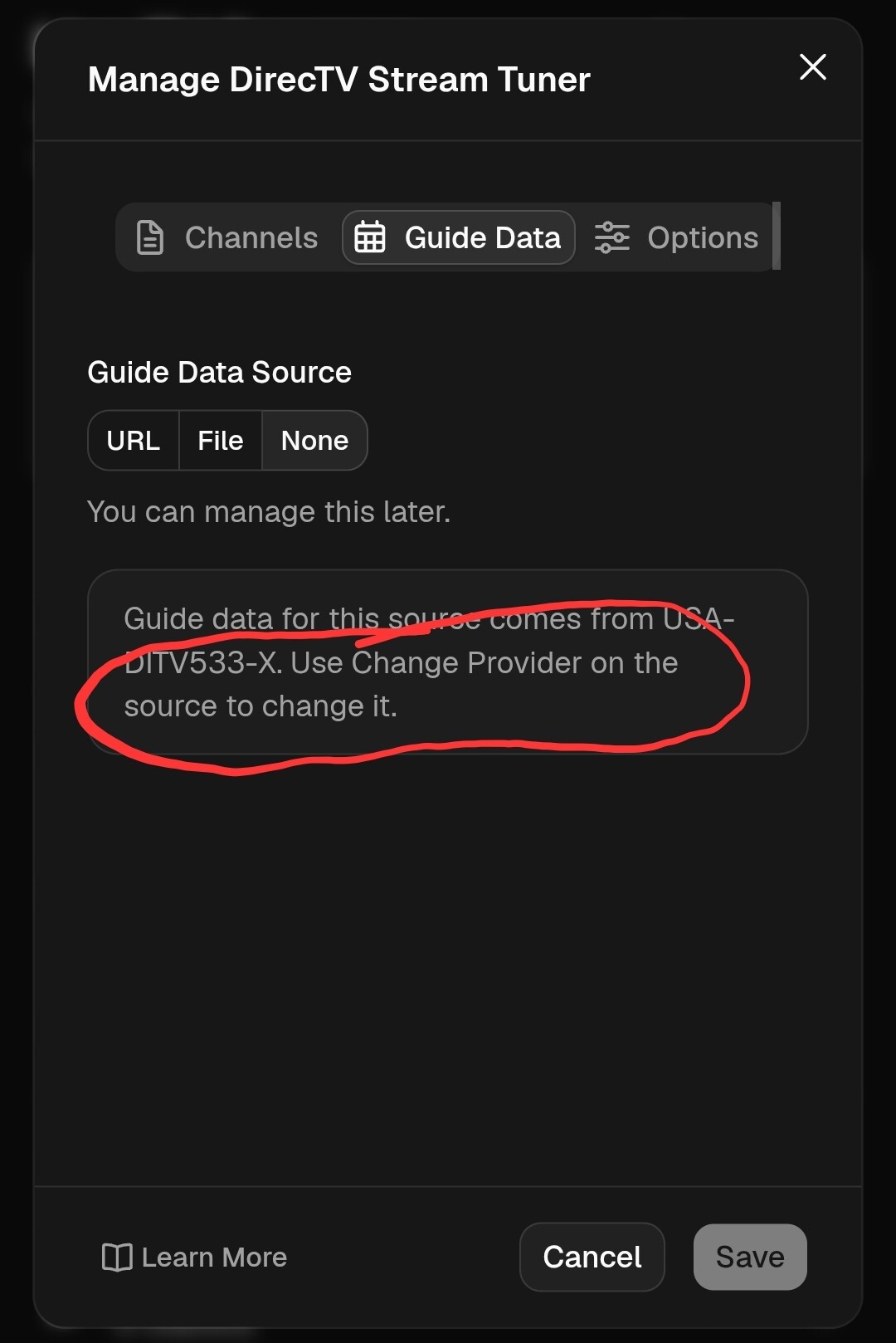
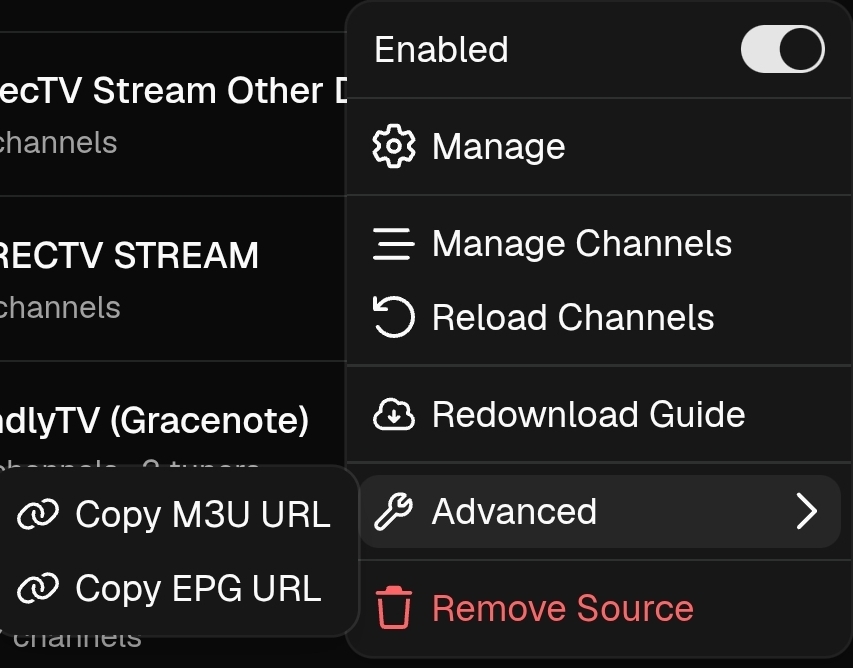
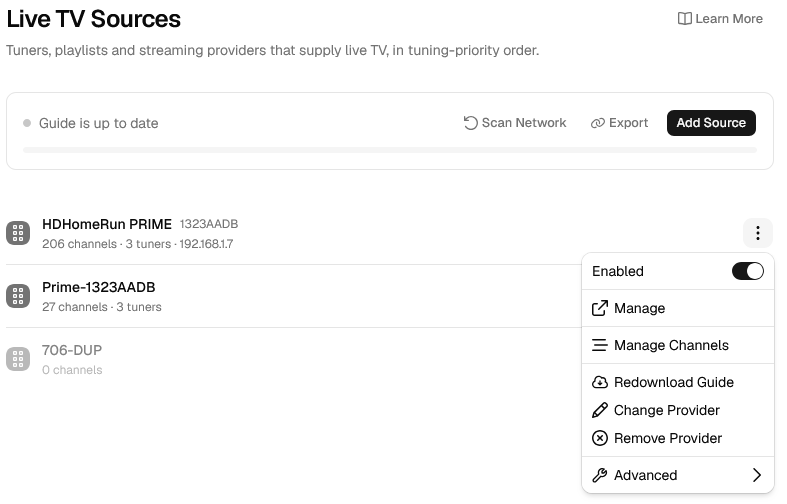
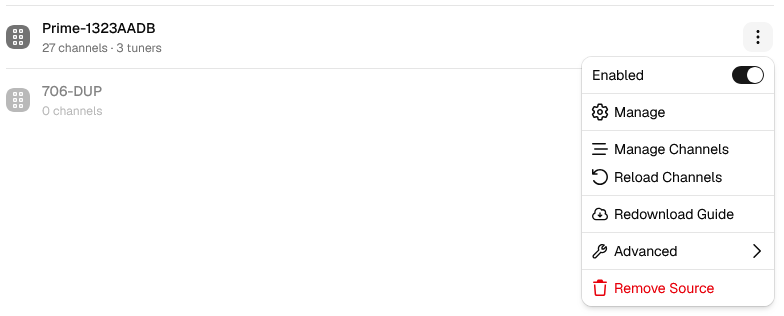
Where is Change Provider on the source?
I don't know if there is something wrong with me but I can't find it.
Legacy version:
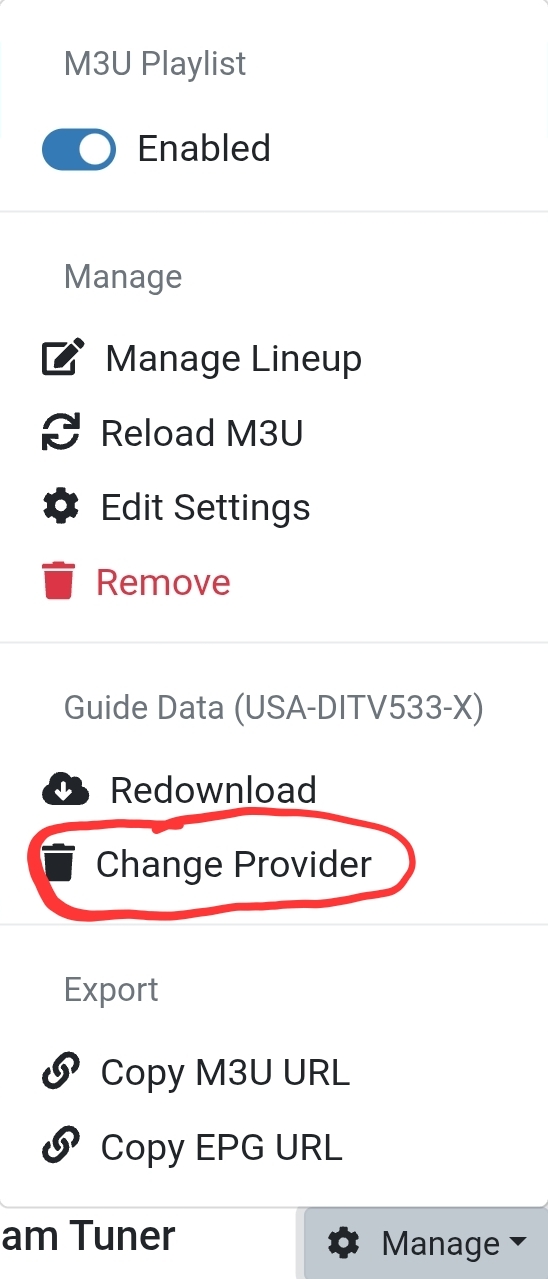
V2:
so you got me to play around on my phone, no algo needed.. lol the pictures should probably not be any smaller on the mobile especially for those of us who like/want small screens..
also now that we have icon's in the activity window, could those be clickable to take us to what i call the watch card? (episode card?  )
)
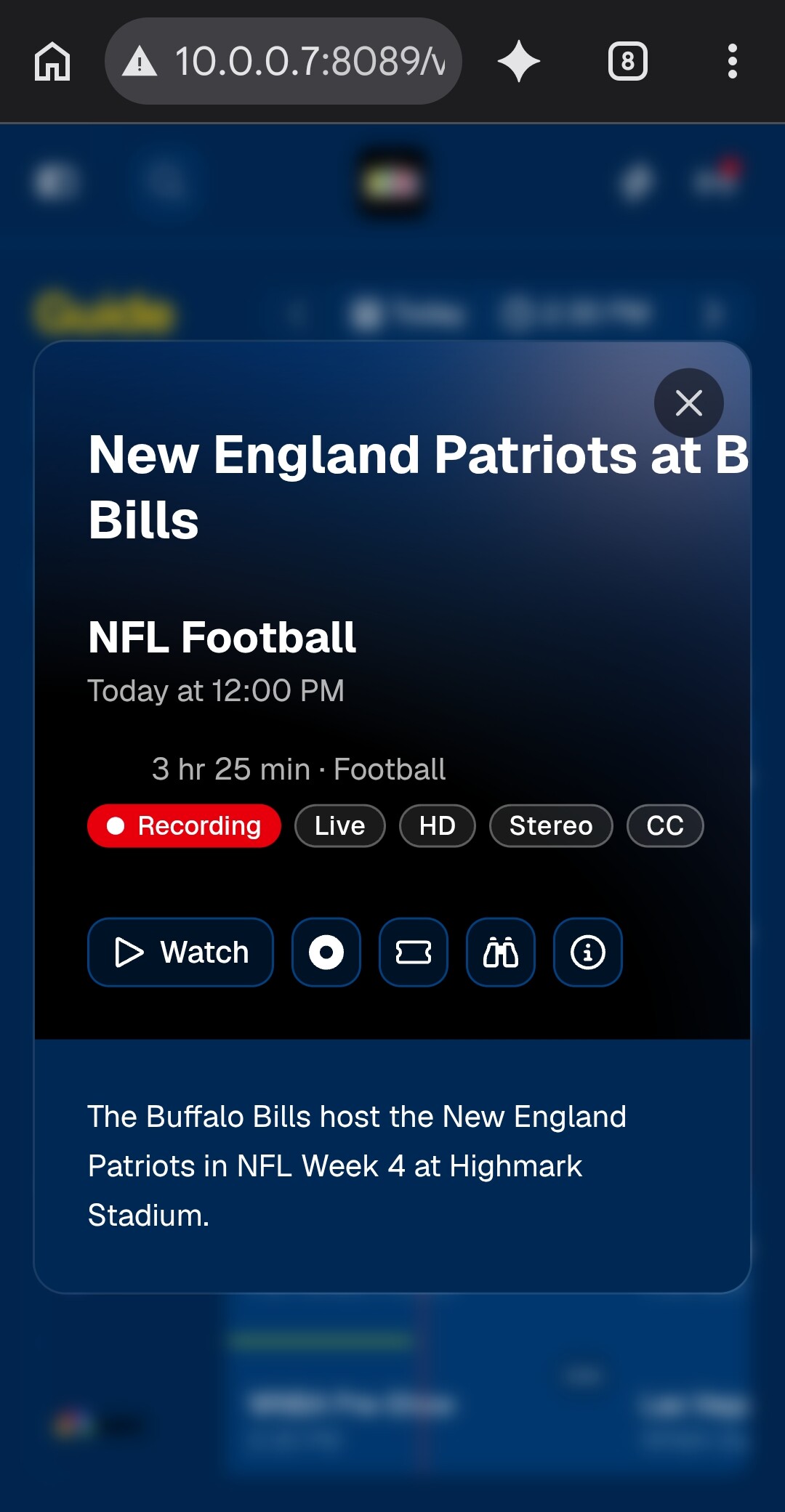
ps. I decided on video store for phone, but like nosferatu on my laptop
I have seen a few mentions of "Video Store" but didn't know what it was. Now I'm guessing from your post that it's one of the custom themes.
I haven't looked at the different themes yet.
Ah, thank you for confirming.
I don't have HDHomeRun.
Even the TVE source doesn't have it.
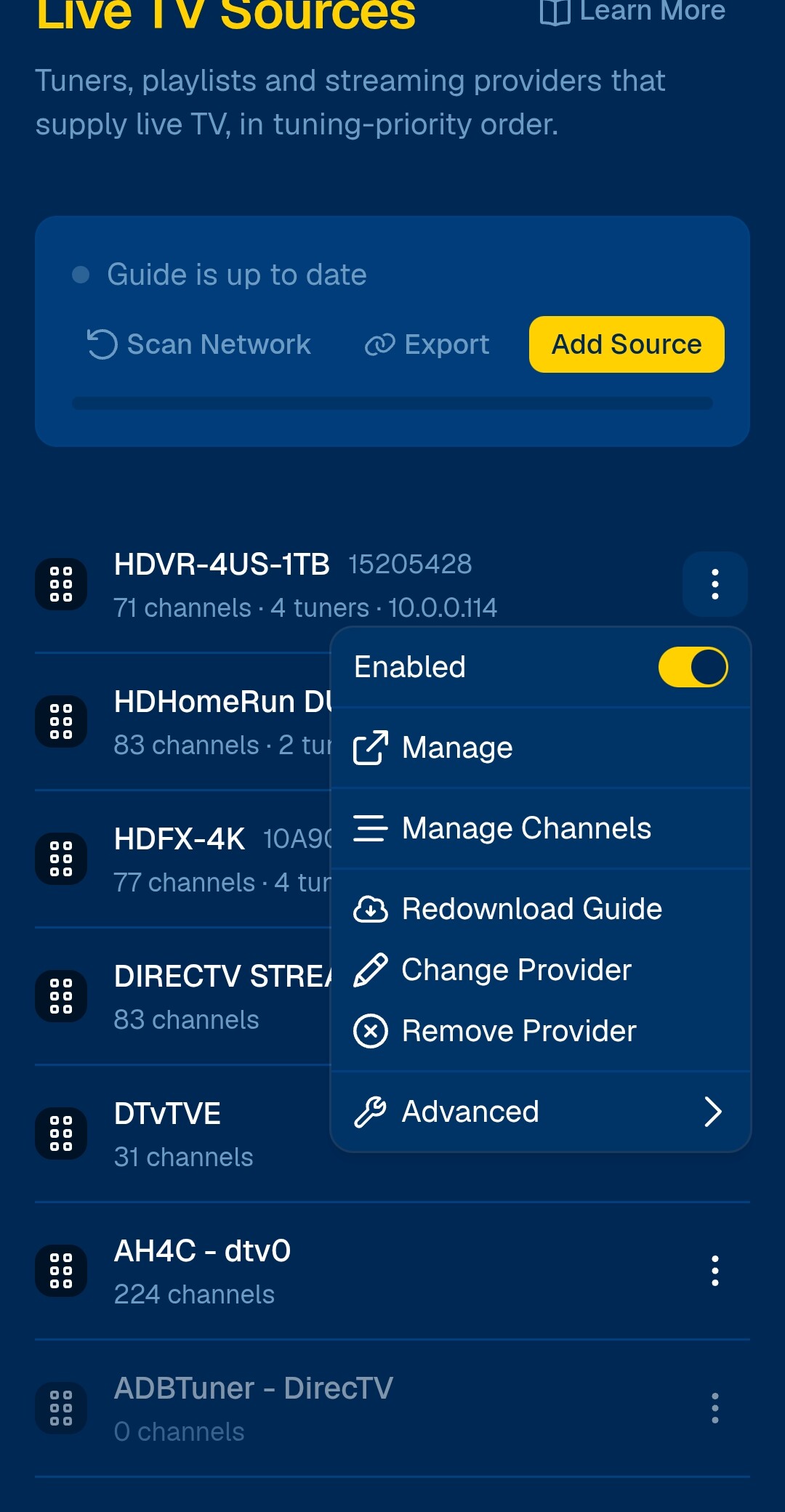
Same.
But in v1 you can set and change provider on custom m3u sources (not that I've done it)
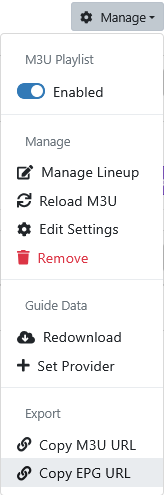
1 Like
first thanks for providing a way to watch what a virtual channel is playing.
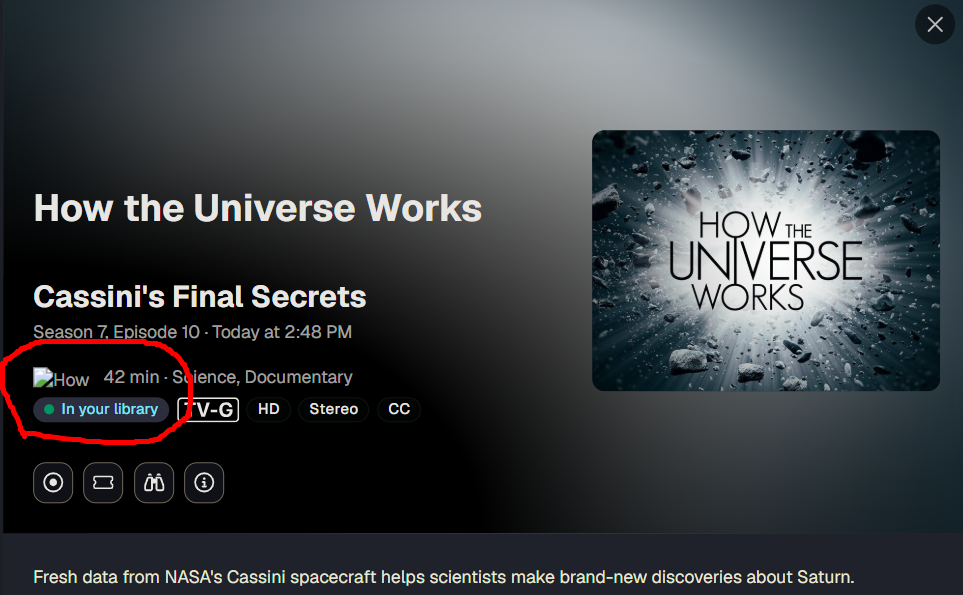
but noticed my uploaded logos are gone. I did rebuild my server several weeks ago, but the guide was still showing the logo on /admin/guide/grid until I started digging into this just now, and now it's gone there too.
/admin shows the location /dvr/uploads/7/content but I assume that's internal to the db so I can't even source my original logo from a backup.
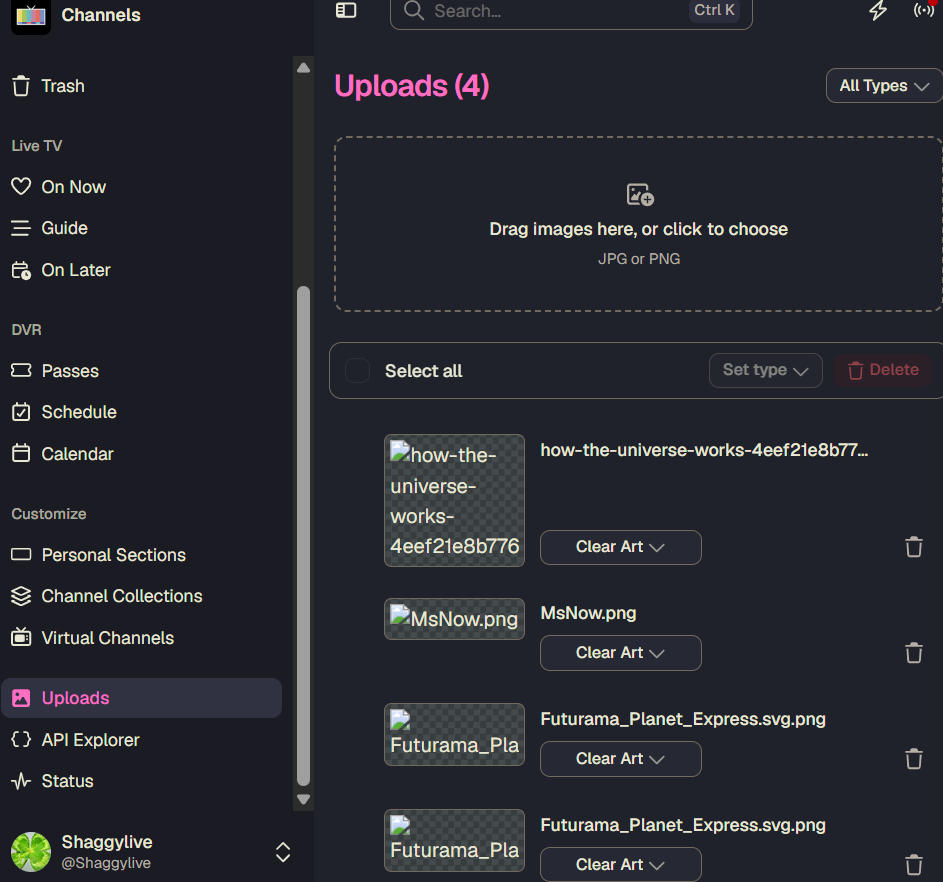
assuming it's a me problem, any suggestions?
Mine show in both v1 and v2
Check your uploads in the v1 web admin
/admin/recordings/files/uploads
Looks goos by why not put settings under status had to read half this board to find sources was under settings and had to click user name why not just put it under status or in the sidebar.
yup missing there too. not sure how I lost them. I assumed they became part of the server that was backed up once uploaded. I found new ones online, used v2 to upload them.
Im playing with this in ios 27. Im echoing what some others have seen. Im loosing altogether the sidebar. The top row becomes unresponsive. In my case i have to close the web ui and reload. Going into landscape doesnt get me out of the stuck mode.
Ill also would like to see the settings button more exposed when in the library mode. A nice big button on the top row next to the channels logo or in place of the channels logo. On small display it can be cumbersome to find the settings button under the user. Really had to search for it this morning