
I think the old commercial editor made more effective use of the screen realestate.
1 Like
ip/v2/recordings
This screen isn't built yet
It's coming as the rewrite progresses.
Ah so maybe it not done yet then
No, Manage was replaced by Library. It’s explained further up in this thread.
It effectively does everything managed did before and more.
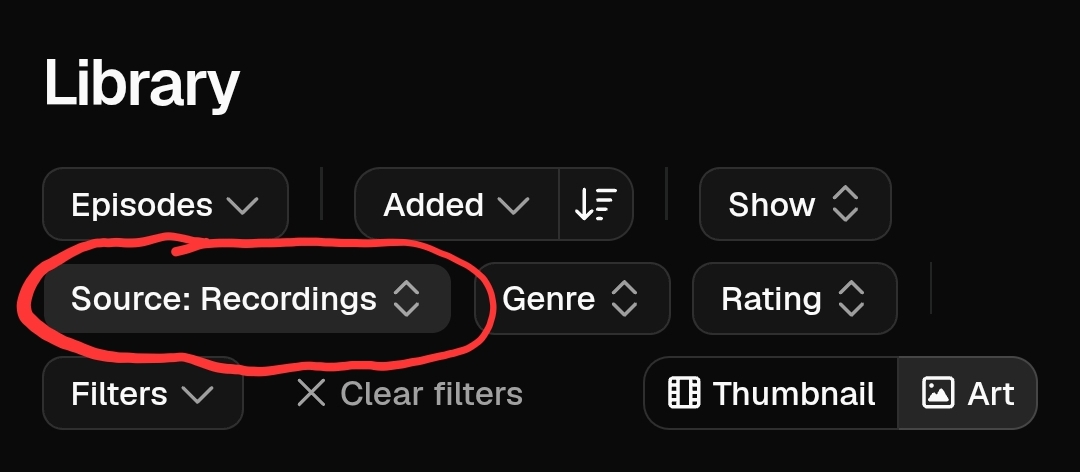
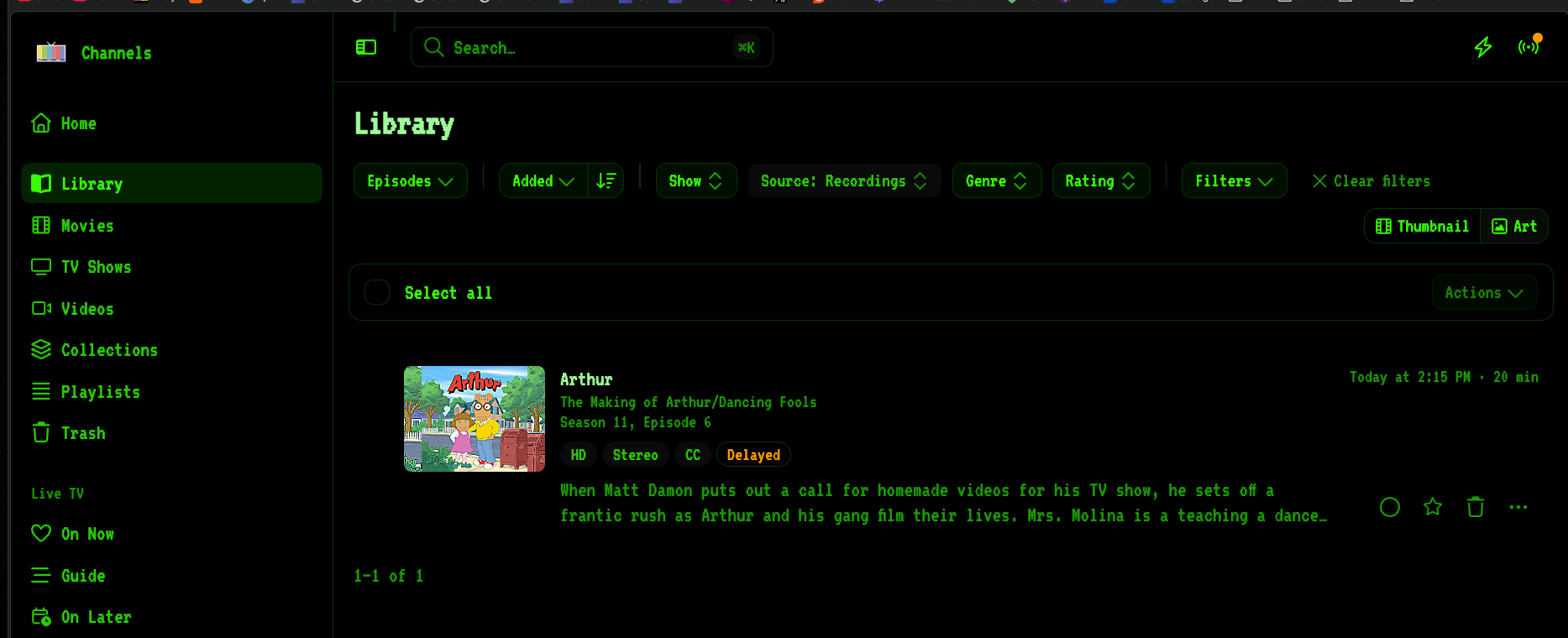
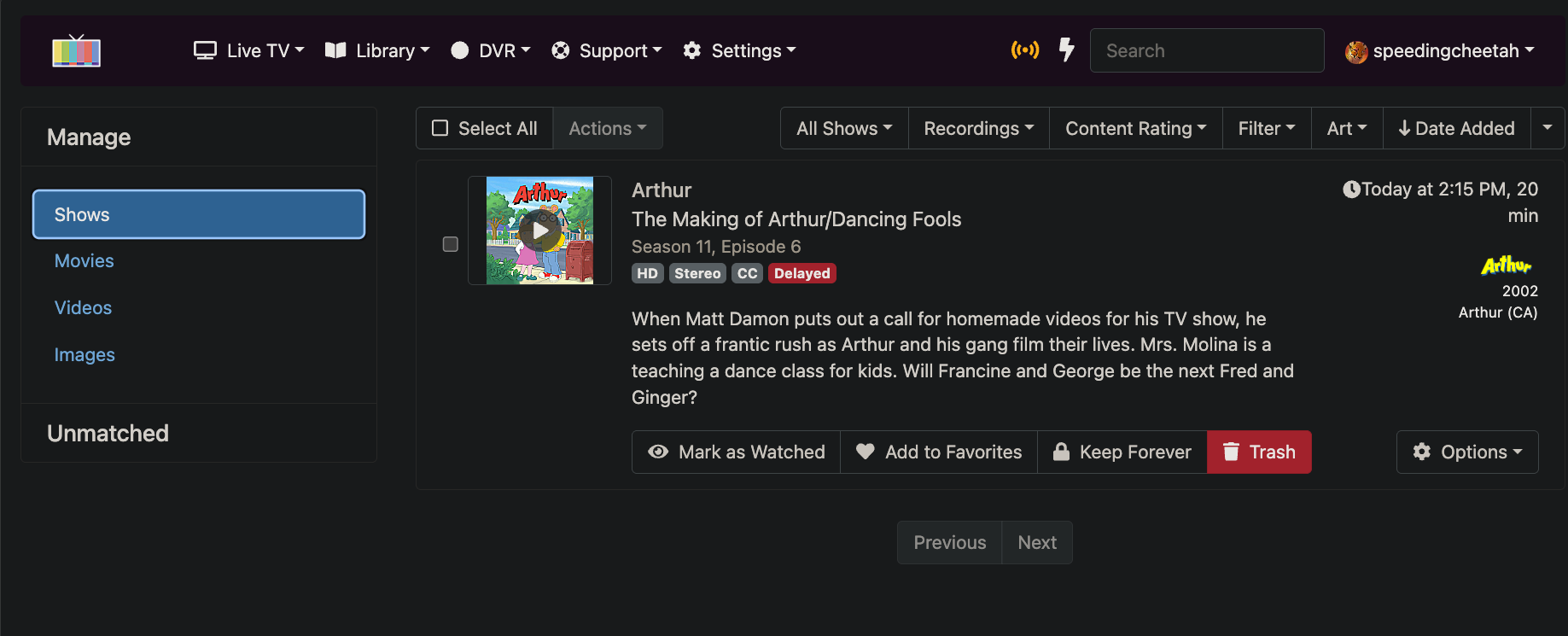
As for v2 and playing with Firefox, here's what I found.
If it doesn't start playing

open the PIP view and you'll see it's paused. Hit play or skip ahead.

1 Like
The Green Dot indicator in the Guide and other places when u pull up a repeat episode of something you have recorded.
In the previous UI, it meant it was Recorded, and when u open the details, it says that, with a dropdown menu to Mark as not recorded or Record again.
This is something i recorded before, but have deleted the recording long ago.
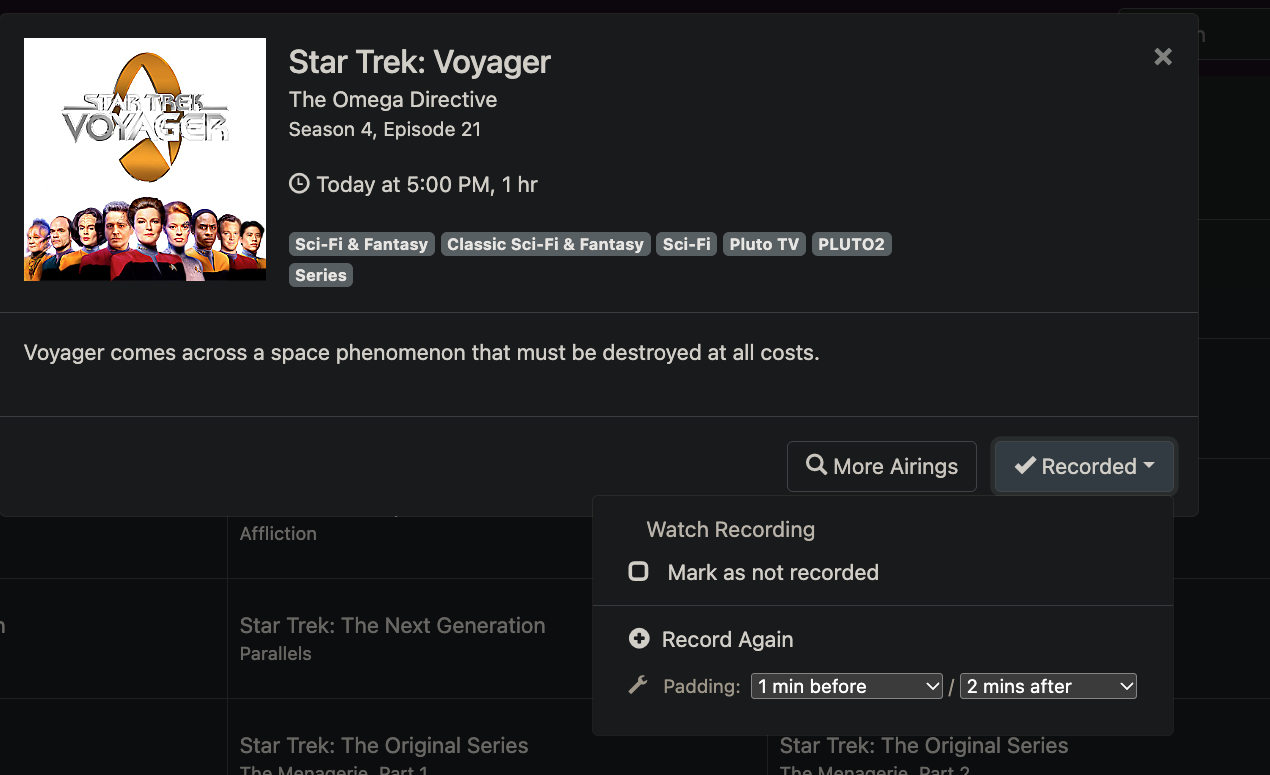
New UI, says In Your Library, and clickable, but gives a blank box page. No options as the old UI.
U can click the normal Record button, for a one time record.



I've barely started playing around with the interface, but so far from a visual standpoint I love it (especially being able to apply custom themes). Hoping some of this polish will make it over to the client side. The changes last year were great but still could use some love to make it look even nicer!
3 Likes
Good find. I don't see a way to mark as not recorded anywhere in the new UI.
We need that!
Oh yeah. I see that if I go to PIP and actually start playing that I can take it back to the original window:
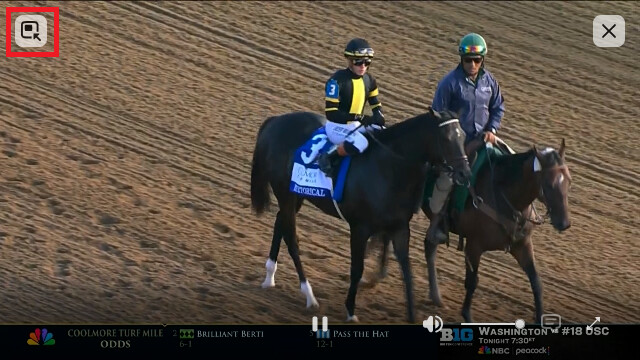
and then the control bar is there at the bottom:
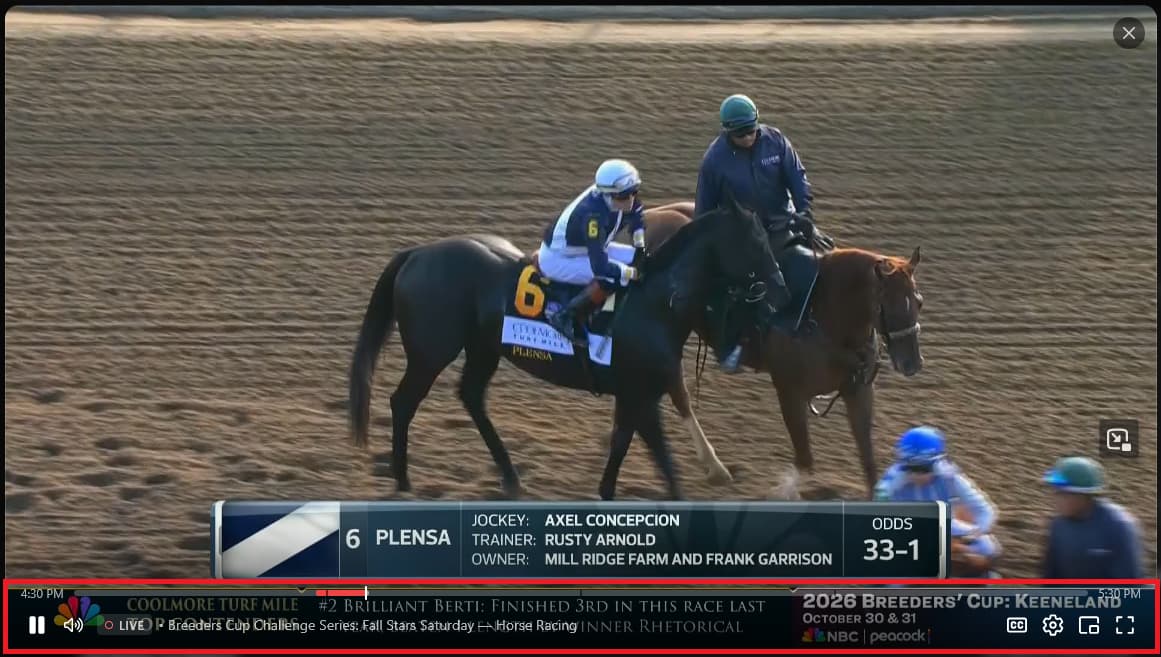
I do see the nifty gear tab in the lower right of the playback window that allows the user to select the playback quality. Is there a way to lock down the quality at the server level for the web interface? I see the setting in 'advanced,' but even the old interface didn't really seem to honor it.
1 Like
It's honoring the advanced setting for me.
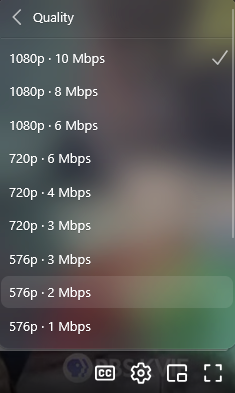
spacebar also works in pip and after toggling pip.
this was Channels DVR Extras chrome extension
There has always been. In settings go to Web Player and set your quality. The web player will always start with this, but you can adjust it in the player.
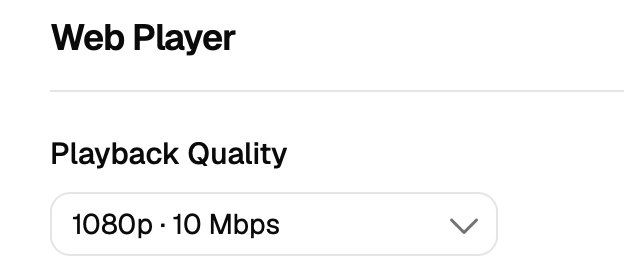
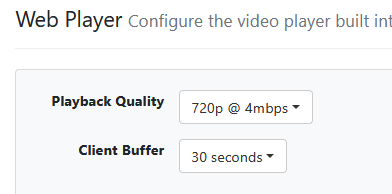
Selected this in the player:
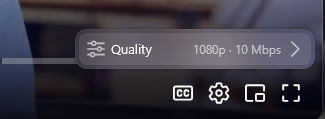
Got this:
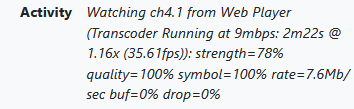
For any family member that is connecting with a web browser remotely, they are killing my Internet upload speed.
This is a client side setting, not a server side setting. Also, not new and how it's always been.
New pre-release resolves these:
3 Likes
So, no. I just figured it was always broke.
1 Like
It always has been a per browser setting, not a server setting.
It's in v1 from the guide or the pass matches tab.
mjitkop added it to the recordings
1 Like
