Channel duplicates in Collections - Very annoying - Bug?

I have a few different sources. When I add channels in a custom channel collection, the guide on my clients will show those channels but also wants to pull the same channel from a different source. I have disabled the other source channels on the server source which is a pain but it still wants to pull them in!?!? How do I get just the channels I want in my custom collections without anything else being added with them??

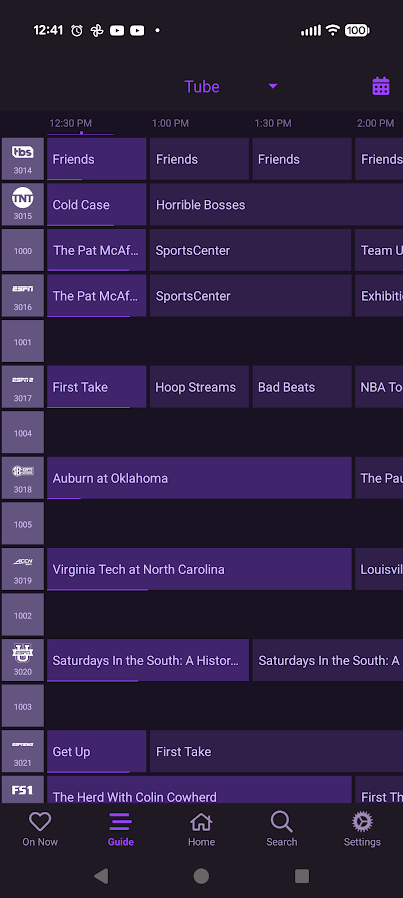
1001, 1004, 1005, 1002, 1003 are from a different source. I've even marked them hidden in the other source. I didn't add them in this collection.
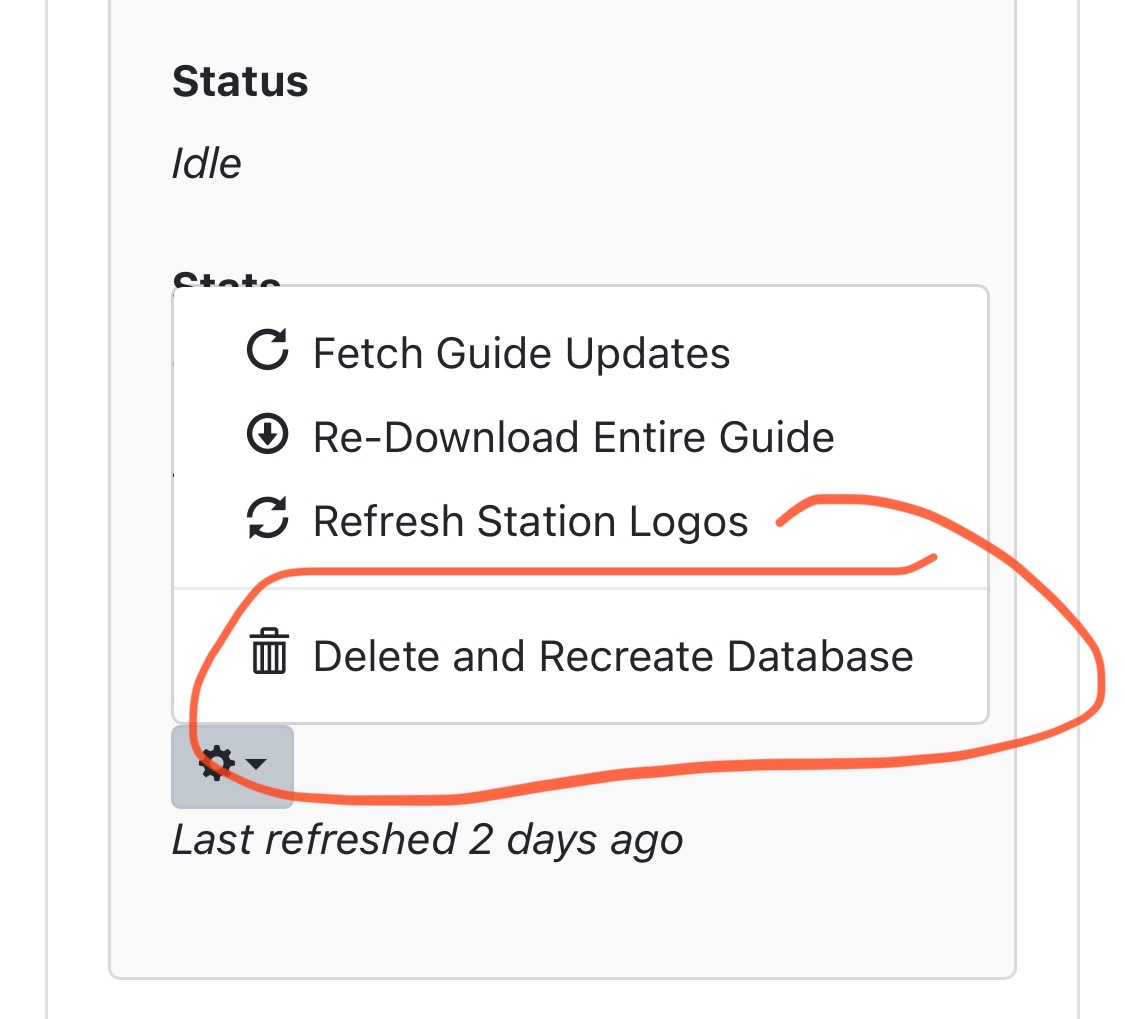
does selecting "Sources to Exclude" on the automatic channel help?

1 Like

On your channels client, go to Sources, Manage Line up, and change setting. I believe the options are channel number or guide data.

I’ve had duplicates before and toggling between the options got rid of the duplicates.

1 Like

That didn't work :frowning:

1 Like

Went to settings, manage sources, manage lineup, changed the stack duplicates to number/guide data and it didn't change anything either way with :neutral_face:

show us a screenshot of your Automatic Channel settings pls

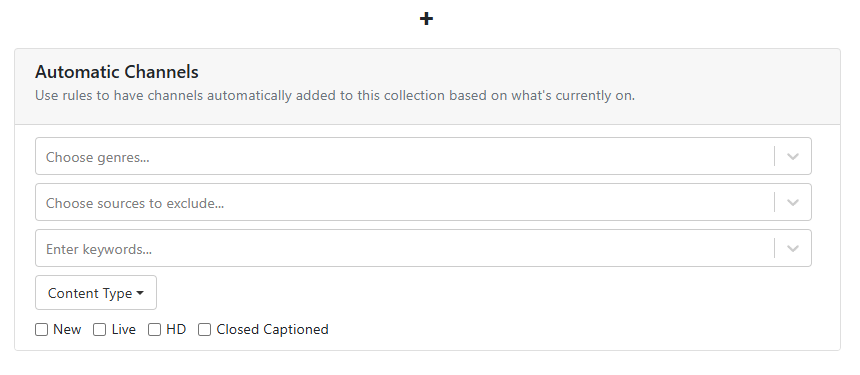
This is blank.

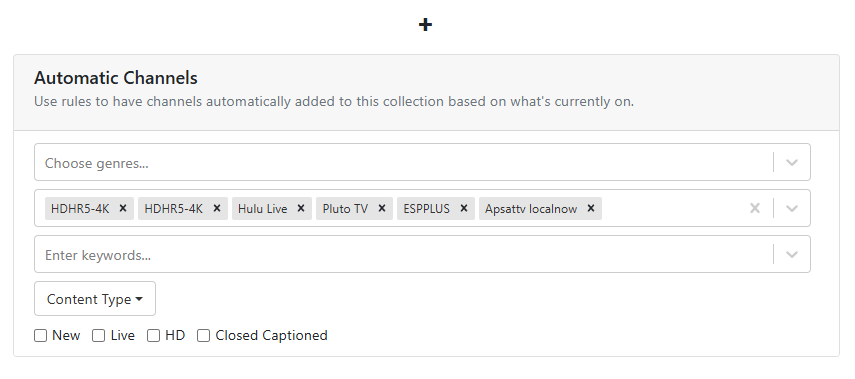
This is when blocking the other sources in that Collection.

what channels are you trying to display? there's no filters by genres or keywords so i'm confused

Most likely you have duplicated channel ids. Each channel needs a unique channel id.

1 Like

I experienced something like that once before and a complete guide rebuild fixed it. It’s worth a shot.

1 Like

I don't want any automatic channels with my collection, just the channels that i choose manually. That is why that part is blank.

got it. how many unique sources are you using in this Automatic Collection? I have an idea that might work.

Just 1 source. Other sources also have the same channels in them like ABC or Fox or ESPN, etc and it is also grouping them in this guide.

wild experiment if you're up for it..

create a duplicate source in custom sources.. then in that custom source, hide all the channels you DONT want in channel collections, then go into Channel Collections and exclude all other sources except that new duplicate one?

Good idea. Will mess with it!

I may have found the issue/bug. So one of my sources, i have the channels for it set to 8000 and up. For that source on the Channels DVR server I have 7 hidden: 8000, 8001, 8002, 8003, 8004, 8005, 8006 because I don't want to use them on any source or collection ever.

In my collection I am adding from a totally different source than the 8000s, which have channels starting at 1000 and up. Some of those channels are duplicate channels that are also the same name as the 8000 source so they will combine those in the guide even though I don't add that channel/source/number.

Problem is on the server I hide those channels in that source with the red Stop Sign looking thing, however when I add the source on clients, those channels are listed and not hidden with the Stop Sign and I guess that is why Channels is adding them as a duplicate in the Guide (even when it's not from the same source.

Hope that makes sense.

Tried this. Doesn't work unfortunately :frowning:

Unfortunately Channel Collections just store the
/devices channel GuideNumber for HDHR tuners (which is the channel number, like 2 or 2.1)
and
/devices channel ID for TVE and M3U sources (like cspan)

So when you look at your channel collection, you (and CDVR) can't tell which source it's from.
/dvr/collections/channels

So when you put your collection together and you choose a source form the drop box and add a channel, it's not actually choosing from that source/channel necessarily? Seems like a very crusty way of implementing channel collections if it is adding duplicates and sometimes wrong channel numbers from a source you don't choose. How does one simply put together a guide/collection of channels when there are multiple sources with the same channel in it??!?!?

I would figure that numbering them differently like below when setting up sources would differentiate them:

-For Example-
Source 1: ESPN Channel 6001
Source 2: ESPN Channel 7001
Source 3: ESPN Channel 8001

If I add source 3 ESPN channel 8001 to my collection that is the only one I want listed in the guide, not all 3. Simply pushing ignore on 2 of 3 of them in their individual sources doesn't fix the problem, still shows all 3 in the guide/channel collection.

It is to display the channel logo to you in the display, but what it saves in the collection /dvr/collections/channels is only what I said.

You can view what is saved by looking at that API endpoint.