Channels App Remote Plus

Yes, updated just now and seeing that section up top. That's great, thanks!

Also, can this section have a "Hide" or "Collapse" button too?

For many users it will be a one-time setting, so doesn't need to remain visible and take up that screen real estate all the time.

Along these same lines I think the "Select Theme" section should be all the way at the bottton.

Just tested and it's working nicely. Is it possible for the "Record" button to reflect that status, and say "Recording" when that's the case? Or like a red dot or something. I think that'd be helpful.

And, when it's live TV content, if the Now Playing section could also display the channel name or number that's playing, that'd be useful info to see.

I added the show/hide buttons to those sections and added persistence to all the show/buttons. I'll push those changes in a little while.

Adding the channel number and name is not a problem. The recording status would take a lot of extra code to poll and monitor the jobs endpoint to return the status as the current API responses do not return the recording status of the channel. While I would like to see some indication as well, I don't think I can do it.

edit: I pushed the show/hide with persistence already. I will have to wait for my wife to wake up and turn on the TV at home before I can test Channel name and number changes. She would freak out if I were to turn it on while I'm at work. :rofl:

Edit: I just pushed an update that includes the channel number and name on the Now Playing section. I also did some UI improvements and code cleanup as well.

All of that makes sense! Thanks, testing here now, it's working well and looking great.

One other suggestion to consider for cleaner interface would be to consolidate the "Client and Server Selection" and "Theme Selection" sections, into one "Settings" section.

Yes! And sometimes wishes DO come true! :slight_smile:

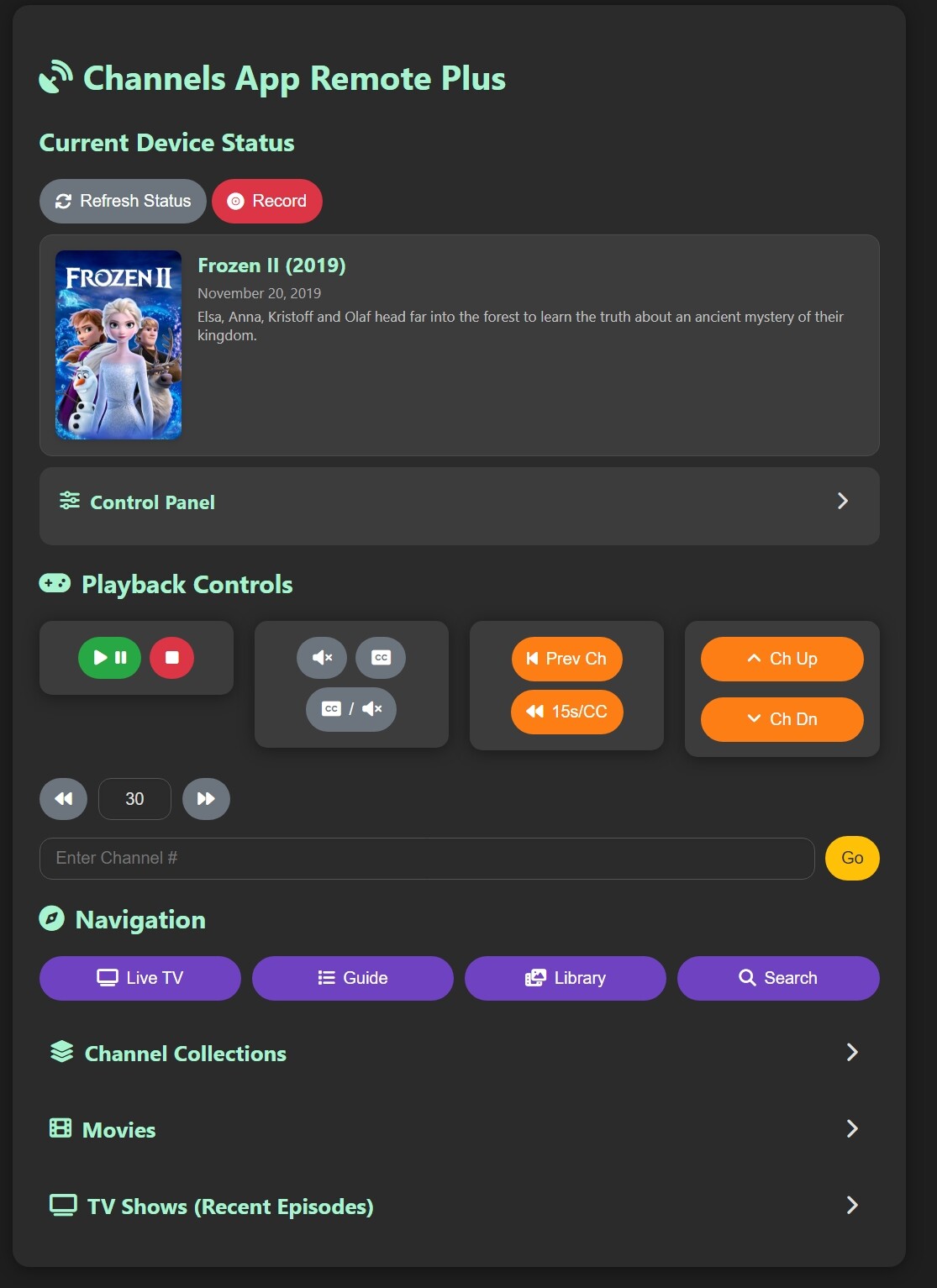
Funny you say that. I have been working on a redesign that adds all of that as a new section called Control Panel.

1 Like

For anyone who prefers rounded corners, for example to match other app icons in their macOS dock:

CARP icon

I just pushed another UI improvement release. I should have done more extensive testing as it has a lot of code changes in the javascript (Always seems to have unintended consequences). If any bugs are found, report them and I will try and sort them out in short order. Thanks.

Testing and it's working beautifully on my Mac with Safari, I couldn't get it to work when I tried on my iPad or iPhone though.

You may have to delete cached images and files. Sometimes browsers don't want to let go of older javascript and css.

OK cool, I'll try that when I get home later tonight.

I think I have a possible way to achieve this. I will hopefully be testing it this evening by sending commands to the flask app to switch audio channels (actually muting and unmuting). I have everything loading correctly to do it, it's just a matter of some real world testing and troubleshooting. Cross your fingers.

1 Like

Did you get it figured out and does it address the issue?

Yes, I experimented a bit with various devices, and at least in my case, the web app now loads when I specifically "Turn off Content Blockers" for the IP address where CARP is running. The content blocker I'm using on my iPhone and iPad is AdGuard. There's probably something inside AdGuard's whitelisting settings I can tweak to figure out which component specifically is causing these hiccups, but I haven't gotten that far yet in the troubleshooting. I just configured the webpage settings so that content blocking is permanently disabled, for that one site.

As mentioned though, it works fine on my Mac -- where AdGuard is also installed and running -- without having to turn off Content Blocking. And that's the screen where I'm using CARP primarily, anyway.

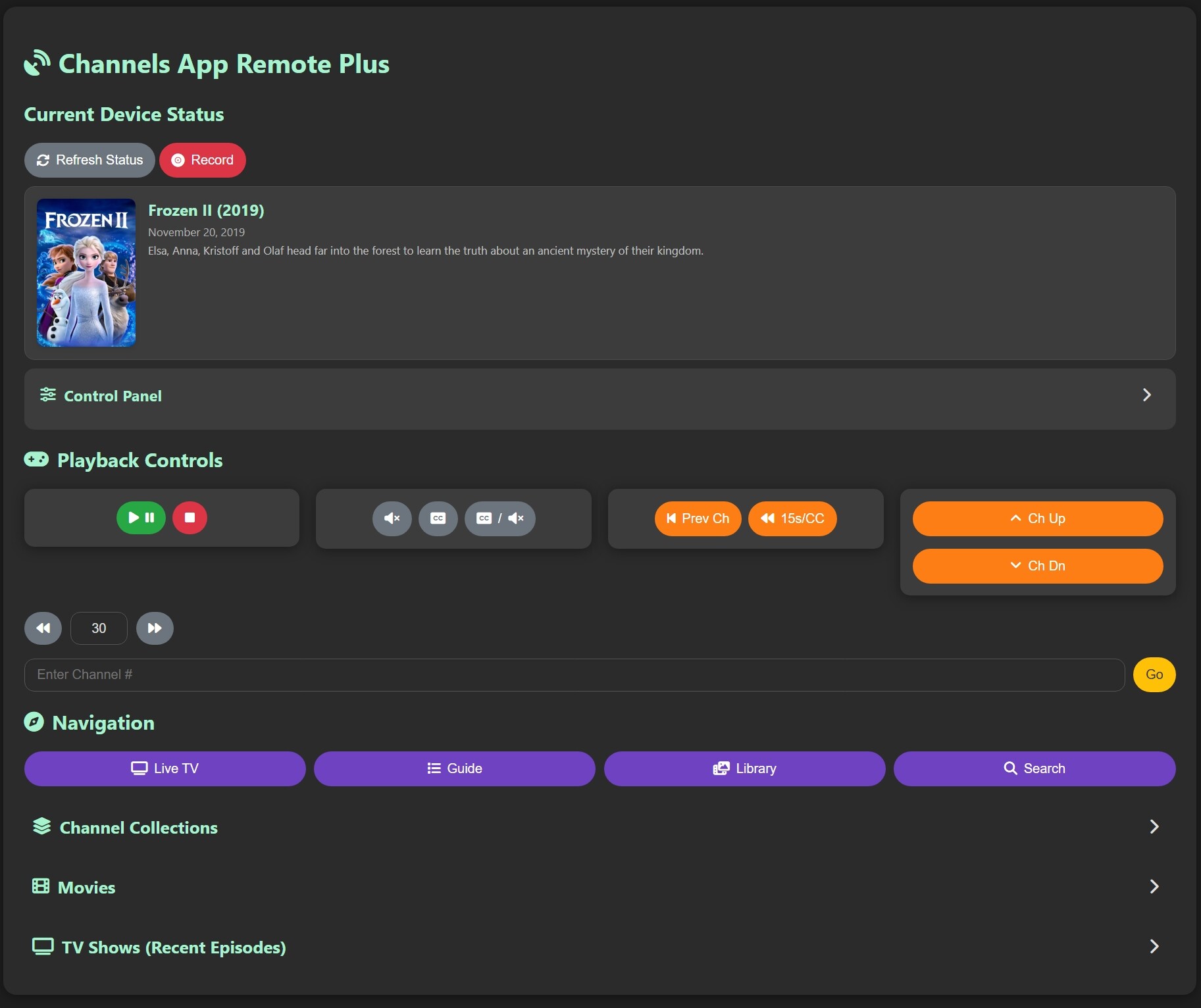
I'm working on some UI changes. :+1: or :-1:


1 Like

that looks... absolutely gorgeous :star_struck:

Do you have a Patreon, Venmo, Github sponsorship, buymeacoffee.com account, or even just a favorite charity to which I can donate? This is awesome work you are sharing and I wish to show appreciation beyond mere words in this thread.

Thank you. I don't want money for any of this stuff. I enjoy doing it. I haven't really done coding in like 5 years or longer and it's nice to get back into it. Plus, I made it because I wanted to have this type of control over my tv and sharing it has made it a better product with the great feedback and ideas given. This is such a convenience to have available and makes my viewing experience better. I just hope others enjoy it too.

2 Likes

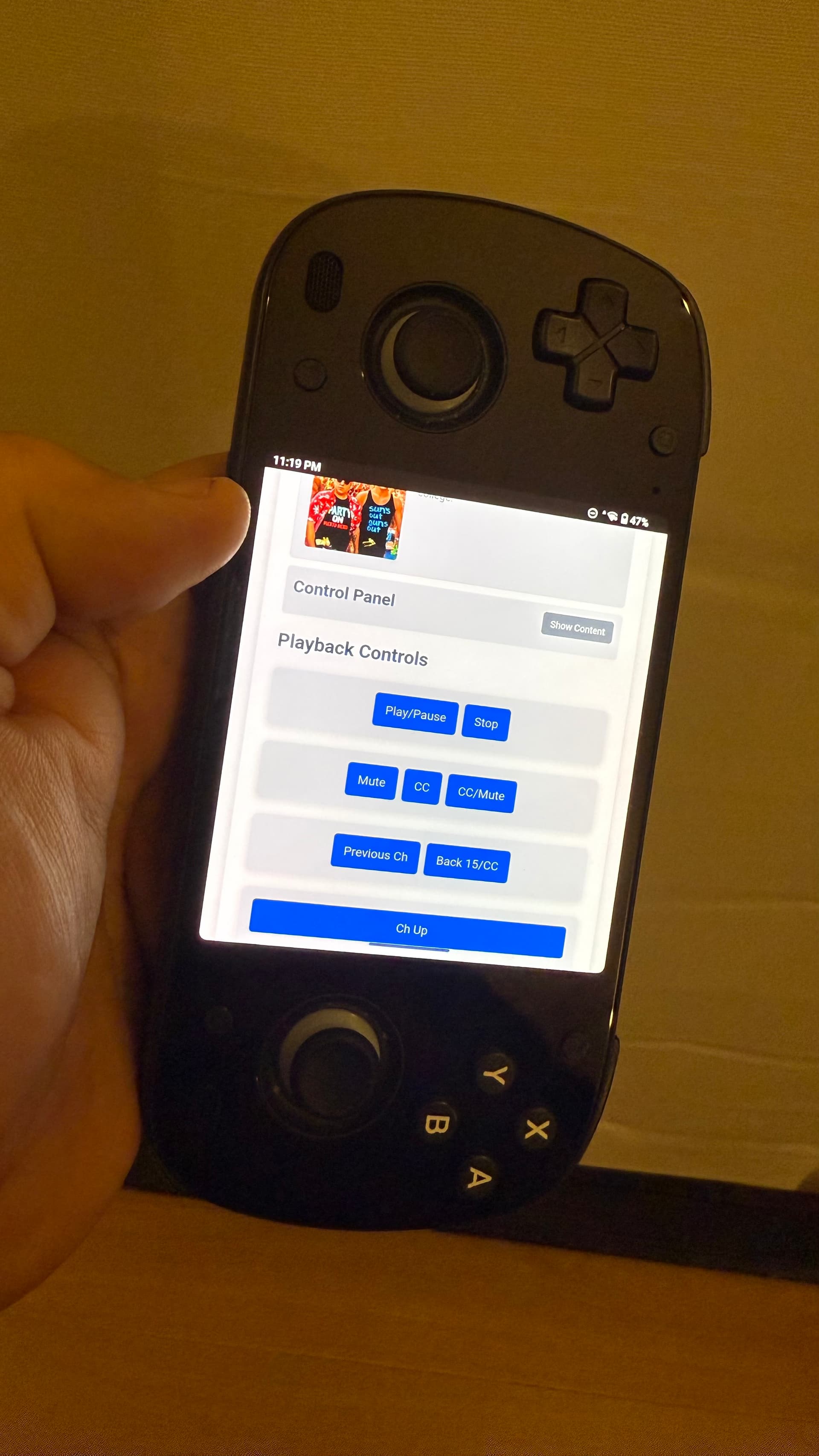
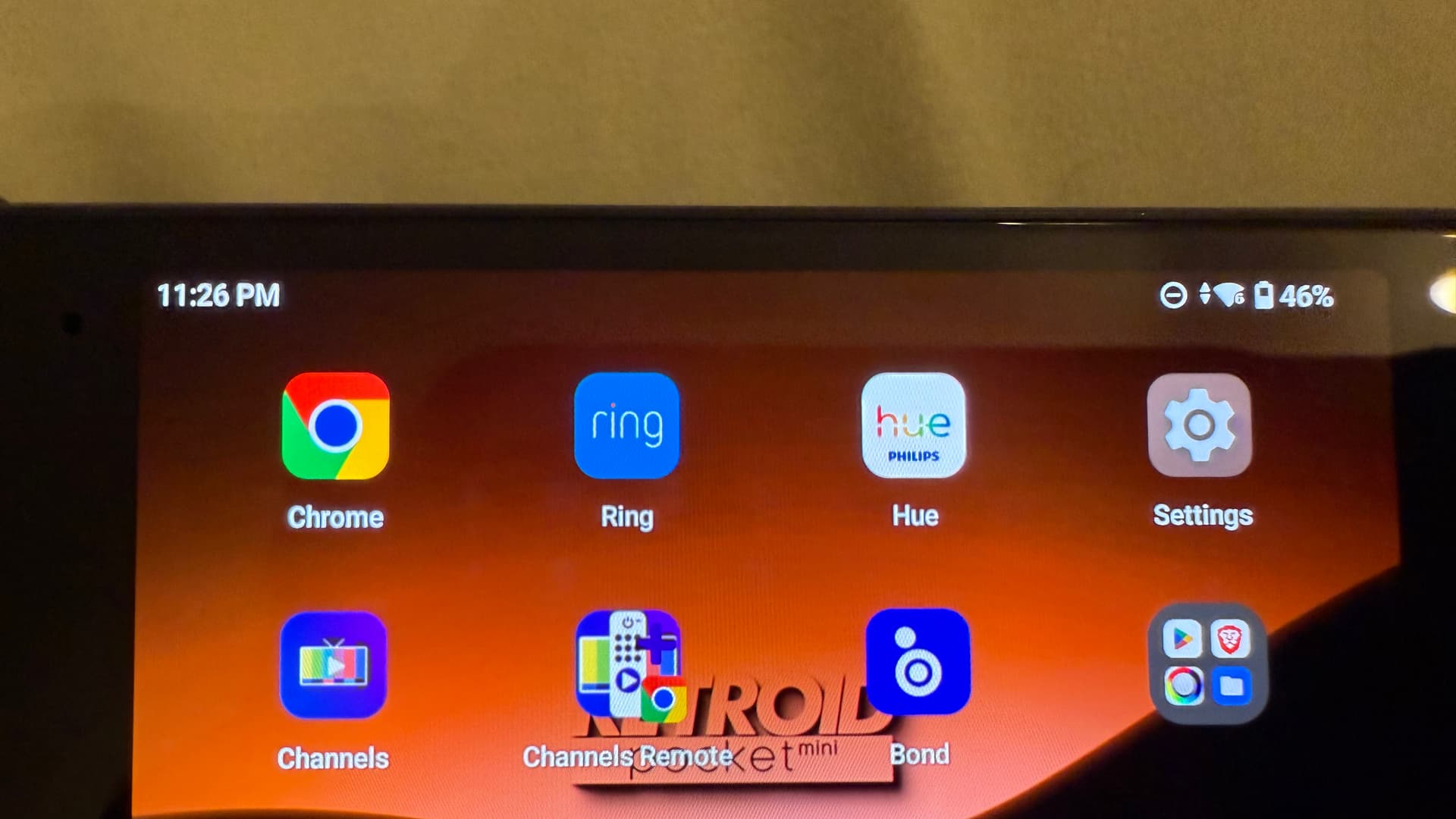
Just wanted to share that I also tested CARP on an Android 13 device, and it works beautifully there too. I saved it as a web app on the home screen. Super handy!

1 Like

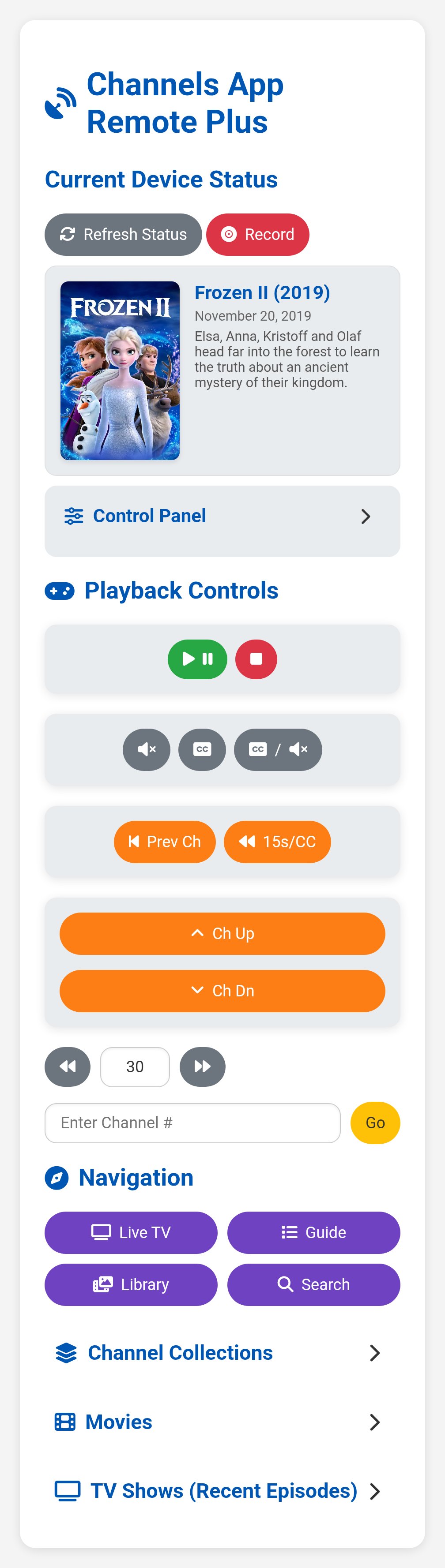
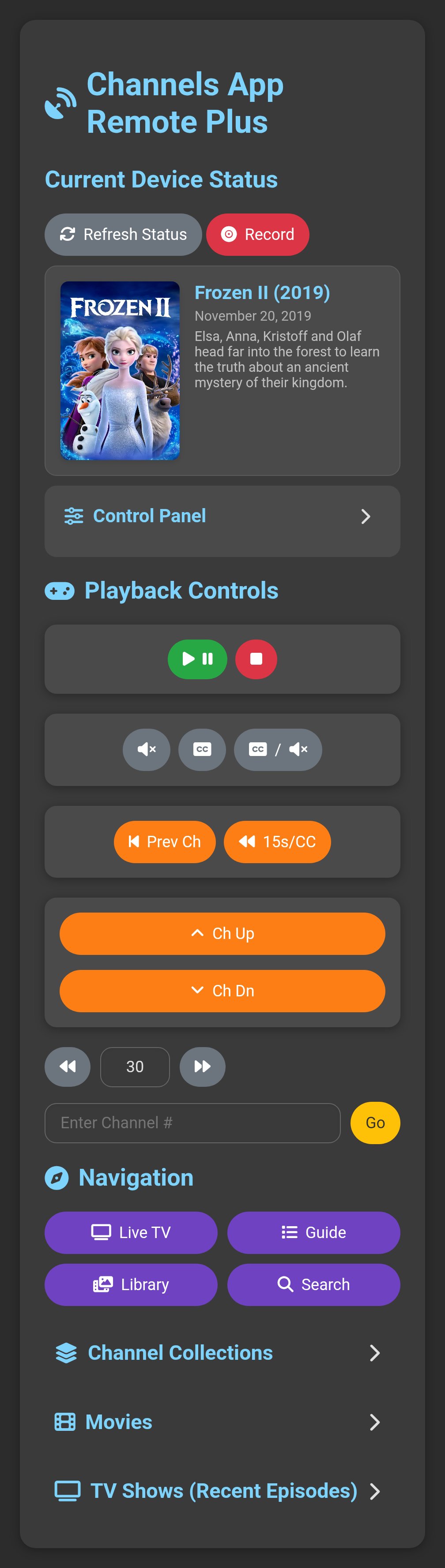
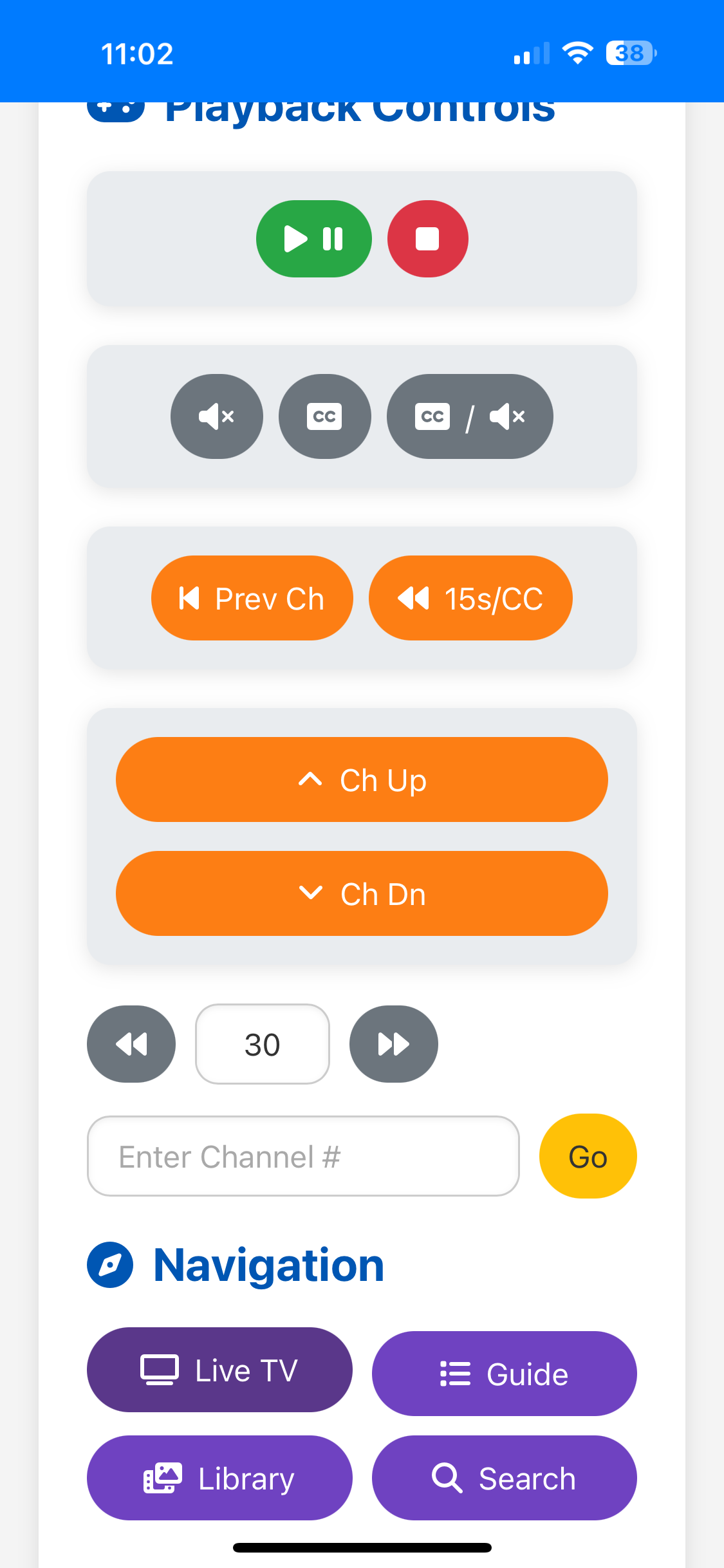
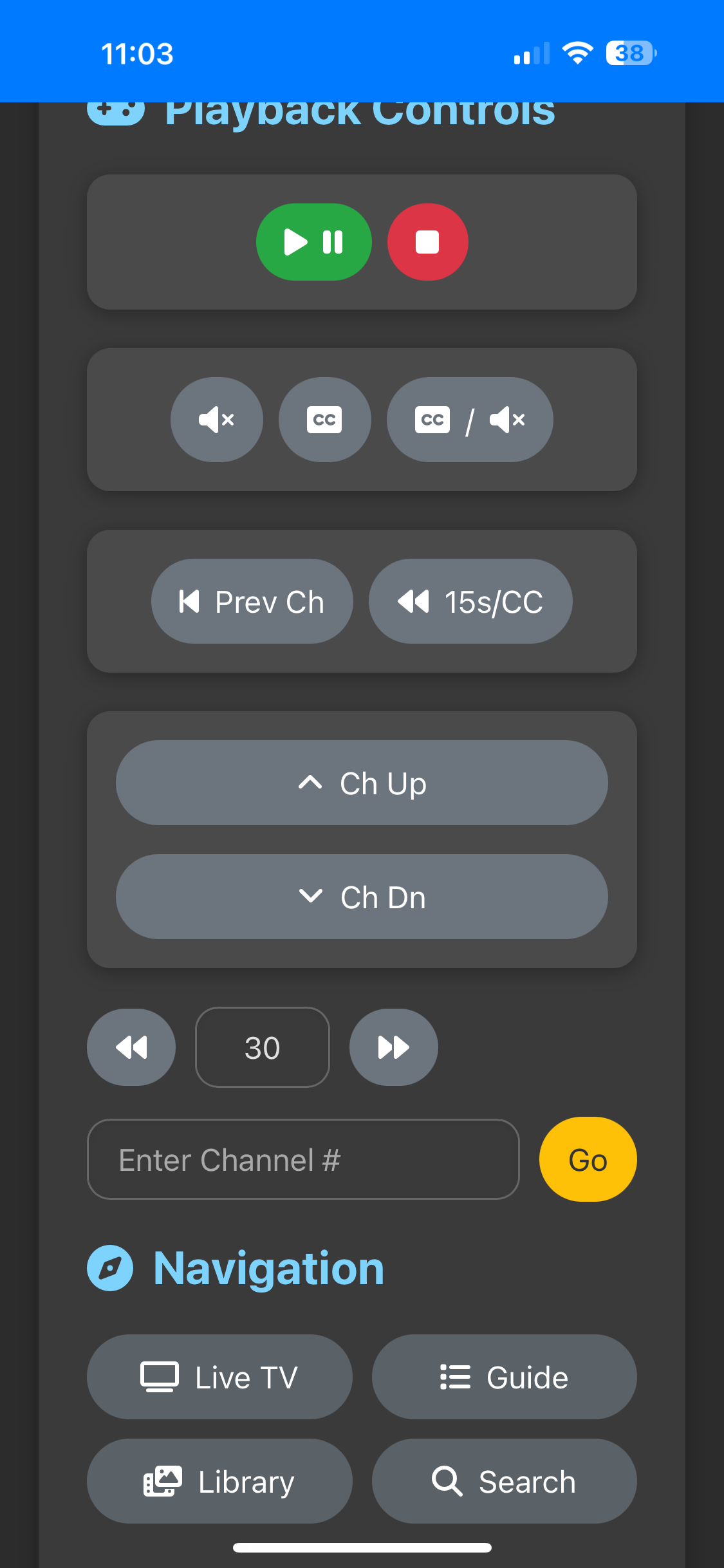
The latest version looks and feels great! This is on my iPhone 16 Pro Max: