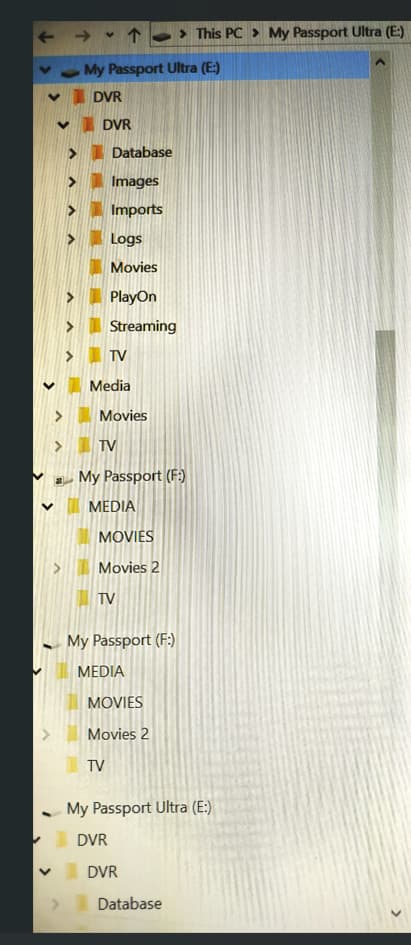
My primary storage drive is getting full. I just restarted the computer with Channels DVR after several months away and noticed that both the primary (E) and the secondary (F) drives are duplicated. I was probably trying to add storage, unsuccessfully. Can I just delete the two duplicated drives or will this cause problems?
The main issue is still how to add a second storage location without moving everything. My understanding from this thread is:
1-Click on the + icon, select current DVR directory (E). (it will now show up twice, the second instance with a trash icon next to it.)
2-Under Settings > Basic Setup > DVR, un-check DVR.
3-In the path selector below where it now says Enable DVR, select your new location (F).
4-Check Enable DVR.
Am I correct in understanding that this should automatically copy over the DVR data to the F drive and new recordings will be stored there going forward; and recordings on the old E drive will still show in the library? What happens to the DVR server data on E, does it need to be deleted or is it permanently there?
Help very much appreciated.

 icon, and select your current DVR directory. (Yes, it will now show up twice, the second instance with a trash icon next to it.)