Confused and Lost. Need help understanding how various community projects work, and are used with Channels DVR

I think DirecTV actually has streamlinks? I have been modding the uverse app to add the functionality .

I will see if I can figure it out .it's not very easy

I am vibe coding in ai to have some channels with multiple sources to have a tiered system if one fails

Does anyone have an android tve list of channels available? Cartoon network and comedy Central, nick don't stream any more I know

Like I said project one click will build a channel list for DTV it's just one curl command copied from stream.directv.com's devtools.

1 Like

So it will pull from the signed in apk through adb?

I have no clue what you are asking...... I think you misunderstand how these projects work.

1 Like

I bought the stuff I need I don't have a linkpi yet. The streamlinks trigger a load in the android device. Project one click requires Windows login? A lot of the stuff is cryptic and I'm having to use AI to understand it since no one bothers to do a setup video

Doug,
Read this topic. Install Portainer. Install Olive Tin. This gives you at least 2 ways to get to Project 1 Click.

Post your issues & questions in the correct thread. PLEASE!!!!

Yeah. This is for ah4c not DirecTV or Project OneClick.

1 Like

I used AI to scrape for the channels. I wasmt able to use Olivetin as it needs me to login to get json on windows and I dont have the login..I'll get kicked out of the apk just wanted to test it before have to use the uverse one

do you see any other deep links for channels like 6, 10, 13, 21, 42, 67, 68, 84-200 , 205, 228, 234, 265, 291, 308, 343, 467, 472-531, 545-552, 611, 614, 645, 646, 649, 676, FAST channels from 921-4721 I think there was another fast channels thread with deep links?

Hi as @jagrim said you are posting in the wrong thread.

The deep links for DirecTV are made up of a hashed identifier and network call sign. The easiest way to obtain them is through a curl command obtained through the browser dev tools and using a project one-click action. This is not the thread for that. This thread is for Android HDMI for Channels, which is an application that allows you to tune Android TV devices over ADB. It supports way more than just DirecTV. I would really suggest waiting until you have DirecTV credentials and then scraping these the right way using the Olivetin one click action and Portainer to deploy rather than trying to do what you are doing, because it is not going to work. I also do not know how you plan on using DirecTV without a login. You do have to pay for the service at some point. You also may be missing the GraceNote data that you will need, and the one-click action will handle that as well.

The one-click action will make the M3U you need based off of the channels you are entitled to in one click. That is the whole point of it. It takes one click. I think you are over complicating this.

Personally, I think once you get to the stage where you are ready to set up your encoders and ah4c, this is the place to really get into that. And I think we would all be happy to help. :slightly_smiling_face:

Thanks sorry for polluting the thread. I may have to trigger manual clicks for channels that I am not able to get the deep links for. It will log out eventually just using what I can for now.

I was able to pull known deeplinks in my cdvr guide to test before being able to record . I am waiting for my linkpi to arrive. Does anyone know how well 4k capture is? Can you run deep links and return to guide easily or do you have to basically alt tab back in?

I was able to pull known deeplinks in my cdvr guide to test before being able to record . I am waiting for my linkpi to arrive. Does anyone know how well 4k capture is? Can you run deep links and return to guide easily or do you have to basically alt tab back in?

Alt tab? I think you are missing how this all works..... I would do more research before spending any money.

android box feeds video + audio to encoder over hdmi -> encoder sends out mpegts stream over network -> android box and encoder IPs are entered into ah4c env variables. adb access is granted.

m3u contains deeplinks, scripts contain tuning logic.

m3u is entered as a custom source in channels -> open a channel, adb command sent to box stream opened from encoder. done. that is the general workflow. no alt tab, 4k capture is pointless for broadcast tv (idk why that was even brought up for at best maybe 1080p but mostly 720p content).

1 Like

Using deep links from channelsdvr makes it pop up on the same device linkpi not here yet so if you hit back you are still in DirecTV app .I alt tab on keyboard back to channels dvr.

Espn4k is one of the few 4k streams it's 1080p upscaled

Those are stream links. Nothing to do with ah4c.

1 Like

Does this app log back in if you get kicked out?

Does it have all the sports eplustv has? Some sources seem missing it has.

Some of the providers offer free games but there doesnt seem to be a way to only select free games?

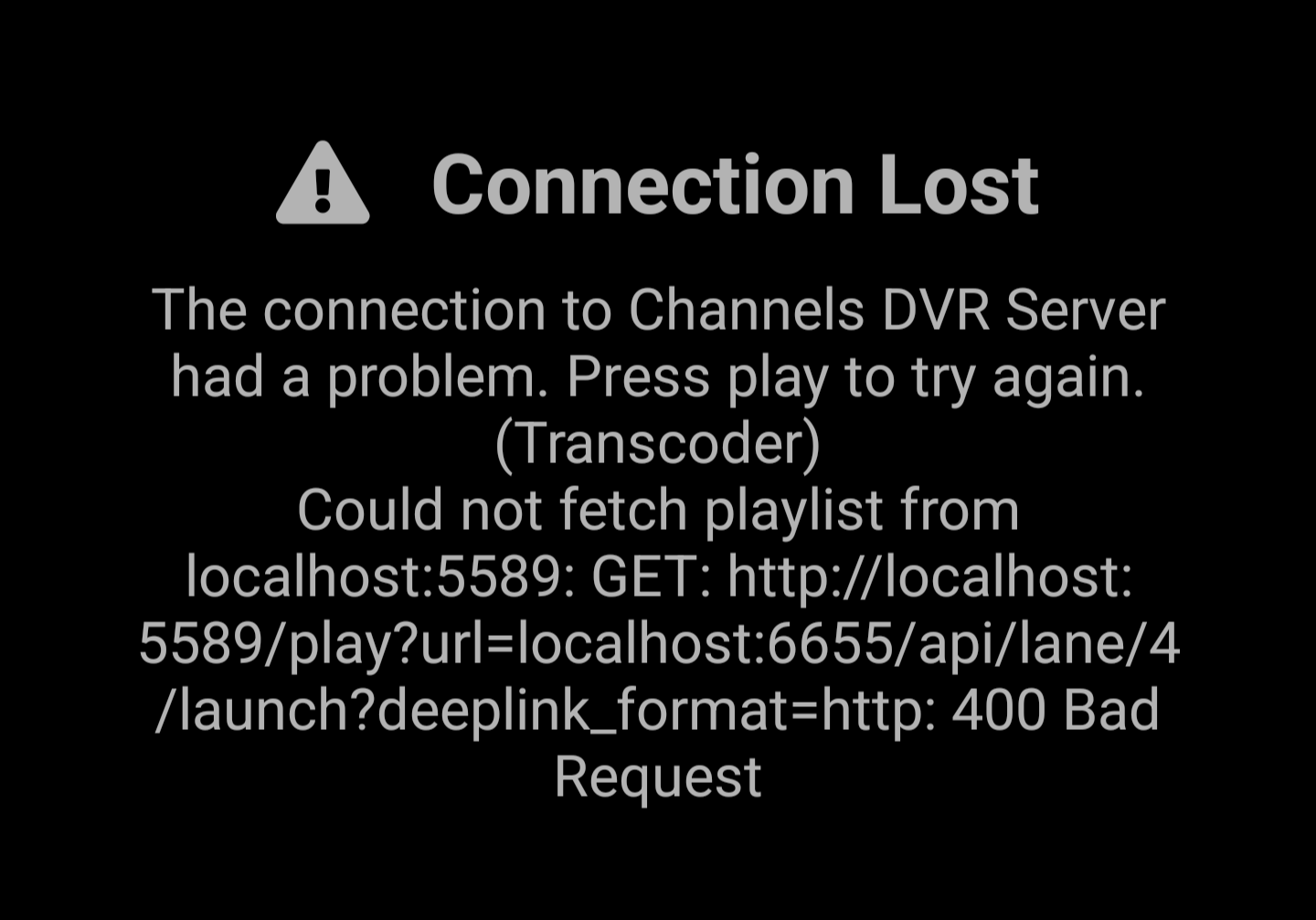
The links seem to fail

Can I pay someone to help me set it up?

hey Doug -

It won't directly play inside CDVR natively. It's designed to open the stream apps and play the event. For example, it'd open WatchESPN and play the event live.

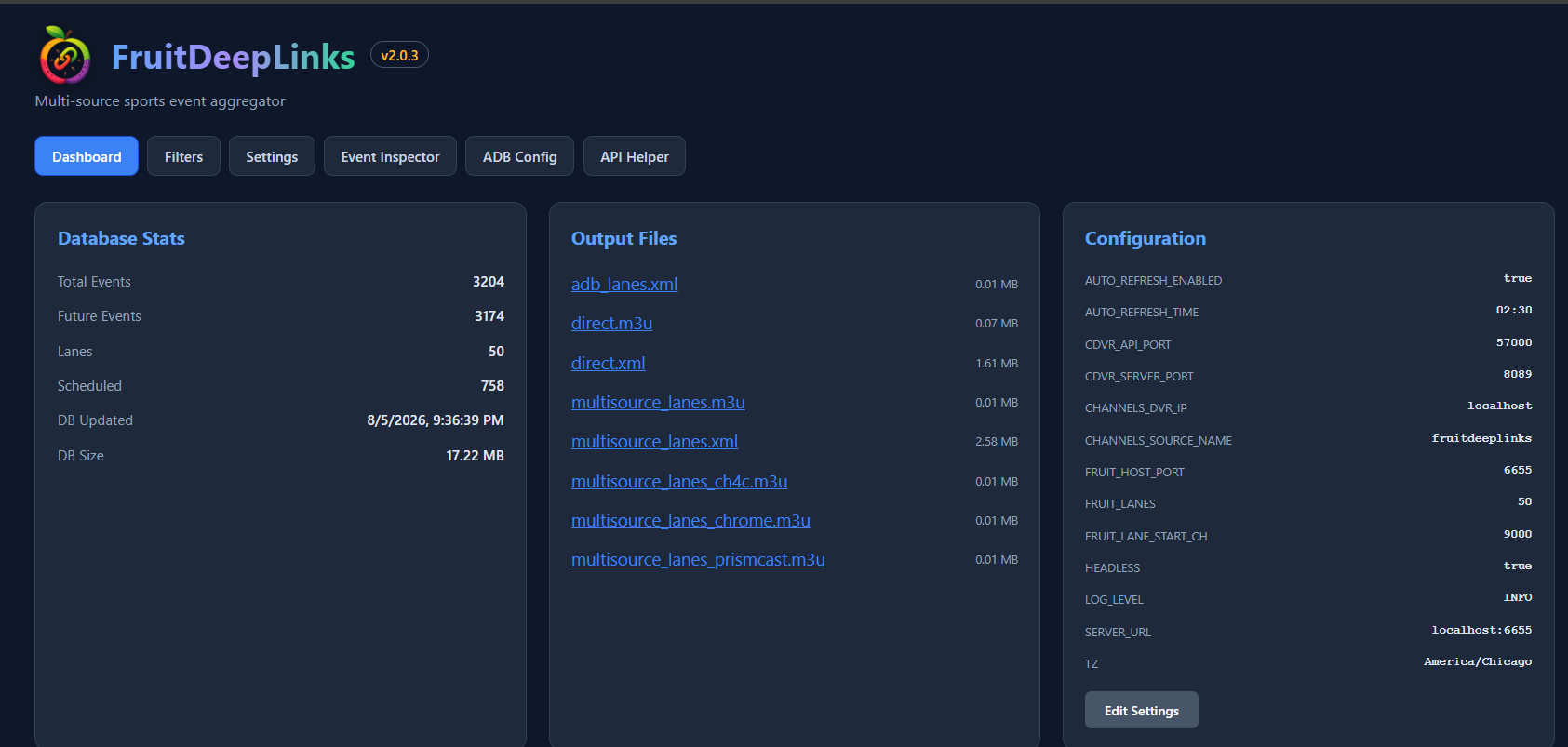
Some users find this tool useful for ADBTuner. I personally use it just so I have one unified guide inside CDVR.

Yes, did you set the Custom Channel to STRMLINKS?

In Channels DVR: Settings → Sources → Add Source → Custom Channels
Create a source (e.g. fruitdeeplinks-direct):
M3U URL: http://your-server-ip:6655/m3u/direct
XMLTV URL: http://your-server-ip:6655/xmltv/direct
Set Stream Format to STRMLINK
Refresh guide data

I'll have to mess with it. I prefer it to be able to record with prismcast/cc4c . Does your espn project still work? I like to record the football games for my team

espn4cc4c? i think so! i dont use it anymore personally - i use FruitDeepLinks