
No Samsung XMLTV guide data.
Must be grabbing it from Matt?
1 Like
yep.. i tried and tried and tried to get my own Samsung data but couldn't get past their auth. It's the only non-first party source I use. Hope he can fix- it's great stuff.
1 Like
@KineticMan I may be in the minority on this request...but I have to ask anyway...No worries if it's not doable...
On the Admin/Channels tab, would it be possible to do a search via EITHER the Channel Name or in the EPG?
Not currently but I’ve been considering a guide search.
Does FastChannels contain a favicon? OCD and bookmarks without one.  I run a dozen containers, FastChannels looks naked in my bookmarks menu using Safari.
Im trying to migrate my settings to a new docker device.
Anyone know the actual directory location of the db file from root to replace on a linux/ugreen nas device?
i used the command in the first post from a sudo'd SSH terminal to install if that helps...
i saw that, not helpful as its not in the share folders, its somwhere on the device.
Yeah, as I posted it I realized my error.
you read my mind- I just added one earlier today...
Full disclosure- I didn't even know what favicon was before this morning. 
1 Like
np, im unfamiliar with linux directory//system structure, so i havent a clue where to look
took me 1.5hrs just to figureout i needed to ssh in and sudo -i to get root access...lol
You could look at these.
Since this is a Docker container project, I wouldn't recommend trying to find the actual folder it goes into. Instead, I'd recommend installing FastChannels on the new device, and assuming you've copied the DB backup file onto the new device, do this from the folder where you moved the backup DB file.
  docker stop fastchannels
  docker cp ./fastchannels.db fastchannels:/data/fastchannels.db
  docker start fastchannels
1 Like
that would assume i can figure out where i can put the db file that i can find it in SSH...one of the shares would be easier to copy to, but ive been unable to find those directories in ssh either...lol
@KineticMan Request: Is there a way to request a Restore from Backup option in Settings?
I have an easy way to get to the data files, but this is I believe the 2nd person who ran into this issue?
Followup: Due to the number of different ways it can be set up, Docker/Windows,Linux/Mac, NAS, etc... too many variables for where the data folder is...
Also, on a restore, have the process blank the database first, in case a user tried to recreate but messed up?
1 Like
i think i need to delte the container and recreate it so it puts itself in my app cache volume, its currently not there
that would be awesome
yes, please!
great minds
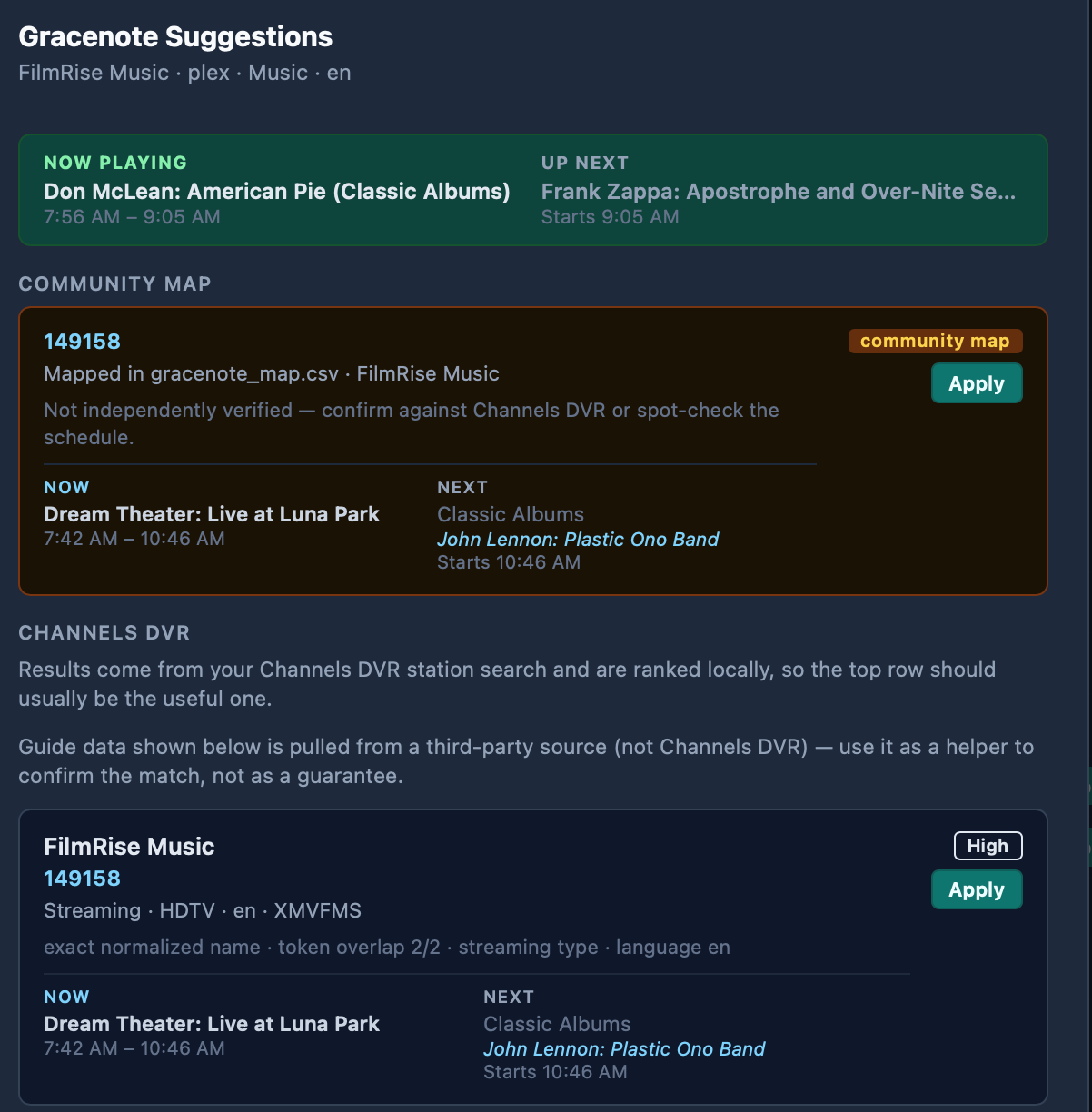
Good news! I checked out FilmRise Music again, and noticed that while any Gracenote data I've tried doesn't match up, the scraped guide data is now accurate. Some time slots remain generic, but the slots that do have guide data, line up properly with what's playing 
I'm using the Plex version, which shows up twice for some reason:

I only had to dismiss the community ID suggestion:
Qello Concerts also works well. I'm using the Plex version of that too.
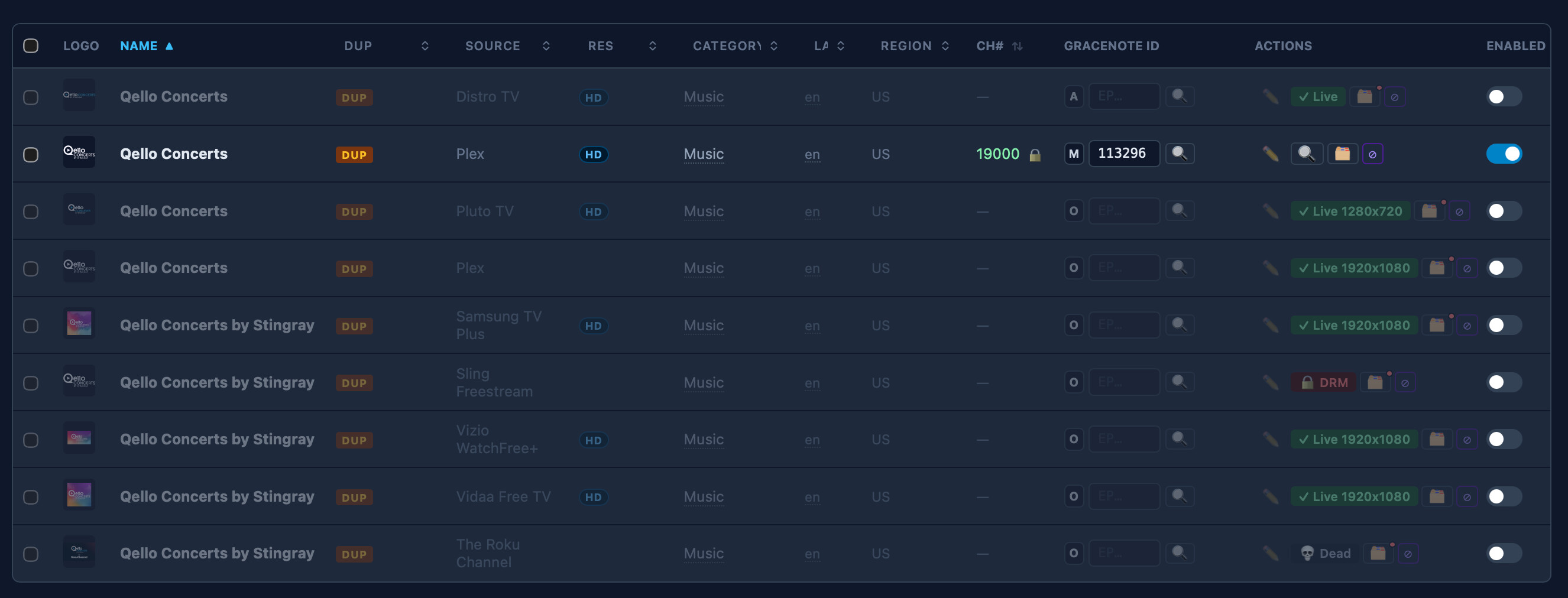
We're enjoying both of these music channels very much.