
thanks. looks like they have made a change. ill try investigate tonight
2 Likes
EPG should be working again
1 Like
Thanks Matt. Working again this morning.
Is it just a Samsung Channels thing (source issue)? But many channels for each program, just give today's date for the episode season/number etc. It may give an episode description. Like for Top Gear UK, TV Land Sitcoms, AFV channels. Some channels just do not even have a episode series number data.
It seems the guide data has been vanishing for BBC World News for the last few days. Any suggestions? My time scheduled recordings do not record w/o the guide data and show scheduled recordings are missed (which makes sense unfortunately)
A cintainer update helped a couple months ago until recently.
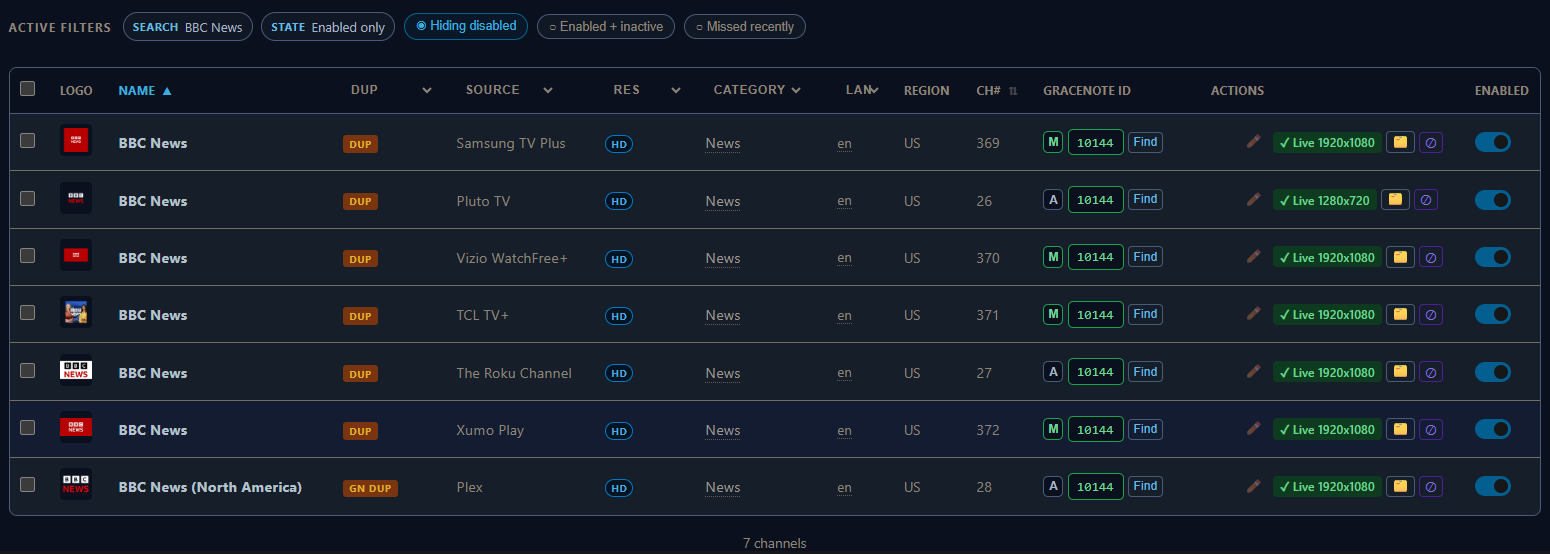
Thank you. Just got FastChannels installed this week. Appreciated.
This worked great. One source pairs with Gracenotes and schedules far out. Thank you.
Good day. Samsung xml guides haven't been updated in 14 hours. Thank you
@matthuisman
EPG last generated Wednesday, May 27, 2026 at 4:21:38 AM UTC
<?xml version="1.0" encoding="UTF-8"?><!DOCTYPE tv SYSTEM "xmltv.dtd"><tv generator-info-name="www.matthuisman.nz" generated-ts="1779855698">
EPG issue being tracked here:
1 Like


the cert is fine. you probably need to check your cert chain or even your time is set correctly. its a pretty common cloudflare cert
2 Likes
I am using container manager on the Synology NAS. I ended up uninstalling the project within container manager and then reinstalling it to get it to work. I didn't have an expired certificate listed within the Synology for it. It seems to be working now. Thanks for all of your work on this project. It is appreciated.
I'm using container manager here myself.
Have you looked at the fast channels project? Runs really nice on container manager.
Like Matt said, if your time is off it will give cert errors.
I have all my devices using time.google.com as their NTP server
My Synology Control Panel > Regional Options > Time > Time Settings > Synchronize with NTP server
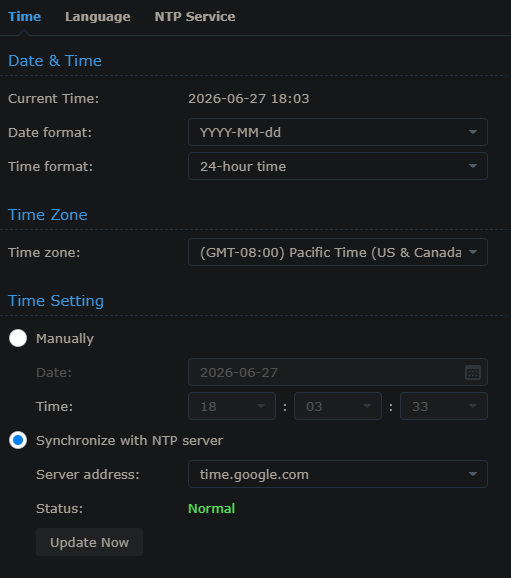
Keeps the time accurate to less than a second
From my Windows PC using it checking at https://time.is/
Time.is
Your time is exact!
The difference from Time.is was +0.029 seconds (±0.024 seconds).
@matthuisman
Samsung EPG is stale again
Last generated Thursday, August 13, 2026 at 5:21:21 PM UTC
<tv generator-info-name="www.matthuisman.nz" generated-ts="1786641681">
should be back shortly - server ran out of space 
Thanks. Looking good.