
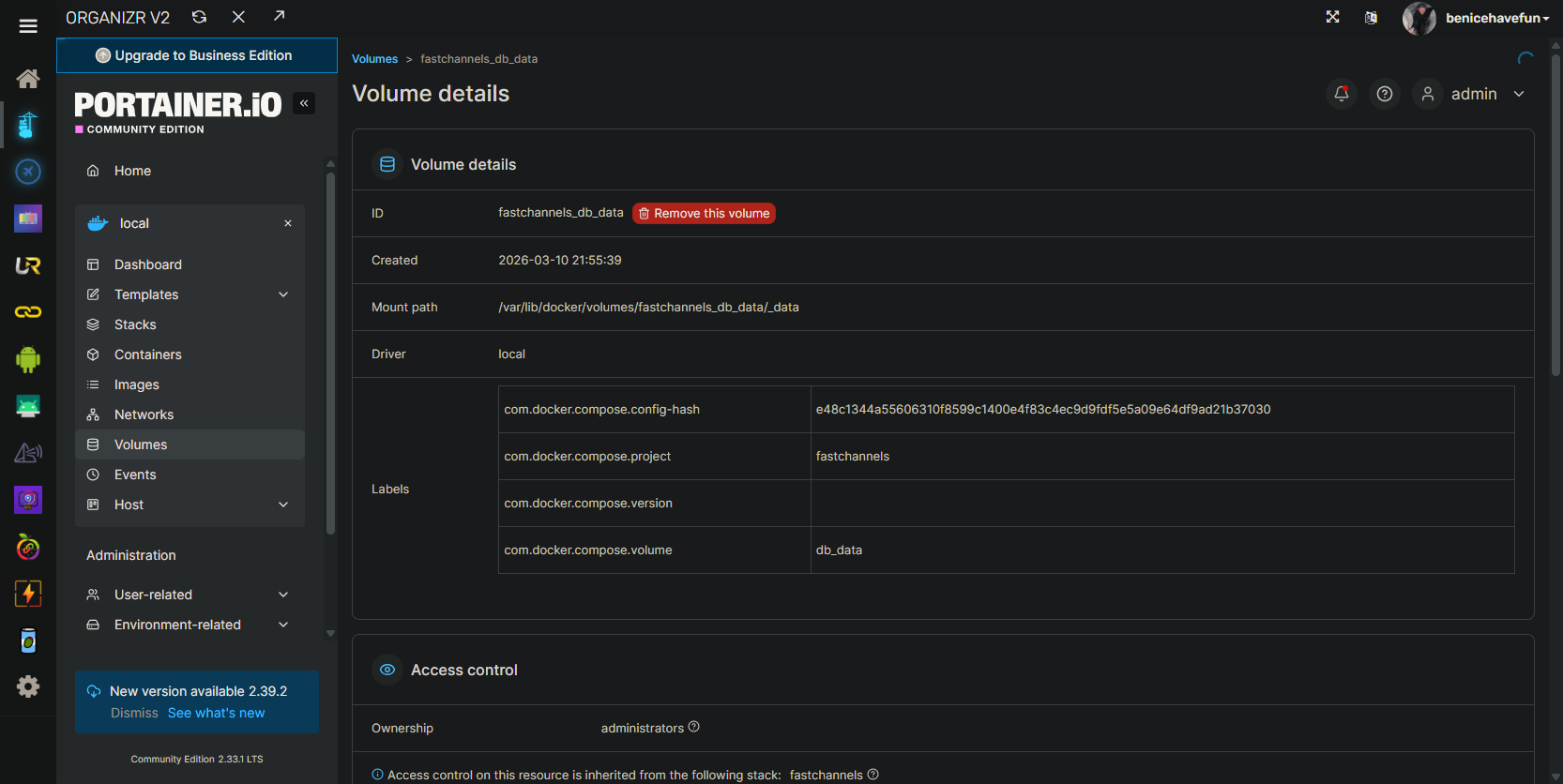
Assuming you're using Portainer, you can take a look at the Docker/Portainer Volume FastChannels is using, to get the path:
i am not using portainer, but i suppose i should put it on.
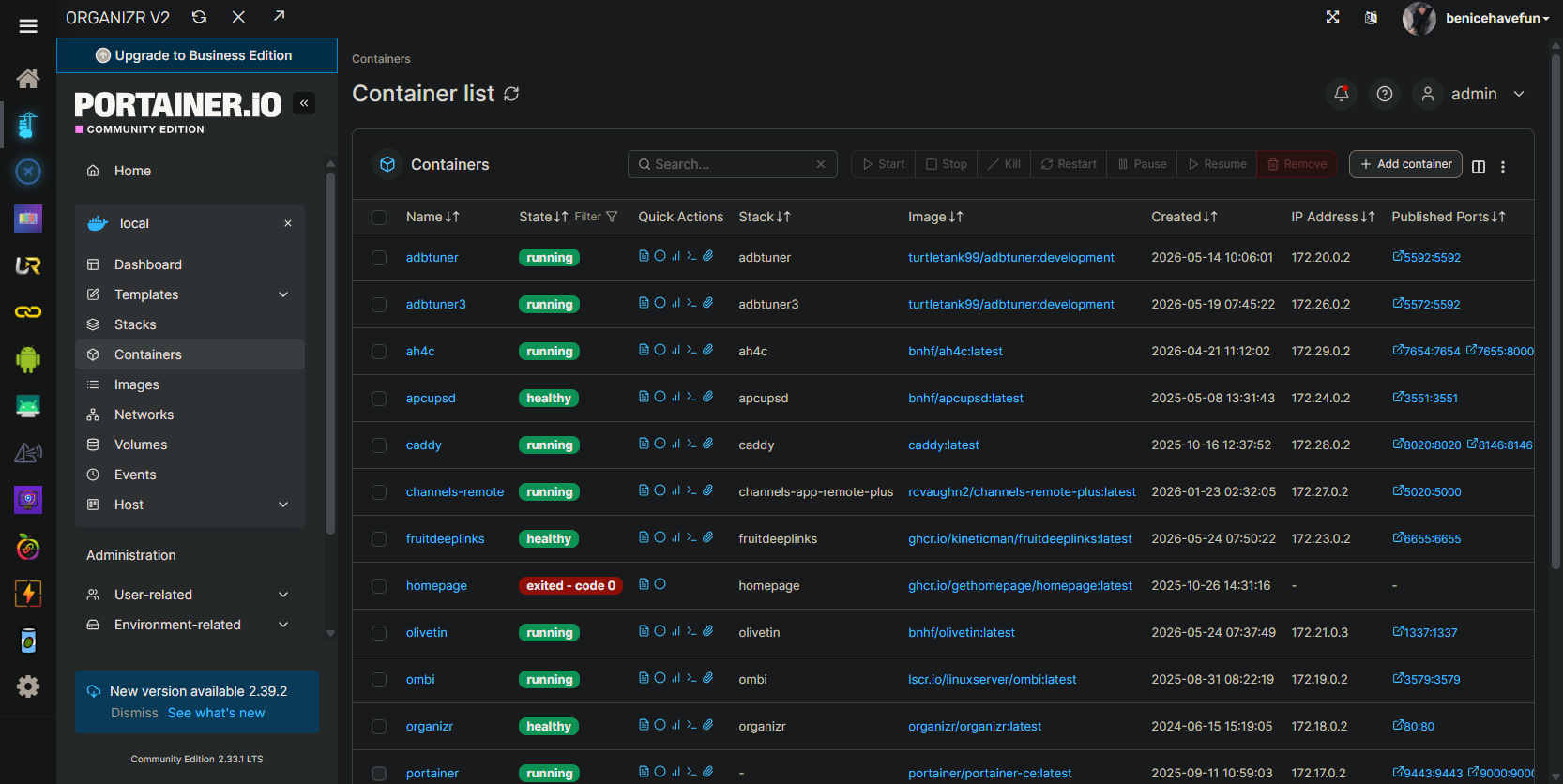
Absolutely. Portainer is cross-platform tool that you can use everywhere Docker runs. No need to do anything from the command line, or learn any platform-specific tools:
2 Likes
hang on it wont install properly through the repository, ill have to use create.
Portainer itself is a container, so you can install from the command line (which you likely won't need to use again  ):
):
docker run -d -p 9000:9000 -p 9443:9443 --name portainer \
    --restart=always \
    -e CSP=false \
    -v /var/run/docker.sock:/var/run/docker.sock \
    -v portainer_data:/data \
    portainer/portainer-ce:latest
EDIT: It's full value will be when you start to use it for all of your project spin-ups.
create bombed out, ill try ssh with your command
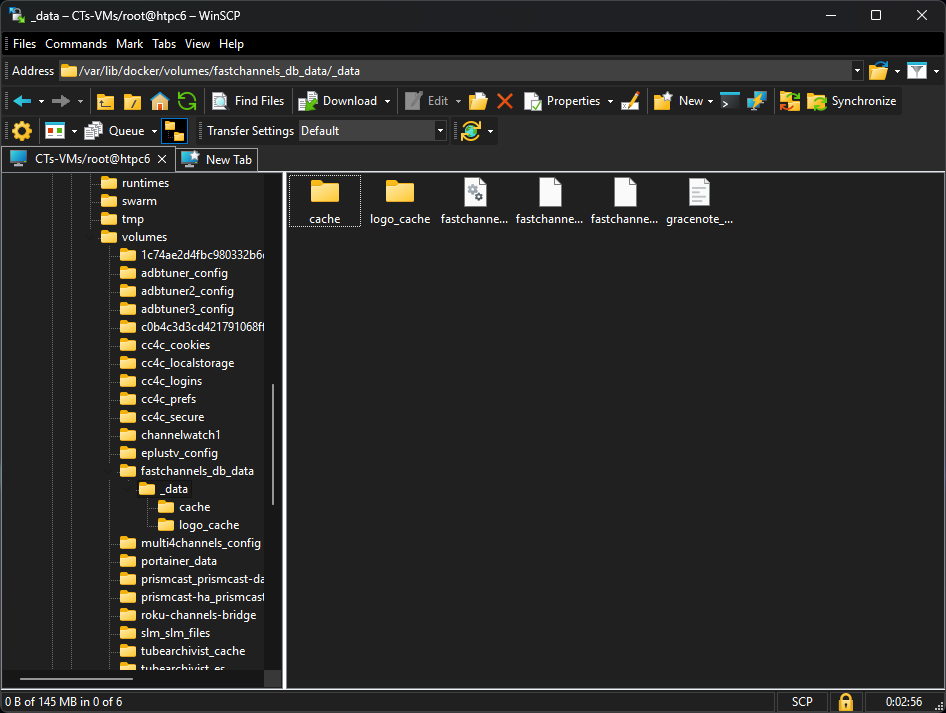
@blkpanthr Also, if you're a Windows user, WinSCP is an outstanding way to move things to and from a Linux environment -- with only ssh access required. I can upload or download to this directory (the FastChannels Docker/Portainer Volume in this case) using drag-and-drop:
argg...port 9443 already in use
Just change the host port (the number before the colon) to something else -- or you could just go with http access only on port 9000, and delete the -p 9443:9443 part altogether -- that's for https access.
it appears the ugreen itself is using 9443 for its web portal. i took it out.
the contain spun up, but it doesnt seem to want to connect on 9000
log says 9000 bound without error
im giving up for tonight, ill tackle this again in the morning...
log says portainer timed out.
They say you learn more from your failures than your successes. Ive learned a lot tonight.
lol
When you tackle this again in the morning, you might need to stop and start the Portainer container again -- they only give you so much time to access the WebUI the first time to setup your password:
docker stop portainer
docker start portainer
Then pull up the WebUI promptly to set your password.
Yes, the log said that. I tried to connect on 9000 several times. I did stop and restart per the log.
Ive tried installing it several way, on several different ports (8000, and 9000 seem to be the most common) but it wont let me into the ui. The log says the webservers are active on the correct ports. it keeps timing out.
it doesnt seem to want to install into my docker directory where all my other containers are. i don't know where its actually going as there isn't anything in any of my shares. i assume this is the root of the problem.
The instructions in this step-by-step for installing Portainer on a Ugreen NAS (which is what you're doing right?) look reasonable. I'd suggest giving this a try:
Be sure to stop and remove whatever you've done so far via ssh, before going this route.
i havent tried that one yet, so ill do so.
ive tried about half a dozen others.
following those instructions bombed out.
i did finally get a UI from just using the app to create a new container but now it wont let me add a user.
and now restarting the container, i cant get the ui back...
Portainer is really just another container. One has to wonder how/why Ugreen would want to get in the way of that. Hopefully this won't be a trend with using container-based projects on this NAS.
it hasnt been so far.
tailscale, channels, fastchannels, and jellyfin all installed fine in docker.