FastChannels - FAST Channels aggregator/manager

Im trying to migrate my settings to a new docker device.

Anyone know the actual directory location of the db file from root to replace on a linux/ugreen nas device?

i used the command in the first post from a sudo'd SSH terminal to install if that helps...

i saw that, not helpful as its not in the share folders, its somwhere on the device.

Yeah, as I posted it I realized my error.

you read my mind- I just added one earlier today...

Full disclosure- I didn't even know what favicon was before this morning. :nerd_face:

1 Like

np, im unfamiliar with linux directory//system structure, so i havent a clue where to look

took me 1.5hrs just to figureout i needed to ssh in and sudo -i to get root access...lol

You could look at these.

Since this is a Docker container project, I wouldn't recommend trying to find the actual folder it goes into. Instead, I'd recommend installing FastChannels on the new device, and assuming you've copied the DB backup file onto the new device, do this from the folder where you moved the backup DB file.

  docker stop fastchannels
  docker cp ./fastchannels.db fastchannels:/data/fastchannels.db
  docker start fastchannels
1 Like

that would assume i can figure out where i can put the db file that i can find it in SSH...one of the shares would be easier to copy to, but ive been unable to find those directories in ssh either...lol

@KineticMan Request: Is there a way to request a Restore from Backup option in Settings?
I have an easy way to get to the data files, but this is I believe the 2nd person who ran into this issue?
Followup: Due to the number of different ways it can be set up, Docker/Windows,Linux/Mac, NAS, etc... too many variables for where the data folder is...
Also, on a restore, have the process blank the database first, in case a user tried to recreate but messed up?

1 Like

i think i need to delte the container and recreate it so it puts itself in my app cache volume, its currently not there

that would be awesome

13 posts were split to a new topic: Having trouble setting up Portainer on a Ugreen NAS

yes, please!

great minds

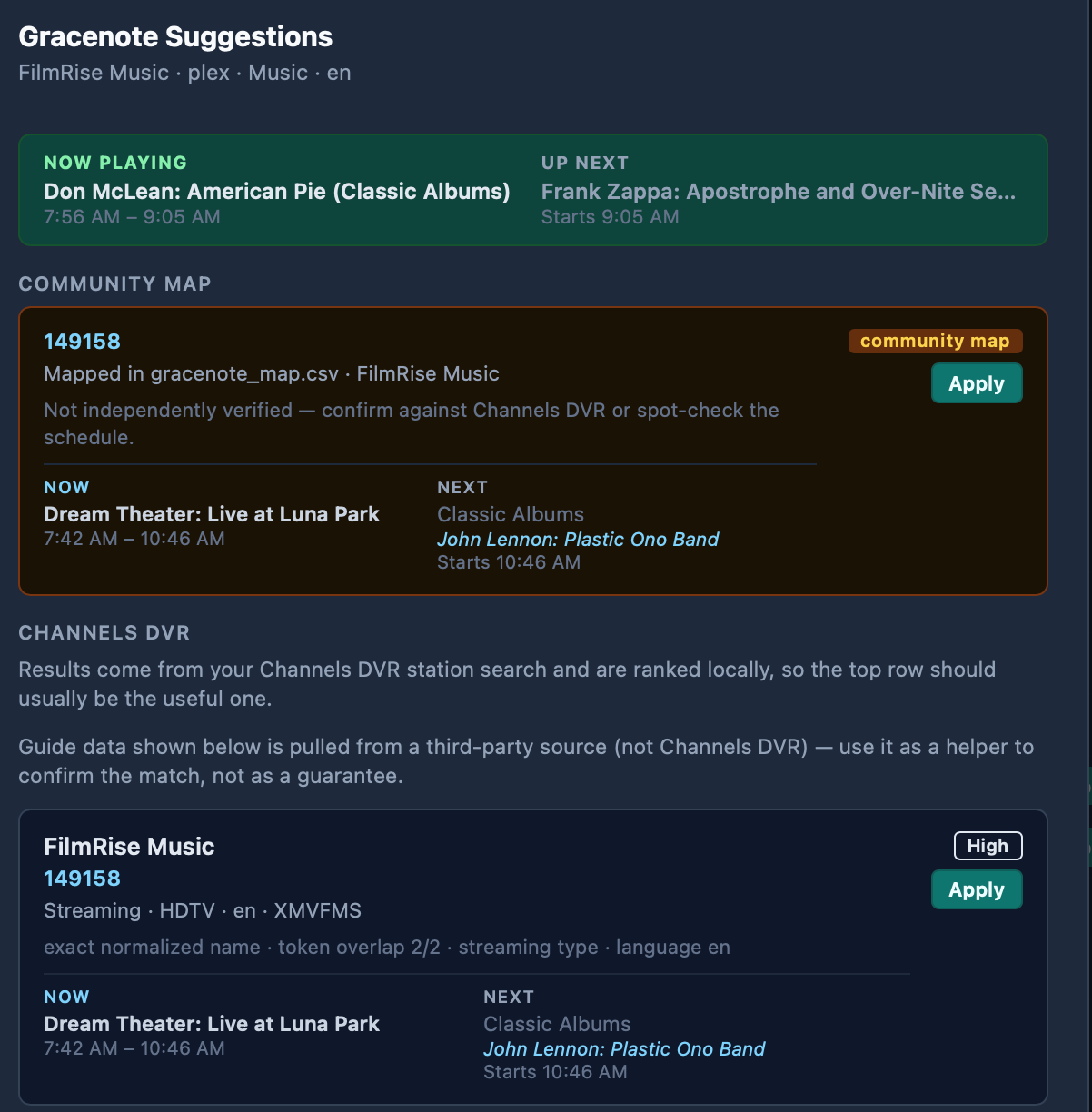
Good news! I checked out FilmRise Music again, and noticed that while any Gracenote data I've tried doesn't match up, the scraped guide data is now accurate. Some time slots remain generic, but the slots that do have guide data, line up properly with what's playing :+1:t3:

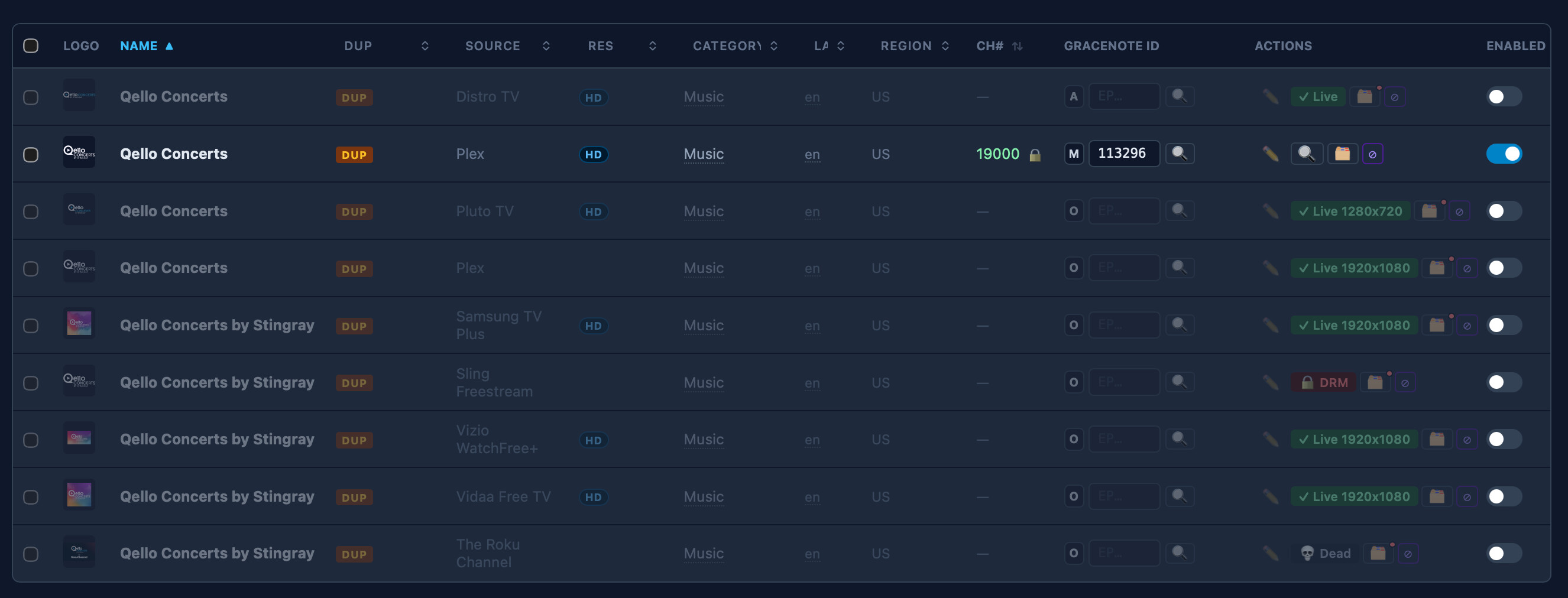
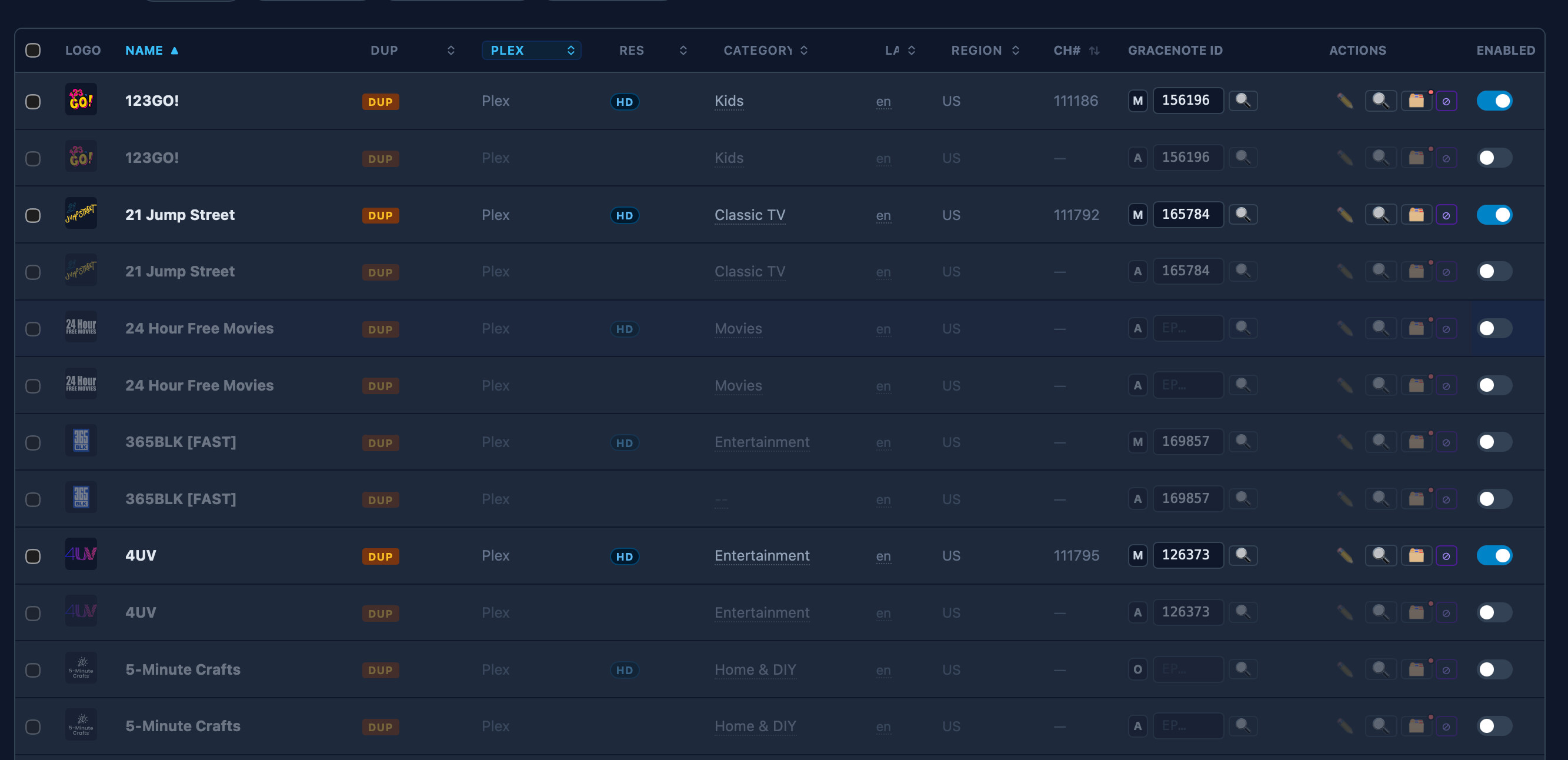
I'm using the Plex version, which shows up twice for some reason:

I only had to dismiss the community ID suggestion:

Qello Concerts also works well. I'm using the Plex version of that too.

We're enjoying both of these music channels very much.

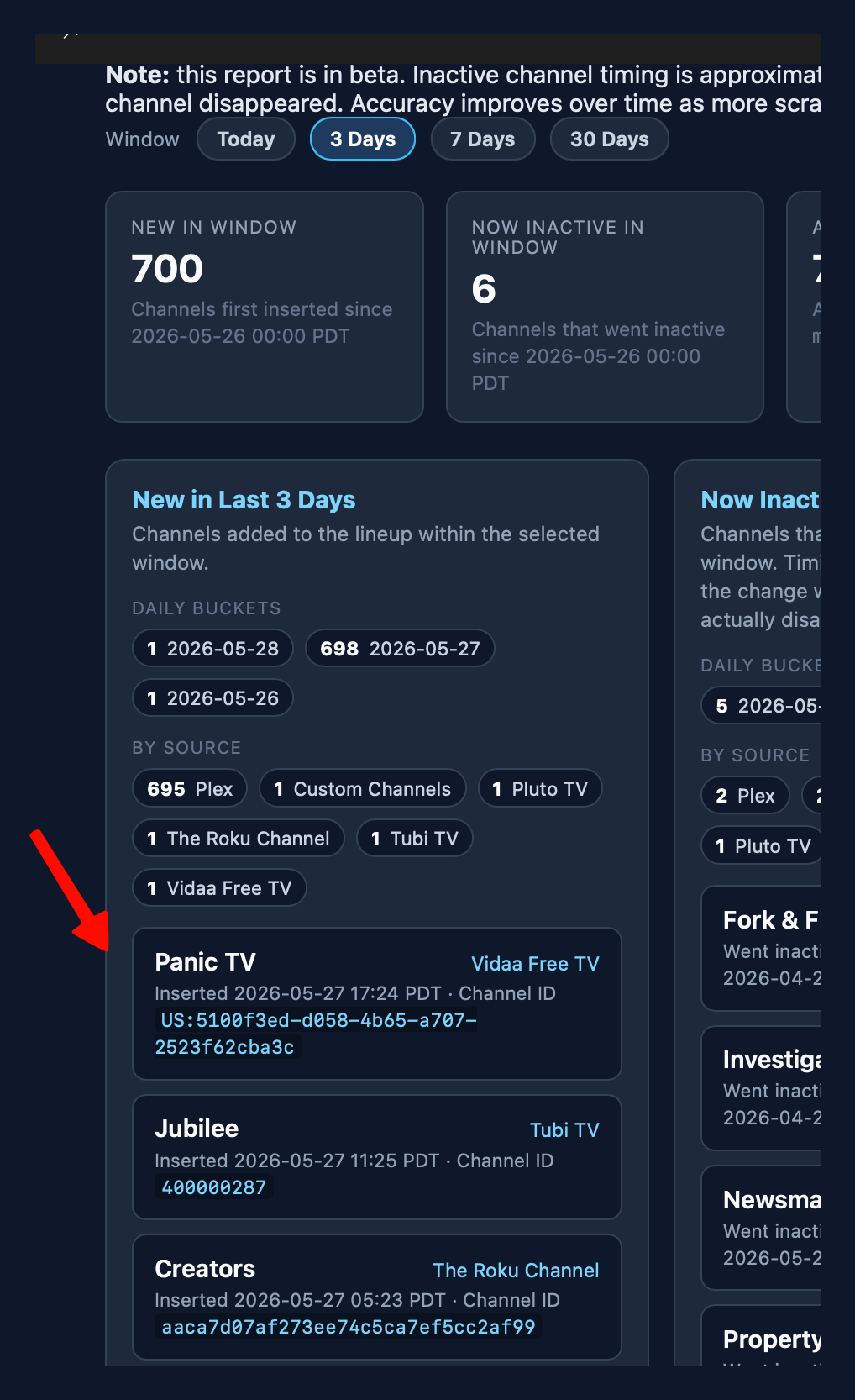
I love how the Channels Changes Report (beta) that makes it easy to discover what new FAST channels have been added recently. One feature request I have, is the ability to disable new channels we're not interested in, directly from that same list:

If we can't have that, then maybe the ability to filter (or sort) the Channels list by "most recently added" would be a good alternative to the same?

Lastly, I just noticed that all of my Plex channels are appearing twice in the Channels list, how do I fix that, or clean it up easily?

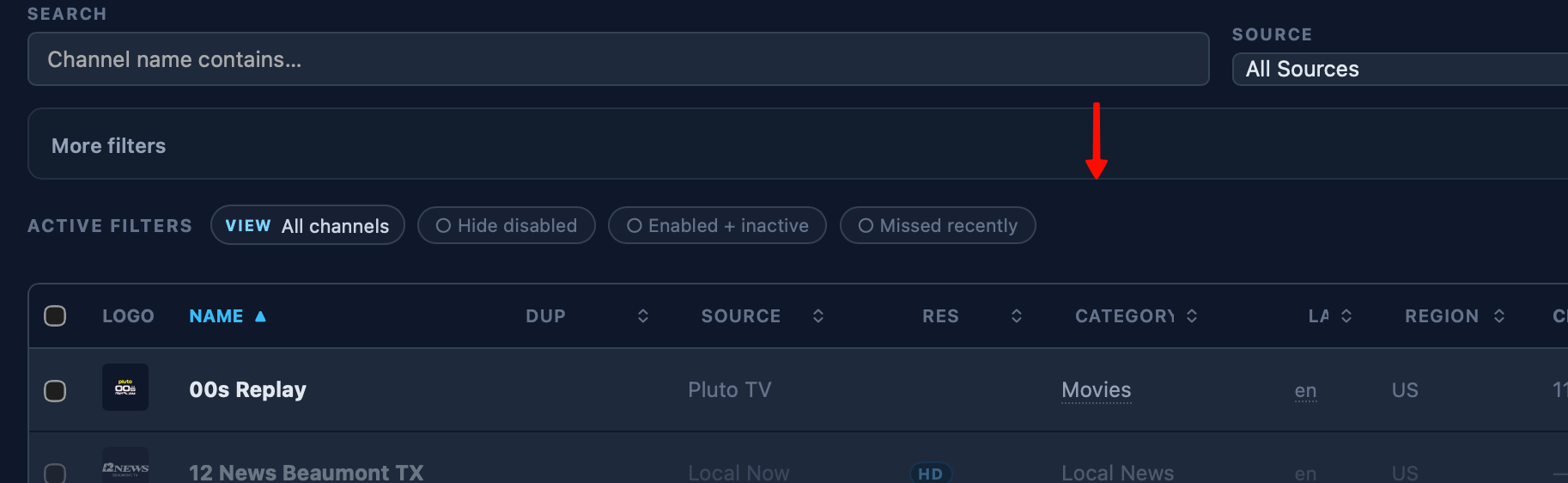
Did you try the "New Channels" filter?

image

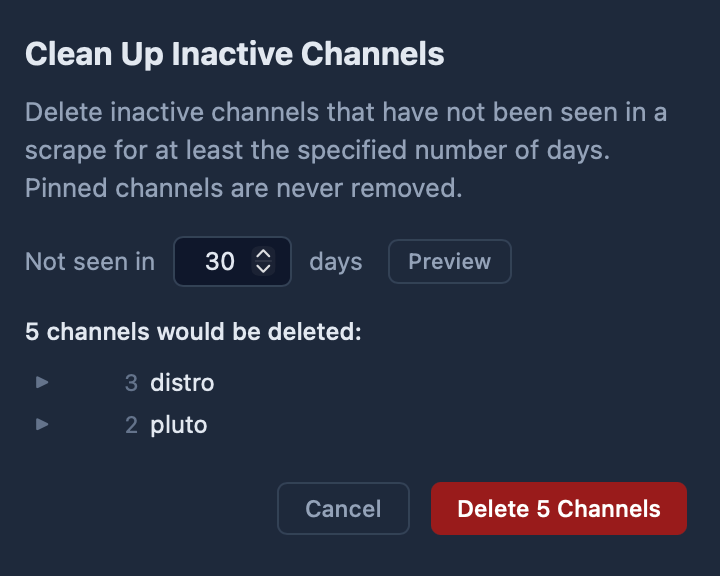
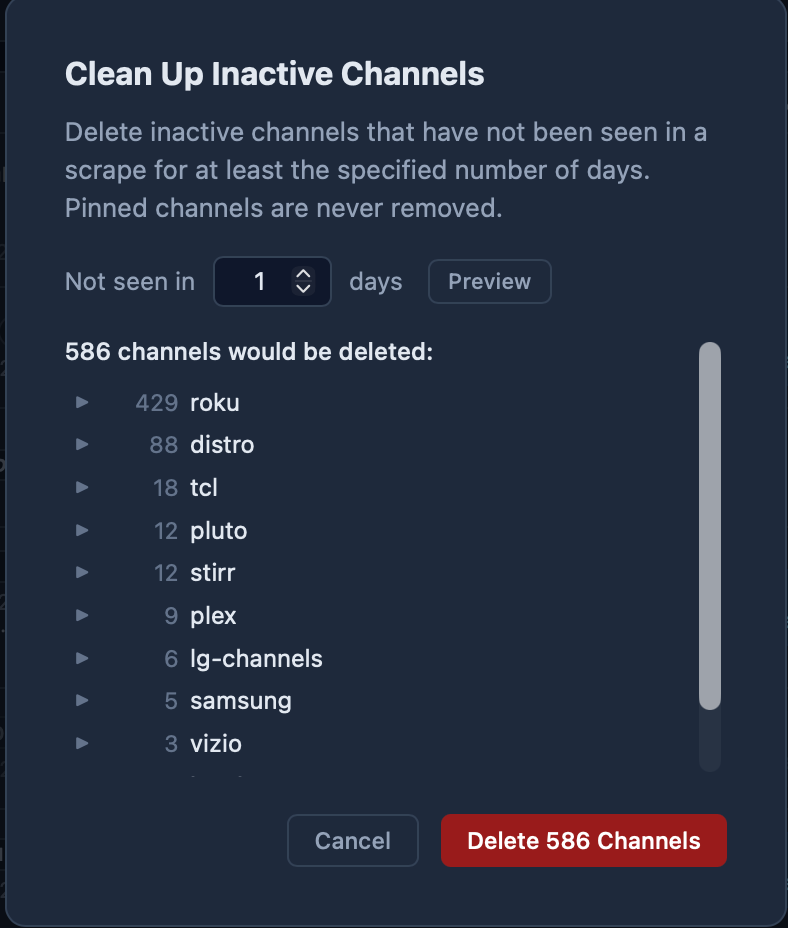
Also - not sure what caused your Plex issue - try running the Clear Inactive Tool

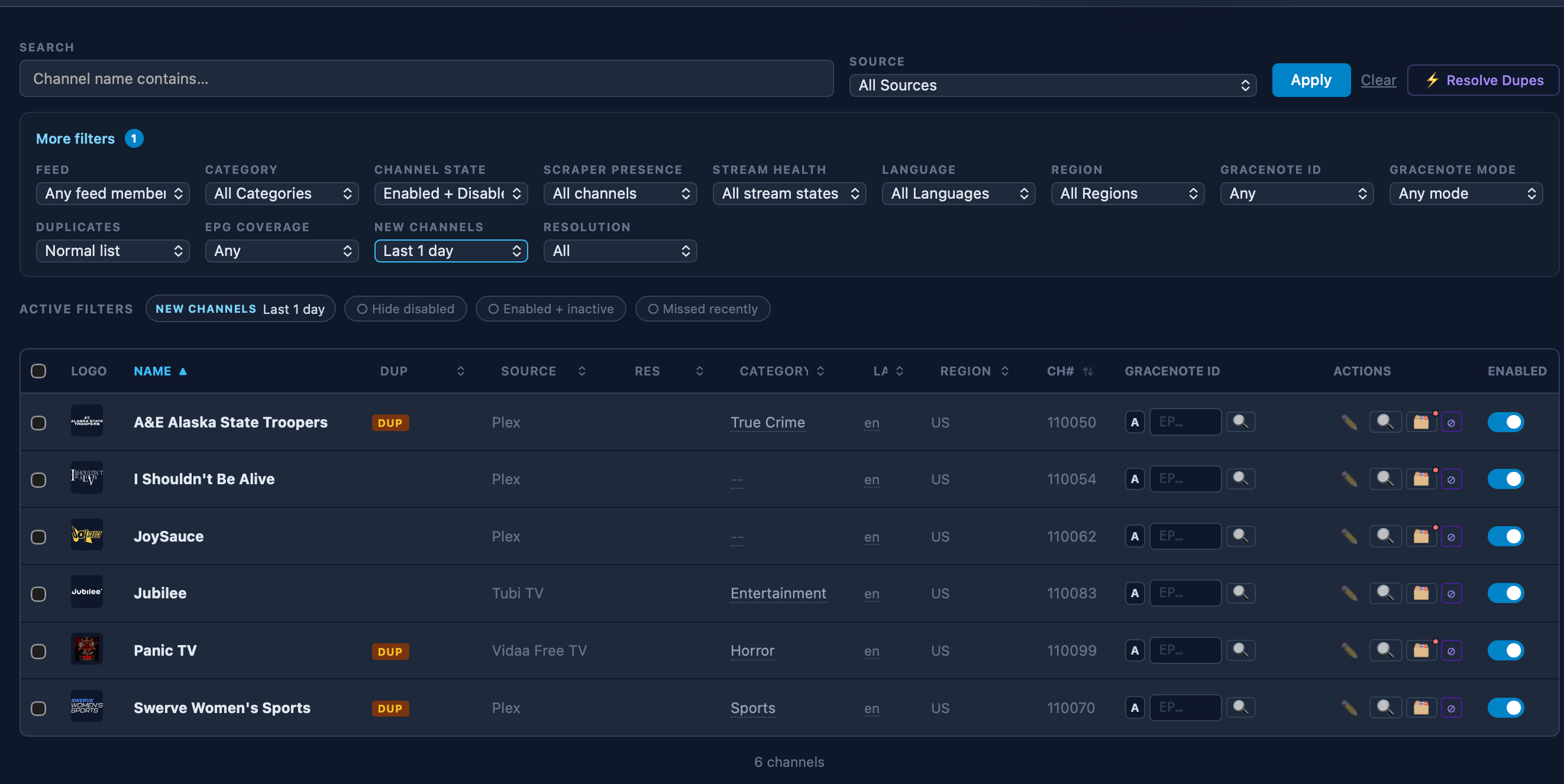
Yes, thanks for the reminder, under "more filters." When I choose "Last 1 day" I see a useful list of 6 channels to review:

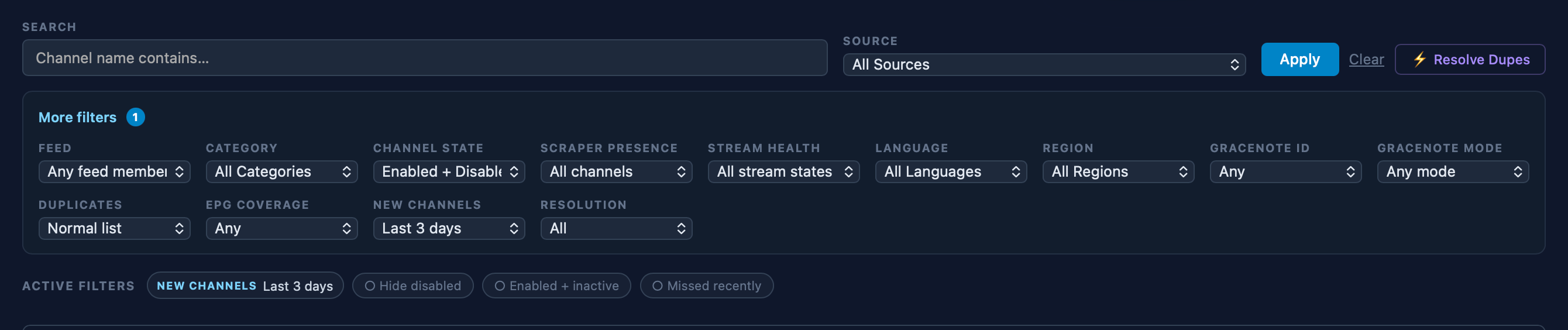
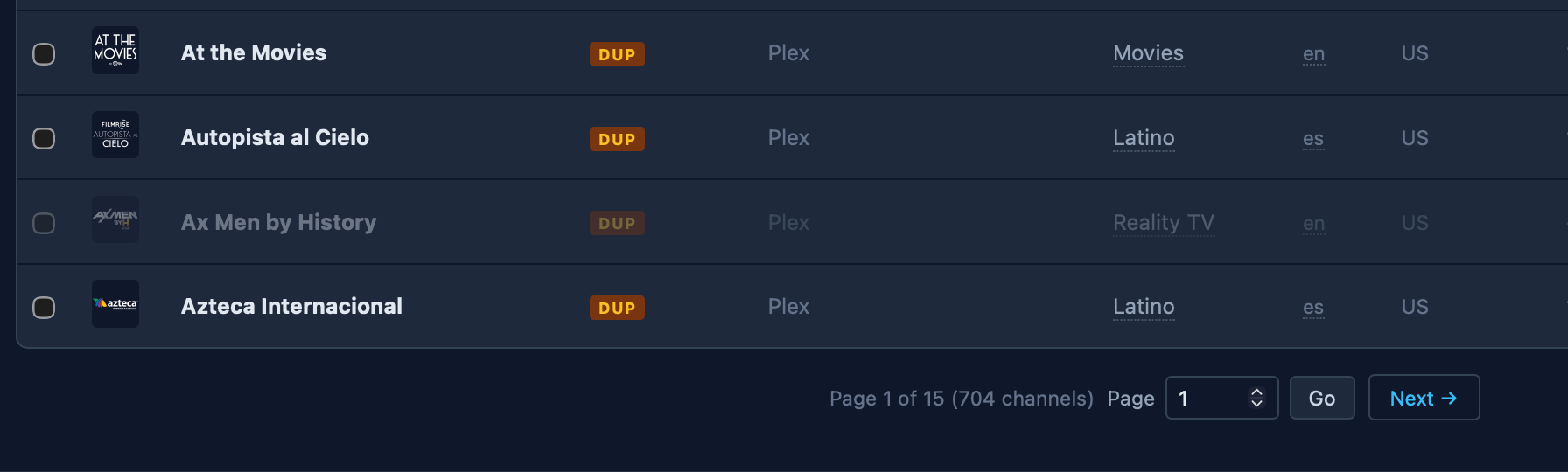
But any other selection, like "Last 3 days" gives me a much longer list, 15 pages long with 700+ channels listed alphabetically.

Hmm, thanks. But trying that method with 30 days selected or 1 day selected doesn't seem to impact those Plex duplicates. Is there anything else I can try?

I'm guessing they all got added today somehow-- not sure what would have caused that.

Two options off hand:

  1. Wait a day and then hopefully the duplicates will grow to 1 day inactive then the Clean Inactive will catch them
  2. Nuclear option - you can disable the Plex scraper. It will trigger a mass deletion of all Plex channels. Then you can re-enable. But if you had custom Gracenote IDs, you will lose those.

Yeah, I had the same thing with Plex (dupx), had to disable that source and when I re-enabled it came out fine.