FastChannels - FAST Channels aggregator/manager

The best one thus far for EPG horizon has been one of the newest ones (TCL). Here's a little chart:

Scraper Code Horizon Actual DB Horizon DB Programs Scrape Interval Status Notes
TCL TV+ 7 days 7.0d 83,163 12h enabled Matches exactly
Stirr API-dictated 37.3d 31,850 6h enabled Far-future events (sports/specials) inflate MAX end_time; typical depth unknown
Free Live Sports API-dictated 7.4d 11,610 6h enabled API returns ~1 week
Distro TV 24 hours 5.6d 6,301 12h enabled API gives more than now,24h implies; old rows accumulate without purge before re-scrape
Plex ~3 days 2.5d 16,863 3h enabled Slightly under expected; consistent
Xumo Play ~2 days forward 1.5d 17,188 12h enabled Close to expected
Tubi API-dictated 1.4d 7,468 6h enabled API returns ~34h
Pluto TV ~36 hours 1.3d 11,773 6h enabled Scraped 4h ago -> ~35h from scrape time (consistent)
Local Now ~few hours (5 progs) 22.6h 2,842 1h enabled 5 programs x hourly scraping stacks to ~22h accumulated coverage
Vizio WatchFree+ 24 hours 11.6h 5,219 6h enabled API returns less than requested; ~15.6h from scrape time
Samsung TV Plus Mirror-dictated 10.6h 4,898 6h enabled XMLTV mirror file covers only current day/night portion
LG Channels API-dictated (short) 10.6h 1,789 3h enabled Scraped 2.3h ago -> ~13h from scrape; consistent with fairly short description
Roku Now/next only 10.6h 4,123 1h enabled Better than expected; linearSchedule carries ~11.5h from scrape time
3 Likes

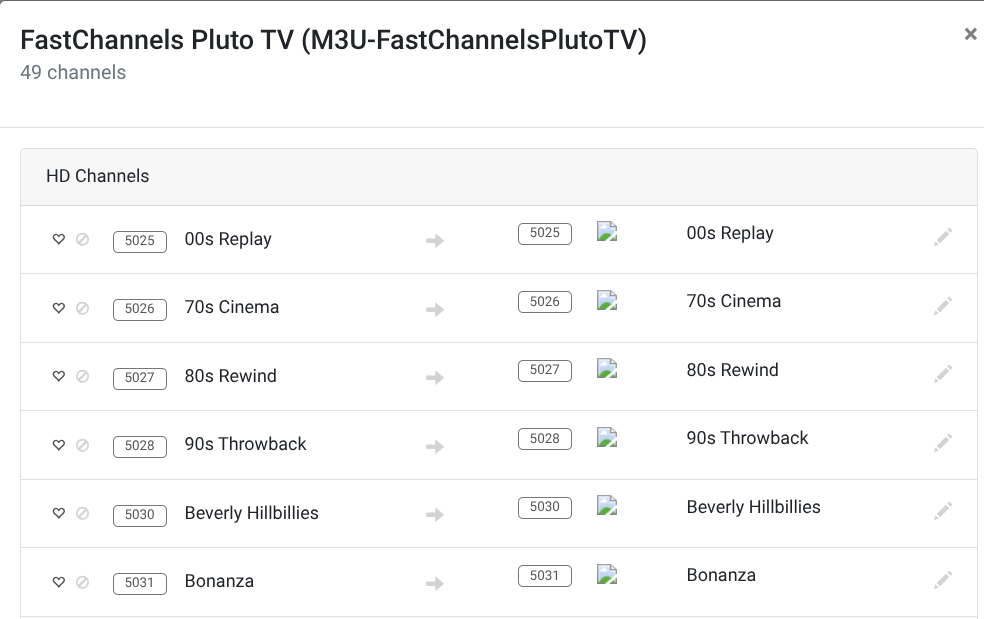
It's just the Chan-Num for the channel in the default feed... I added it for those that refused to use Feeds.
I don't love it either, but some asked for it.

1 Like

I'm not certain that there is anything to be "learned" from the ch# column. Initially, it seems that to identify the current channel number assigned in the default feed.

More importantly, for those of us who prefer to assign specific channel numbers to specific channels, you can enter a number of your choosing and it will persist in your own custom feeds.

Manually selected "sticky" channels numbers are identified with the "padlock" symbol as in the far right of this example.

Since Channels DVR won't actually refresh sources XMLTV at different intervals (even though set different, verified by checking DVR log), I set all my Channels DVR sources using XMLTV to refresh every hour. And do the same in FastChannels.

1 Like

@Fofer I searched this thread for FilmRise and didn't see any other posts other than this small section so just asking if you were able to get the guide data to sync up? If so, what did you end up doing? I'm in the Eastern Time Zone.

No, I came to the conclusion that a mere time-shift of the guide wouldn't fix the issue, because I tried a few experiments over the course of a few days, and the sequence of the concerts being broadcast wasn't matching up with any sequence in the guide, many days before or after. I think @chDVRuser has it right on this particular FAST channel:

Then I remembered I still have Qello Concerts, and my own collection of concert files set up as Virtual Channels, so I moved on, with enough music concert content to enjoy.

Further help from @chDVRuser was this great suggestion though. I haven't tried it myself yet, but it looks great, involves Prismcast or similar:

Sorry, but here is another suggestion. I can't stop myself...

It would be nice if the channel preview modal were to include an indication of how much scraped guide data is available for the channel. Either hours or number of programs would suffice.

This information is already presented in the duplicate helper modal, but in this case, I was trying to choose between two channels that were duplicates but not detected as such. The channel names were sufficiently different that I'm not surprised FastChannels did not recognize them as duplicates.

Gotcha, thanks for the update. I did see @chDVRuser post too and it looked a little too much to research/do at this time. If I do try to work on it in the future I'll post here my progress. Thanks again for the update!

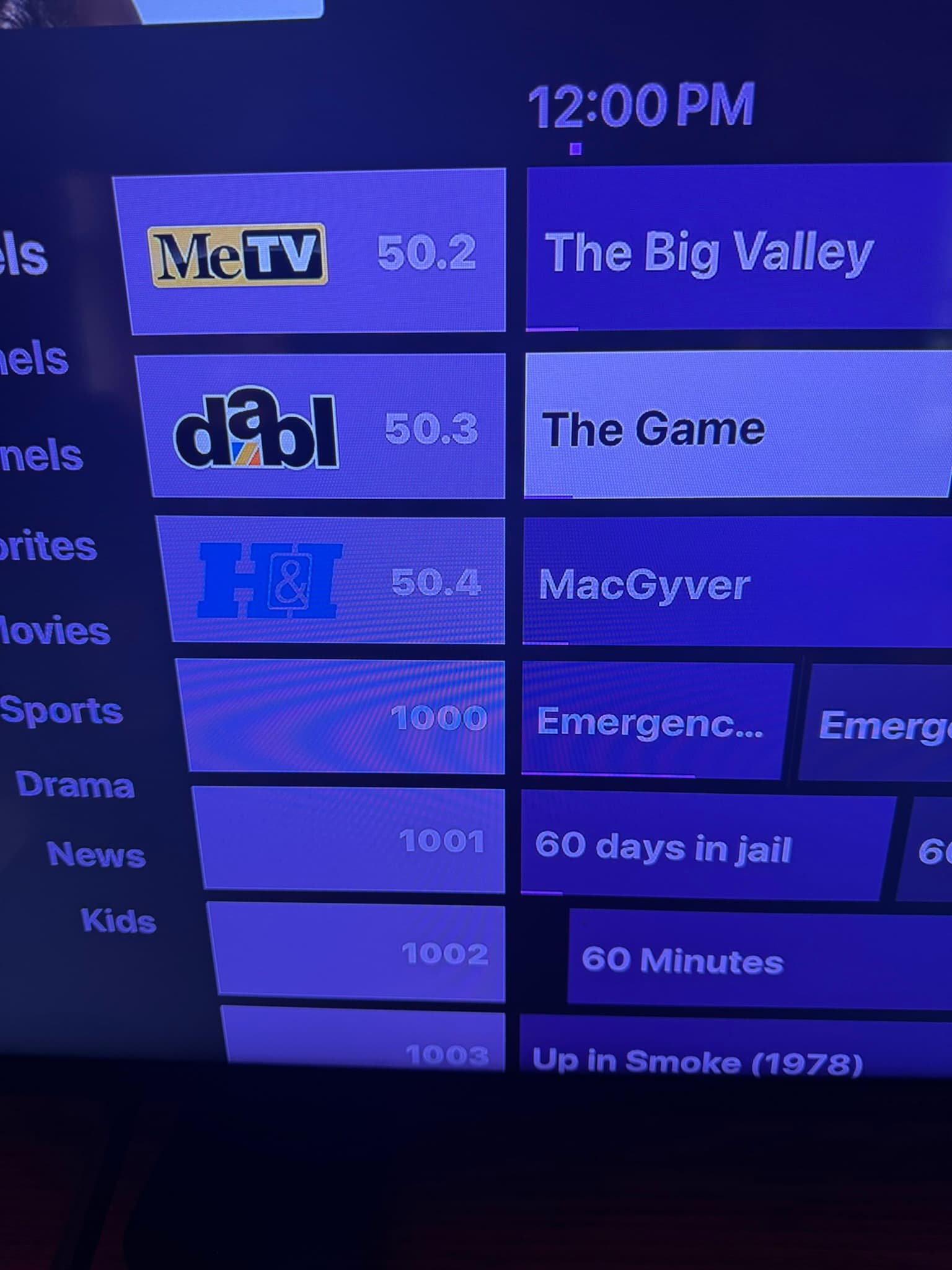
Having a difficult time with channel identificaiton with PlutoTV channels only in Apple TV CDVR, and some detailed guide info (like episode details on some of the Pluto Channels, like Pluto Drama. I'm able to stream those stations without issue, The identification is correct and complete on the Iphone CDVR app, just not in ATV. Any thoughts on what might be wrong?

That’s odd. Could just be the way CDVR is displaying the tagging FC sends.

Send some screenshots

This is the best example. The upper section are my local channels (via antenna and HD Homerun) coming in with channel identifiers correctly, while the lower ones are from Pluto by way of FastChannels. Further down (now shown), the TVE channels I get from DirectTV Stream which does correctly show the station identifiers. Again, the CDVR app on my Iphone has everything correctly. Please let me know what else you might need to troubleshoot this issue. Thank you.

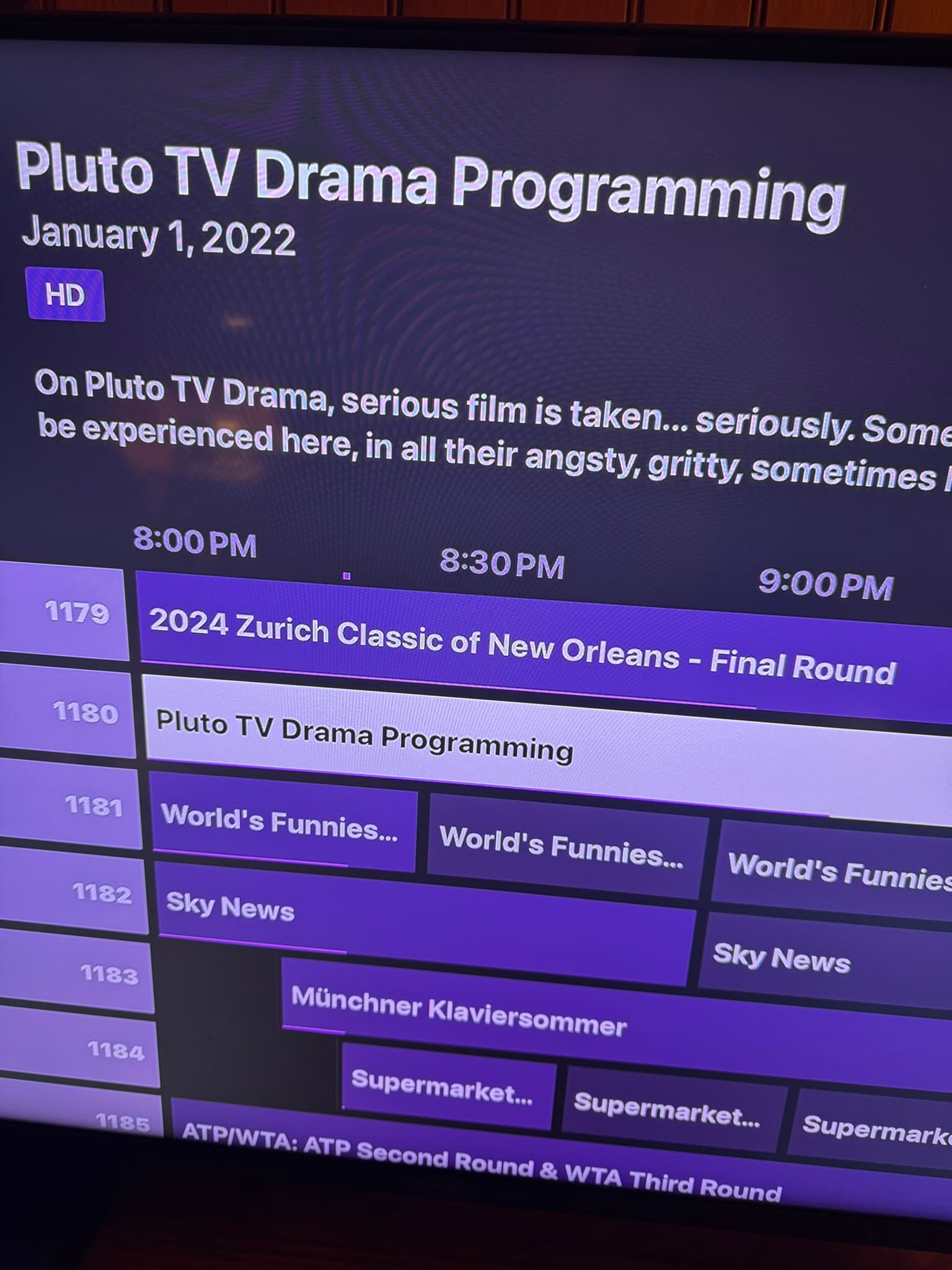
Also, the details of Pluto TV channels like Pluto TV Drama, Pluto TV Comedy, Pluto Cult TV etc do not include guide detail information. The title of the program itself is not listed, nor is the episode information. In order to see what is playing live, you have to go into the channel without any idea of what it is. This prevents one from being able to record an upcoming program as the guide doesn't know what's out there. Thank you for help with this, and the station identification logos.

I suspect that’s got a bad Gracenote ID in those.
Mark down those channels and remove the Gracenote ID in admin/channels.

Which ones do u see that on and ill remove from the community list

As for the lack program information, m
ost don't have a GraceNote Identifier in that field except a greyed out EP. But the channels in question are 1023, 1080-1099, 1100-1110, and 1180. Also, any ideas on the channel identifier issue I've sent a pic or two about? I presume this is a Channels issue more than FastChannel.

I don’t understand why the logos are missing.
Does playback work fine? What does your settings page show for FastChannels IP (first setting)?

FastChannels Server URL
http://192.168.7.150:5523

I am on a Mac, and on a beta version. I have since turned this option off. Could this be impacting my issue? Any ideas on why the Pluto Channels (Pluto Drama, Pluto Comedy) have no guide information? Let me know what else you might need. I appreciate your time.

And playback works flawlessly.

On the Pluto ones, go back to admin/channels, and blank out the Gracenote IDs and set to off. Then go back to CDVR and do a delete/recreate DB under Guide Gata in settings.

For the logos, I’m stumped. If playback works fine, it shouldn’t be a network issue. There is a refresh logo button on CDvR you can try?

The missing logos are an ongoing bug in the Channels App for Android on the Beta path, not FastChannels related. It happens with lots of sources, even Channels' own Gracenote-provided logos. Thus far, no one has been able to identify a rhyme or reason why some work, some don't. It's very, very annoying.

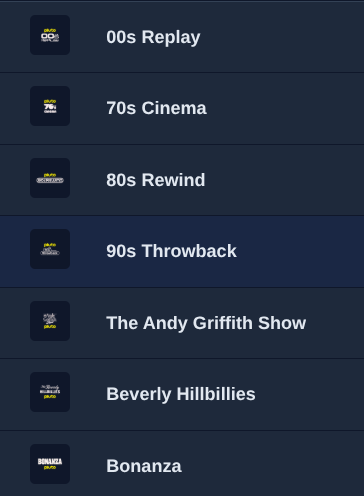
From what I can see, it looks like in CDVR, Channel Logos are missing for all of the Non-Gracenote channels. (Not just Pluto) This is after a channel logo refresh under Guide Data in the CDVR GUI.

The same channels do show a logo in the FastChannels GUI. Somehow, they are not making it into CDVR.
Screenshot 2026-04-26 9.35.22 AM