
I have Verizon More Fios TV package. I am trying to use TV everywhere with my Fios account, but I keep getting the webpage that says login form not found. I did a bit of searching have found that in order to make this work you have to use a VPN to force the login page to show. I don’t know if this is true, but has anyone else encountered this problem and what steps did you do to fix it? My channel’s DVR is being run on a synology NAS. I have a Verizon router, which is bringing Internet into my house, but I am also using another router behind it to distribute the connection to my devices within the home. My synology is connected to the second router, and the second router is connected to the Verizon router.
try plugging the synology into your fios router instead of double nat. if that works I would ether try enabling ipv6 on the second router or just use a switch instead of 2 routers.
Is it failing to add the TVE source, or is it just some TVE channels that fail?
Did you update to the latest DVR Pre-release version https://community.getchannels.com/t/dvr-pre-release-notes/28832/9999
Did you run Support > Troubleshooting and get all green checkmarks
I tried connecting my NAS directly to the Verizon router and I got the same result.
This started when I received the following message
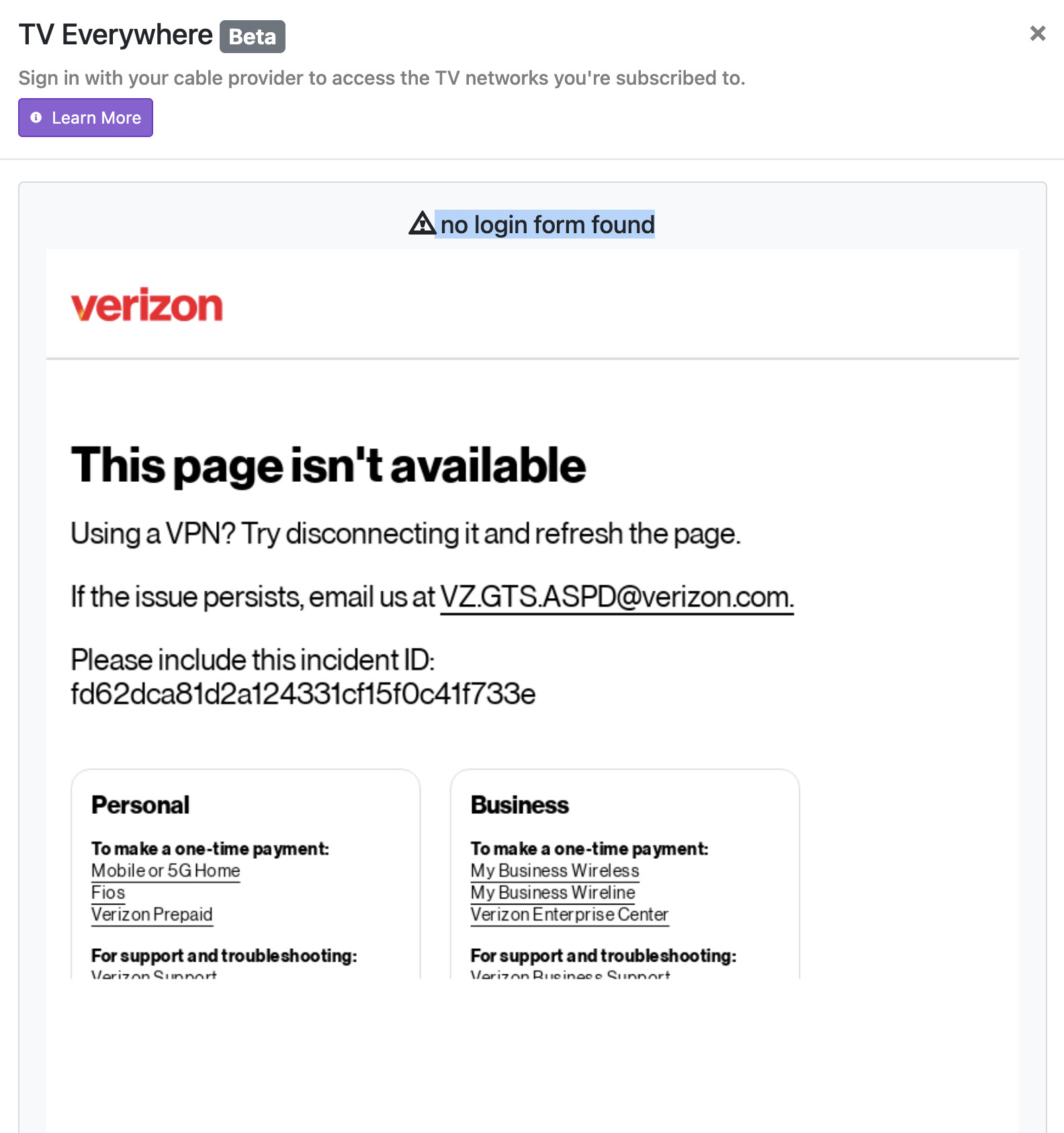
I took @techpro2004 suggestion and connected my NAS directly to my Verizon router. Same result.
I then took your advice updated to the latest pre-release. Same result.
I then ran the Troubleshooting check and notice that Chrome was out of date. I updated Chrome, tried again and I received the following message
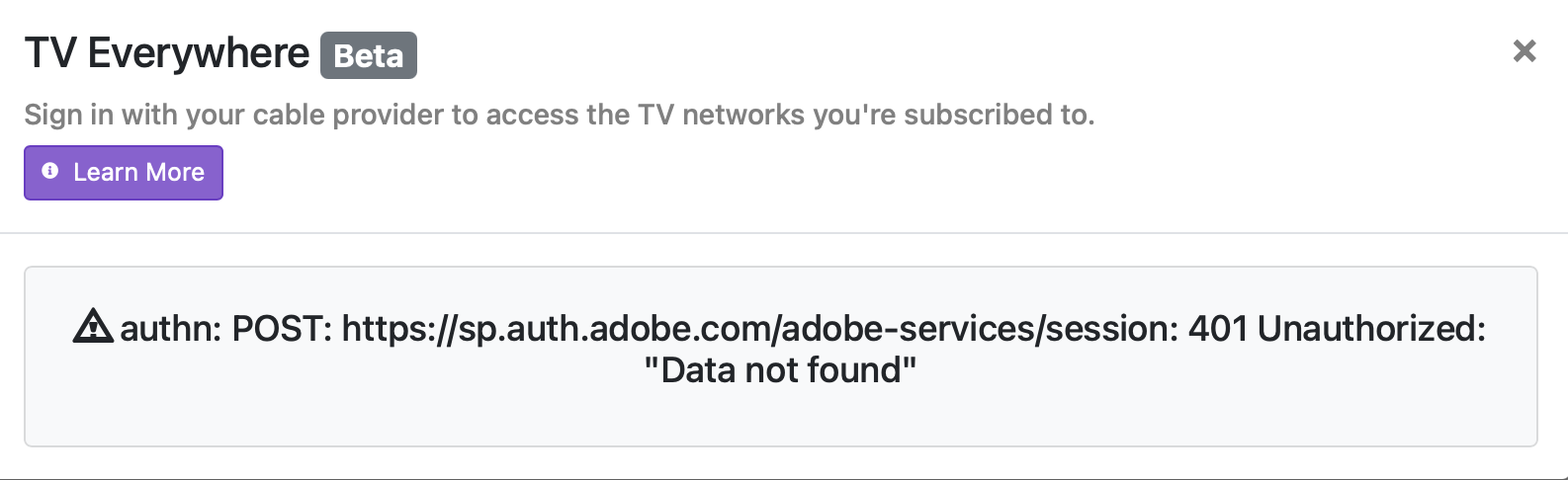
Progress! But I don't know what this error means or how to resolve it.
I tried adding TVE again and now it works. I suspect it takes several minutes for the changes to be implemented? I don't know why it works now. I did not do anything else after receiving the last message.
There you go.
Just don't remove the source.
Yes, now I am hesitant to move my NAS connection back to my second router.
I tried to document the steps I took in case someone else has this issue. But since I tried several things at once, I don't know which step corrected the problem. I will say that updating Chrome through the Settings > Troubleshooting helped for sure but don't know if it was that action alone and/or connecting my NAS to the Verizon router that solved the issue. Thanks @techpro2004 and @chDVRuser!