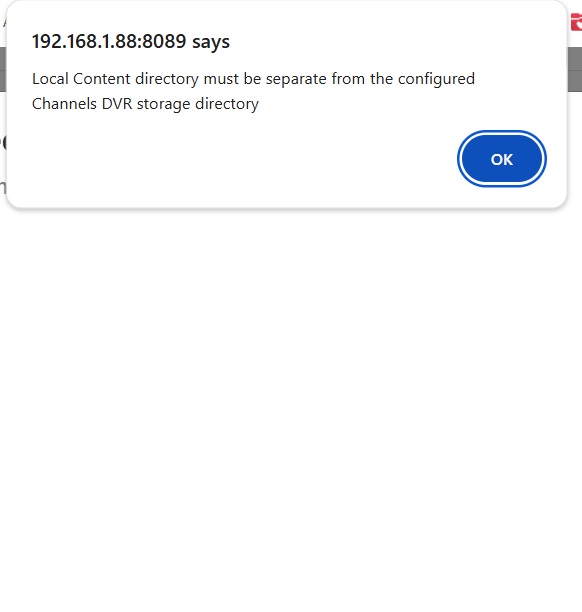
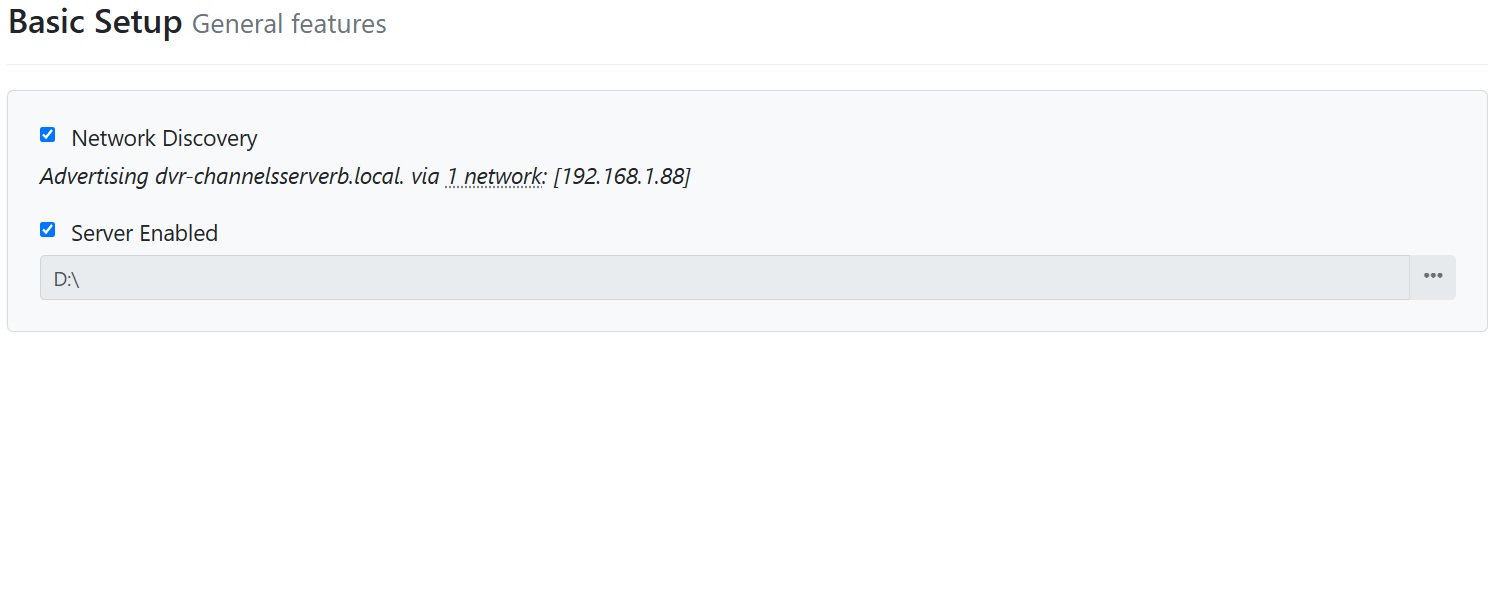
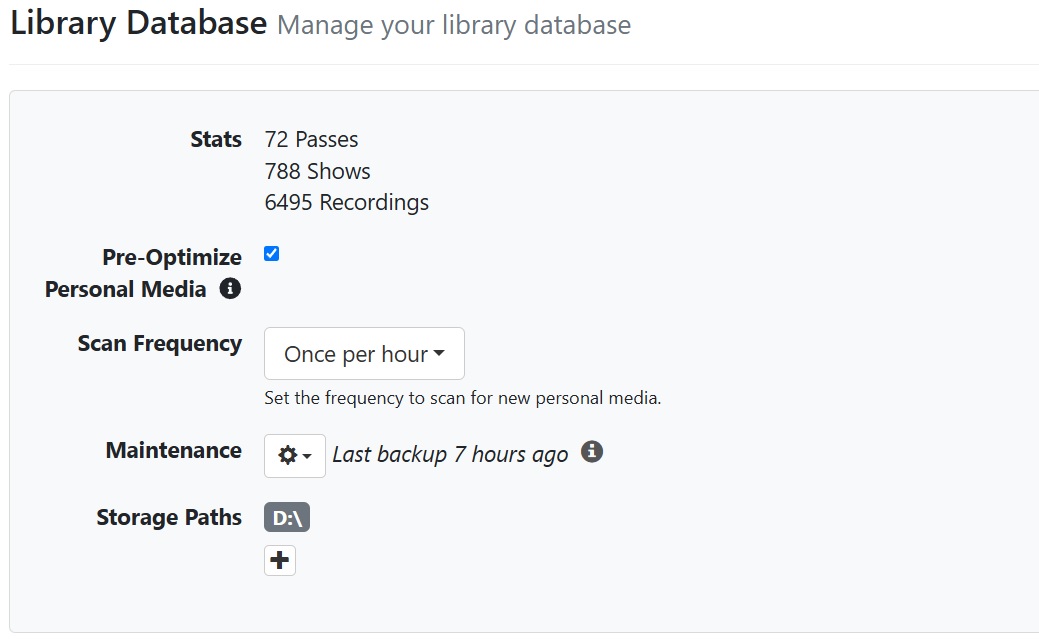
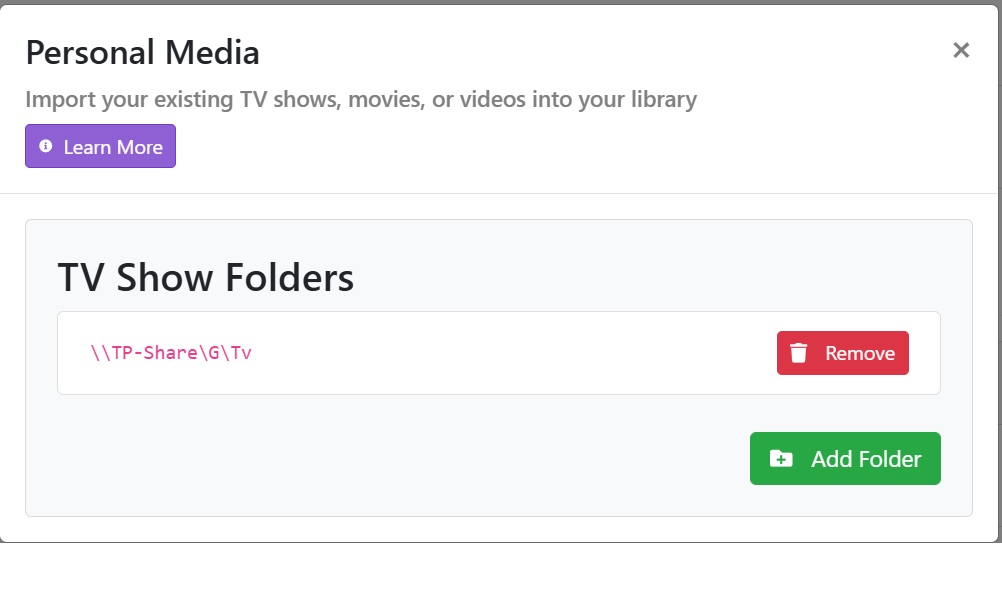
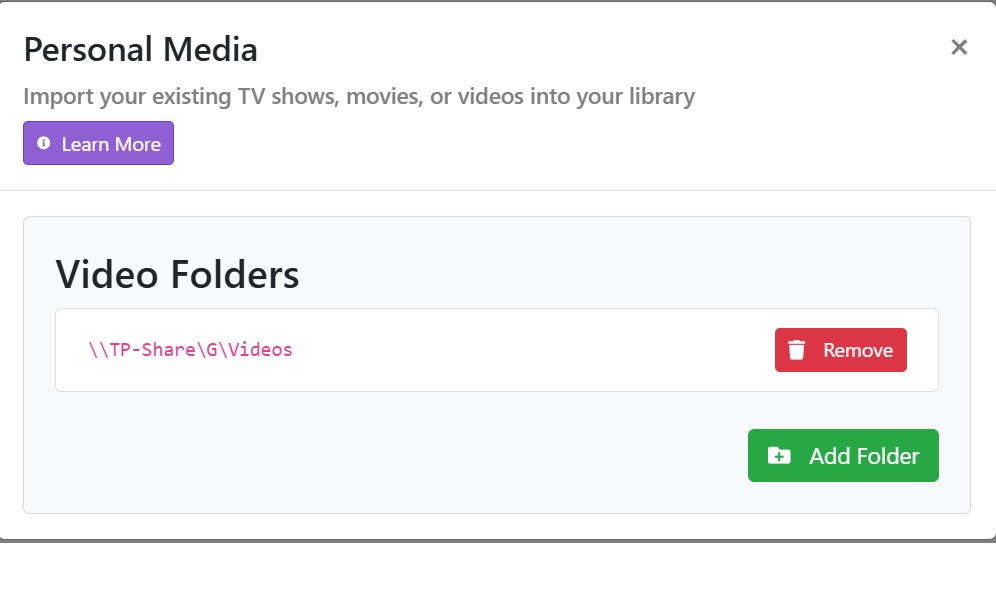
Well, it took a long time to index everything. In fact, it seems to have run it more than once. I then ran that PRUNE command, but it didn't fix/remove the imported dups. The dups are all valid, BUT, they have different File Id's for some reason, like it thinks there's multiple copies of them. Why should it do that? Guess I'll have to run through and delete the dups all manually. Unless in doing so, it'll delete the one and only copy?
Man, moving from the dedicated Channels RP image to this mini computer has been a real mess. I don't understand why either. The version of Windows 11 Pro it came with said it was "End of Service" for some reason. So, I ran Update, it then installed Windows 11 version 24H2, and once it did that, that version of Windows clamped down tight on networking.
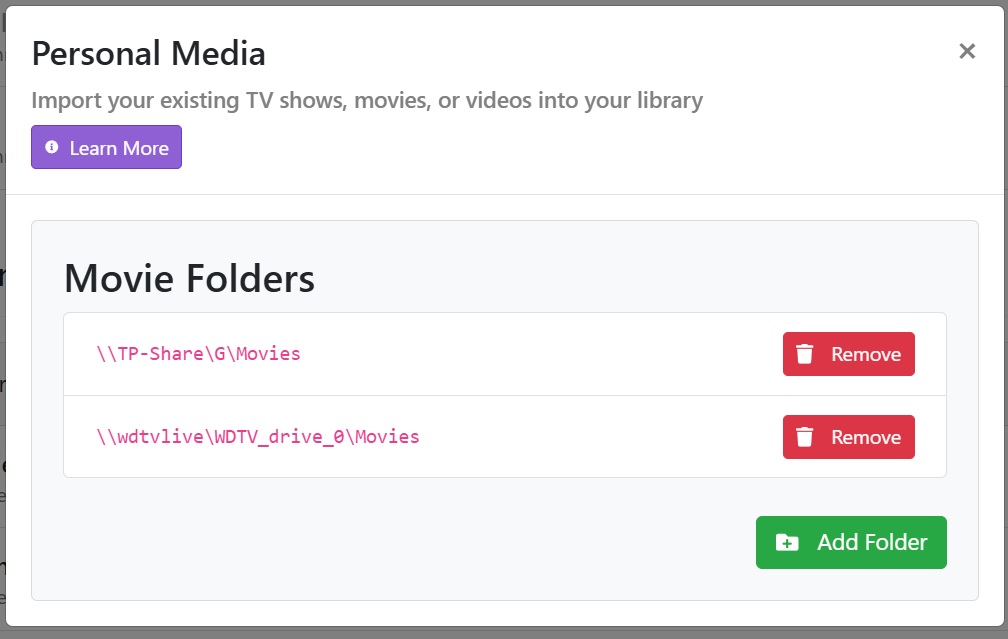
I can manually map network drives on the pc, but Channels can't "see" them for some reason. They are not password protected, anybody on my internal network should be able to see them. Channels UNC mapping doesn't work on this version of Windows, and I'm using the right names because I ran the Net Use command and copied those.
P.S. Finally got the UNC network paths fixed and working. See fix in the below posts. Basically, make the Channels service log in as a local user, NOT just as the default Windows account at startup. IMO, that should be added in the setup instructions for a Windows version of Channels that's run as a Service.