Introducing PrismCast: Browser-based Live TV Capture for Channels DVR and Plex

Processor Intel(R) Core(TM) i7-3770 CPU @ 3.40GHz 3.40 GHz
Installed RAM 16.0 GB (15.9 GB usable)
Storage 233 GB SSD Samsung SSD 850 EVO 250GB, 233 GB SSD Samsung SSD 850 EVO 250GB
Graphics Card Intel(R) HD Graphics 4000 (32 MB)
System Type 64-bit operating system, x64-based processor

Not sure what noVNC is? I've used VNC client/servers in the past to remote into machines??

This is in chrome...

What you're showing us is Chrome on your Windows machine -- which doesn't factor into this equation.

You need to login to the Chrome instance in your Docker container. The way you get to that is using VNC. The easiest way is noVNC, which is found on port 6080.

In a browser, on this Windows machine, go to http://<insert.ip.address.here>:6080/vnc.html. That'll connect you to Chrome in the container, where there will already be 2 tabs open. Open a 3rd, and navigate to whatever site you need to login to. Do whatever you need to do to authenticate with a given site. You can then close that tab, and that tab only.

Now you're authenticated, and should be able to stream channels that use that browser authentication.

EDIT: BTW, a 3rd generation i7 is pretty marginal for this kind of thing -- so acceptable results are far from guaranteed. That chip was launched 14 years ago.

That may not be enough horsepower here since this is a 4-core system

If you're not using native, its even worse as Docker/WSL will eat the CPU for lunch

I'm watching the Olympics everyday using this, and I found out today that I'm going to have to bounce Chrome and prism everyday because Chrome will eventually start dropping frames. You see this as a quick stutter on playback and if you show stats on the recording it will show tons of dropped output frames.

Anyone else seeing this on Windows 11? Pretty sure that this was also a CC4C issue. It works fine for a good while and then gets into this mode, didn't see the issue at all yesterday but definitely saw it today. Saw it on both USA and NBC recordings. Looks like some sort of FPS issue from Chrome and bouncing both definitely gets it back working fine again.

This is over a lot of programs everyday by the way, I'm watching pretty much everything except for curling and hockey. You may or may not see it if you don't watch all that much.

Well that was it. I authenticated on that and everything works so far!! Looks like I'll need a new machine soon lol.

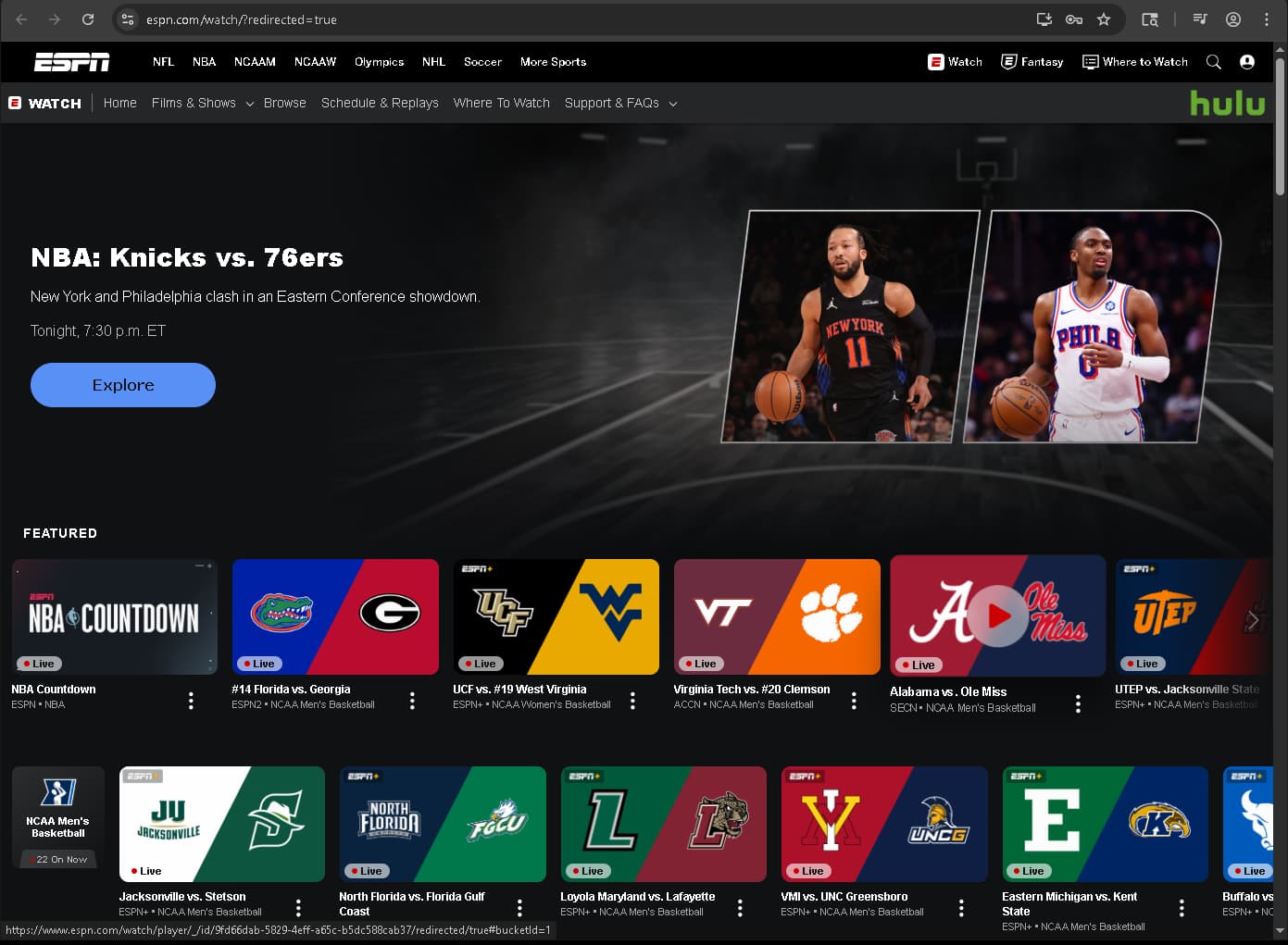
Just curious... what is going to be better quality? ESPN.com or HULU or the ESPN channels?

Always go direct to the source IMO. Get ESPN channels from espn.com. Not just because the quality is any better but also because on some of these like USA network family it's slower to load a channel from the grid. I think @hjd mentioned this before.

Reauthentication is going to be the main issue going forward, if you have a lot of channels set up with this you're going to see random recordings fail over time because the websites want you to reauthenticate. NBC is a prime example, I'm sure there are others.

1 Like

Just curious... what is going to be better quality? ESPN.com or HULU or the ESPN channels?

It’s going to vary widely depending on your setup.

In my testing, Hulu and YouTube TV often start with higher bitrates than many other services, including for channels like ESPN. That said, I wouldn’t treat that as a universal rule. Bitrate behavior can change over time, and performance depends heavily on your connection, hardware, and how the service adapts to your environment.

Ultimately, the best option is the one that works reliably for you.

As the author, I also want to emphasize this bit of advice: don’t fixate on “highest quality.” PrismCast uses browser-based screen capture. By definition, it will never match a direct stream source in pure technical terms—and it isn’t meant to. The goal is practical usability. For many setups, it delivers solid results and is often better than having no access at all.

If reliability is your priority, services that can be tuned directly (without Grid-based navigation) will generally perform better since there are fewer things that get in the way of ensuring we can tune that channel. In PrismCast, that means services that do not have the “(Grid)” designation. Direct-tune workflows are more predictable and less prone to breakage.

Bottom line: Don’t chase “best quality” on paper. Choose the service that’s stable and consistent in your specific environment. Everyone’s setup is different.

2 Likes

I guess I'm going to give up posting in this topic, neither @hjd or @bnhf are accepting DMs so I guess I'm hosed. I'll figure out whatever workarounds I need to do on my own. Doesn't seem like anyone's looking at Windows issues anyway.

Good luck all.

I'll do what I can on Windows issues. What are you seeing?

1 Like

Thanks.

Don't know if you can do anything about this. To recreate in my case, set up a bunch of recordings on USA and NBC over two or three days and see if you notice the issue.

I had a separate post farther up where it looked like the FPS reported was wacky.

Let me ponder this for a bit...

Out of curiosity, what ffmpeg are you using? I.E., where did it come from?

Thanks. I'll have to figure out what going on with my setup then.

It's whatever stock that came with the prism distribution.

Doing a 'where ffmpeg' on my server says nothing found so I'm assuming that it's a hard-coded path.

EDIT: it's definitely not in the default path.

It's probably using the ffmpeg in C:\ProgramData\channelsdvr\latest now, as I submitted a PR to look for it there a couple of releases ago.

But, just in case it found some random version of ffmpeg on your PATH (or the Homebridge version), and locked that in -- I think you should set it to the path above. That version of ffmpeg is built specifically for CDVR by the devs, so I'd say it's the one to use when available.

This may not be the issue, but I'd suggest getting it sorted out anyway, as I know you installed PrismCast before I submitted the PR.

Thanks, I actually had a version of FFmpeg from 2023 installed in my downloads directory, but I don't think that was in the path. I deleted all of that so we'll see what happens, but I'm still going to bounce chrome and prism every morning. It's just easier.

Doesn't PrismCast log which ffmpeg (path) it's using?

Right you are -- at startup:

[2026/02/12 05:02:33.666] Using FFmpeg at: /usr/local/lib/node_modules/prismcast/node_modules/ffmpeg-for-homebridge/ffmpeg
[2026/02/12 05:02:33.669] Loaded 267 channels (28 user, 239 predefined).
[2026/02/12 05:02:34.535] Chrome ready: Chrome/144.0.7559.132.
[2026/02/12 05:02:34.562] PrismCast is now listening on 0.0.0.0:5589.
[2026/02/12 05:02:34.562] HDHomeRun emulation is now listening on 0.0.0.0:5004 (DeviceID: 99BD1703).

So, the most recent Docker version is using the Homebridge build... Interesting...

Your screenshot shows the original feed is 30fps. Is your streaming device setup to up convert? It does appear the bitrate setting is not being respected from your screenshot.

So, the most recent Docker version is using the Homebridge build... Interesting...

Sorta. If you install PrismCast natively on the same machine that Channels is running on, PrismCast will always try to use the Channels-"native" ffmpeg first (even though it's an older version of ffmpeg, etc.) for hypothetical maximal compatibility.

If you install in a container, it's not going to find it and I'm going to use my own ffmpeg (I maintain the package in question already) that is a static ffmpeg build for multiple platforms including Windows.

Finally, it'll try to use whatever it can find in PATH on the system.

You can override all this in the PrismCast configuration and explicitly have PrismCast use your preferred ffmpeg.

FFmpeg isn't the issue here. Chrome is. Chrome isn't meant to do, long-term, what PrismCast/CC4C/etc does with it. It leaks memory after a while and generally becomes less performant. The issues, anecdotally, appear more pervasive on Windows than other platforms. I presume the Chrome/Chromium team doesn't exactly have a bunch of test cases on long-term screen captures. :smile: