
Changed the Deinterlacing Mode to Linear 60fps on the current public release on my AppleTV 4K and after running the TV for over 2 1/2 hours did not see the problem this morning.
Will continue to monitor and report my findings.
1 Like
Let my TV run for just a shade under 9 hours on the channel we were experiencing this issue on. This is with the latest beta and with Hardware De-interlacing turned off and everything ran without issue. This workaround is the way.
FWIW - Ran 2 ATV4k's (with Channels DVR) all day long and no problems today. Not using TestFlight version (though I have it). Appreciate everyone looking into it -
It was happening as far back as 26.2.
This was to fix an issue with Sonos speakers connected via HDMI. Unrelated to the Channels DVR issue (case in point — happens with HomePods as well).
If someone could update to the latest TestFlight and turn Hardware Deinterlacing back on and reproduce the issue again and submit diagnostics that could be helpful to track down the source of the issue.
Once you’re submitted it you can switch Deinterlacing back again.
1 Like
Well, it's back. Though I noticed it's fine during live broadcast, but if I'm behind the timeline a bit (when someone pauses, then plays after a few minutes), then the issue pops up quickly.
No problems anymore here, as well with deinterlacing set to linear!
Ran NBC for 3 1/2 hours this morning with Linear(60fps) setting without any issues on the Channels 7.0.2 production version. Tested pausing the program for a while as well as then resuming the program after a while and everything was fine.
Only comment about the Linear(60fps) setting is that it appears less sharp than the Hardware method on my 4K TV.
2 Likes
Seems to have fixed it for me too, but I can definitely tell the difference in the sharpness of the picture. I hope this gets resolved soon so I can switch back.
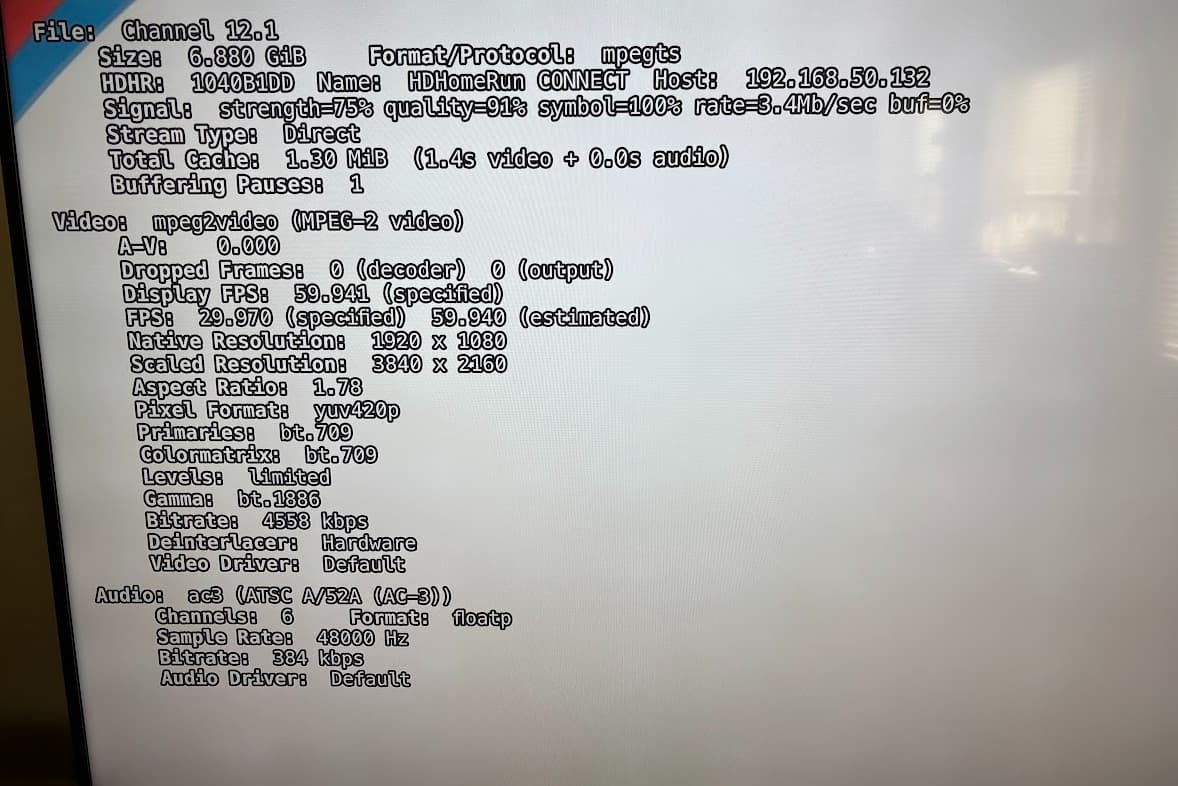
Updated to 04.17.0228, went back to HW deinterlacer, and have been running now for 2 hours with no issue. (previously it was occurring every time between 60 and 90 minutes) Will continue to monitor it and keep it running, but would logs be useful at all to you in a non-repro case?
1 Like
I updated to latest beta as well and went back to HW deinterlacer. Been running for well over three hours with no issues
I don't know how I missed that post, but that is pretty much what mine is doing. I thought more about it and I realized that it was indeed channels that were 1080i that produced this issue. Per the recommendation, I changed the de-interlacer from hardware to linear 60fps. I have been watching the same channel most of the morning and the symptom has not returned. At least for me, it seems to have resolved the issue.
Confirming what others are seeing — fixed! Running TestFlight 4.17.228 + HW deinterlacing mode.
Same thing started happening to me about the same time frame you refer to. I even bought a new 3rd Gen ATV4K thinking it might be the device. I now have the 2 3rd Gen's, along with a 1st Gen ATV4K. I have tried multiple settings, including matching content, and tuner sharing. I'm now testing Stream vs Direct.
I know where to set the deinterlacing to linear, but I don't have an option to set the FPS. Where is that? FWIW, I'm hosting the Channels DVR server on a Linux Kubuntu box. Going to port 8089 on that box for server side settings, and my Deinterlacer options are Blend, Linear, and Hardware. That's it, no FPS settings.
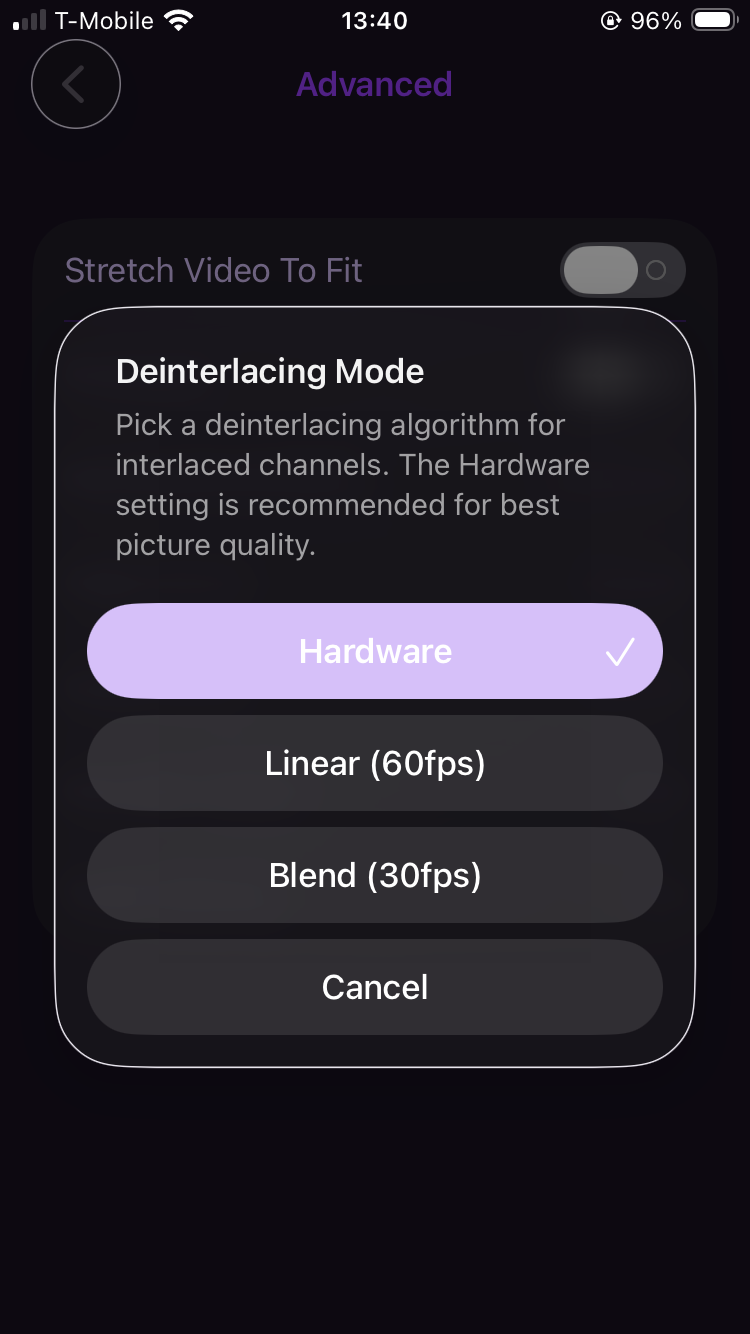
Thank you, I was looking on the Web portal settings, not in the app. Yes, I see it now. I guess that's not a setting that can be made globally from the server?
Yah, doesn't appear to be.
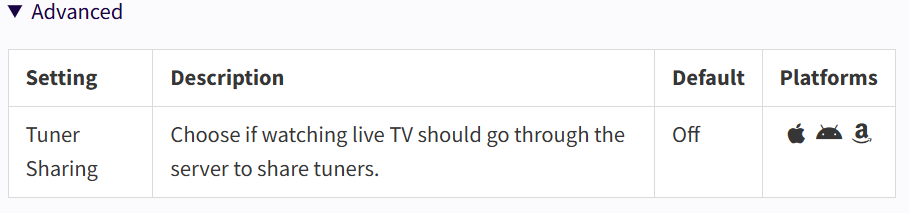
The only Advanced Playback option there is for Tuner Sharing
https://getchannels.com/docs/apps/usage/settings/
1 Like
That explains why I thought it was still happening after switching to Linear, I was changing it on the server, not the Apple TV. After changing it on the Apple TV words and letters look like crap, jagged edges.