
Thanks. Looking good.
2 Likes
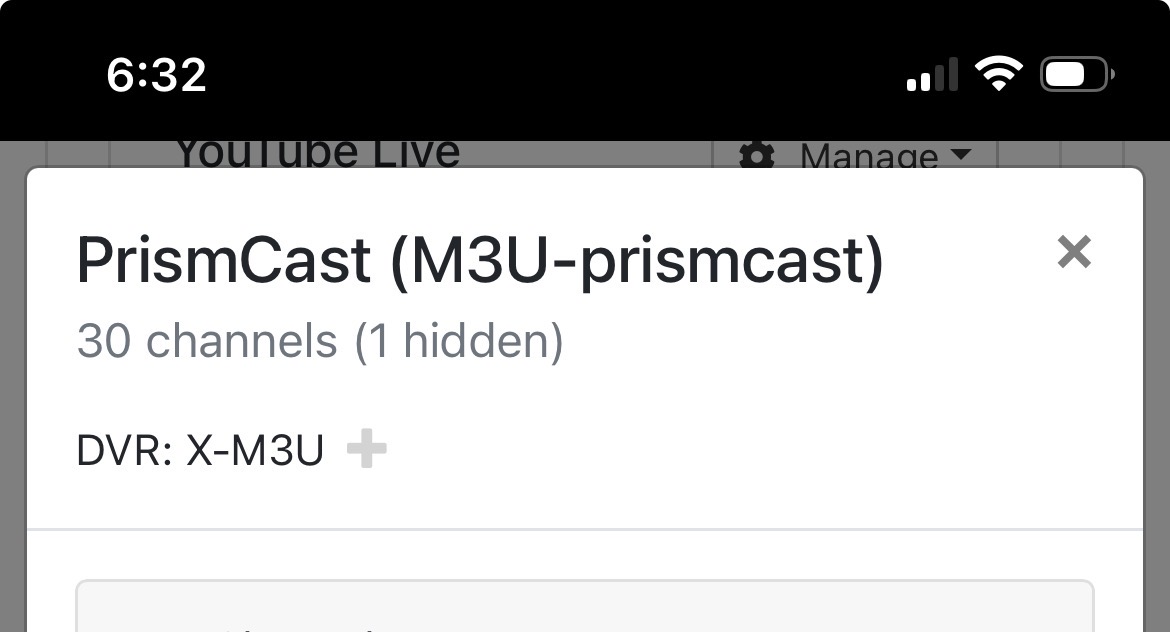
@bnhf I’m trying to generate a m3u playlist using the OliveTin action. I’m trying narrow the list to a single source that is called PrismCast in my cdvr sources. I’ve tried the following in the source box:
M3U-PrismCast
PrismCast
(PrismCast)
It says “or use source name in parens at http….” Does parens mean parentheses?
Can you give an example of what to put in the box for my m3u source called PrismCast.
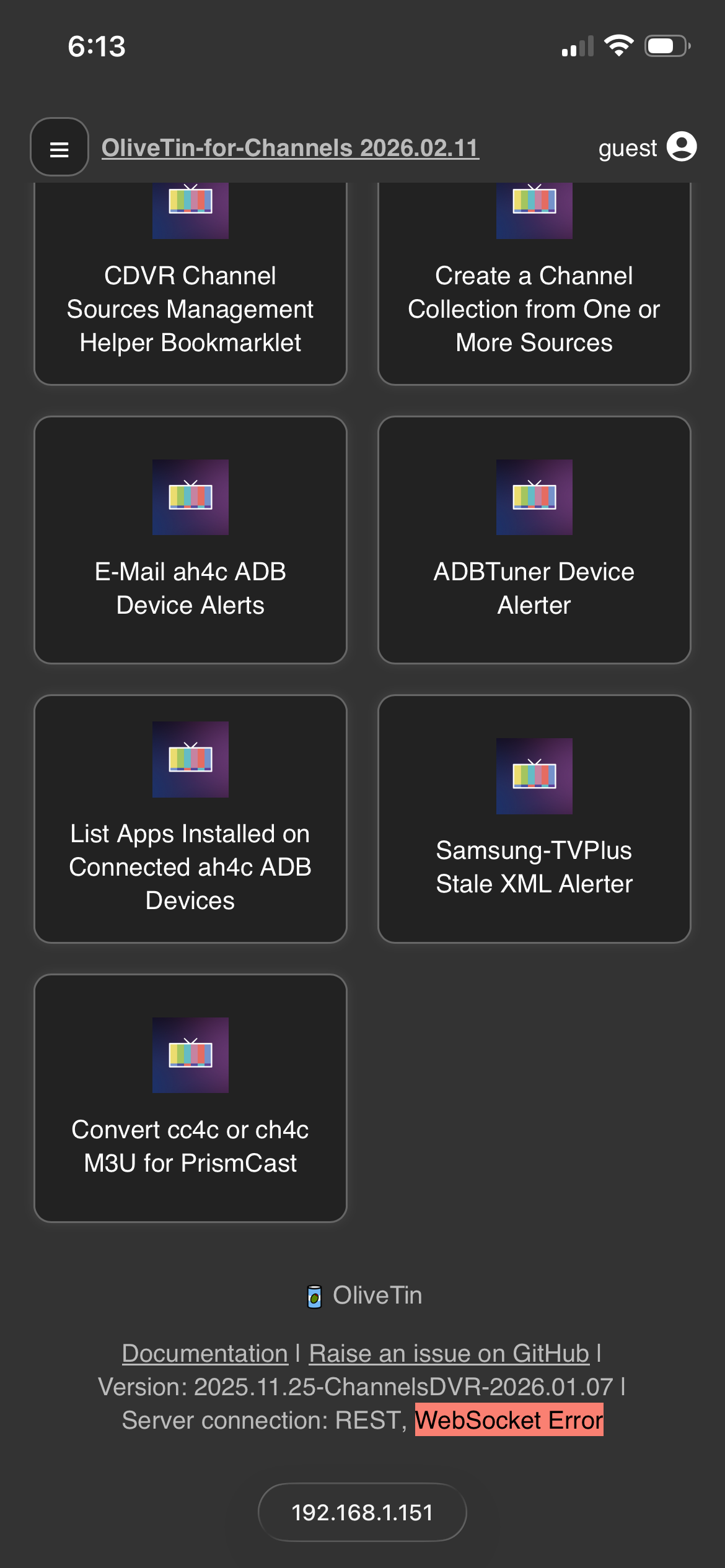
Also on a side note I’m getting a websocket error when trying to use safari web browser for any OliveTin functions on my iPhone.
As always thanks for your great work on all these projects!

1 Like
Thanks for letting me know about this websocket issue...
1 Like
Thank you. Channels went and took out the capital letters. Interesting that yours shows capitals. Got it now.
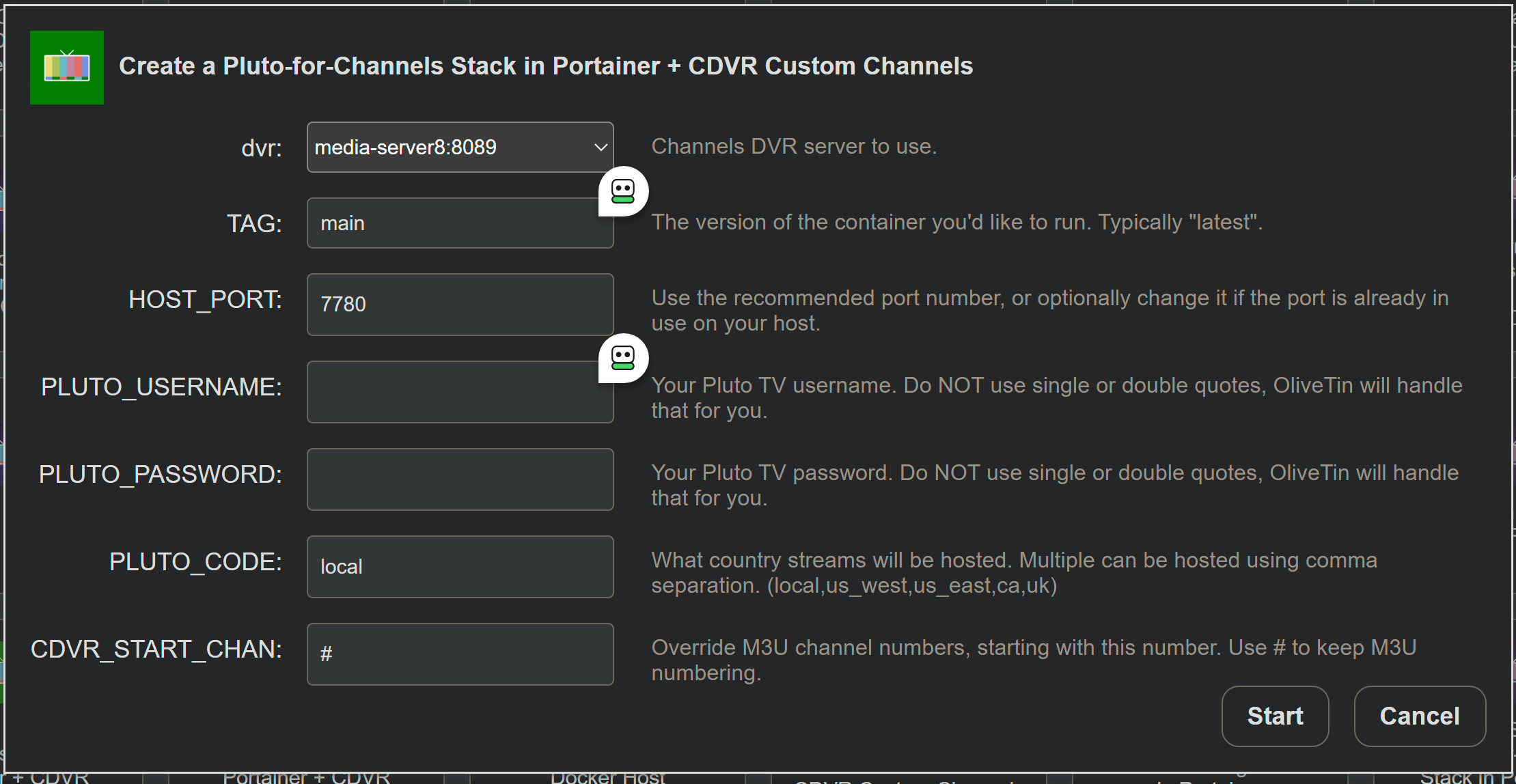
New bnhf/olivetin:latest (aka bnhf/olivetin:2026.02.28) pushed this morning with reworked Pluto-for-Channels support in Project One-Click.
There is just one Action now for installing Pluto-for-Channels, which will install the @KineticMan version. This is the go-to version now, as it supports up to 10 simultaneous streams with a single Pluto account, and with a single CDVR Custom Channels source.
The @Bobby_Vaughn version has been deprecated. The Delete a Project One-Click Channels DVR Extension still supports removing all versions that were previously installable via Project One-Click.
If you're migrating from a previous One-Click Pluto installation, uninstall that first before running the updated Action that'll install the new recommended version.
2 Likes
How do I get MLB running, I deleted it months ago, do I need to put /volume1/docker/mlbserver/data in the DATA_DIRECTORY or HOST_DIR:?
Leave DATA_DIRECTORY as the default, but change HOST_DIR to /volume1/docker on a Synology NAS.
I created volume1/docker/mlbserver/data but I keep getting this error, message": "failed to deploy a stack: compose up operation failed: Error response from daemon: Bind mount failed: '/volume1/docker/mlbserver/data/mlbserver' does not exist", "details": "Failed to deploy a stack: compose up operation failed: Error response from daemon: Bind mount failed: '/volume1/docker/mlbserver/data/mlbserver' does not exist
In the One-Click Action for mlbserver you need to clear out the default /data value for HOST_DIR, and replace it with /volume1/docker -- nothing else.
But still have a folder created mlbserver and data folder inside of it correct?
Not in the HOST_DIR value, but yes on your NAS volume1/docker/mlbserver needs to exist.
Got it, another question I have is. I installed Plex media server as volume1/docker/plex, when I run the project one-click for Plex-for-Channels it stores that project inside where my media server is at, any way to fix this?
As the description says next to the HOST_DIR field for any Action, you're choosing the parent directory path, and then One-Click adds a subdirectory. In the case of the One-Click for Plex, you could specify a HOST_DIR value of /volume1/docker/data, and then your data would be stored in /volume1/docker/data/plex. As always, with Synology, that directory must exist before you spin the container up.
In the Olive Tin for C setup, this is at the bottom of the stack configuration:
#0#volumes: # Remove the #x# to enable. Use this section if you've setup a docker volume named channels-dvr, with CIFS or NFS, to bind to /mnt/dvr inside the container. Set ${DVR_SHARE} to channels-dvr (DVR_SHARE=channels_dvr) in that example.
  #1#channels-dvr:
    #1#external: true
I don't have a CIFS or NFS volume, but I do have a volume mounted:

Is this relevant? I don't exactly understand how this is used.
1 Like
OK, so you have Portainer installed already as I recall. This stack is designed to require little or no editing, so plan on putting your env var overrides in the section of the Portainer-Stacks Editor designed for that purpose.
As far as your question goes, tell me a little about how your setup is structured as far as Channels is concerned. Is everything (CDVR, Docker, Personal Media) all on the same system?
EDIT: And, you said it was a Debian system correct?
1 Like
System is Debian. CDVR is a docker container. There are two iSCSI volumes that are mounted on the host and the container has a volume connected to the mount. One of the iSCSI is dedicated for just Channels DVR to use. The other is a media volume shared with Plex. Anyway, /mnt/dvr is the volume. For historical (mistake) reasons, the /config is what is mapped to the container, in which /DVR is the bulk of things
So the ENVIRONMENT variables I have so far...
EZ_START=-ezstart
CHANNELS_DVR_HOST=192.168.1.249
TZ=US/Eastern
PORTAINER_HOST=192.168.1.249
HOST_DIR=/var/lib/OliveTin
DVR_SHARE=/mnt/dvr/config/DVR
LOGS_SHARE=/mnt/dvr/config/DVR/Logs
No idea what "TUBEARCHIVIST_SHARE" is for, or the Static File Server stuff.
Edited to Add: Yes, I have Portainer installed, and I've copied and pasted the config from the EZSTART thread into the stack window and was putting the Environment vars in at the bottom. And, I've gotten the Porttainer token and created an environment var for it, I just removed it from the list, paranoid that I am.
1 Like
I don't think you'll need to go the EZ-Start route. The standard set of overrides looks like this, with your specifics where possible:
TAG=latest
DOMAIN=localdomain tailxxxxx.ts.net
HOST_PORT=1337
CHANNELS_DVR_HOST=192.168.1.249
CHANNELS_DVR_PORT=8089
CHANNELS_DVR2_HOST=
CHANNELS_DVR2_PORT=
CHANNELS_CLIENTS=
ALERT_SMTP_SERVER=
ALERT_EMAIL_FROM=
ALERT_EMAIL_PASS=
ALERT_EMAIL_TO=
UPDATE_YAMLS=true
UPDATE_SCRIPTS=true
TZ=US/Eastern
HOST_DIR=/var/lib/OliveTin
DVR_SHARE=/mnt/dvr/config/DVR
LOGS_SHARE=/mnt/dvr/config/DVR/Logs
TUBEARCHIVIST_SHARE=
DVR2_SHARE=
LOGS2_SHARE=
TUBEARCHIVIST2_SHARE=
DVR3_SHARE=
LOGS3_SHARE=
TUBEARCHIVIST3_SHARE=
HOST_SFS_PORT=8080
FOLDER=/web
PORTAINER_TOKEN=
PORTAINER_HOST=192.168.1.249
PORTAINER_PORT=9443
PORTAINER_ENV=2
PERSISTENT_LOGS=false
Sub-in your LAN's domain name (if possible. usually localdomain, lan or the like), also add your Tailnet if you use one (you'll thank me later), in the way shown above.
You'll need to generate a Portainer token called OliveTin, and add that in.
Otherwise, the only thing that looks funny is the path to your CDVR recordings (DVR_SHARE) vs the path to your CDVR executables (LOGS_SHARE) -- I don't think you have those correct.
There are other values you may want to add in the future, but these (with the few adjustments I mentioned will get you started).
EDIT: In your case, as a CDVR Docker user, your LOGS_SHARE value will come from the host directory you bound to /channels-dvr for the CDVR container.
I have not ever really bothered with a domain / naming convention. Laziness? Maybe. I don't do tailscale (yet), so no tailnet name either. "local" will work. I've hit deploy. We'll see.
Does this make you feel any better about those paths?
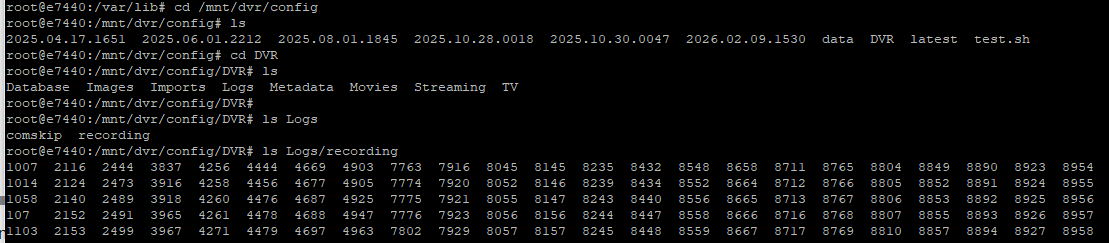
That helps.
DVR_SHARE=/mnt/dvr/config/DVR
LOGS_SHARE=/mnt/dvr/confg
Run the Post-Install Healthcheck Action to confirm.