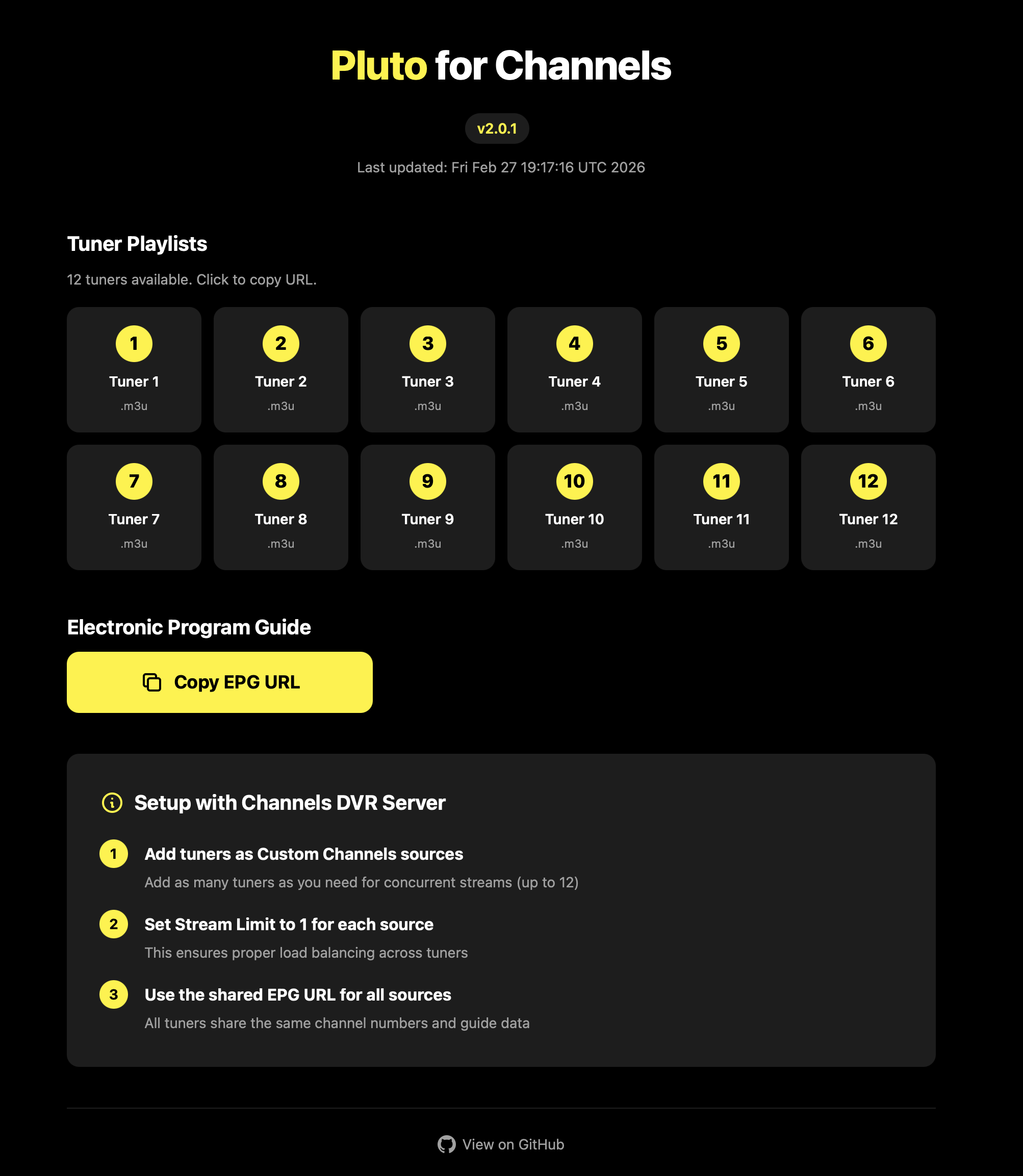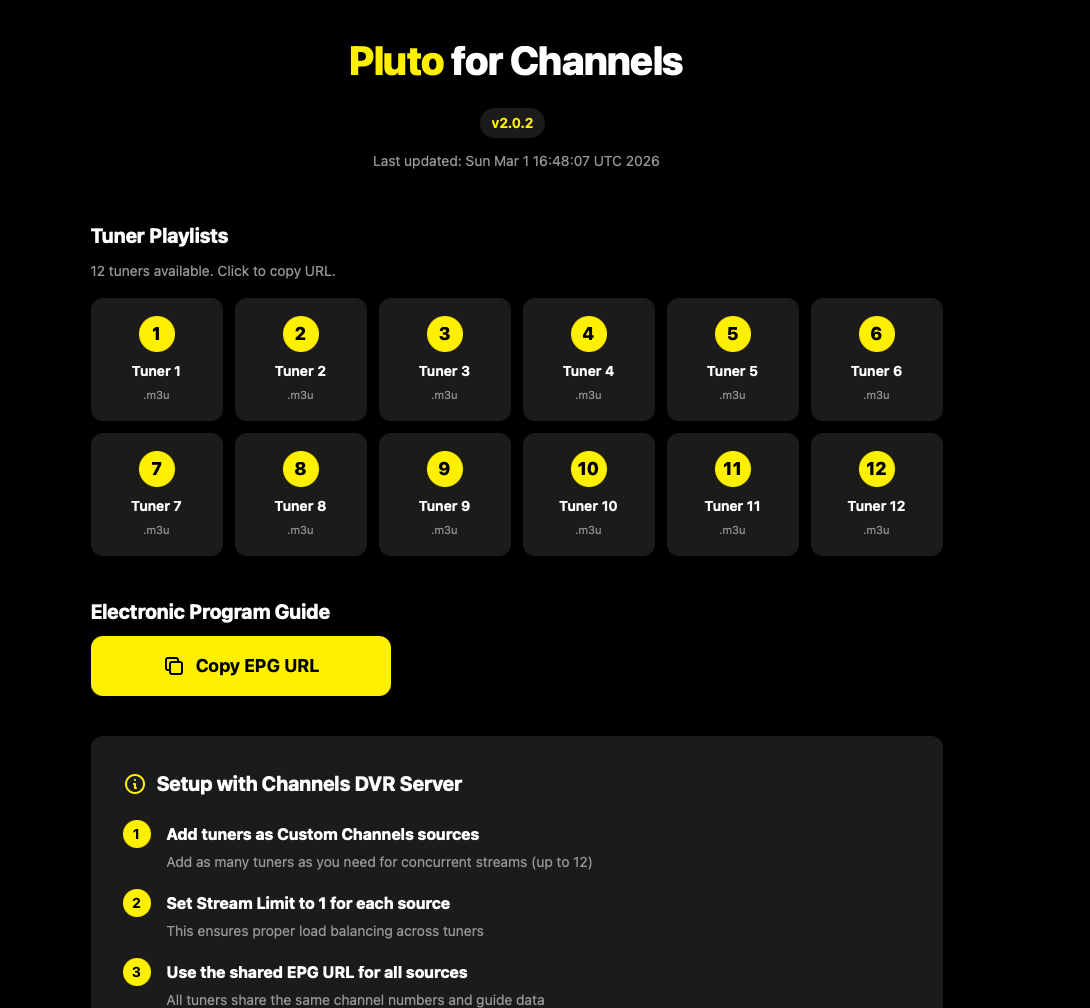
Ah, ok, this is the version from @maddox.
I didn't install this version.
If you click on Tuner 1, what does it show?
Ok so it seems you did everything right.
I'm not using this version so I don't know more.
Maybe somebody else can help. Best person being @maddox himself.
Thanks for trying!
On Synology, using docker to ultimately feed AppleTVs around the house. Long-term Maddox Pluto user but just switched to KineticMan's fork of that same code. It works fine.
One thing to know: after you switch, you might want to reboot your Synology entirely so that you are not in some kind of dual state. Once I did this, all was fine. Before I did this, some parts of it all were still seeming to "see" and/or "use" the Maddox implementation even when I had turned that off in Docker. Ultimately, I deleted it so that only the KineticMan version remained, rebooted and all is as expected.
The one "bummer" was that I had to re-search (for) and re-prioritize any Pluto channels I had in Channel Collections lists as they were missing after this switch. No big deal- just takes some time- and is only a one-time task. Because Channels remembers the Pluto channel names, it was pretty easy to get this alternative source of Pluto channels right back in the right spots in Channel Collections. For me, all of this was done in maybe an hour or so. And all seems right/solid since.
Im running channels on a Synology and have been using the non docker version of Pluto. I am not familiar with wha docker is and how to use it. Are there any tutorials around from start to finish on how to set it up on a synology nas?
Probably the easiest way for you to install. It also has great community support. Post your issues, if any, in that thread. Remember, you are on a Synology so you will need to create folders thru File Manager. I believe the thread gives detailed instructions on what folders to create.
Not an expert - at all. But I can copy/paste & fill in blanks. I copied the Docker command (entering username & password sections) and ran it in cmd (regular and as admin). But all I'm getting back are errors:
docker run -d --restart unless-stopped
docker: invalid reference format
-p 7777:7777
'-p' is not recognized as an internal or external command,
operable program or batch file.
-e PLUTO_USERNAME='MY USERNAME'
'-e' is not recognized as an internal or external command,
operable program or batch file.
-e PLUTO_PASSWORD='MY PSSWRD'
'-e' is not recognized as an internal or external command,
operable program or batch file.
--name pluto-for-channels
'--name' is not recognized as an internal or external command,
operable program or batch file
kineticman/pluto-for-channels:main
'kineticman' is not recognized as an internal or external command,
operable program or batch file.
I'm sure it's me. What am I not getting right?
String it all together on one line.
One of the things to know when you're copy-and-pasting commands, is that when you see a backslash (\) at the end of a line, that's a Linux line continuation character. To do the same in Windows CMD, it's the caret (^). You can also combine it all onto one line, and remove the backslashes.
Or quit doing copy/paste of docker run commands (which all assume you're using linux and know docker) and use compose statements instead.
When using command line you have to consider the OS you're on and how to escape special characters (like in complex passwords in an environment variable). And that differs on Windows with CMD, POWERSHELL or TERMINAL.
Mac users: Apple has a native container system that's new in Tahoe. It is a little nicer to use than Docker in my opinion. I was able to get it up and running by running:
container run -d --name pluto-for-channels -p 8080:80 \
-e PLUTO_USERNAME='username' \
-e PLUTO_PASSWORD='password' \
jonmaddox/pluto-for-channels
Then I point the browser to port 8080 on my Mac's IP address and things work. It's a little more lightweight than installing Docker.
I didn’t, couldn’t spend too much more time today, but I tried the alternative method kineticman and that didn’t even get as far as Maddox. Am on a Mac if that makes any difference
Dred, I don't feel sufficiently knowledgeable about Docker to be of the kind of help you probably seek. But I can offer a little. Docker is a "package" you can install in Synology. When you sign into Synology via browser, "package center" is an icon on the "home page" (for me). You can click that and then enter Docker in the search box. It will pop up and you'll have the option to "install" it.
What is it? I think of it as an "engine" in which homemade apps can make Synology do a few things it can't do with stock apps. I believe it's open and it's basically a way to run little apps in siloed containers. Someone can develop an app for it, make it available and if someone else wants to run it on their Synology, they can select the "image" and install it to run.
When installed, you can "open" Docker. In the left margin, select "Registry." I perceive this is all of the Docker "apps" available to run (though I've come to learn there are many more beyond this list importable by URL calls). There are MANY of them. Over in search, you can search for keywords. For this one, I enter KineticMan and only one shows up for me: kinetic man/pluto-for-channels. That's the ONE for this issue.
From here, you'll have to experiment or someone else needs to chime in. I've already installed it so I can't recall the installation steps. I think it needs a click or double click or maybe selecting the blue icon far right to "install."
After it is installed, there are additional steps (and it has an installation wizard-type sequence of screens) I don't recall the details exactly. But here's what I do remember:
- While it is not running (toggle is slid left to "off", Edit, "Advanced", Environment Variables: this is where you add some field entries to input your user name & password, which you setup with Pluto directly (on Pluto's website). This is ALL you need from the Pluto website.
- You'll need 2 addresses: one for the m3u and one for the EPG. I forgot how I got to the screen with those on them (clicked or double clicked something in Docker, I think) but you'll need them when you shift back to Channels to "add source." They get pasted into a couple of boxes that call for them under Source and XMLTV Guide Data. Without them, I believe scanning for "sources" will find this running docker but not "see" any channels... because the 2 addresses are key to populating channels and guide with "what's on (Pluto)?" I can readily get to this screen now (after install) by adding the port number for this docker app after the channels IP address call in the address bar of the browser. There are a good number of choices there but I just copy & pasted from the "all" choices: one for m3u and one for epg.
From here, I'll have to hope someone else with more knowledge can step in and tell the rest of the story step-by-step. And I probably left out a key step or two+. I rarely have to get into Docker and do anything and some of what I know is from running 1 or 2 other Docker "apps" on Synology also to add channels.
I have to believe there is PLENTY of online documentation (UPDATE: yes do a search for "install docker on Synology" and even find that Synology themselves offers some good info) and probably at least one video on YouTube (UPDATE: I didn't count them but there appears to be towards a few DOZEN) about using Docker on Synology.
Once you have this Pluto one working, you might look up other options such as matthuisman-samsung-tvplus-for-channels for another bunch of good, free channels to add to Channels too. Some of my favorite channels on Channels come from these 2 "apps" running within Docker on Synology. I hope this at least helps you some. Sorry, I don't know the absolute step-by-step.
One more tip: if you work with any A.I., ask it for assistance with installation. It seems to know some details and I think it helped confirm for me a thing or two in getting this working.
I know nothing about Mac.
There are other users who definitely use a Mac so hopefully they will be able to help.
Being a mac user I spent the morning figuring it out. So here's my share for my fellow newbie Mac users.
First, I run Channels natively on my 'always on' M1 mac mini running Sequoia 15.5.
I also have Docker running there for other stuff but I used it for today's stuff. So install Docker 1st if you haven't yet and leave it running.
Using Terminal, type:
docker pull jonmaddox/pluto-for-channels:2.0.2
Once it's pulled, continue in terminal:
docker run -d \
  --restart unless-stopped \
  --name pluto-for-channels \
  -p 8080:80 \
  -e PLUTO_USERNAME='myplutoemailhere' \
  -e PLUTO_PASSWORD=‘plutopassword’ \
  jonmaddox/pluto-for-channels:2.0.2
(You paste your real credentials and keep the ' before and after your email and your password)
Now open a browser window and type in: Then in a browser:
http://localhost:8080/tuner-1-playlist.m3u
hit return and it should trigger a "download".
Now go to Channels in your browser, Settings, Sources, Add Source, Custom Channels. I named mine Pluto 1
Use the previous localhost URL as the source URL.
Under options: prefer channel number from M3U
under XMLTV Guide data type in:
http://localhost:8080/epg.xml
and have it refresh whatever interval you want.
I thought I was going to have to figure out the whole OliveTin stuff, but THIS got my Pluto source back up and running again.
(Obviously you'll have to go through the channel list and fav/block the channels again)
I hope this helps any newbies!
Just curious, how many tuners did you set up?
Pluto for Channels 2.0 is available, just pull for the new docker image. It now supports up to 12 tuners. Visit the web page to pull the tuner URLs.

Release 2.0.1 · maddox/pluto-for-channels
Multiple tuner support to allow streaming of multiple channels at once.